Table of contents
- Otter vs Square pricing at a glance
- Two very different starting points
- Where the two actually diverge
- Hardware and setup
- Support, and what switching to Otter looks like
- So which one is right for your restaurant
- The real question isn't cost, it's what you'd rather manage yourself
- Frequently asked questions about Otter vs Square
A restaurant owner switching POS systems usually isn't asking "which one is better." They're asking a narrower question: does this system already do the thing I need, or will I have to go find a way to make it do that. Otter and Square answer that question differently, and the difference matters more than either company's marketing copy suggests.
It matters more now than it used to, too. Mobile ordering alone is used by 57% of adults, per the National Restaurant Association, on top of everything already coming through delivery apps and dine-in. A POS system that only handles one of those channels well is quietly asking staff to manage the rest by hand.
Key insights
- Otter was built restaurant-first with native, real-time delivery aggregation. Square is a general commerce platform serving retail, services, and restaurants alike, with a free tier and a broad app marketplace for adding features as needed.
- Otter's Order Manager connects natively to DoorDash, Uber Eats, and Grubhub with real-time menu sync built into every plan. Square's delivery integrations run through its App Marketplace, third-party add-ons rather than a built-in aggregator.
- Otter's pricing (see the table below) runs three tiers from a $79-per-month bundle up to a $278-per-month plan with a branded website, loyalty, and gift cards built in, hardware included at every tier. Square's restaurant plans run $0 to $149 a month per location, plus hardware and separate per-device fees for its Kitchen Display and Kiosk apps on paid tiers.
- Square has no long-term contract on any plan and can be canceled anytime, worth crediting as a genuine advantage for restaurants that want maximum flexibility. Otter's plans also carry no published long-term commitment.
Otter vs Square pricing at a glance
Both companies update pricing from time to time, so treat the table below as today's snapshot rather than a permanent number, and reach out to our team any time you want it double-checked.
Otter POS pricing
Tier | Software + hardware | Card-present rate | Card-not-present rate | What's included |
|---|---|---|---|---|
Starter | $79/mo | 2.79% + $0.20 | 3.29% + $0.30 | POS software, hardware, Inventory Savings |
Advanced | $178/mo | 2.59% + $0.15 | 3.29% + $0.30 | + Delivery App Aggregation, Online Ordering, QR Code Ordering |
Professional | $278/mo | 2.39% + $0.10 | 3.29% + $0.30 | + Branded Website, Loyalty, Gift Cards |
Hardware, including the Dual Screen Terminal, is now bundled into the monthly price shown above at every tier rather than billed separately. Kiosk is still sold separately from the core POS bundle; see the hardware and contract table below for current starting prices.
Square pricing for restaurants
Tier | Monthly software | Card-present rate | Card-not-present rate | What's included |
|---|---|---|---|---|
Free | $0/mo | 2.6% + $0.15 | 3.3% + $0.30 | Core POS, processing fees only, no monthly cost |
Plus | $49/mo per location | 2.5% + $0.15 | 2.9% + $0.30 | + restaurant-specific features, 30-day free trial |
Premium | $149/mo per location | 2.4% + $0.15 | 2.9% + $0.30 | + full restaurant feature set, lowest processing rates, 30-day free trial |
Pro | Custom pricing | Custom, volume-based | Custom, volume-based | For businesses processing over $250,000/year |
Square's Kitchen Display app runs $30/month per device on Plus and $20/month per device on Premium. Square's Kiosk app runs $50/month per device on Plus and $30/month per device on Premium. Manual card entry runs 3.5% plus $0.15 on any tier. Square plans have no long-term contract and can be canceled anytime.
Hardware and contract terms at a glance
Item | Otter | Square |
|---|---|---|
Countertop terminal | Dual Screen Terminal Bundle: included in the monthly price, any tier | Square Terminal: $299 or $27/mo (12-month term) |
Full register/kiosk kit | Software from $99/mo; hardware $100 to $289/mo by size | Square Register: $899 or $44/mo (24-month term) |
Card reader | Included with bundle pricing | Magstripe reader free; contactless/chip reader $59 |
Stand | Included with bundle pricing | Square Stand: $149 or $14/mo (12-month term) |
Typical contract | No separate hardware contract, bundled monthly | None, cancel or switch plans anytime |
Delivery integration | Native, built into every plan | Via App Marketplace add-ons and partners |
Two very different starting points
Otter and Square answer the same question, how does a restaurant take and manage orders, from opposite directions. That history explains most of what shows up later in this comparison.
Otter: built for restaurants managing several channels at once
Otter started as restaurant software and stayed that way. The platform is built for restaurants juggling dine-in, online, and delivery orders together, from single-location quick-service spots to multi-location and ghost-kitchen operators. Every Otter POS plan pairs the core software with Inventory Savings, a cash-back program on food a restaurant is already ordering, and each higher tier layers on the ordering channels and branding tools a growing restaurant tends to reach for next.
Square: built as a payments platform for almost any small business
Square's history runs the other way. It built its name processing payments for small businesses generally, retail shops, salons, professional services, food trucks, before restaurant-specific features arrived on top of that foundation. That's still visible in the product today: a genuine free tier with no monthly software cost, and a large App Marketplace built for businesses that want to assemble their own toolkit rather than take one bundled package. It's a real strength for the right restaurant, and it's also the reason delivery aggregation, something Otter treats as core, shows up on Square as something you go add.
Where the two actually diverge
Delivery and third-party ordering
- Otter's Order Manager pulls DoorDash, Uber Eats, Grubhub, and other delivery platforms into one tablet automatically, orders and menu changes sync in real time, no setup beyond picking a plan.
- Square restaurants get there a different way, connecting delivery platforms through the App Marketplace. That means choosing an integration, paying for it separately in many cases, and managing it as its own tool rather than a built-in feature.
How each one grows with you
- Square's App Marketplace covers a lot of ground, payroll, accounting, marketing, loyalty, which suits an owner who wants to shop for exactly the tools they need and nothing else.
- Otter goes the other direction on purpose: Analytics and Marketing ship standard rather than sold separately. Fewer decisions to make, less room to customize the stack.
Kitchen display and keeping the menu in sync
Otter's Kitchen Display System shows dine-in, kiosk, online, and delivery orders in one unified view, and menu changes publish everywhere at once, so 86ing an item instantly pulls it from every channel. Square's Kitchen Display is its own app with a per-device monthly fee on paid tiers, priced separately from the core software (see the pricing table above).
For restaurants weighing how much of this to handle in-house versus through a delivery-specific tool, Otter's guide to POS systems with built-in delivery integration lays out what "built in" actually covers versus what still needs a separate app.
Hardware and setup
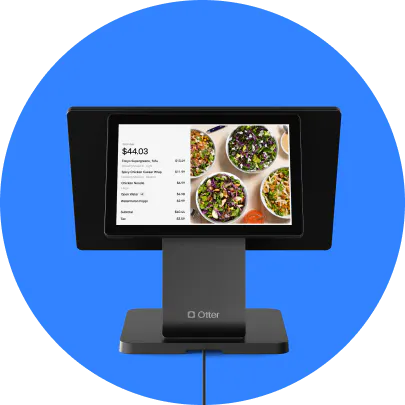
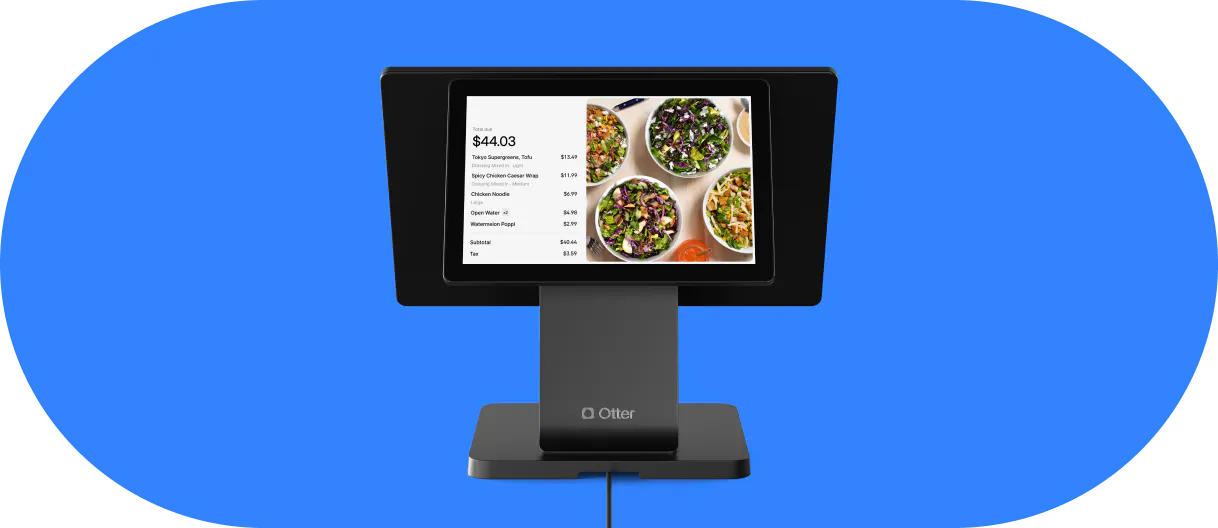
Otter's hardware, including its Dual Screen Terminal Bundle, comes bundled with the software plan a restaurant already chose. Square's hardware, terminal, register, stand, card readers, is priced and financed on its own, piece by piece, separate from any software subscription.
That difference favors different restaurants. An owner who wants the lowest possible upfront cost and doesn't mind assembling their own setup will find Square's free reader and pay-as-you-go hardware hard to beat. An owner who'd rather make one purchase decision and have hardware and software arrive as a set will find Otter's bundled approach simpler. The table above has the specific numbers.
Support, and what switching to Otter looks like
Otter includes 24/7 phone, chat, and email support on every plan, no separate support tier required. Square's support access can vary by plan, restaurants on paid tiers generally get faster or more direct access than those on Free.
Leaving Square doesn't require waiting out a contract, since none of its plans carry a long-term commitment. Otter's team walks new restaurants through menu setup, staff training, and getting existing integrations connected as part of onboarding.
Scott, co-owner and founder of Bred Hot Chicken in Costa Mesa and San Juan Capistrano, California, made that move. He'd been running a previous POS before switching his restaurants to Otter, and points to having everything in one dashboard as one of the reasons it stuck:
“With Otter, having one dashboard to be able to manage all the third-party platforms, just to have one platform to manage all of those different unique styles of other platforms, to allow them to be integrated into one system and have that same control within just one platform, it's been a tremendous help, not only for myself but also for my team members to control what's in and out of stock on the fly.”
Scott, Co-owner and Founder, Bred Hot Chicken, Costa Mesa and San Juan Capistrano, CA.
So which one is right for your restaurant
There's no universal answer here, only a better fit for how a specific restaurant already operates. Two short lists make the decision easier than a full re-read of everything above.
Otter tends to fit if
- Delivery is a meaningful share of your orders and you want real-time aggregation built in, not a marketplace add-on to manage
- You want analytics, marketing, and 24/7 support included without shopping for separate apps
- You run a QSR, fast-casual, ghost kitchen, or multi-location concept
- You would rather have software and hardware bundled from one provider
Square tends to fit if
- You want the lowest possible cost to start, including a genuine free tier
- You run other business types alongside a restaurant, or expect to, and want one payments platform across all of them
- You want flexibility to build your own stack from a large app marketplace
- You want no long-term contract on any plan
Square isn't the only budget-conscious option worth weighing, either. Otter's Toast vs Square comparison is a useful second read if you're deciding between more than these two.
The real question isn't cost, it's what you'd rather manage yourself
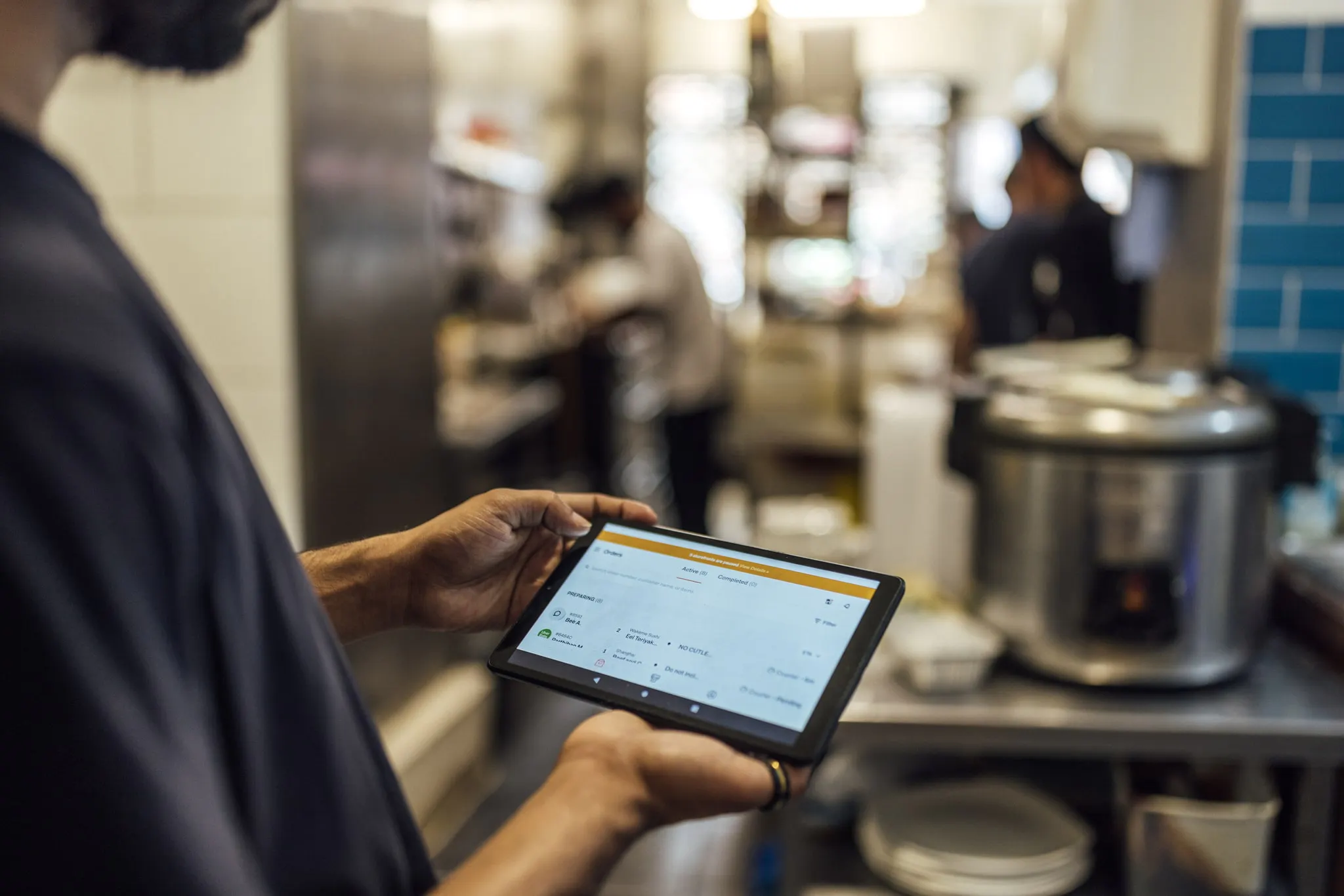
Every point in this comparison eventually comes back to one trade-off: built in, or bolted on. Otter's bet is that a restaurant would rather pay a bit more and get delivery aggregation, analytics, and marketing working out of the box. Square's bet is that a restaurant would rather pay less up front and choose each piece itself. Both bets are reasonable. The right call just depends on how much of your week you'd rather spend managing tools instead of running the floor.
Frequently asked questions about Otter vs Square
Is Otter or Square better for restaurants?
Neither wins outright, they're built for different priorities. Otter tends to suit restaurants that rely on delivery and want everything, order consolidation, analytics, marketing, support, included by default. Square tends to suit restaurants that want the lowest possible starting cost or that operate other business types alongside food service.
Which has lower processing fees, Otter or Square?
At the entry tier, Square is cheaper on the processing rate: 2.6% plus $0.15 card-present versus Otter's 2.79% plus $0.20. Move up a tier on either side and the gap narrows, Otter's Professional rate (2.39% plus $0.10) actually undercuts Square's Premium rate (2.4% plus $0.15). The pricing table above has the exact rate at every tier.
Does Otter integrate with DoorDash, Uber Eats, and Grubhub?
Yes, and it's one of the clearer differences versus Square specifically. Otter's Order Manager pulls orders from DoorDash, Uber Eats, Grubhub, and other major platforms into a single tablet, with menu updates syncing everywhere in real time, included on every plan.
Does Square integrate with delivery platforms directly?
Not as a built-in feature. Restaurants on Square typically add delivery-platform connections through its App Marketplace, an extra integration to select and manage rather than something that comes with the core software.
Does Square require a long-term contract?
No, none of Square's plans, Free, Plus, or Premium, carry a long-term commitment, and any of them can be canceled or changed at any time. Otter's plans work the same way, no published long-term commitment; hardware is now bundled into the monthly price rather than sold on a separate lease term.
Does Square work for businesses beyond restaurants?
Yes, and that's central to how it's built. Square serves retail shops, salons, and other service businesses alongside restaurants, so restaurant-specific tools sit on top of a broader general-purpose platform rather than being the whole point of the product, the way they are with Otter.
Is Otter a good Square alternative for restaurants?
For a restaurant where delivery is a real part of the business, yes, that's the clearest gap Otter closes. For one that wants the cheapest possible start or already runs other business types, Square's free tier and app marketplace may outweigh that gap, it depends on which trade-off matters more to you.
Can I switch from Square to Otter?
Yes, and quickly, since Square carries no contract to wait out. Otter's team handles the practical side of the move, menu setup, staff training, and connecting the integrations you already rely on.

Size up Otter against Square