Table of contents
- What actually makes up a POS system's cost
- Restaurant POS hardware costs
- Restaurant POS software costs
- Payment processing fees, explained
- Add-ons and the hidden costs that add up
- Popular restaurant POS systems compared
- Calculating your restaurant's real total cost of ownership
- Frequently asked questions about restaurant POS system cost
A restaurant point-of-sale (POS) system rarely comes down to one number. Hardware alone can run from about $10 for a basic mobile card reader to $800 or more per device for a full countertop terminal, while software subscriptions typically land between $0 and $100 or more a month, according to Forbes Advisor's 2026 POS cost guide. Layer in payment processing fees, which that same analysis puts at roughly 1.5% to 3.5% per transaction, and two restaurants running the exact same software can end up with very different monthly bills.
This guide breaks the restaurant POS system cost down into its real parts, hardware, restaurant pos software, payment processing, add-ons, and the hidden costs that rarely show up on a pricing page, so you can compare providers on an apples-to-apples basis instead of chasing a single advertised number.
What actually makes up a POS system's cost
A modern point-of-sale (POS) system is the direct descendant of the cash register, but it now runs on a pos terminal or tablet, connects to the internet, and handles far more than ringing up a check. Cloud-based pos software can manage online ordering, table management, employee management, loyalty programs, and sales reports from the same dashboard that processes a customer's card.
Pricing models across the industry generally break the total cost into three buckets:
- Hardware: the pos terminal, card reader, receipt printer, cash drawers, and any kitchen display systems, customer-facing displays, or tablet stands a restaurant adds on.
- Software: a monthly subscription fee (or software subscriptions plan) for the pos software itself, ranging from free pos software with limited features to premium tiers with full reporting and integrations.
- Payment processing fees: the transaction fees a payment processor charges every time a customer pays by card, whether that's flat-rate pricing or interchange-plus pricing.
Restaurants that skip past this breakdown and compare only the advertised monthly software fee are the ones most likely to be surprised by their first real bill.
Restaurant POS hardware costs
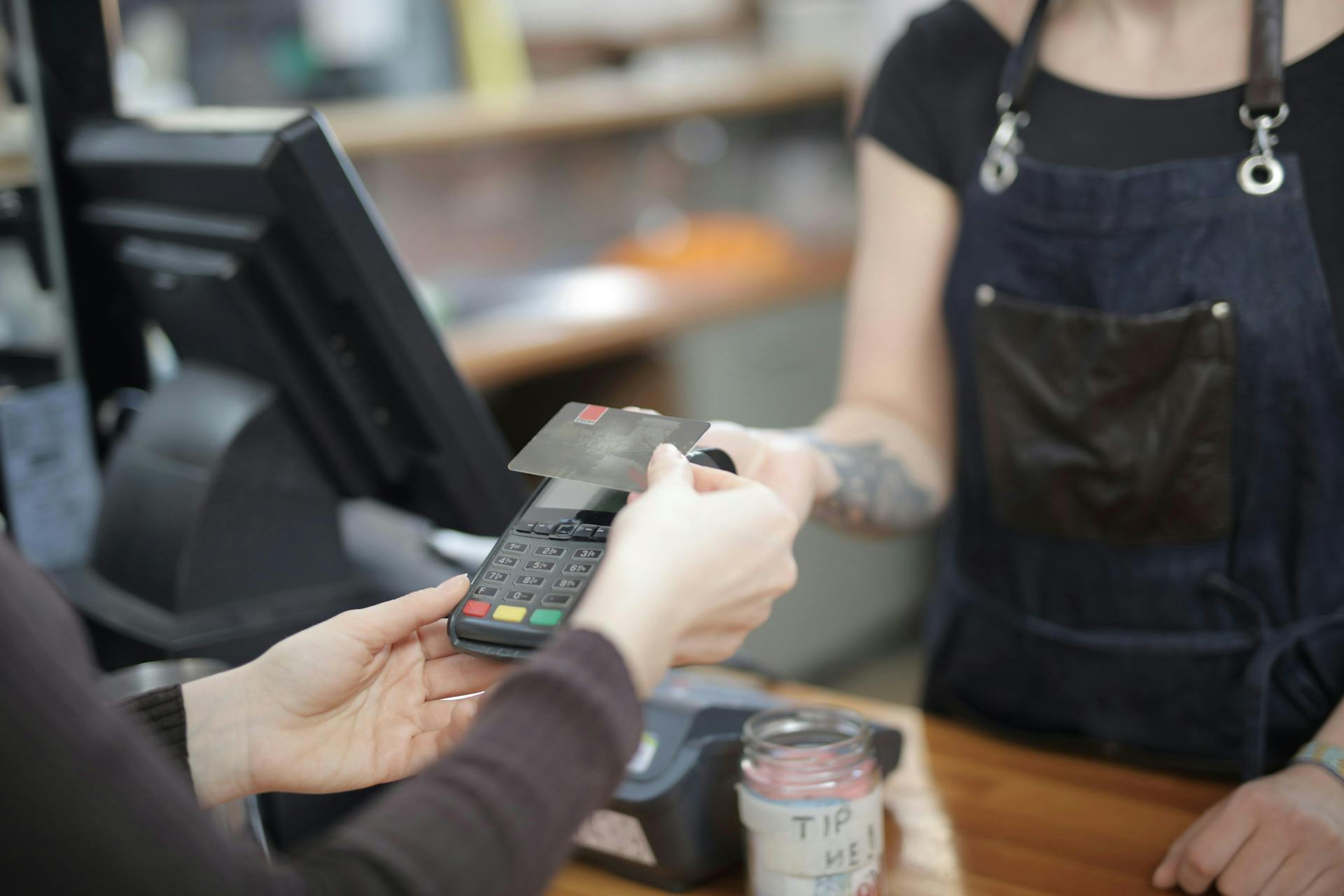
Hardware is usually the first cost a restaurant sees, and it is also where prices vary the most. A basic mobile card reader can start around $10, while a full pos terminal setup with a card reader, receipt printer, and cash drawer built in runs closer to $800 or more per device, per Forbes Advisor. A restaurant that also wants kitchen display systems for the line, a customer-facing display at checkout, a barcode scanner for retail-style items, or a tablet stand for a mobile pos setup at the counter should expect each of those to add to the hardware line separately.
Some providers, including Toast and TouchBistro, fold hardware into a bundled monthly plan instead of charging a separate upfront cost, while others sell it outright or let you lease it. Buying hardware outright usually costs less over several years than leasing it, but leasing keeps the upfront bill lower, which matters for a food truck or a new opening watching cash flow closely. Since exact bundle pricing shifts often and varies by provider, check each vendor's current pricing page directly rather than relying on a number that may already be out of date. For a deeper breakdown of what each piece of equipment actually costs and when it's worth leasing instead of buying, see Otter's guide to restaurant POS hardware costs.
Restaurant POS software costs
Software pricing runs the widest range of any line item. Square currently offers a genuinely free plan, though it limits access to features like its kitchen display and kiosk apps, alongside paid tiers priced per location that unlock fuller reporting. Toast, TouchBistro, and Lightspeed Restaurant all sell tiered monthly software plans that step up in price as a restaurant adds locations or features, while Clover's software pricing is built around hardware bundles rather than a published monthly rate, so getting an exact number there means requesting a quote directly. Because these providers revise pricing and plan names often, treat any specific figure you see quoted as a starting point to verify on the provider's own pricing page, not a locked-in number.
Most of these providers price on scalability: a single-location counter-service spot pays less in monthly software fees than a multi-location group that needs the same software subscriptions to sync across every location. Software updates are typically included at no extra charge on cloud-based plans, since the provider pushes them to every location automatically rather than requiring an on-site upgrade.
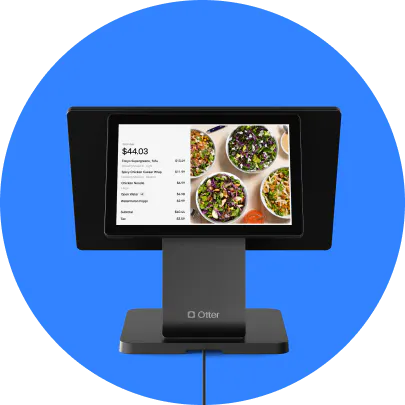
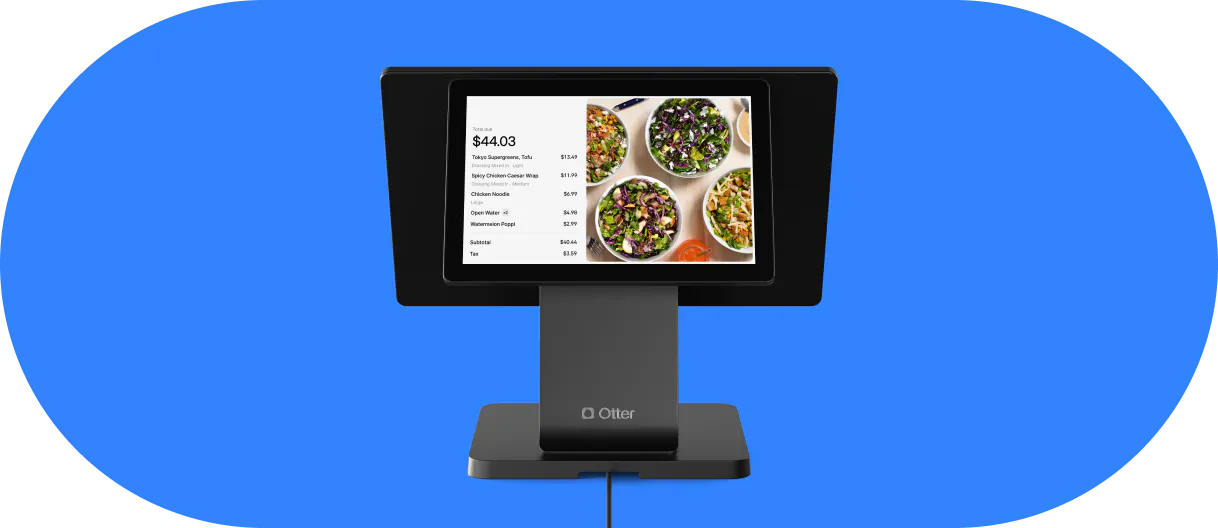
Otter's restaurant POS follows the same three-part structure (hardware, software, processing) but is sold as bundles, currently an all-in bundle and a bundle that adds Kiosk, plus a Build Your Own option that lets a restaurant pick only the features it needs. Because bundle pricing and promotions on point-of-sale software change often across every provider, including Otter, the most reliable move is to check Otter's current pricing directly rather than rely on a number that may already be out of date by the time you read it.
Payment processing fees, explained
Processing fees are the part of restaurant POS system cost that scales with revenue instead of staying fixed, which is exactly why they deserve as much scrutiny as the sticker price. Providers generally price processing one of two ways. Flat-rate pricing charges the same percentage plus a small per-transaction fee no matter which card a customer uses, a model Square and several other providers offer, typically at a lower rate for a card-present transaction than a card-not-present one. Interchange-plus pricing instead passes through the card network's actual interchange rate plus a fixed markup, which can be cheaper for high-volume restaurants but makes the bill less predictable month to month.
Card-present transactions, where a customer taps, dips, or swipes in person, are consistently priced lower than card-not-present transactions like phone or online orders, since the processor takes on more fraud risk when the card isn't physically there. For a full walkthrough of how these processing rates are calculated and which model tends to save money at different volumes, see Otter's guide to restaurant credit card processing fees.
Popular restaurant POS systems compared
Provider | Pricing style | Hardware | Best fit |
|---|---|---|---|
Square for Restaurants (Square POS) | Free plan plus paid tiers priced per location | Available bundled or standalone | Single-location and small multi-location restaurants |
Toast | Free hardware-bundled starter option plus tiered software plans | Bundled or sold separately | Restaurants that want an all-in-one bundle out of the box |
TouchBistro | Tiered monthly software plans | Available bundled or separate | Full-service, table-management-heavy restaurants |
Lightspeed Restaurant | Tiered monthly software plans, custom enterprise quote | Sold separately | Multi-location and enterprise groups |
Clover | Hardware-bundle pricing, custom quote | Bundled with software plan | Restaurants that prefer one bundled quote over self-service tiers |
Otter | Bundle-based, plus a Build Your Own option | Runs on a restaurant-grade terminal, not a tablet | Restaurants that want to pick only the features they need |
Pricing changes often enough across every one of these providers, Otter included, that this table intentionally skips exact dollar figures. Use it to compare pricing structure and fit, then confirm current numbers directly on each provider's own pricing page before you decide.
A restaurant that also sells merchandise or ships product online through an ecommerce platform like Shopify should factor that into the comparison too. Shopify's own POS is built primarily for retail rather than full-service dining, so most sit-down restaurants and quick-service counters are better served by a restaurant-specific system that already handles table management, kitchen routing, and delivery integrations out of the box.

Calculating your restaurant's real total cost of ownership
The only number that actually matters is total cost of ownership, what a system costs over one to three years once hardware, software, processing, add-ons, and the hidden fees above are all added together, not the single lowest monthly figure on a pricing page. To calculate it, add up the upfront hardware cost (or its lease equivalent), the monthly software subscriptions for every location, the estimated processing fees based on your actual card volume, and every add-on you know you'll need, like online ordering or a loyalty program, then multiply the recurring costs by the number of months in your comparison window.
A few factors move that number more than any single line item: the number of locations you're pricing for, since most providers charge per location rather than per business; whether you need built-in inventory management to track inventory and cut down on waste; and how much customer support is included at your tier versus billed as a premium add-on. Run the same math across two or three providers using your own transaction volume, not a vendor's example numbers, and the cheapest-looking plan on the homepage isn't always the cheapest one once the full bill comes due.
Frequently asked questions about restaurant POS system cost
How much does a POS system cost on average?
Most restaurants pay somewhere between $0 and $800 or more per hardware device, $0 to $100 or more per month for software, and roughly 1.5% to 3.5% per transaction in payment processing fees, according to Forbes Advisor. The real number depends heavily on how many locations you're running and which add-ons you turn on.
What is the cheapest POS system for a restaurant?
Several major providers, including Square and Toast, offer a free pos software plan with no monthly software fee, though free plans limit access to features like kitchen display systems and detailed reporting, and processing fees tend to run slightly higher to offset the free software. A restaurant that outgrows the free tier's limits often ends up paying more overall than one that budgets for a paid plan from the start.
What's the difference between flat-rate and interchange-plus pricing?
Flat-rate pricing charges one consistent percentage plus a small fee per transaction regardless of card type, which is easier to predict but not always the cheapest option. Interchange-plus pricing passes through the card network's actual rate plus a fixed markup, which can save money at higher volumes but makes each month's processing bill less predictable.
Are there hidden costs with a restaurant POS system?
Yes. Setup fees, staff training, PCI compliance costs, and early termination fees are the most common costs that don't appear on a provider's advertised pricing page. Ask directly about all four before signing a contract, since they can add hundreds of dollars to the first-year total.
Should I buy or lease my POS hardware?
Buying hardware outright is usually cheaper over two or three years, but leasing lowers the upfront cost, which can matter more for a new restaurant or food truck managing tight cash flow in its first year. Some providers, including Otter, offer both options on the same hardware.
How do I calculate total cost of ownership for a POS system?
Add your hardware cost (or lease payments), monthly software subscriptions across every location, estimated processing fees based on your real card volume, and every add-on you plan to use, then total that over one to three years. Compare that total across providers instead of comparing only the advertised starting price.

Compare Otter's POS pricing before you decide