
Table of contents
- What a POS system is (and why the definition matters for restaurants)
- QSR and counter-service: speed is the only metric that matters
- Fast-casual: the POS has to handle counter and online orders at the same time
- Ghost kitchens and virtual brands: why standard POS logic breaks down
- Multi-location independents: what changes when you open a second spot
- The true cost of a restaurant POS: hardware, processing rates, and hidden fees
- What to stress-test before you sign a POS contract
- Your format decides the stack, not the feature list
- FAQ
Picking the wrong point of sale system locks you into fees, workflows, and hardware that fight your format every single service. According to the National Restaurant Association's 2025 Off-Premises Restaurant Trends report, nearly 75% of all restaurant traffic now happens off-premises, which means the system handling your orders needs to match how your guests actually order, not how a vendor's demo room is configured.
Use case first, system second: the right shortlist depends entirely on how your restaurant takes orders.
Key Insights
- Your restaurant format (not vendor marketing) should drive every POS decision: a ghost kitchen and a QSR need completely different systems, and a one-size platform will underserve both from the first shift
- The monthly software fee is rarely your biggest POS cost; payment processing rates compound on every transaction and can exceed $1,500/month at $50K in monthly card volume. A 0.3% rate difference is $1,800 per year
- Offline mode is not a bonus feature: a system that can't process orders without internet will cost you more in one Friday night outage than a full year of software fees, and most operators don't discover this limitation until they need it
- Running two locations on separate POS accounts means double the admin time and zero cross-location visibility; centralized menu management and consolidated reporting must be evaluated before signing, not retrofitted after expansion
What a POS system is (and why the definition matters for restaurants)
A POS system, point of sale, is the software and hardware that captures orders, processes payments, and logs every transaction. It is the operational hub every order passes through, from the moment a guest places it to the moment the kitchen fires it. That's the pos system definition in its simplest form. The execution, however, is anything but simple.
Restaurant POS vs. retail POS
Retail POS systems are built for SKU scanning and inventory counts. They are not the same product as a restaurant POS. Your kitchen needs modifier handling (no onions, extra sauce, gluten-free bun), kitchen routing to a KDS, and online order intake from multiple channels. A retail system does none of that reliably. If a vendor pitches you a system that "works for any business," walk away.
How a single order moves through a restaurant POS
- Entry: counter terminal, self-service kiosk, or online ordering channel
- Modifier capture: the system records every customization without requiring a separate screen for each one
- Kitchen routing: the ticket fires to the correct KDS station
- Payment tender: contactless, chip, swipe, or split payment
- Sales log: the transaction records automatically for reporting
That chain is what separates a real restaurant POS from a glorified credit card reader.
Core POS hardware components
- Terminal or tablet: the order entry surface (sometimes bundled, sometimes purchased separately)
- Card reader: contactless, chip, and swipe; often bundled with the terminal
- Receipt printer: typically an add-on; some formats skip paper entirely
- Customer-facing display: shows the order back to the guest for confirmation
- Kitchen display system (KDS): replaces paper tickets; usually sold as an add-on
A full counter-service setup in a purchase model typically runs $500–$1,500 upfront. Hardware lease plans often cost more over 24 months, so do the math before you commit.
Cloud-based POS vs. on-premise
Cloud-based POS stores data remotely, updates automatically, and lets you pull sales reports from any device. It depends on internet connectivity for full functionality, which is why offline mode matters so much.
On-premise POS stores data locally with no internet dependency for core functions. Higher upfront cost, manual updates, but no connectivity risk during service.
For most independent operators today, cloud-based is the practical default: lower hardware cost, real-time reporting from anywhere. Just verify offline mode capability before you sign.
Mobile POS runs on a tablet or handheld, useful for line-busting at QSR counters or taking orders in a fast-casual queue without adding a fixed terminal.
QSR and counter-service: speed is the only metric that matters
At a QSR counter during a lunch rush, every second of hesitation has a direct cost. The POS has to keep pace with a trained cashier, not slow them down.
What to prioritize
- One-touch modifier buttons: no dropdown nesting, no extra screens between order entry and send
- Fast tender options: tap-to-pay, contactless, quick cash tender in one tap
- Minimal screen transitions: a cashier should be able to enter a full order and send it to the kitchen in under 30 seconds
KDS integration is non-negotiable at volume
Paper tickets slow expediting, create illegibility errors, and add latency the kitchen can't absorb during a push. If you're running more than a handful of covers per hour, a KDS is not optional.
Self-service kiosks as counter-pressure relief
Kiosks reduce front-counter load during peak hours and tend to increase average order value. Guests self-select at their own pace without perceived cashier pressure. If your counter backs up at noon, a kiosk pays for itself faster than you'd expect.
Training time is a real operational cost
QSR operations have high hourly turnover. A POS that takes two weeks to learn fully is a liability. Look for a system where a new hire can process a full order in under five minutes. If the vendor can't demonstrate that in a live demo, it won't happen in your kitchen either.
Otter's POS is purpose-built for counter-service formats. The interface is designed for fast ticket throughput with minimal training lift, not adapted from a retail base. Kiosk and KDS are available add-ons, so you build the setup your volume actually needs.

Book a demo with Otter
It’s time to enhance your operations with Otter’s all-in-one restaurant platform. Book time with our sales team to learn more.
Fast-casual: the POS has to handle counter and online orders at the same time
Fast-casual is the hardest format to POS correctly. Counter orders, third-party delivery tablets, and direct online orders all hit the kitchen simultaneously, and they all need to land in one queue.
The channel-fragmentation problem
Without order consolidation, your staff toggles between a POS screen and two or three separate delivery tablets. The kitchen gets tickets from different sources in different formats. Errors compound during the lunch rush, and the slowdown is invisible until it has already cost you covers. When every ticket looks the same regardless of source, in-person, DoorDash, direct online, that problem disappears.
What to require in a fast-casual POS
- Single kitchen queue for all channels: in-person and online orders in one view
- Multi-channel order aggregation: no separate tablets for each delivery platform
- Modifier depth: protein swaps, dietary accommodations, and build-your-own formats require a modifier architecture that is fast to enter and impossible to partially fill; evaluate modifier UX specifically, not just whether it exists
- Loyalty programs at checkout: fast-casual guests return more frequently than QSR guests; the National Restaurant Association reports that 71% of consumers are more likely to order if they can earn rewards, so a POS that enrolls customers at the terminal and tracks spend automatically compounds retention without manual effort
Otter's fast-casual POS consolidates online and in-person orders into one kitchen queue. Loyalty enrollment works at the POS terminal and via QR code. Guests sign up without a separate app, and rewards apply automatically on every in-store purchase.
Ghost kitchens and virtual brands: why standard POS logic breaks down
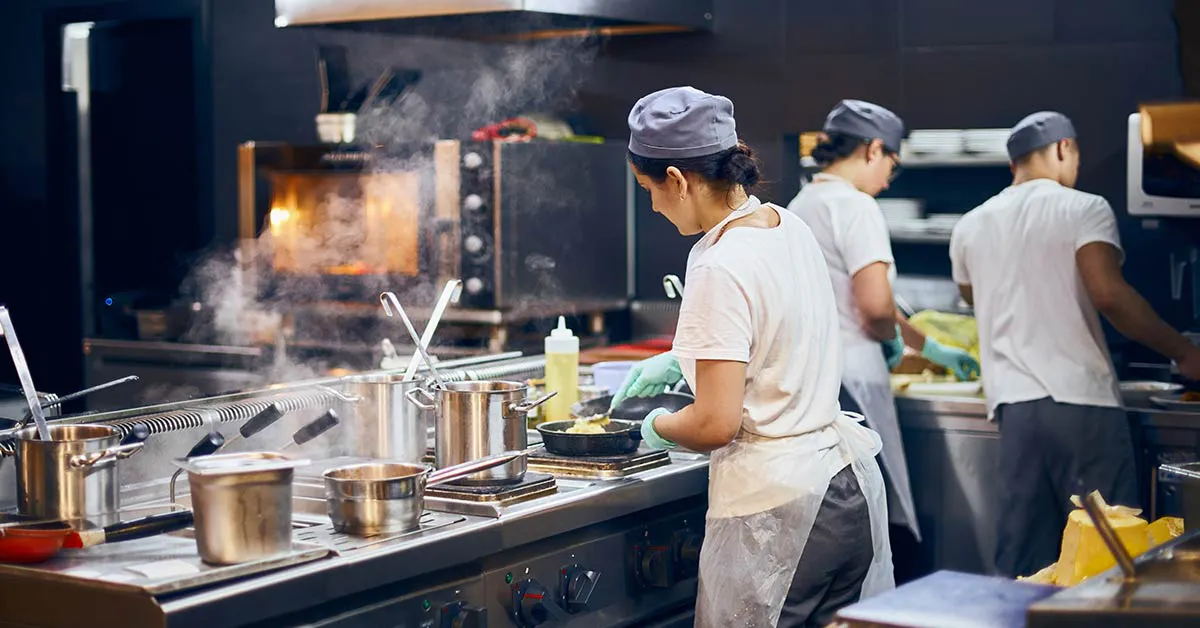
Ghost kitchens have no dine-in, no front-of-house staff, and typically run two to five virtual brands out of one kitchen. The entire operating model is built around delivery-only, multi-brand output. Standard POS workflows are designed for none of this.
The core failure mode
Orders arrive as separate streams from DoorDash, Uber Eats, and Grubhub, each on its own tablet, each in a different format. Staff manually consolidate. The kitchen loses track of brand assignment. Packages go out wrong. At volume, this is a structural problem that compounds every shift.
What a ghost kitchen actually needs from a POS
- Multi-channel order aggregation into a single kitchen queue, no separate tablets
- Brand-level ticket routing: the kitchen knows which virtual brand each ticket belongs to without guessing
- Zero table-management overhead: any POS that forces a table-service workflow is pure waste in a delivery-only operation
- Centralized menu management by brand: updating a modifier or price change across three virtual brands should require one action, not three separate logins
You should not be paying for features that have zero relevance to your operation. If a vendor is charging you for dine-in modules and tip prompts configured for sit-down service, that is a format mismatch, not a feature you'll eventually use.
It's worth noting that consumer expectations are shifting: the National Restaurant Association found that 70% of diners say it is important that their food comes from a publicly accessible, physical location, even when ordering off-premise. That means your ghost kitchen's POS setup needs to support a clean, professional brand experience, not just raw order throughput.
Otter supports virtual brand and ghost kitchen setups with multi-channel order routing and brand-level menu management built into the POS.
Multi-location independents: what changes when you open a second spot
The single most common mistake multi-unit independents make: running two locations on separate POS accounts. It creates duplicate menu management work, split reporting you can't compare, and no cross-location visibility. You end up managing two businesses instead of one.
What centralized menu management actually means
Push a price change, add a limited-time item, or remove a modifier across all locations in one action. Not per-location. One action, all units updated.
Consolidated sales reporting
Cross-location reporting is how you identify which location is underperforming and why. Compare ticket averages, item mix, and transaction volume across units from one dashboard, instead of exporting two separate reports and reconciling them manually every week.
Employee permissions by location
A shift lead at Location 2 should not be able to access Location 1's labor or sales data by default. Role-based permissions by location are a real operational control, not a nice-to-have.
The per-location pricing trap
Some POS vendors charge full per-location subscription fees at every plan tier. Others offer multi-location pricing tiers. Run the 12-month math for your planned footprint before committing. The difference between per-location flat fees and tiered pricing can be significant by the time you're at three units.
Otter supports multi-location management with centralized menu control and consolidated reporting, built for operators expanding from one to two or three units who want operational coherence from the start.
What to stress-test before you sign a POS contract
Offline mode
Ask this question explicitly and get a written answer: can the system process payments when the internet goes down? Some cloud POS platforms queue transactions locally and sync when reconnected. Others go completely dark. A Friday night outage during peak service costs more than a full year of software fees, and most operators don't find out about this limitation until they need it.
Onboarding and support
Does the vendor answer support calls at 7 PM on a Saturday? What happens when the entire system is down during service? If the answer is "submit a ticket," that is a problem. Get support hours and escalation procedures in writing before you sign. Also ask: who builds the initial menu, handles hardware setup, and trains staff? The difference between a vendor who hands you a manual and one who assigns a dedicated onboarding specialist is enormous for independent operators without an IT resource. Otter includes free 7-day onboarding and 24/7 support, both worth asking any vendor to match.
Hardware replacement speed
If your primary terminal fails, how quickly can you get a replacement? Loaner programs or guaranteed next-day shipping are reasonable expectations. Waiting a week for hardware is effectively being closed for a week.
Contract lock-in terms
Understand early termination fees before signing. Switching POS systems mid-contract means re-training, data migration, and a full menu rebuild. Treat the contract terms as seriously as the feature list.
A practical stress-test
Run the system in demo mode under real-service conditions: enter five orders with modifiers fast, void an item, process a refund, split a payment. If it feels clunky under no pressure, it will feel worse during a Friday rush.
Your format decides the stack, not the feature list
The most expensive POS mistake is choosing a system based on brand recognition or a low teaser price, then trying to retrofit it to your format. Workarounds, extra tablets, manual order entry, disconnected loyalty programs, cost real labor hours every shift and compound over years.
Here is the use-case framework in plain terms:
- QSR / counter-service: prioritize ticket speed, kiosk, KDS, and minimal training time
- Fast-casual: prioritize channel consolidation, modifier depth, and loyalty enrollment at checkout
- Ghost kitchen / virtual brands: prioritize multi-channel aggregation, brand-level ticket routing, and zero dine-in overhead
- Multi-location independents: prioritize centralized menu management, consolidated reporting, and transparent per-location pricing
The right POS is not the most popular one or the cheapest one. It is the one whose default workflow matches how your specific restaurant actually takes orders.
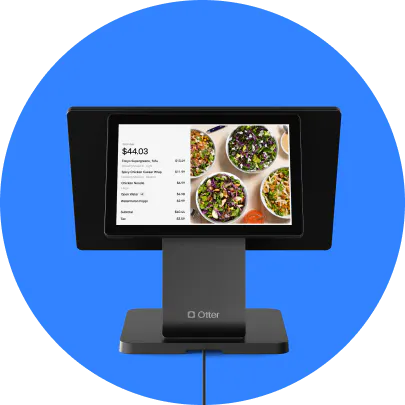
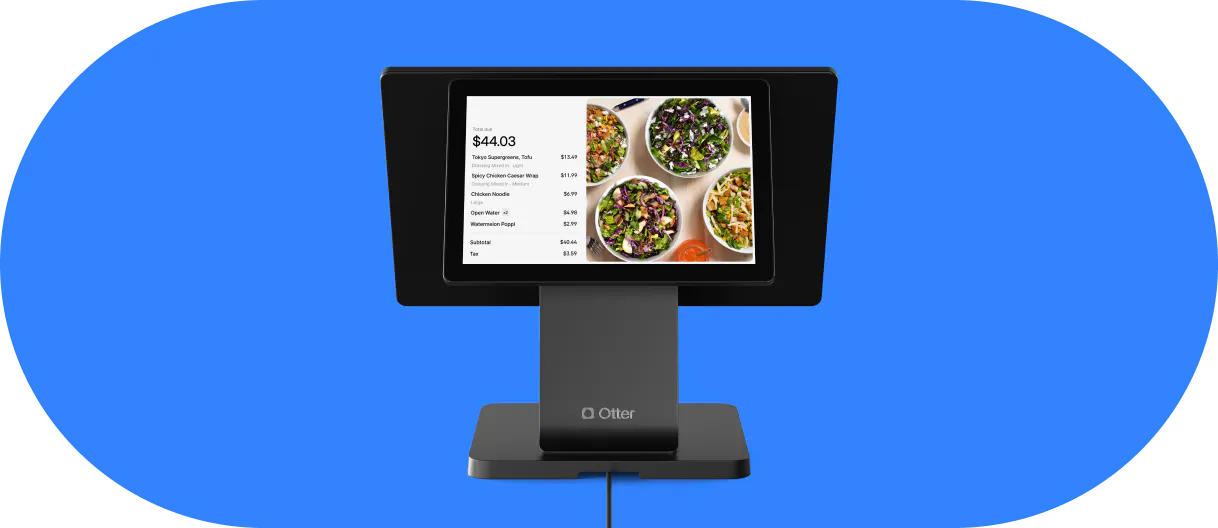
Otter's POS is purpose-built for QSR, fast-casual, ghost kitchen, and multi-location formats, with POS, KDS, kiosk, online ordering, and loyalty as an integrated platform. Onboarding and support are included: free 7-day onboarding and 24/7 live support, so you're not left reading a manual when service starts.
Ready to match your POS to how your restaurant actually runs? Get a demo.
FAQ
What is a POS system for a restaurant?
A restaurant POS system is the software and hardware that captures orders, processes payments, and logs every transaction. Unlike a retail POS, built for SKU scanning, a restaurant POS handles kitchen routing, modifier capture, and online order intake. Those are not features a retail system was designed for, and the gap shows during service.
How much does a restaurant POS system cost?
The real cost has multiple layers: monthly software fee, hardware purchase or lease, payment processing rate, per-location fees, add-on module costs (KDS, loyalty programs, and online ordering are often separate), and onboarding and support costs. "$0/month" plans recoup margin through higher processing rates. The real number is your 12-month total across all layers.
What is the best POS system for a small restaurant?
"Best" is only meaningful after you define your format. A small QSR needs speed and minimal training time. A small fast-casual needs channel consolidation. A small ghost kitchen needs multi-channel aggregation and brand-level ticket routing. Start with your order flow, then find the system whose default workflow matches it.
What POS systems do most restaurants use?
Square, Toast, and Clover are commonly named. Market share doesn't mean best fit for your format. Operators at volume frequently report sticker shock on processing rates. "I was shocked by how high the monthly fees are" is a common refrain. Format fit and total cost of ownership matter more than brand familiarity.
Does a restaurant POS system work without internet?
It depends on the system. Some cloud POS platforms queue transactions locally and sync when reconnected. Others go fully offline. This is one of the most important questions to ask before signing, and get a written answer, not a verbal one.
What hardware does a restaurant POS system include?
Core hardware: terminal or tablet, card reader (contactless, chip, swipe), receipt printer, customer-facing display, and a KDS. What's bundled vs. charged separately varies by vendor. A full counter-service setup in a purchase model typically runs $500–$1,500 upfront. Hardware lease plans often cost more over 24 months.
Can a restaurant POS system handle online orders?
It should. A modern restaurant POS should consolidate online orders from direct ordering and third-party delivery into the same kitchen queue as in-person orders. Systems that don't do this force staff to manage separate tablets, which creates ticket errors and delays during high-volume service. This is a baseline requirement, not a premium feature.
What is the difference between a cloud-based POS and a traditional POS?
Cloud-based POS stores data remotely, is accessible from any device, updates automatically, and has lower upfront hardware cost, but depends on internet connectivity. Traditional on-premise POS stores data locally with no internet dependency, higher upfront cost, and manual updates. For most independent operators today, cloud-based is the practical default. Either way, always verify offline mode capability before you sign.

See how Otter's POS is built for counter-service and fast-casual