Table of contents
- What is a mobile POS system (and how is it different from your counter terminal)?
- How a mobile POS works on a restaurant floor
- The real benefits of handhelds for independent restaurants
- When handhelds beat the counter: The right service formats
- When they don't: Service scenarios where a fixed terminal still wins
- The kitchen problem nobody warns you about
- Running a hybrid setup: Handhelds and a fixed terminal together
- What to look for in mobile POS hardware and software
- What mobile POS costs and how to run the ROI math for your restaurant
- The verdict on mobile POS
- FAQ: Mobile POS systems
You've watched a server walk past three tables just to swipe a card at the counter. Twice in one turn. You've also watched a bartender fumble with a shared handheld while a line of guests stared at their empty glasses. Both are real service failures, and both happen when operators deploy mobile POS without thinking through exactly where it helps and where it doesn't.
According to Starfleet Research, 82% of restaurants report faster service after deploying handheld POS, and 63% see higher average check sizes. The question isn't whether mobile POS belongs in your restaurant. It's where.
This guide gives you a clear framework: what mobile point of sale systems actually are, where they win, where a fixed terminal still beats them, and how to run the hybrid setup most independent restaurants actually need.
Key insights
- Mobile POS wins on the dining floor and loses at the bar. Speed-of-service at the rail is faster on a dedicated under-bar terminal than a handheld shared between two bartenders, which means the best setup for most full-service restaurants is a deliberate hybrid, not a wholesale mobile conversion
- Kitchen integration is the actual deployment risk, not payment processing. Whether a handheld fires to the right KDS station, sequences courses correctly, and syncs 86'd items across every device in real time determines whether mobile POS improves or damages service, and it's the one thing buying guides never test
- Battery life is a shift-management problem, not a spec-sheet detail. A handheld rated for eight hours under lab conditions typically lasts five to six hours with screen-on order entry in a live restaurant, which means a Saturday dinner rush without a documented charging rotation plan is a service failure waiting to happen
- Processing fees matter more than software subscription cost at restaurant volume. A 0.3% difference in per-transaction rate on one million dollars in annual card revenue is three thousand dollars a year. Evaluate total cost of ownership across hardware, software, and processing rate together, not just the monthly number the vendor leads with
What is a mobile POS system (and how is it different from your counter terminal)?
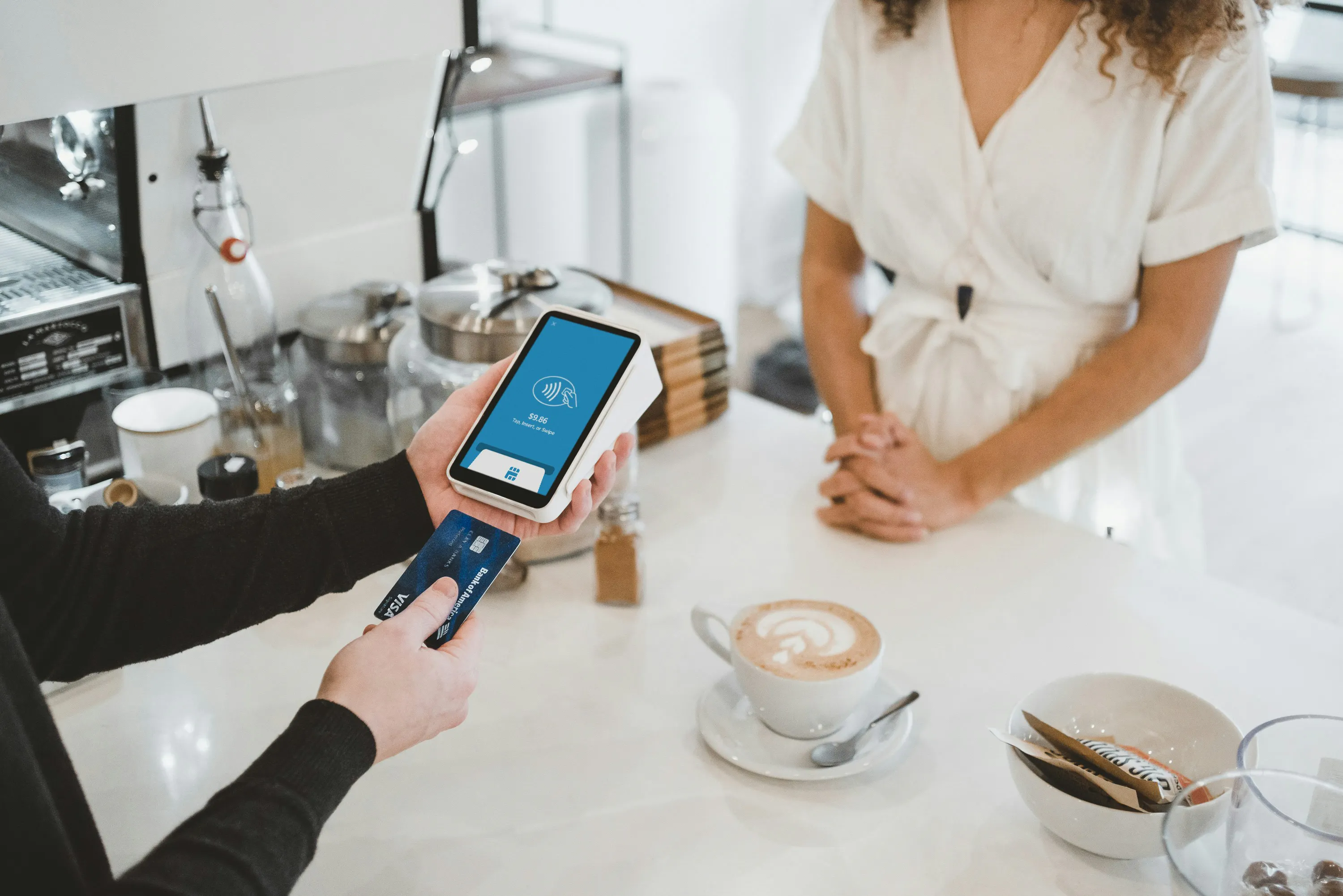
A mobile POS (or mPOS) is a combination of POS software and mobile POS hardware (typically an Android or iOS tablet or smartphone paired with a mobile card reader) that processes payments and manages orders anywhere on your floor, not just at a fixed, wired payment terminal.
Your traditional POS, a point-of-sale (POS) system tied to a fixed counter, is single-location by design: one screen, one workflow, data stored locally. A mobile point-of-sale is cloud-based. Menu updates, price changes, and 86'd items push instantly to every mobile device on the floor the moment you make them.
Core hardware components:
- Tablet or smartphone as the display
- Card reader supporting NFC contactless, EMV chip, and magnetic swipe
- Optional receipt printer (Bluetooth or networked)
- Optional barcode scanner for retail-adjacent concepts
One spec that's non-negotiable for restaurants: offline mode. Wi-Fi is your primary channel. LTE or cellular (a T-Mobile SIM or mobile hotspot) is your backup. When connectivity drops mid-service, your POS system needs to queue orders and card transactions locally and sync when the connection restores. That's not a nice-to-have. It's a shift-survival requirement.
How a mobile POS works on a restaurant floor
The order lifecycle on a handheld mirrors what you already know. Server enters the order on the tablet, the ticket fires to the kitchen display system (KDS) or kitchen printer, modifications and course sequences follow the same path, and payment is collected tableside. Good order management means every step in that chain is visible, trackable, and synced across the floor.
Real-time data sync means every device on the network sees the same menu, the same inventory management data, and the same 86'd items simultaneously. That architecture is what makes mobile POS viable at scale.
Payment types supported tableside:
- Contactless tap: Apple Pay, Google Pay, digital wallets, mobile wallets, and NFC tap to pay cards
- EMV chip
- Magnetic swipe
- Cash managed separately via a connected cash drawer or tracked manually at the cash register
All transactions run through PCI compliance-certified encryption to protect cardholder data. Here's what most buying guides skip: payment processing is the easy part. Ticket routing to the right kitchen station is where deployments break. Map your wireless coverage before you go live. A dead zone on the patio or in the back dining room translates directly into order entry failures.
The real benefits of handhelds for independent restaurants
Faster table turns. Servers close checks and run cards without leaving the floor. Operators consistently cite 5 to 10 minutes recovered per table when handhelds eliminate terminal trips. On a 40-cover section running 2.5 turns per shift, that compounds fast.
Reduced step count. Fewer trips to a shared terminal means more time on the floor, which improves guest experience and server tip percentages.
Lower upfront hardware cost. One tablet plus a card reader costs significantly less than a full counter station with peripherals. For a comparison with kiosk setups, see our breakdown of restaurant kiosk costs.
Tableside loyalty enrollment. Guests sign up in the moment while they're happy, not at a crowded counter after they've mentally checked out. Otter POS supports in-store loyalty enrollment directly at the point of sale, so your staff can capture members without breaking the service flow.
Patio and outdoor coverage. Handhelds extend your POS footprint to any space your Wi-Fi or LTE signal reaches. No cable runs, no weatherproofing a terminal.
Owner visibility from anywhere. Cloud dashboards let you check sales, voids, and server performance from your phone without being on-site.
When handhelds beat the counter: The right service formats
High-volume patio service. Running cable to a fixed terminal outside is impractical. One server with a handheld covers the whole section.
Large-party and event service. A 20-top handled from a single handheld (order entry, course fires, split payments) without the server ever abandoning the table.
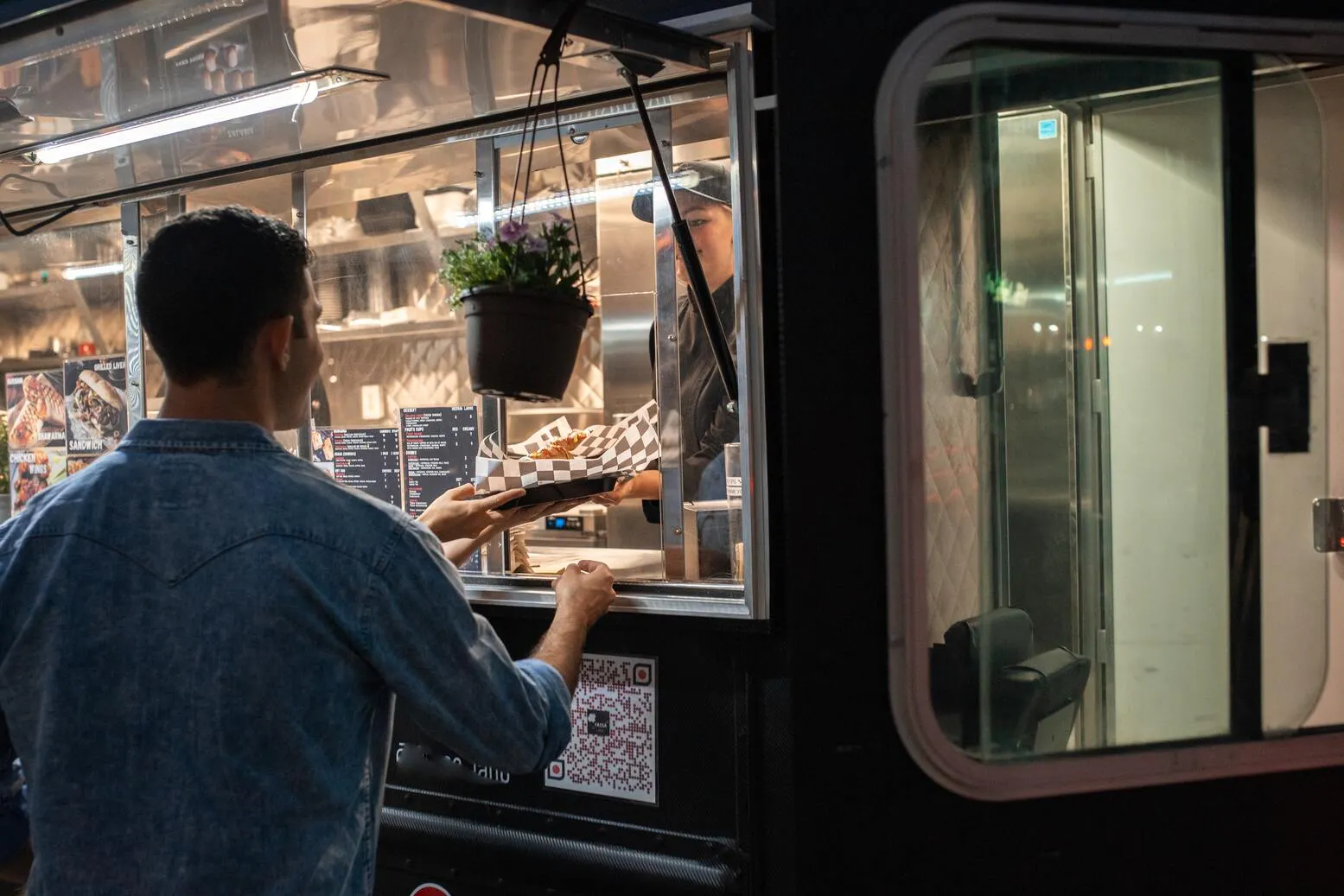
Off-site catering, pop-up shops, and food trucks. A tablet and a mobile card reader give you a complete mobile POS solution anywhere, with no venue infrastructure required.
Fast-casual lines. A second handheld deployed in a queue during peak hours cuts wait time without the capital cost of a second full counter station.
Seasonal or temporary locations. No permanent hardware investment. The system travels with the operation. Mobile POS solutions are also scalable — one unit today, three tomorrow — without re-architecting your stack.
When they don't: Service scenarios where a fixed terminal still wins
Bar rail speed. Bartenders need sub-second order entry. A handheld passed between two bartenders on a busy Friday is slower than a dedicated under-bar terminal, and speed-of-service is the product at the bar.
Complex modifier-heavy menus. Fine-dining builds, elaborate cocktail menus with 10-plus modification steps, and tasting-menu sequencing are faster to navigate on a large, stationary touchscreen.
High device-damage environments. Late-night bars and festival floors mean handhelds get dropped, knocked into ice bins, and occasionally walked out the door. Fixed terminals don't have that problem.
Battery management mid-shift. A handheld rated for eight hours in a lab will last five to six hours with screen-on order entry in a real service environment. A device that dies at 8 PM Saturday is a service failure, not an inconvenience.
Tight server stations near a fixed terminal. If every server already has a terminal two steps away, handhelds add training overhead, battery management, and device costs without proportional speed gains.
The kitchen problem nobody warns you about
Every guide on this topic focuses on the payment side of mobile POS. For restaurant operators, the higher-stakes question is whether the order reaches the kitchen correctly.
Ticket Routing
Confirm before go-live that handheld orders fire to the right KDS station: apps to the bar, mains to the hot line, desserts held until the right moment. A single dump to one printer is not a kitchen integration. It's a liability.
Course Sequencing
Verify that your POS software supports fire-by-course and holds subsequent courses until the server fires them. An all-at-once send to the kitchen on a tasting menu is an immediate service problem.
86'd Item Sync
When the kitchen marks an item out on the KDS, that update must push to every handheld on the floor in real time. A server taking an order for a sold-out dish is a guest experience failure you can't recover from tableside.
Pre-Launch Checklist
- Run a full simulated shift before the first real service
- Confirm KDS latency under load with three or four devices firing simultaneously
- Test what happens to in-progress tickets if Wi-Fi drops mid-order
- Get KDS compatibility, modifier support, void and refire behavior confirmed in writing, not just in a demo environment
Running a hybrid setup: Handhelds and a fixed terminal together
Most independent restaurants don't go fully mobile. The practical reality is handhelds on the floor alongside a fixed terminal at the host stand, expo, or bar. If you're still deciding which POS format fits your service type, our guide covers the best POS systems for restaurants by service format.
Which posts stay fixed:
- Host stand for reservations and waitlist management
- Expo for ticket oversight and runner coordination
- Bar for speed-of-service
- Manager station for voids and comps
Which posts go mobile:
- Floor servers in large sections
- Patio staff
- Large-party coverage
- Server assistants running food
Inventory sync is the operational risk of a hybrid setup. Both systems must pull from the same item database in real time, or you will sell 86'd items on one side of the house while the other side already marked them out.
Split-check management: Confirm your POS handles tableside split-by-seat and split-by-amount on the handheld before you tell guests you can do it. Discovering mid-close that split checks require the fixed terminal is a service problem.
Staff training reality: Running two interface types means two learning curves. Budget one to two additional training shifts when you introduce handhelds alongside an existing fixed system, and document which tasks live on which device.
What to look for in mobile POS hardware and software
Hardware
- Durability: IP-rated or ruggedized tablets survive drops and spills. Consumer-grade tablets are cheaper to buy but more expensive to replace in a restaurant environment
- Card reader specs: Must support NFC contactless, EMV chip, and magnetic swipe. Confirm NFC is active on the specific reader model you're issued, because some entry-level readers on free-tier plans are swipe-and-chip only
- Battery spec reality: Look for a 10-hour rated battery minimum, and ask what operators see in actual restaurant use
Software
Features that matter for restaurants specifically:
- Item-level voids and tip adjustment tableside
- Real-time 86 sync across all devices
- Course sequencing
- Loyalty enrollment at the point of payment
Reporting operators actually use:
- Sales by server
- Table turn averages
- Peak-hour transaction volume
- Void and comp tracking, all accessible from a cloud dashboard on your phone
Offline mode specifics: The system must queue orders and card transactions locally during a connectivity outage and sync automatically when Wi-Fi restores. Ask the vendor to demonstrate this, not just confirm it.
What mobile POS costs and how to run the ROI math for your restaurant
Hardware cost range:
- Entry-level tablet plus card reader: roughly $49 to $300
- Restaurant-grade ruggedized handhelds: $400 to $800 per unit
- Factor in chargers, cases, and one spare unit per shift
Software subscription: $0 to $300 per month depending on provider and feature tier. Free plans typically gate the reporting, inventory sync, and KDS integration that restaurants actually need.
Payment processing fees: Typically 2.5 to 2.9% plus $0.10 to $0.15 per transaction in transaction fees, depending on your payment processor. At $1M in annual card volume, a 0.3% rate difference equals $3,000 per year. That number matters more than the monthly SaaS fee for most independent operators.
As operators note on Reddit: "Square is insanely expensive if you're doing a large amount of revenue." Processing fees are negotiable at scale. Ask for a custom rate before accepting the published rate, and compare total cost at your actual monthly volume.
The honest operator math: If one handheld per two-server section recovers seven minutes per table turn on a 40-cover section running 2.5 turns per shift, that's measurable additional revenue capacity. Calculate it for your specific layout before buying hardware.
Total cost of ownership: Hardware purchase plus software subscription plus processing fees plus staff training time plus battery and device replacement over 24 months. Not just the monthly line item the vendor leads with.
The verdict on mobile POS
Mobile POS earns its place on a full-service floor. Faster table turns, patio coverage, tableside loyalty enrollment, and lower upfront hardware cost are real advantages. But the bar stays fixed, battery management is a shift-planning problem you solve before service starts, and kitchen integration is the deployment risk that separates a smooth rollout from a chaotic first Friday.
The operators who get the most out of handhelds run a deliberate hybrid: mobile where it speeds up the guest experience, fixed where speed-of-service depends on it, and both systems pulling from the same cloud database so 86'd items and inventory counts stay accurate across the whole house.
If you're mapping out which stations should stay fixed and which should go mobile, or want to see how handheld order entry connects to a KDS on a real restaurant floor, walk through an Otter POS demo configured for your service format. It takes about 15 minutes and you'll leave with a clear picture of how the pieces fit your operation.
FAQ: Mobile POS systems
Can a mobile POS system work without internet?
Yes, if the system has a true offline mode. Look for a solution that queues orders and card transactions locally, then syncs when connectivity returns. Not all mobile POS platforms do this reliably. Confirm offline behavior before you commit, because a Wi-Fi drop at 7:30 PM on a Saturday can't mean a full service stop.
What's the difference between a mobile POS and a tablet POS system?
The terms overlap but aren't identical. A tablet POS uses a tablet as the primary display and can be either fixed at a counter station or carried on the floor as a handheld. Mobile POS is a broader category that includes smartphone-based setups with a card reader and any system designed to process payments and manage orders away from a wired terminal.
How many handheld devices does a typical restaurant need?
A common starting point is one handheld per two servers on the floor. If your floor plan already has server stations close to a fixed terminal, you may only need handhelds for patio or large-party sections. Over-deploying handhelds adds charging, training, and device-management overhead without proportional speed gains. Run a shift simulation before buying a unit for every server.
Do mobile POS systems integrate with kitchen display systems?
Most current mobile POS platforms support KDS integration, but integration quality varies significantly. Before deploying, verify that handhelds fire tickets to the correct kitchen station, support course-by-course sequencing, and push 86'd-item updates to all devices in real time. These are the specifics that break service when they're not confirmed before go-live.
Is a mobile POS cheaper than a traditional counter register?
Upfront hardware usually costs less. But total cost of ownership includes software subscriptions, payment processing fees, and hardware replacement. At restaurant transaction volume, processing fee differences compound fast. Plans with no monthly software fee often carry higher per-transaction rates that cost more at meaningful revenue than a straightforward subscription would.
What payment types do mobile POS systems accept?
Current mobile POS hardware supports NFC contactless payments including Apple Pay and Google Pay, EMV chip, magnetic swipe, and gift cards. Cash management requires a connected drawer or manual tracking. Confirm that the specific card reader model on your plan has NFC active. Some entry-level readers issued on free-tier plans are swipe-and-chip only and don't support tap-to-pay.
Can I run handhelds and a fixed terminal at the same time?
Yes, and most independent restaurants run exactly that configuration. The critical requirement is that both systems pull menu data and inventory counts from the same cloud database in real time. Running mismatched architectures (one cloud-based, one local) creates the 86'd-item discrepancies and double-sell problems that operators cite most often as the reason hybrid setups fail.
What are the most common mistakes restaurants make when switching to mobile POS?
Three come up consistently: skipping the kitchen integration test before go-live so ticket routing fails on the first real shift; underestimating battery management (handhelds need a structured charging rotation, not one charger shared at the server station); and deploying handhelds at every position without evaluating where a fixed terminal is genuinely faster, such as the bar.

Book a demo to see how Otter’s all-in-one platform can help your restaurant thrive.