Table of contents
- What happens the second a customer places an order
- The two channels that matter: third-party marketplaces vs. your own ordering page
- How the order reaches your kitchen
- Pickup, delivery, and curbside: what changes operationally for each
- Why you end up running three tablets and what that does to your line
- The real cost of each ordering channel
- What breaks during service and who's responsible
- Your infrastructure matters more than your platform choice
- Order flow, not platform choice, decides whether service holds up
- Frequently asked questions about online ordering systems
Running online ordering on a Friday night with three tablets beeping out of sync, a driver who hasn't shown up, and a ticket for an item you 86'd an hour ago is a familiar kind of chaos. Nearly 75% of all U.S. restaurant traffic now happens off-premises, according to the National Restaurant Association's 2025 research. That number means online ordering isn't a side channel anymore. It's your main line, and understanding exactly how it works, from the customer's mobile app to your kitchen display system, is what separates a smooth service from a chaotic one.
Key insights
- Every online order follows the same path: customer, platform, your kitchen. What breaks that path is almost always a sync or device problem, not the order itself
- A 25% commission fee on a $14 ticket leaves $10.50 before you touch food cost. Calculate your per-channel break-even before you list on every marketplace available
- Three tablets on your prep line isn't a technology limitation. It's a deliberate design choice by the platforms. Consolidation at the POS system level is the fix
- Your best defense against service failures is upstream: synced menus, a real-time process for 86-ing items, and each platform's refund policy read before you need it
What happens the second a customer places an order
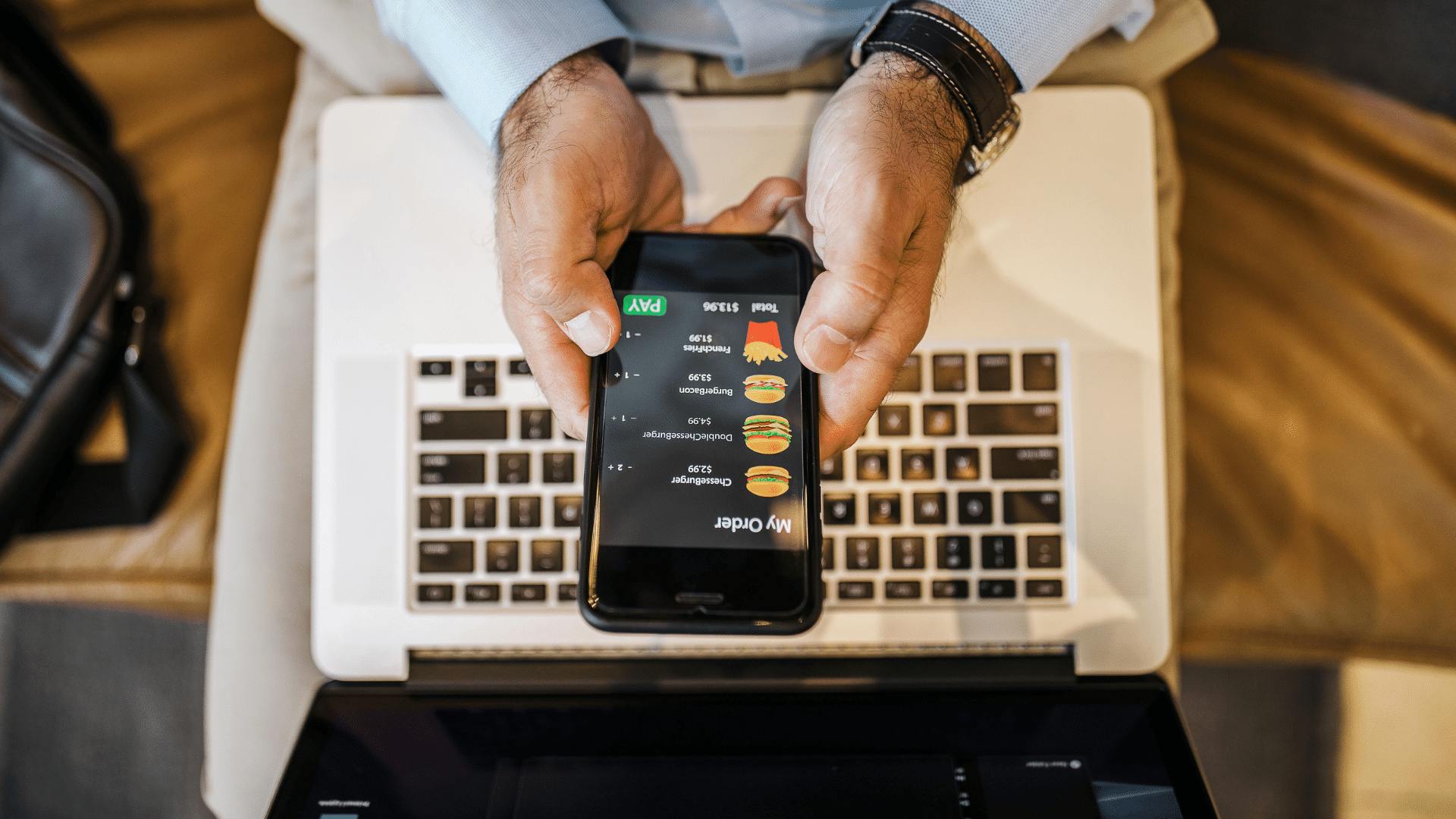
From the customer's side, it looks effortless. Browse the online menu on their phone or browser, add items and modifiers, choose pickup or delivery, and move through checkout. Payment runs through secure payment gateways that accept credit card, digital wallets, and mobile wallets like Apple Pay and Google Pay, along with standard online payment methods. Get a confirmation. Done in under two minutes.
From your side, the clock starts the moment they hit "place order."
The platform sends order data to your restaurant in real time, triggering a sound alert, a screen notification, or both. Your job is to acknowledge that order fast. When you accept it, two things happen: food preparation begins, and the customer's order tracking timer locks in their estimated wait.
Here's where it gets important. If your staff doesn't acknowledge the order promptly, the customer's timer is already counting down while your kitchen hasn't started yet. That gap, even 90 seconds, is where the customer experience starts to erode.
This is the first place digital ordering breaks: not because of a technical failure, but because acknowledgment is a manual step that depends on someone watching the screen.
The two channels that matter: third-party marketplaces vs. your own ordering page
Third-party platforms (Uber Eats, DoorDash, Grubhub) put your restaurant in front of customers who are browsing and comparing options. The customer discovers you on the platform, orders through the platform's mobile app, and pays the platform. You pay commission fees on each ticket, typically 15-30%.
Another way to reach customers is pickup ordering through the Venmo app. If you want to test that channel, sign up to list your restaurant through Otter’s Venmo partnership. Compare its per-order commission with your other ordering channels before adding it to your mix.
Direct ordering means the customer goes to your own web ordering page or follows a unique link straight to your online menu. No third-party app required. You keep more margin and, critically, you own the customer's contact data. That's the part most operators undervalue until they realize they can't market to their own regulars.
The customer intent is different too. Someone browsing DoorDash is still deciding. Someone who clicks your direct link already chose you. That distinction matters when you're thinking about retention and loyalty programs.
Most operators start with marketplaces for discovery, then work to migrate repeat customers to direct ordering. The most common tactic: a card in the delivery bag with a QR code and a one-time discount. Simple, low-cost, and it works. Pairing a direct channel with loyalty programs, like Otter Loyalty, gives repeat customers another reason to skip the third-party platforms next time.
Otter's Online Ordering gives your restaurant a unique branded link. Customers click it, your menu loads immediately in their browser, and no app download is required.
How the order reaches your kitchen
Order data travels from the platform via API to your POS system, which generates a kitchen ticket that routes to a kitchen display system (KDS) or receipt printer, same as a counter order, just arriving digitally. This is order routing in practice: the POS receives the signal and sends it, modifiers and all, to the right station, which is where order accuracy is won or lost.
This is where menu sync becomes critical. If your online menu still lists an item you've 86'd, the order comes in for it anyway. The POS has no way to refuse it unless you disabled that item on the platform ahead of time. That's how you end up calling a customer mid-service to explain you don't have what they ordered.
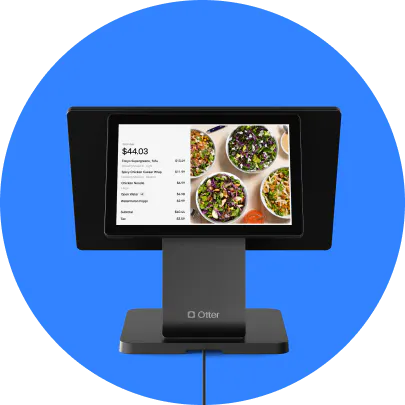
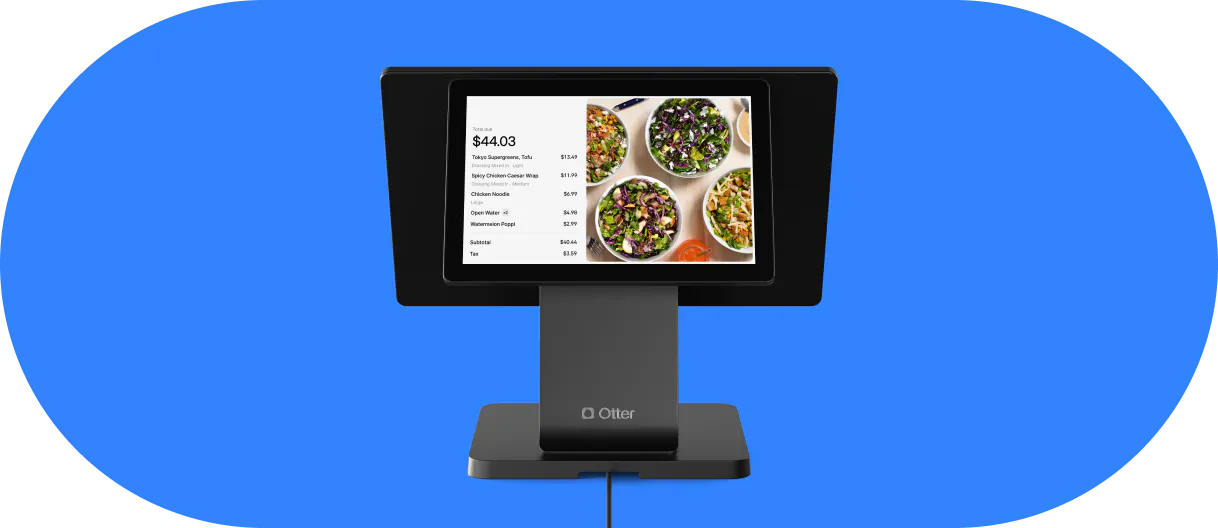
Otter POS receives orders from multiple channels (in-store, direct, and third-party platforms including DoorDash, Uber Eats, and Grubhub) and routes them into one consolidated ticket stream on the kitchen display system, regardless of where the order originated.
Nicoletta "Nicole" Kuti, co-owner of Telly's Charburgers in Santa Clarita, sees that consolidation play out on her own line:
"My favorite thing about the Otter POS system is that all of our orders, from DoorDash, online ordering, to-go, and phones, all go straight through the system to our KDS. Each order has its own color: deliveries are teal, to-go is yellow. It helps you differentiate where it's going, whether it's delivery, online, or to-go."
For more on how the hardware itself is supposed to function, Otter's guide to what a kitchen display system is covers how a KDS routes and prioritizes tickets when it isn't fighting three separate tablets.
Pickup, delivery, and curbside: what changes operationally for each
Each fulfillment mode changes what your kitchen and front-of-house need to do.
Pickup and takeout
- Customer arrives at your counter; staff needs a name-based lookup at the POS
- A clear staging area matters, not just bags stacked on a shelf with no system
- Packaging can be more flexible since the customer picks it up immediately
Delivery
- A third-party driver picks up on behalf of the platform
- Bagging too early is the biggest mistake: food sits and degrades before the driver arrives
- Prep timing relative to driver ETA matters more than most operators plan for
- Packaging needs to be sealed and spill-resistant
Curbside
- Customer parks and checks in via app or phone
- Staff need a space or car identifier on the ticket to bring food to the right vehicle
- Most POS systems can display a custom field for this: use it
- Packaging is similar to pickup but often needs bag handles for hand-off through a car window
Frame all of this around your prep workflow. The customer just wants their food. You're the one managing timing, packaging standards, and staging space across three fulfillment modes simultaneously.

Why you end up running three tablets and what that does to your line
When you sign up for Uber Eats, DoorDash, and Grubhub, each platform ships its own proprietary tablet running its own app. Three platforms, three tablets, three separate sound alerts, three order confirmation workflows.
There is no shared ticket view across platforms by default. Your cook or expeditor has to context-switch between three screens to see what's in the queue.
During a dinner rush, a missed alert on tablet two while staff are confirming on tablet one is how orders get confirmed late or not at all. A late confirmation means the customer's timer is running while your kitchen hasn't started. You've already lost.
This is "tablet chaos," and it's the most common complaint among independent operators. It's not a staff problem. It's a structural design choice by the platforms: they have no incentive to make their hardware work with competitors.
The fix is order consolidation at the POS level: one device, one queue, one sound. Otter POS consolidates inbound orders from multiple channels into a single stream, so your line isn't watching three screens.
Choosing a system that handles every channel takes more than checking whether it accepts online orders. Our comparison of restaurant ordering systems covers kitchen workflow, channel coverage, fees, and guest data.
The real cost of each ordering channel
Third-party commission fees run 15-30% per order. Here's what that looks like on a modest week:
- $14 average check x 25% commission fee = $3.50 per order to the platform
- You net $10.50 before food cost and labor
- 100 orders/week x $3.50 = $350/week leaving your restaurant
- That's $1,400/month on relatively modest volume
Direct ordering platforms typically charge a flat monthly fee or a much lower per-order fee. The per-ticket math is significantly different.
The counterargument is real: marketplace exposure has genuine value for new customer discovery. A customer who finds you on Uber Eats and orders twice a month costs you 25% both times. If they switch to direct ordering, you recapture most of that margin and now have their contact information.
The question worth calculating: at what order volume does the marketplace commission fee exceed what you'd spend on a direct ordering solution? That's your break-even by channel.
Some operators in lower-density markets genuinely need marketplace volume to stay visible. The goal is a clear-eyed channel strategy, not blanket advice to abandon the platforms. Otter's breakdown of in-house versus third-party delivery walks through that tradeoff in more depth if you're still weighing which model fits your restaurant.
What breaks during service and who's responsible
The 86'd item scenario
An order comes in for something you ran out of an hour ago. If the platform already sent the order confirmation to the customer, you're calling them mid-service to substitute or cancel. Prevention is disabling 86'd items on each platform's menu in real time, or using a POS that manages this centrally. Manually 86-ing across three tablets is exactly where this falls apart.
Driver no-show
Food is bagged and staged. The driver app shows "on the way." No one arrives. Most platforms review driver no-shows case by case: document the order ID, time, and what happened in the platform's support system immediately. Written SOPs for staff on how to report this quickly improve your chances of a fair resolution.
Customer dispute
The customer says the order was wrong or didn't arrive. The platform processes the refund, not you. But many platforms claw back the refund amount from your next payout. Read each platform's refund policy before you list, not after your first dispute.
Platform support during peak service is typically slow. Your best defense is upstream: synced menus, a real-time process for 86-ing items, and written SOPs for every failure scenario.
Your infrastructure matters more than your platform choice
The major third-party platforms are largely commodities: similar commission structures, similar customer bases. The differentiator is your operational infrastructure underneath them.
Before you expand your online ordering setup, run through this checklist:
- Do orders reach my kitchen without manual re-entry?
- Is my menu synced across channels so I'm not selling 86'd items?
- Do I have a direct ordering option alongside my marketplace listings?
- Can I see all order channels in one place during service?
A "no" on any of these points to an operational gap worth fixing, regardless of which platforms you're on. One-screen order routing, synced menus, and a clear channel strategy (marketplace for acquisition, direct for retention) will outperform any specific platform choice.
Otter POS handles all of it from one device: in-store orders, direct orders, and every major delivery app in a single ticket stream. See how Otter's order routing works.
Order flow, not platform choice, decides whether service holds up
The restaurants that run online ordering smoothly aren't the ones on the fewest platforms or the ones with the flashiest app. They're the ones who treat order flow as infrastructure: one queue, synced menus, a documented process for every failure mode, and a direct channel that reduces how much of each ticket a third-party platform keeps.
Every online order still follows the same three-step path: customer, platform, kitchen. The commission fees, the tablets, and the marketplace algorithms are just the layer sitting on top of that path. Get the fundamentals right, acknowledgment speed, menu sync, order routing, and clear ownership when something breaks, and the platform mix becomes a business decision instead of a daily fire drill.
Frequently asked questions about online ordering systems
What's the difference between a third-party marketplace and direct online ordering?
A third-party marketplace (Uber Eats, DoorDash, Grubhub) is where the customer finds you on the platform, orders and pays there, and you pay commission fees per order, typically 15-30%. Direct ordering means the customer uses your own link or website, you pay lower flat or per-order fees, and you own the customer's contact data. Both can run at the same time, and most operators run both.
How does an online order reach my kitchen without manual entry?
The platform sends order data via API to your POS, which generates a kitchen ticket and handles order routing to the right station, same as a counter order. If your POS receives orders from multiple platforms, the ticket appears alongside in-store orders in one queue.
What happens if a customer orders an item I've run out of?
If the item is still enabled on your online menu, the platform sends the order confirmation to the customer and routes it to your kitchen. You'd need to contact the customer manually to substitute or cancel. Prevention is disabling 86'd items on each platform's menu in real time, or using a POS that manages this centrally.
Do I need a separate tablet for every delivery app?
By default, yes. Each platform provides its own hardware. The alternative is a POS system that receives orders from multiple platforms in a single stream on one device, eliminating the need for multiple tablets.
How much do third-party delivery platforms charge in commission fees?
Typically 15-30% per order, depending on the platform and your agreement tier. At 25% on a $14 check, you net $10.50 before food cost and labor. Exact rates vary and are negotiable at higher volume.
What should I do if a delivery driver never shows up?
Document it in the platform's support system immediately. Keep a record of the order ID, time, and what happened. Platforms review driver no-shows case by case. Having written SOPs so staff know to report quickly improves your chances of a fair resolution.
Can customers order directly without downloading a mobile app?
Yes. A direct ordering setup gives your restaurant a unique link or QR code that opens your online menu in the customer's browser. No mobile app download required. The customer adds items, pays through checkout, and the order routes to your kitchen like any other online order.
How do I know if my online ordering setup is working as well as it should?
Four practical checks: (1) Do orders reach your kitchen without manual re-entry? (2) Is your menu synced so sold-out items are disabled in real time? (3) Do you have at least one direct ordering channel alongside your marketplace listings? (4) Can you see all order channels in one place during service? A "no" on any of these points to an operational gap worth addressing.
See every order channel on one screen