
Table of contents
- What to look for in catering software if you run a restaurant, not a catering company
- 1. Otter Catering: best for QSR, fast-casual, and ghost kitchen operators adding catering
- 2. CaterZen: best standalone suite for high-volume dedicated catering businesses
- 3. Curate: best for custom event catering that connects sales to production
- 4. Caterease: best for large-scale catering and multi-event operations
- How catering order flow should work, and where most software fails
- Catering software built for caterers won't fix a restaurant kitchen
- Frequently asked questions about catering software
You're running a kitchen, managing a team, and trying to grow catering as a revenue line. Not reinvent your entire operation. So why does almost every catering software article assume you're a dedicated caterer starting from scratch?
Most online catering software is built for standalone catering companies, not for QSR, fast-casual, or ghost kitchen operators layering catering onto regular service. It's a growing piece of the pie: restaurant operators with established catering programs saw 5.1% revenue growth from 2023 to 2024, outpacing the 3.3% average growth rate for restaurants overall, with top-performing brands posting 10 to 20% year-over-year catering growth in early 2026. That mismatch creates real operational debt: reconciliation headaches, customer data you don't own, and an order flow that lives outside your kitchen system.
Here are four tools ranked honestly, with a clear-eyed view of who each one is actually built for.
Key insights
- Most catering software is built for dedicated caterers. If catering is a revenue line inside your restaurant, you need different evaluation criteria than the tools marketed to standalone catering companies
- The real test of any catering tool isn't proposals or event management software. It's whether catering orders reach your kitchen automatically, without manual re-entry or a workaround to close the ticket
- Flat-fee pricing rewards growth. Percentage-commission models punish it. The more catering you sell, the more you pay, which erodes the margin you scaled to earn
- Separate catering platforms create operational debt that compounds. Every system your team has to check, reconcile, or manually sync is someone's 11pm problem
What to look for in catering software if you run a restaurant, not a catering company
Your evaluation lens is different from a dedicated caterer's. A catering company builds its workflow around the software. You already have a workflow, and catering orders need to fit inside it.
Ask these six questions before you look at any catering management software:
- Does the order land in the kitchen without manual re-entry? If your team has to copy a catering order into the POS to generate a kitchen ticket, that's a failure point waiting to happen.
- Is pricing flat-fee or percentage-based? Percentage models scale against you.
- Who owns the customer data and the reorder pipeline? If the platform owns the relationship, you're paying for acquisition on every repeat order.
- Does it replace your existing POS or sit alongside it? For restaurant operators, the answer should be: it's part of the POS.
- Does it support online payments and deposits, or does someone still chase down checks and card numbers by phone?
- How responsive is customer support when a catering order needs a fix the night before an event?
Some tools below are built for dedicated catering companies. One is built natively for restaurant operators. Know which category you're in before you pick.
1. Otter Catering: best for QSR, fast-casual, and ghost kitchen operators adding catering
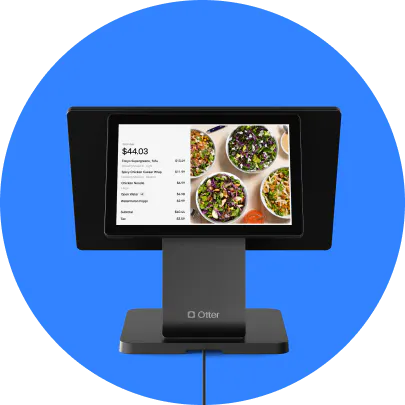
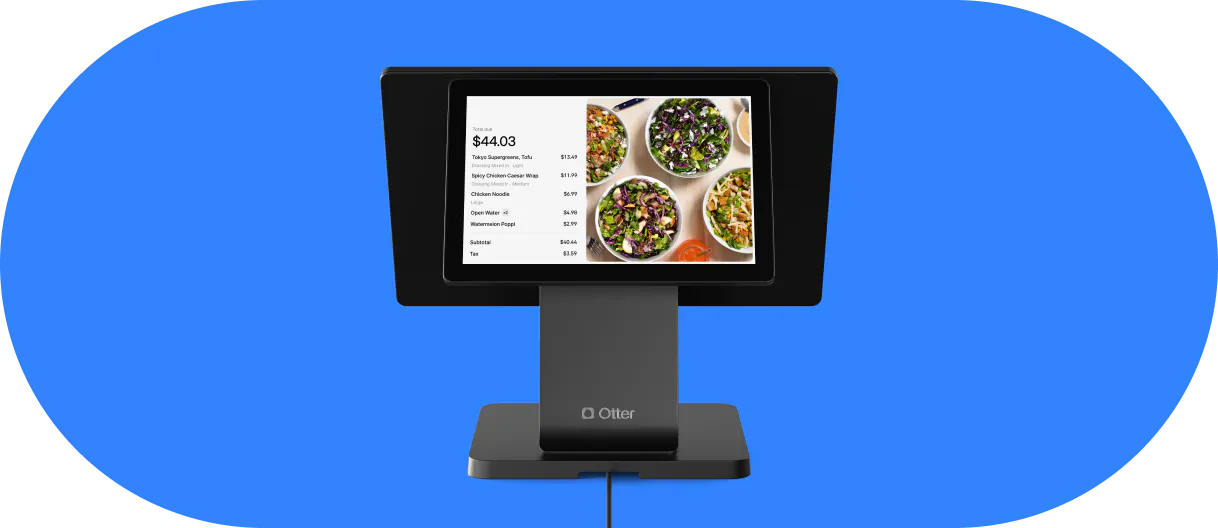
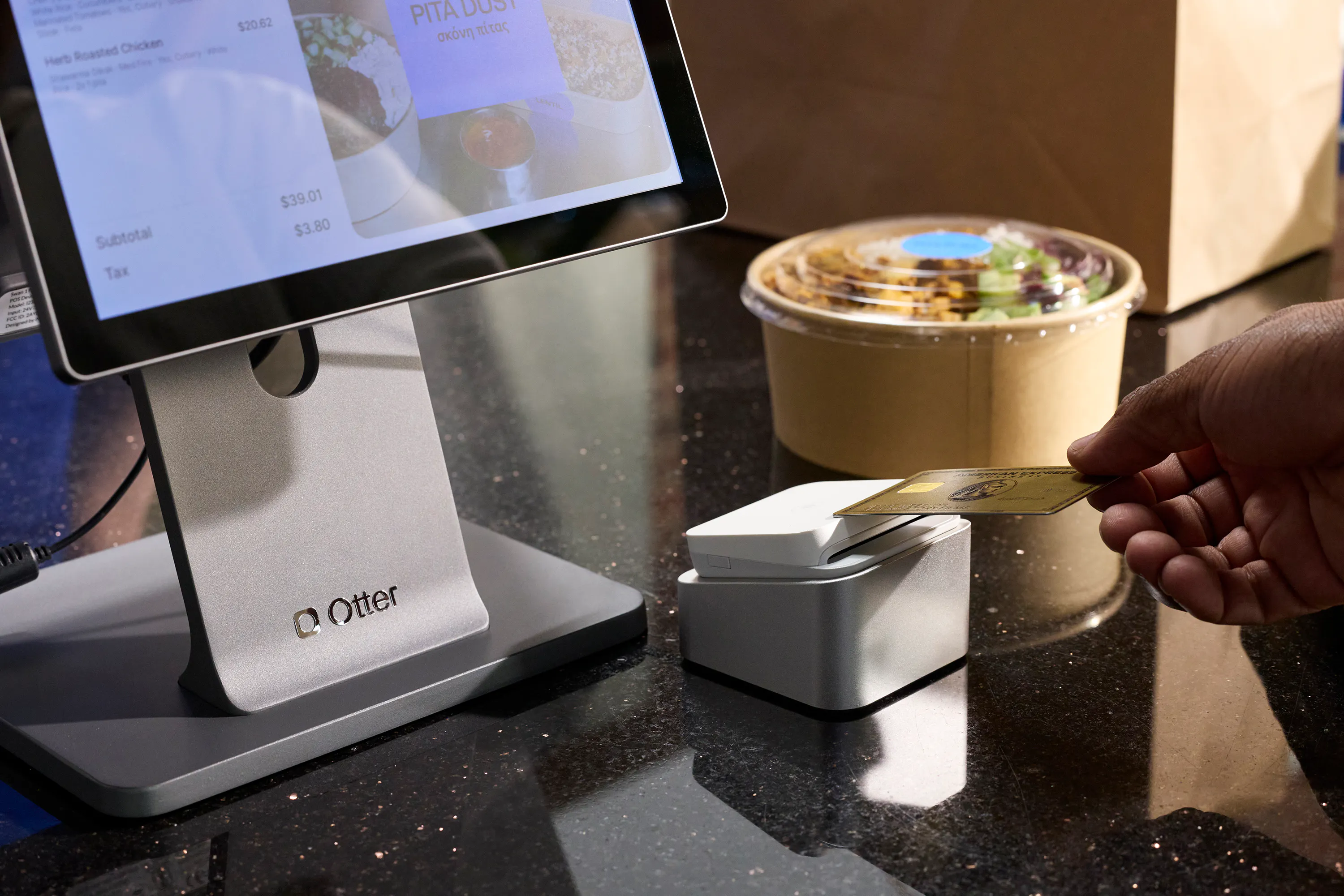
Otter Catering is a POS-native add-on, not a separate system. Catering orders flow through the same Otter POS your kitchen already uses for dine-in and online orders. No middleware, no separate tablet, no manual re-entry.
How the guest ordering journey works
Guests browse your catering menu, choose items and quantities, and see a clear price per attendee through a branded, mobile-friendly web experience Otter hosts for you. They pick pickup or delivery and schedule the order up to six months in advance. They pay a deposit through online payments, using Apple Pay, Google Pay, or a major credit card, and receive an invoice for the remaining balance as the event date approaches. Every customer order then hits your kitchen display system the same way a dine-in ticket does, with prep scheduled around the event time, so nothing falls outside your POS reports.
The owned-channel advantage
Customer data, order history, and the reorder pipeline stay in your hands. There's no marketplace commission on repeat catering orders and no platform owning the relationship you built.
Built-in ecosystem: Dispatch, and Online Ordering
- Dispatch: catering delivery management is coordinated through the same platform via third-party or in-house couriers, so there's no separate logistics tool to keep track of.
- Online Ordering: a complementary product that lets guests place individual or group orders alongside catering, useful for fast-casual operators mixing regular delivery with bulk event orders.
Pair it with Otter's Website Builder to promote catering directly on your site.
Who this is built for
QSR, fast-casual, ghost kitchens, virtual brands, and multi-location independents where catering is a meaningful revenue line but not the whole operation. Customer orders, whether a 10-person office lunch or a 200-person event, stay inside the same reporting suite as your regular sales. Ingredient and food costs tracking adjusts automatically as catering volume changes, so a 150-person order doesn't blindside your walk-in. If you need catering to stay organized inside your existing workflow, this is the fit.
For a full breakdown of how Otter's ordering channels work together, see Otter's ordering options.
Where Otter doesn't go
Otter does not offer standalone proposal tools, event planning CRM, or QuickBooks integration. If you're running a dedicated catering business that needs client quotes and contract sign-off workflows, see the tools below.
You can see how catering orders flow through Otter's POS system end to end by booking a walkthrough.
2. CaterZen: best standalone suite for high-volume dedicated catering businesses
Who it's for: operators running catering as their primary or sole business model, not a restaurant adding catering as a revenue stream.
What it does well: CaterZen is a full-featured catering and event management platform covering client CRM, quotes, order tracking, event planning, and marketing automation. Its three-pillar structure (Increase Sales / Manage Operations / Build Repeat Clients) maps directly to the lifecycle of a catering business: pipeline visibility, follow-up automation, and reorder triggers for corporate accounts.
For a dedicated catering company managing dozens of recurring clients, that structure makes sense. The catering operations are the whole job, and CaterZen is built around that reality. It's also user friendly enough that a small team can get up to speed quickly, backed by responsive customer support during onboarding.
The honest limitation for restaurant operators: CaterZen is event management software built to run a catering company, not to sit inside an existing restaurant POS. Orders do not natively flow to a kitchen ticket system. If your kitchen is already running on a POS, catering orders placed through CaterZen live in a separate system, which means manual transfer, separate reporting, and the 11pm reconciliation problem.
Bottom line: strong tool for catering businesses. Not the right fit if you need catering orders to stay organized inside an existing kitchen workflow.
3. Curate: best for custom event catering that connects sales to production
Who it's for: full-service and custom event caterers managing weddings, galas, fundraisers, private events, and other work where menus, pricing, staffing, and production details vary from one event to the next. Some Curate customers also handle corporate catering, but the core use case is bespoke event work rather than standardized B2B contracts.
What it does well: Curate connects the full event workflow in one record, from inquiry and proposal through menus, recipes, costing, purchasing, production documents, payments, and reporting. Clients approve proposals, contracts, and payment schedules through a single link, but that same record also carries into custom menu and recipe costing, purchase orders and shopping lists, and operational prints like BEOs, recipe sheets, and staffing schedules. For caterers juggling weddings or galas where every event's menu, staffing, and rentals differ, that's a way to avoid rebuilding each event across separate tools.
Integration worth noting: Curate syncs with QuickBooks, Galley (recipe costing), Google Calendar, Nowsta, and StaffMate. For operators who need catering revenue to reconcile automatically in accounting software, or staffing and rental needs to flow into scheduling tools, those integrations remove several manual steps.
The honest limitation: Curate is not a POS or kitchen display system. But unlike a pure proposal tool, its production features mean sales information (menus, recipes, costing) carries forward into purchasing, staffing, and production documents without rebuilding the event in a separate system. Restaurants that need catering orders to enter the same ticket flow as dine-in orders will still use a separate POS workflow.
Pricing: a genuine contact-for-pricing model, with no dollar figures published for any of its three tiers. Small operators who need cost clarity before trialing should flag this before spending time on a demo.
Bottom line: the right tool if your catering business runs on custom, full-service events and you want sales and production connected in one record. Not the right tool if your priority is getting catering order flow into the same kitchen display as your regular operations.
4. Caterease: best for large-scale catering and multi-event operations
Who it's for: high-volume catering operations managing dozens of simultaneous events, venues, hotel food and beverage, or large institutional catering.
What it does well: Caterease covers event booking, venue management, booking management across multiple calendars, detailed menu management and menu planning, payment processing, and online inquiry intake. The platform scales to complex multi-event workflows in a way that smaller tools don't. The Cai Assistant AI feature automates event detail capture and reduces admin time. If you're managing 30 events a week across a staff scheduling calendar that spans multiple venues, that's a real operational win.
The honest limitation for independent and QSR operators: Caterease is enterprise-leaning. The pricing and onboarding complexity are not well-suited for 1 to 5 location restaurant operators adding catering as a side revenue channel. The feature set is built for operations where catering management is a full-time job requiring dedicated staffing, staff scheduling, and payroll oversight for multiple people, not a side channel bolted onto a restaurant POS.
Bottom line: if you're running a large catering operation and need software that can keep track of every event detail, staff schedule, and venue booking across a high-volume calendar, Caterease is worth evaluating. If you're a fast-casual operator adding catering to your revenue mix, it's likely more tool than you need. You'll also see brands like Tripleseat and CaterTrax in this same enterprise and venue-management category, alongside tools like Total Party Planner. Most serve the same hotel, venue, and large-event segment as Caterease, with the same tradeoffs for independent restaurant operators.
How catering order flow should work, and where most software fails
Here's the operational problem that almost no catering software article names directly: large-volume orders placed days in advance still need to hit the same prep workflow as your regular orders. Most catering tools aren't built to make that happen.
The failure modes you'll actually experience:
- Orders that never make it into POS reports at all
- Orders that arrive without payment data attached
- Orders that require manual re-entry just to close the ticket
- Catering revenue that reconciles at 11pm because it lives in a separate system
Ghost kitchens and virtual brands are most exposed. With no front-of-house buffer, a catering order that falls outside the POS ticket flow creates real fulfillment risk. There's no one at a host stand to catch the gap.
The fix isn't a better proposal tool. It's catering orders and delivery management entering the kitchen through the same KDS your team already uses, with the same prep scheduling logic as every other order type.
Every time a catering order lives in a different system, reconciliation becomes someone's job. One catering order in a separate platform is manageable. Fifty a month is a part-time accounting problem.
For the accounting side of multi-channel revenue, see Otter's guide to restaurant accounting and bookkeeping.
Catering software built for caterers won't fix a restaurant kitchen
Here's the fork in the road: if catering is your business, CaterZen, Curate, or Caterease likely fit your workflow. Pick based on whether you need CRM depth, polished quotes and proposals, or multi-event and venue management scale.
If catering is a revenue line inside a restaurant operation, QSR, fast-casual, ghost kitchen, or multi-location independent, you need catering to live inside your POS, not alongside it. Every system your team has to keep track of, reconcile, or manually sync is someone's 11pm problem.
For that second group, Otter Catering is the natural fit: a POS-native add-on with native catering ordering, a branded website, and delivery management, without a separate catering platform to manage outside your POS. Your catering operations, your customer data, one system.
Ready to run catering through your POS without a separate system or a manual workaround? Book a demo with Otter.
Frequently asked questions about catering software
What is catering software?
Catering software helps you manage catering orders, event details, client information, payments, and kitchen workflow in one place. The key distinction: some tools are built for dedicated catering companies (proposals, CRM, event scheduling), while others are POS-native features built for restaurants where catering order flow runs through the same kitchen system as dine-in and delivery.
What's the difference between catering software and a restaurant POS with catering features?
Standalone catering software like CaterZen, Curate, and Caterease is built to run a catering business. A POS with native catering, like Otter, routes catering orders through the same kitchen and order management system as every other order type, eliminating a separate platform and the manual re-entry that comes with it.
Can a restaurant POS handle catering orders without separate software?
Yes, if the POS is built to support it. A POS with native catering features lets guests browse a catering menu, place advance orders, and pay through online payments, with those orders flowing directly to the kitchen. No manual re-entry, no second system.
What features should you look for in catering software?
Use this checklist: does the order hit the kitchen automatically, is customer data owned by your restaurant, is pricing flat-fee, does it support online payments and deposits, does it replace your existing POS or sit alongside it, and can you re-engage catering customers for repeat orders without paying for re-acquisition?
Is there free catering software for small businesses?
Most platforms offer a free trial, not a free tier. The more important question is whether the monthly fee stays flat as volume grows. A flat monthly fee that covers catering inside your existing POS is a better deal than a free tool that charges a percentage of every order.
How do catering orders get sent to the kitchen?
In a POS-native system, catering orders appear on the kitchen display system the same way dine-in tickets do, and every customer order is scheduled based on the event time. In standalone catering software, orders typically live outside the kitchen system and require manual transfer, which creates reconciliation risk and fulfillment gaps.
What's the best catering software for ghost kitchens and virtual brands?
Ghost kitchens have no front-of-house buffer, so any catering order that falls outside the POS flow creates real fulfillment risk. A POS-native catering solution that routes orders and delivery management through the existing KDS keeps all order data in one system and eliminates the manual re-entry that standalone tools require.
Does catering software help with staffing, scheduling, and payroll?
Enterprise platforms like Caterease build in staff scheduling and labor costs tracking for operations running dozens of events a week, which matters when catering is the whole business. For a restaurant adding catering as one revenue line, that level of staffing and payroll management usually isn't necessary. Your existing POS labor tools and scheduling process can typically absorb catering shifts without a dedicated system.
Does catering software connect to inventory management?
Some standalone platforms integrate with outside inventory tools, but the more useful version of this is ingredient-level: catering software that ties order volume to your food costs, so a 150-person order doesn't blindside your walk-in. POS-native catering, where the catering order and the kitchen's inventory management run through the same system, handles this more directly than a bolt-on catering platform reporting to a separate POS.

See Otter Catering in action