
Table of contents
- How the five multi-location POS systems compare
- What to check before comparing POS providers
- The best multi-location restaurant POS systems to consider
- 4. TouchBistro for multi-unit restaurant operations
- 3. Oracle Simphony for complex restaurant operations
- 2. Square for Restaurants for straightforward expansion
- 1. Otter POS for restaurants managing several order channels
- How to choose a POS system for multiple locations
- Choose a POS your next location can use
- Frequently asked questions about multi-location POS systems
According to the National Restaurant Association’s 2026 industry report, 42% of restaurant operators said they were not profitable in 2025. When you run more than one location, small gaps in menu control, order flow and reporting can become expensive at every store.
A multi-location POS system should make your locations easier to run together while leaving room for each store to work differently. The best choice depends on how you serve guests, where orders come from and how much control your team needs at each location.
Key insights
- Choose a restaurant POS around the work shared by your locations, including menu updates, permissions and sales reporting
- Test local exceptions as carefully as brand-wide changes: one store may have a different price, item or service setup
- Compare total costs, rollout support and integrations alongside the features shown in a demo
- Ask each vendor to show real tasks across two locations before you commit
How the five multi-location POS systems compare
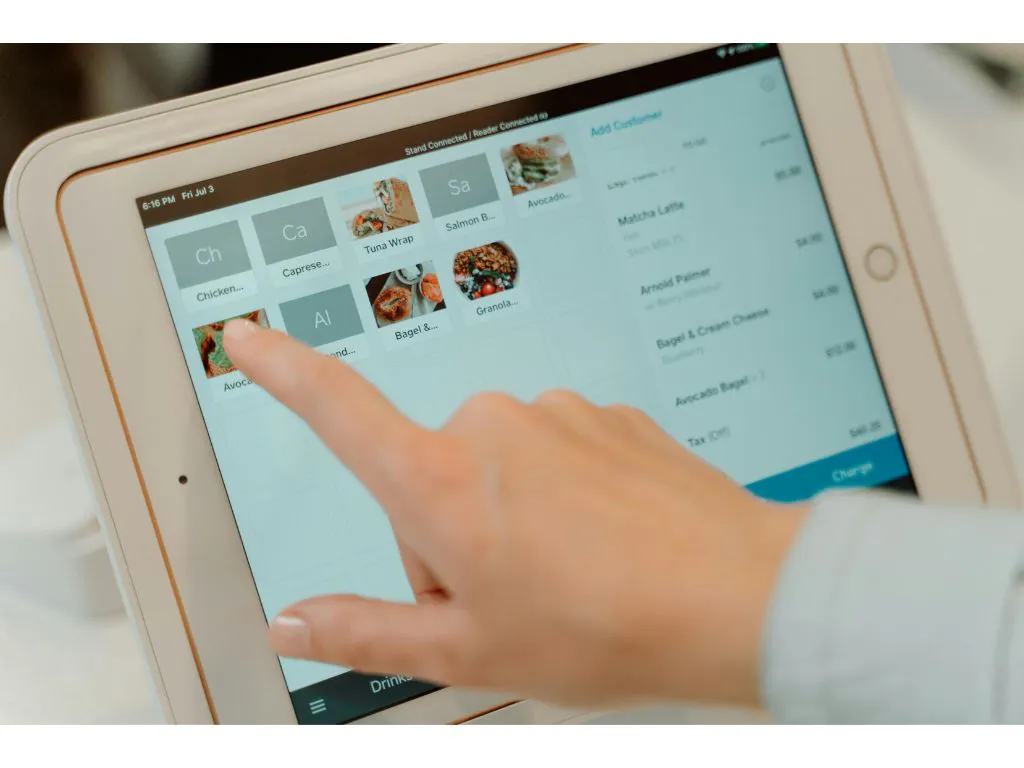
This shortlist focuses on restaurant use. The best fit column describes where each system is strongest to evaluate, not a promise that every feature comes in every plan.
System | Good starting point for | Confirm during a demo |
|---|---|---|
Otter | Quick-service and fast-casual brands with several ordering channels | How central menu changes, location reporting and in-store order flow work together |
Square for Restaurants | Growing teams that want a familiar POS and location management | Which features and permissions apply to your restaurant plan at each store |
Oracle Simphony | Larger operations with complex service and rollout needs | Implementation scope, integrations and the level of central control |
TouchBistro | Multi-unit restaurants with a strong dine-in service focus | Shared versus local menus, staff roles and consolidated reporting |
NCR Voyix Aloha | Chains evaluating a broad restaurant technology platform | Rollout, local continuity, integrations and support across your sites |
What to check before comparing POS providers
One menu strategy with room for local changes
Try changing a menu item for every store, then changing its price at only one. Ask who can publish the change and how quickly it reaches the channels you use. If your team makes updates by hand at each location, a new store adds more work and more chances for mistakes.
Reports you can use across stores
You need both a brand-wide view and a clear view of each store. Ask the provider to show sales by location, channel and daypart, then confirm which reports you can export. A useful dashboard should help you spot what changed and decide where to act.
Orders that reach the right team
Follow a dine-in, pickup and delivery order from entry to fulfillment. Check whether your staff must re-enter a ticket, how an unavailable item is handled and what happens when a connection fails. If ordering is the biggest issue you need to solve, compare the wider options in Otter’s guide to restaurant ordering systems.
Security, access and support as you grow
Ask how managers limit staff access by role and location, who can see sensitive reports and what happens when an employee leaves. Request security documentation that covers the services you plan to use. Otter’s guide explains what SOC 2 means when evaluating restaurant technology vendors and which questions to ask during a vendor review.
Also check what help your team gets during a rollout and a busy shift. Have the vendor explain who handles setup, who supports staff at each store and how you escalate a problem that affects several locations.
The best multi-location restaurant POS systems to consider
Each option below can serve more than one location, but the right setup may depend on your contract, add-ons and integrations. Use the same test tasks for every vendor so the comparison stays fair.
5. NCR Voyix Aloha for a chain-wide platform
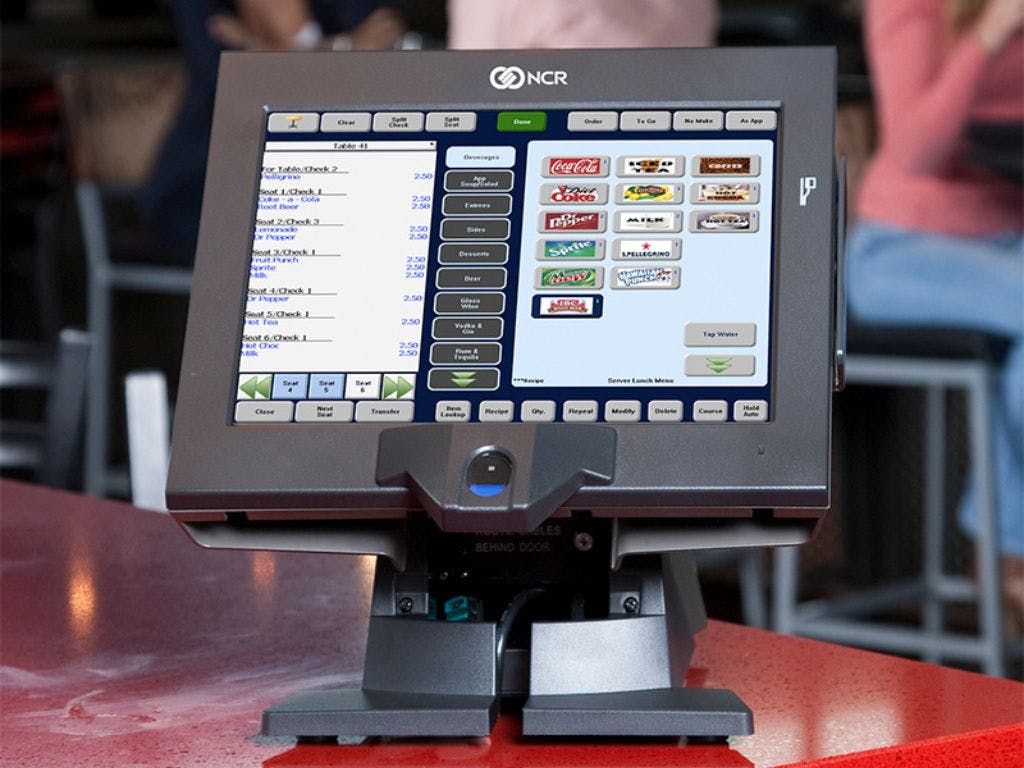
NCR Voyix positions Aloha as part of a wider restaurant platform for operators ranging from independent restaurants to large chains. It is worth evaluating when your decision includes hardware, payments and a coordinated rollout across many sites.
Ask for a walkthrough of central menu control, location-specific exceptions and what your stores can do during an internet outage. Confirm how existing systems connect, what the rollout requires and which support team your managers will call. Request a complete proposal for each location rather than relying on a headline price.
4. TouchBistro for multi-unit restaurant operations
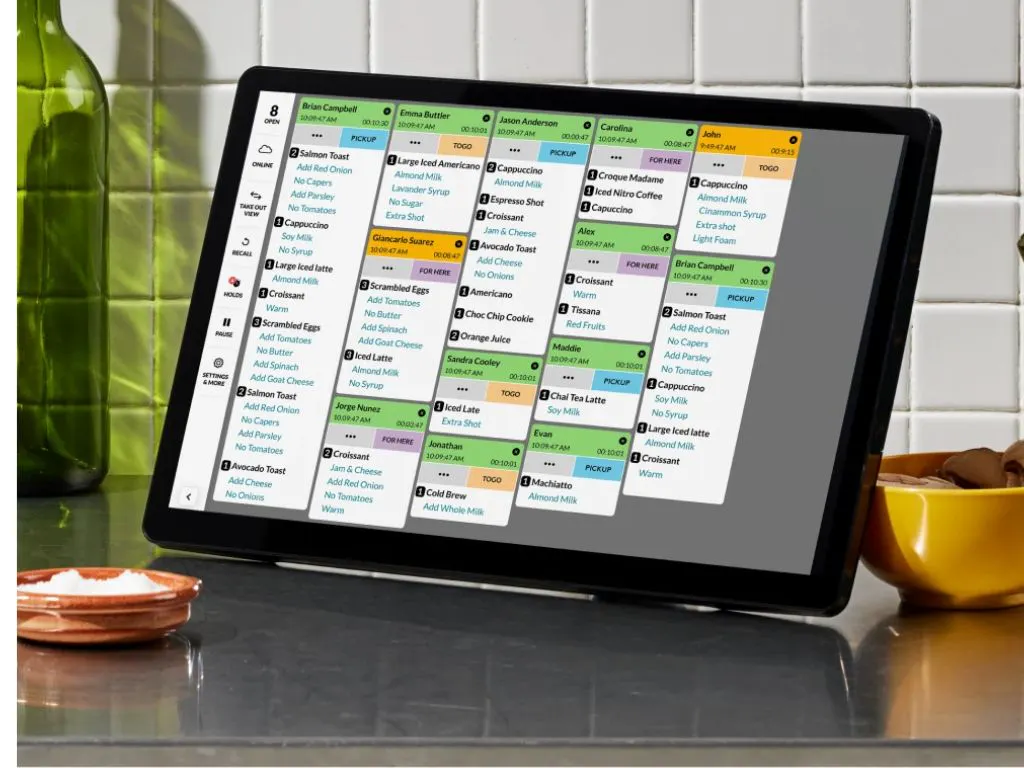
TouchBistro has a dedicated multi-unit offering. Its published capabilities include changing menus for some or all locations, looking at combined or individual venue reports and managing staff permissions from one account. That makes it a useful option to assess if you need local flexibility alongside a shared restaurant setup.
In your demo, change one item for only two stores and compare both reports afterward. Check which tools are included in the proposal, especially if you need to connect ordering, payments or other systems already used by your team.
3. Oracle Simphony for complex restaurant operations
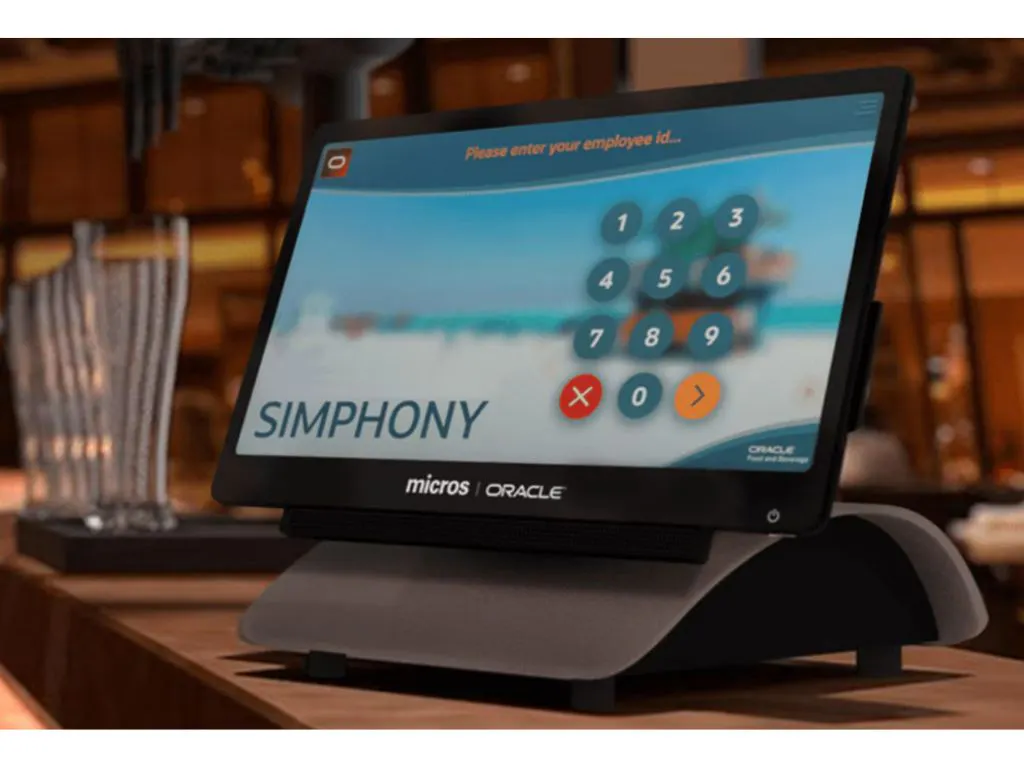
Oracle Simphony is designed for restaurant operations at scale, with cloud-based tools and a broad set of integrations. It deserves a look if you have a larger estate, more complex requirements or a formal technology buying process.
Ask Oracle to map the exact setup your teams will use, including menus, permissions, payments and reporting. Get the implementation work, hardware, training and ongoing support in writing. A wide platform is valuable only if the rollout and daily workflow fit your stores.
2. Square for Restaurants for straightforward expansion
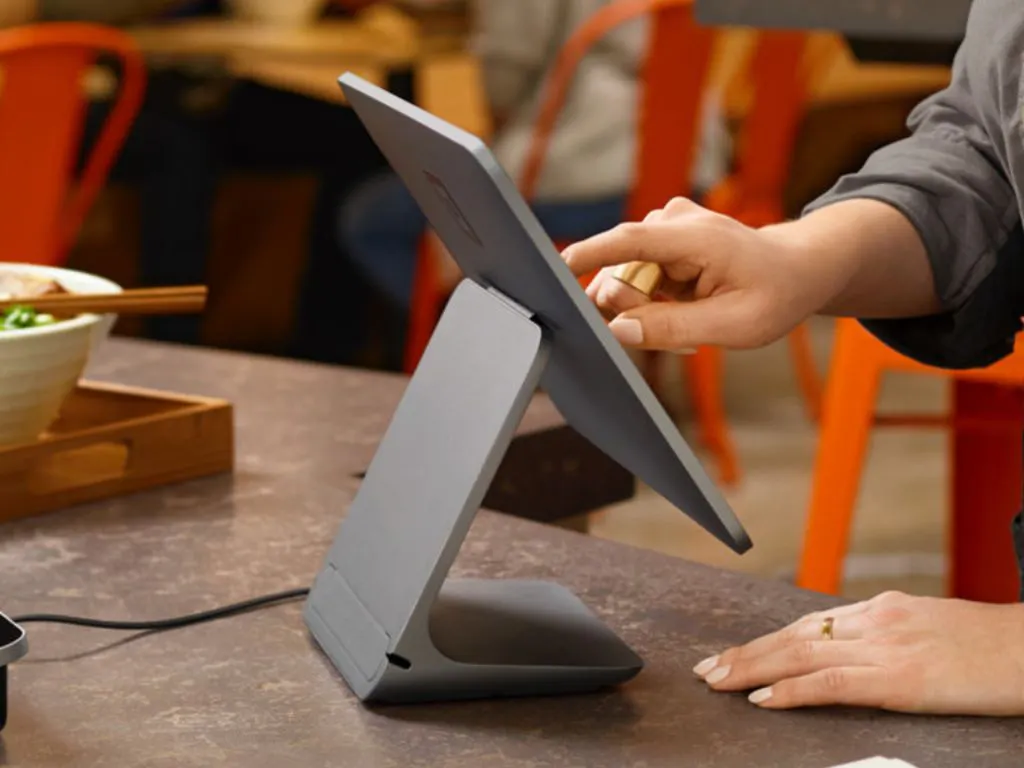
Square offers multi-store tools that let businesses manage locations and review performance across them. For a growing restaurant, the appeal is a familiar starting point with a path to organize more than one store.
Make sure the demo uses Square for Restaurants and your proposed plan, since needs differ from a general retail setup. Check item changes by location, staff access, integrations and the total payment and hardware costs for your expected order mix.
1. Otter POS for restaurants managing several order channels
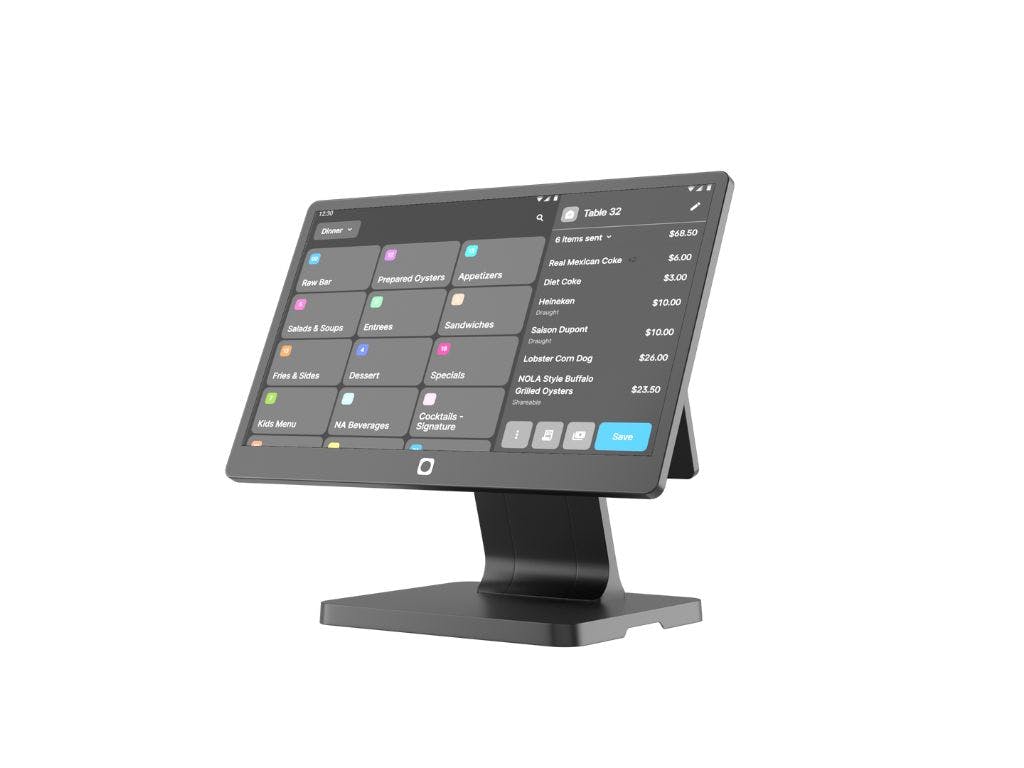
Otter POS brings in-store sales, menus and order activity into a restaurant-focused system. For a quick-service or fast-casual brand, the value to test is how a central team keeps stores aligned while each location handles its own service and incoming orders.
For shared updates, Otter’s Menu Management lets teams manage menus and item availability across locations and channels. Otter’s Analytics gives operators a view of performance across the business. In a demo, ask to publish a menu change to selected stores, review what each store sold and trace an online order through the workflow.
Otter may be a better fit when fast service and multiple order sources shape your day. If you need a heavily customized full-service dining workflow, have your team test those requirements before deciding. Ask for a proposal that shows the hardware, software and payments arrangement for your locations.
“Otter has played a crucial role in uncovering insights and opportunities we had not previously explored.”
Greg Willman, Chairman and CEO, Naf Naf Grill, Chicago, IL
How to choose a POS system for multiple locations
Narrow your list to two or three providers, then give each one the same set of tasks. A polished overview is useful, but a live test will show where your team will spend time after launch.
- Change a menu item across two stores, then leave a third store unchanged.
Tip: Ask who approves the change and how you can undo it if the wrong price goes live.
- Place the same type of order through two channels and trace it to the right store.
Tip: Note every point where a staff member must copy information by hand.
- Pull one combined sales report and one report for a single location.
Tip: Check whether your managers see only the stores they oversee.
- Walk through opening a new location and training its first shift.
Tip: Get a named owner and timetable for each part of the rollout.
- Request a written cost breakdown for your planned setup.
Tip: Include terminals, software, payment processing, added locations, integrations and support. Use Otter’s restaurant POS system cost guide to check which costs belong in your comparison.
Finally, ask for references from restaurants with a similar number of stores and service model. The right system should help you add another location without making your central team repeat the same work.
Choose a POS your next location can use
A system that works at one restaurant can become hard to manage when every location needs a separate menu change, report or fix. Choose the provider that handles the shared work well, gives each store the right level of control and can show your team how rollout will work.
Want to see how Otter handles your locations? Book a demo and bring the same tasks you used to evaluate every provider.
Frequently asked questions about multi-location POS systems
What is a multi-location POS system?
A multi-location POS system lets you take orders and track sales at more than one store while managing shared work from a central place. Depending on the provider, that can include menus, reporting and staff access. Ask to see which tasks happen centrally and which each location handles on its own.
Can a POS system use different menus at different locations?
Many systems let you share a core menu and keep some items or prices local. The exact controls vary by provider and plan. In a demo, publish a change to one store and check that the other stores stay as you intended.
How do you compare POS software for multiple locations?
Give each vendor the same menu, order and reporting tasks to perform. Check the rollout and support plan as closely as the feature list. Then compare the full cost for your actual number of stores, terminals and order channels.
How many locations can a restaurant POS system support?
There is no single limit that applies to every vendor or setup. Ask how the provider adds a new store, what changes in your account and whether your reporting still works the way you need. Confirm any location limits and added fees in the proposal.

Book a demo with Otter
It’s time to enhance your operations with Otter’s all-in-one restaurant platform. Book time with our sales team to learn more.

Explore a POS built for growing restaurants