Menu description examples for restaurants: before and after

Last updated

Written by

Emeric Henon

Emeric is a product and operations leader with deep experience launching and scaling marketplace and delivery platforms across global markets. He has led product integrations for high-volume, multichannel operations, with hands-on experience supporting complex regional launches. He brings a data-driven, operator-first mindset shaped by years at Uber and Otter, focused on building restaurant technology that improves operational efficiency, local execution, and customer experience.

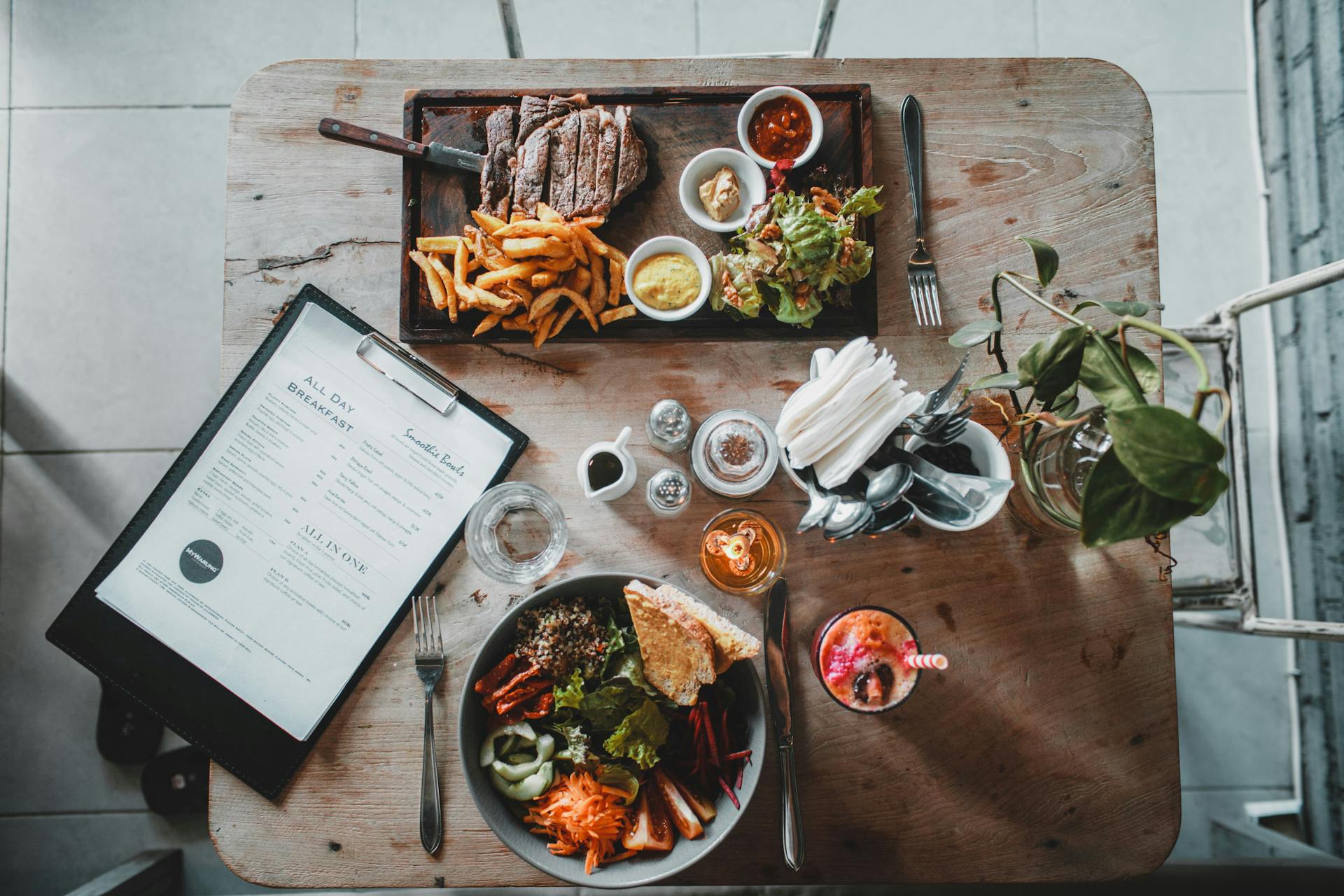
Restaurant table setting with an open menu beside a plate of steak and fries.
Menu Descriptions

Table of contents

In a 2025 OpenTable survey of 1,500 US consumers, 39% said they looked to contact restaurants to learn more about menu items. Clear descriptions can answer common questions about ingredients, preparation and what comes with a dish before a guest has to ask.

A good description makes the dish clear, distinctive and easy to choose. It does not need a string of adjectives or a claim you cannot verify. Use the examples below to revise your own menu, then check every ingredient, portion and preparation detail against what your kitchen actually serves.

Key insights

  • A strong menu description names the dish, its defining ingredients or preparation, and one detail that helps a guest decide
  • Before-and-after examples are most useful when the stronger version answers a real question about portion, flavor or what is included
  • Keep dietary, sourcing and health claims accurate, and make allergen information easy to find through your menu process
  • Use the same verified item details across dine-in menus, your website and ordering channels so guests do not see conflicting promises

What makes a good menu item description?

A menu description is the short explanation beside a dish name. It should tell a guest what arrives, how it is prepared or flavored, and what makes this version worth choosing. A useful starting formula is: dish + defining ingredients or preparation + one decision-making detail. The last detail might be the portion, heat level, texture, sauce or included side.

For example, “chicken sandwich” identifies the category. “Crispy chicken with dill pickles and tangy slaw on a toasted bun” helps someone imagine the order. Add the portion or included side when that information changes the value of the item; leave optional swaps and paid additions in the modifier fields.

12 menu description examples for restaurants

These are illustrative rewrites, not descriptions of actual Otter customer dishes. Before publishing any version, replace the ingredients, portions and preparation methods with the facts from your own kitchen.

Menu item and basic copy

Stronger description

Why it works

Chicken wings
Basic: Wings

Six crispy wings tossed in smoky barbecue sauce, served with ranch

States quantity, texture, sauce and what comes with the order

Smash burger
Basic: Cheeseburger

Two smashed beef patties with cheddar, pickles and grilled onions on a toasted bun

Shows the build and distinguishes the burger from a generic cheeseburger

Pizza
Basic: Margherita pizza

Thin-crust pizza with tomato, fresh mozzarella and basil, finished with olive oil

Names the crust and toppings without adding empty praise

Sandwich
Basic: Turkey sandwich

Roasted turkey with cheddar, tomato and herb mayo on toasted sourdough

Makes the bread, filling and sauce clear

Breakfast
Basic: Breakfast burrito

Scrambled eggs, breakfast potatoes and cheddar in a warm tortilla, with salsa on the side

Clarifies the filling and where the salsa is served

Plant-based bowl
Basic: Veggie bowl

Roasted sweet potato, chickpeas and greens over rice with lemon-tahini sauce

Replaces a vague label with the actual components

Salad
Basic: Caesar salad

Romaine with Parmesan, croutons and Caesar dressing, finished with cracked pepper

Sets expectations for the ingredients and finish

Pasta
Basic: Pasta with tomato sauce

Rigatoni in tomato sauce with basil and grated Parmesan

Specifies the pasta shape and what is included

Tacos
Basic: Fish tacos

Three grilled fish tacos with cabbage slaw, lime crema and cilantro

Answers quantity and preparation questions quickly

Dessert
Basic: Chocolate cake

Dark chocolate layer cake with fudge frosting and vanilla ice cream

Describes the dessert and its included accompaniment

Drink
Basic: Iced latte

Espresso and chilled milk over ice, with your choice of syrup at checkout

Keeps the base drink clear and points to the option field

Group order
Basic: Family meal

Roast chicken with two sides and four rolls, packed to serve four

Defines the bundle contents and intended serving size

The strongest line is not automatically the longest one. If the name already explains the dish, use the description to answer the next likely question. If a guest needs to know whether a side, sauce or topping is included, say so plainly.

How to write a menu description in four steps

1. Name the dish in familiar terms

Start with the words guests would use to identify the item, such as “grilled fish tacos” or “mushroom risotto.” A creative house name can stay, but the description should tell a new guest what it means.

Tip: Ask a team member who has not seen the item whether the first few words make the dish clear.

2. Add the detail that sets your version apart

Choose a real ingredient, cooking method, sauce or texture. “Crispy chicken,” “charred corn” and “lemon-tahini sauce” say more than “delicious,” “premium” or “mouthwatering.” Describe what is distinctive rather than piling on sensory words.

Tip: Read the line aloud. If it could describe several dishes on your menu, replace a generic adjective with a specific fact.

3. Answer the question that could stop an order

State the portion, heat level, included side or preparation when guests might otherwise have to ask. Keep options such as extra protein, size and substitutions in the relevant selection fields so the description does not promise them in the base price.

Tip: Review questions your servers hear and notes that appear on online orders. Those are clues about missing information.

4. Check the copy against the kitchen and every channel

Confirm the ingredients, preparation and quantity with the team that makes the dish. Then update your printed menu, website and ordering channels together. A beautiful description creates a poor experience if the item that arrives does not match it.

Tip: Assign an owner to review descriptions whenever a recipe, supplier, modifier or portion changes.

Customers perusing the menu at a restaurant.

Use descriptive words without making unsupported claims

Specific language earns its place when it describes something a guest can see, taste or verify. “Toasted sourdough” and “lime crema” convey more than “fresh” or “authentic.” Be especially careful with words such as “gluten-free,” “organic,” “locally sourced,” “high protein” and “nut-free.” They imply facts about ingredients, handling or sourcing that need to be checked before they appear on a menu.

If you offer dietary information, make the details consistent with your recipes and handling practices. FDA guidance on food allergens and gluten-free claims is a useful source for checking terminology; your team should also follow the rules that apply to its locations. A description should never be the only place a guest has to look for important dietary information.
Adapt menu descriptions for online ordering

On a phone, the beginning of a description may be the only part a guest sees before tapping into the item. Put the dish and defining detail first. Then make the included portion, side and sauce clear. Use modifier fields for choices, and check that photos show the version a guest will receive by default.

Your menu is also part of how guests discover the restaurant online. Otter's restaurant SEO guide explains how readable menu text and accurate item details support search visibility. For the visual side, use Otter's AI food photography guide to make the image and description reinforce the same promise.

When an item changes, a copy edit needs to reach every place people can order it. Otter’s Menus and 86ing lets restaurant teams update menu information and availability across connected channels from one place. A limited-time special is easier to promote when the words, photo and actual item stay aligned.

Reda Iabbakh, owner of IDK Philly in Philadelphia, Pennsylvania, says: “Updating my menus across channels is as easy as 1-2-3 with Otter.” The same discipline matters for description changes: the copy should match the item wherever a guest finds it.

Want a quick review of your current delivery menu? Try Otter’s Menulizer for an assessment and actionable ideas.

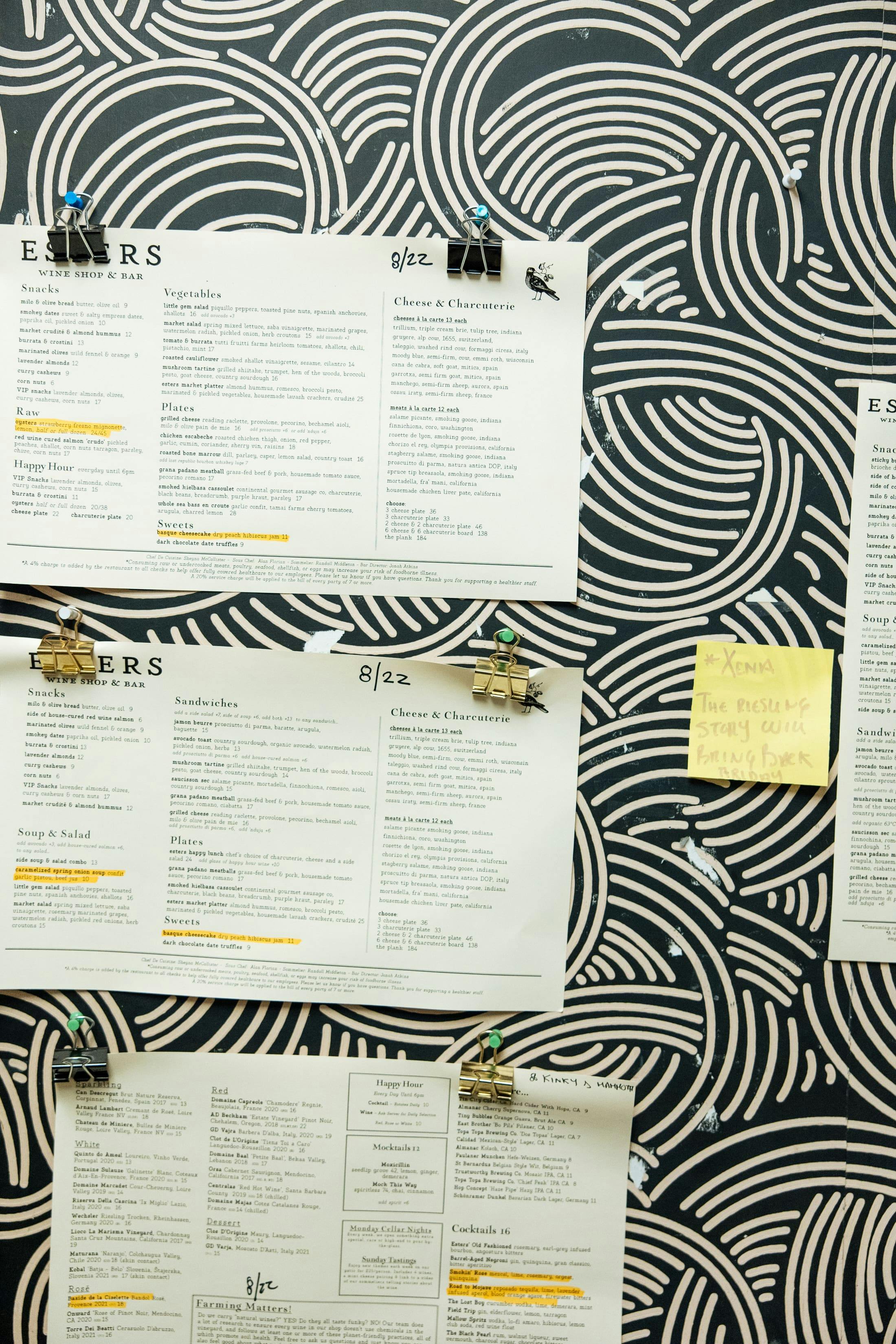
Restaurant menus hanging up on a wall.

Test the description, then keep the winner accurate

Start with a few items that get views but fewer orders than comparable dishes, or with dishes that guests regularly ask about. Change the description while keeping the recipe, price and photo steady. Compare item orders and contribution margin over similar dayparts, and record the dates of the test. A shift in sales is useful evidence, but do not credit the wording alone if a promotion, season or placement also changed.

Keep a version of the original line and the revised line. If guests still ask what comes with the item, revise for clarity before adding more appetite words. Recheck the winner whenever the kitchen changes the dish.

Make each description match the food you serve

A clear name, a defining detail and one useful ordering fact can do more work than a paragraph of adjectives. Use the examples as patterns, adapt them to your recipes and verify them with your team. The result is a menu guests can understand and a promise your kitchen can keep.

If you want to keep menu details current across ordering channels, book a demo with Otter.

Frequently asked questions about menu description examples

What should a menu description include?

Include the dish, its defining ingredients or preparation, and a detail that helps the guest decide, such as flavor, texture, portion or an included side. Use the modifier fields for optional additions and substitutions so the base item remains clear.

How long should a restaurant menu description be?

Use as many words as it takes to answer the most important ordering questions, usually one or two concise sentences. The right length depends on the item: a familiar side may need less explanation than a group meal or a dish with an unfamiliar name.

What are examples of descriptive food words?

Words such as “crispy,” “charred,” “toasted,” “smoky” and “tangy” can help when they accurately describe the item. Pair one useful sensory word with a specific ingredient or preparation rather than stacking several adjectives.

Should online and printed menus use the same description?

The core facts should match, including ingredients, portion and what is included. You may shorten the opening line for a mobile screen, but keep the promise consistent with the item served and update every channel when the recipe changes.

Refine your menu with Otter