
Table of contents
- What menu pricing software actually does (and what it doesn't)
- The 6 features that separate useful tools from expensive dashboards
- The 3 types of menu pricing software: which fits your operation?
- 8 menu pricing tools compared: features, costs, and real operator fit
- The pricing-to-POS gap: why knowing your costs isn't enough
- How to know when to actually change a price
- How to choose the right tool for your operation
- The tool you'll actually open next Tuesday beats the one with the most features
- Frequently asked questions about menu pricing software
You built your menu prices when eggs were $2 a dozen and chicken thighs were manageable. Today, those same proteins have swung 20-30% in cost, and limited-service operators held their median food cost ratio to 32.4% of sales in 2024, according to the National Restaurant Association's analysis of its 2025 Restaurant Operations Data Abstract, but only by actively managing costs, not by leaving prices on autopilot. If your prices still reflect what you paid 18 months ago, your profit margins are quietly bleeding out every service.
Menu pricing software is supposed to fix that. The category is crowded, pricing ranges from free to several hundred dollars a month, and most comparison guides just list features without telling you which tool you'll actually open next Tuesday. This piece compares eight tools on the criteria that determine whether you keep using them, sources every price and feature claim, and gives you a framework for knowing when to pull the trigger on a price change, not just that your costs are high.
Key insights
- The tool you'll actually update every week beats the tool with 200 features you open twice a year. Weight weekly maintenance burden as the first filter in your decision, not feature depth
- Knowing your food cost percentage is only half the job. If acting on that number requires a separate manual login to your register, the gap between insight and action is a real, quantifiable margin leak on every high-velocity item
- The menu engineering matrix turns a passive food cost dashboard into an action plan. Map each item to Star, Plowhorse, Puzzle, or Dog, then apply a cost-threshold trigger rule (3+ points above target for two invoice cycles) to decide when and by how much to reprice
- Restaurants that raised prices by more than 10% in 2025 were more likely to report decreased profits, per the James Beard Foundation and Deloitte's 2026 Independent Restaurant Industry Report. Your costing software gives you the floor, not the ceiling; test increases in $0.25-$0.50 increments on proven high-volume items before committing
The 6 features that separate useful tools from expensive dashboards
Feature 1: real-time ingredient cost tracking
Some tools connect directly to distributor invoices and pull updated prices automatically, giving you real-time ingredient cost tracking without manual work. Others require you to enter prices by hand every time an order comes in. Manual entry is workable if the UI is fast, but it directly determines your weekly maintenance burden. If entering a 50-line invoice takes 45 minutes, that task will get skipped.
Feature 2: sub-recipe and yield percentage accounting
A recipe for braised short rib doesn't start with a finished pound of meat. It starts with raw weight, trim loss, and cook-down. A 20% trim loss on proteins is real money, and if your cost tracking tool doesn't account for yield percentage and sub-recipes, your food cost per plate is consistently understated. That's not a rounding error; it's a structural blind spot.
Feature 3: margin calculation and suggested pricing
The tool should show you plate costs and a recommended sell price at your target food cost percentage. For QSR and fast-casual, that target typically sits between 28-35%. A tool that only shows cost without suggesting a price makes you do the math yourself, which defeats half the purpose.
Feature 4: menu engineering matrix view
Stars, Plowhorses, Puzzles, and Dogs. This four-quadrant menu analysis maps each item's profitability against its sales volume so you can optimize your menu instead of guessing. Without it, you're guessing which menu items to reprice, promote, reformulate, or cut. With it, you have a prioritized action list for menu profitability. The Stars-Plowhorses-Puzzles-Dogs framework is the fastest way to turn raw cost data into a decision about pricing menu items.
Feature 5: maintenance burden
This is the silent killer of costing tools. Auto-invoice parsing from distributor invoices means low burden. Manual entry of 50+ SKUs every time an order arrives means high burden. Score every tool you evaluate on this before anything else.
Feature 6: price change workflow
Can a pricing decision made in your costing tool reach your register without a separate manual login? If not, that gap is a margin risk on every high-velocity item. A clean price change workflow is what separates tools that protect your margins from tools that just inform you about them.

Tool | Type | Price | Best for |
|---|---|---|---|
EZchef | Standalone, Excel-based | ~$289 one-time (ezchef.com) | Budget-conscious, Excel-comfortable operators |
DishCost | Standalone cloud software | Free tier; $39/month paid (dishcost.com) | First-time formal costing |
MarketMan | Standalone software + inventory | $199-$249/month (marketman.com) | Operators who want costing bundled with real inventory control |
Craftable | Standalone + procurement | ~$300+/month (reviewer-estimated) | Multi-location or high-purchase-volume independents |
meez | Recipe management | Free tier to enterprise quote (getmeez.com) | Culinary teams, single-concept to 50+ locations |
Apicbase | Enterprise recipe management | Enterprise quote (apicbase.com) | 5+ location, multi-site operations |
MarginEdge | Invoice/AP automation | $350/month per location (marginedge.com) | Operators who need daily P&L and AP automation more than deep recipe R&D |
Otter | POS-native menu management | Included with Otter POS | Independent QSR/fast-casual wanting one system, no double-entry |
1. EZchef (standalone, Excel-based)
EZchef is a Microsoft Excel workbook, not cloud-based software. You buy it once, currently around $289 for the standard edition (distributor-specific versions run higher), and own it. It handles recipe costing, sub-recipes, yield percentages, and a basic menu engineering matrix. Ingredient prices are updated manually. There's no POS sync and no distributor feed.
Best for: budget-conscious operators who are already comfortable in Excel and want a structured costing framework without a monthly fee. Maintenance burden is medium, it's only as current as your last manual entry.
2. DishCost (standalone software, free tier available)
DishCost offers a genuinely free tier (calculators and basic recipe costing tools, no card required) and a single paid plan at $39/month that adds sub-recipes, the menu engineering matrix, and cost alerts. The paid tier can import distributor order guides as a CSV upload, useful but not a live, real-time price feed.
Best for: operators just formalizing their food cost calculations for the first time. The free tier is a legitimate starting point. Maintenance burden is medium, but the UI is simple enough that weekly updates are realistic. No POS sync.
3. MarketMan (standalone software, inventory-forward)
MarketMan starts at $199/month for its Starter plan and $249/month for Growth, which adds unlimited invoice scanning and real-time recipe costing as vendor prices update. It's built around inventory control and purchasing first, with recipe costing, POS integrations, and accounting connections layered on top.
Best for: operators who want inventory management and recipe costing in one place rather than running two separate tools. Maintenance burden is low on the Growth tier thanks to invoice scanning; higher on Starter, where scans are capped at 50/month.
4. Craftable (mid-tier standalone + procurement)
Craftable adds procurement and invoice management on top of recipe costing, which moves it closer to auto-updating ingredient costs. Distributor invoices can be imported, reducing manual entry. Craftable doesn't publish pricing publicly; reviewer estimates put real-world cost around $300/month or more on the high end.
Best for: multi-location independents or fast-casual operators with higher purchase volume where the invoice automation pays for itself. Maintenance burden is low-to-medium with invoice import.
5. meez (recipe management platform)
meez is built for culinary teams and now serves operators from single-concept independents up through 50+ location multi-unit groups. It excels at sub-recipe depth, prep batch costing, allergen management, and recipe scaling. Unlike some standalone tools, meez connects to vendor pricing so recipe costs update automatically as ingredient prices change, and it has native invoice scanning. Pricing runs from a free individual tier to enterprise quotes.
Best for: culinary-forward operators, including fast-casual and ghost kitchen concepts, with 50+ SKUs and multiple sub-recipes per dish, and teams that need real allergen management alongside costing. Maintenance burden is low to medium given the automated price updates. Strong on culinary detail, lighter on direct POS sync.
6. Apicbase (enterprise recipe management)
Apicbase is built for multi-location and enterprise operations. It handles centralized recipe management, menu engineering, allergen compliance, and cost cascading across locations. A price change to one ingredient updates every recipe that uses it across all locations automatically, which makes multi-location menu management far less error-prone. Pricing is enterprise-level and quote-based.
Best for: operators running 5+ locations who need centralized recipe control and are willing to invest in setup and ongoing cost. Maintenance burden is low once configured. Strong POS integration options at this tier.
7. MarginEdge (invoice processing and accounting automation)
MarginEdge takes a different angle from the tools above. Its core product is automated invoice processing and AP automation that feeds a daily P&L, with recipe and menu analysis layered on top rather than as the core product. It's priced transparently at $350/month per location and serves everyone from independent restaurants to multi-unit groups, syncing with POS and accounting software like QuickBooks.
Best for: operators whose real bottleneck is invoice processing and accounting reconciliation rather than deep recipe R&D, and who want food cost data to flow into their books automatically.
8. Otter (POS-native menu management)
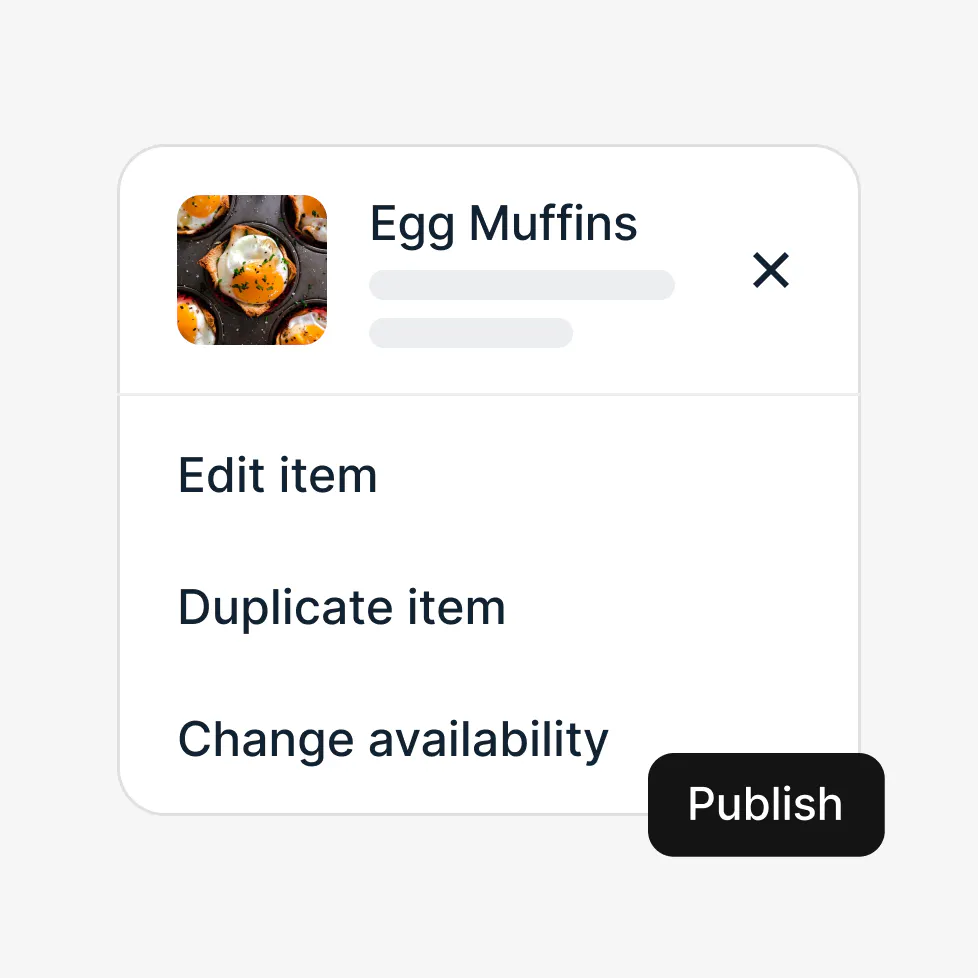
Otter is the POS. Menu management, pricing, and the register operate in one system. A price change made in the menu editor goes live on the register in the same workflow, without a second login. You can push menu updates across delivery channels, including your online ordering page, from one dashboard, which directly addresses the manual-update problem ghost kitchen operators know well. This is menu planning and pricing menu items in the same place you run service, not a separate system for optimizing your menu on paper and a different one for charging the customer.
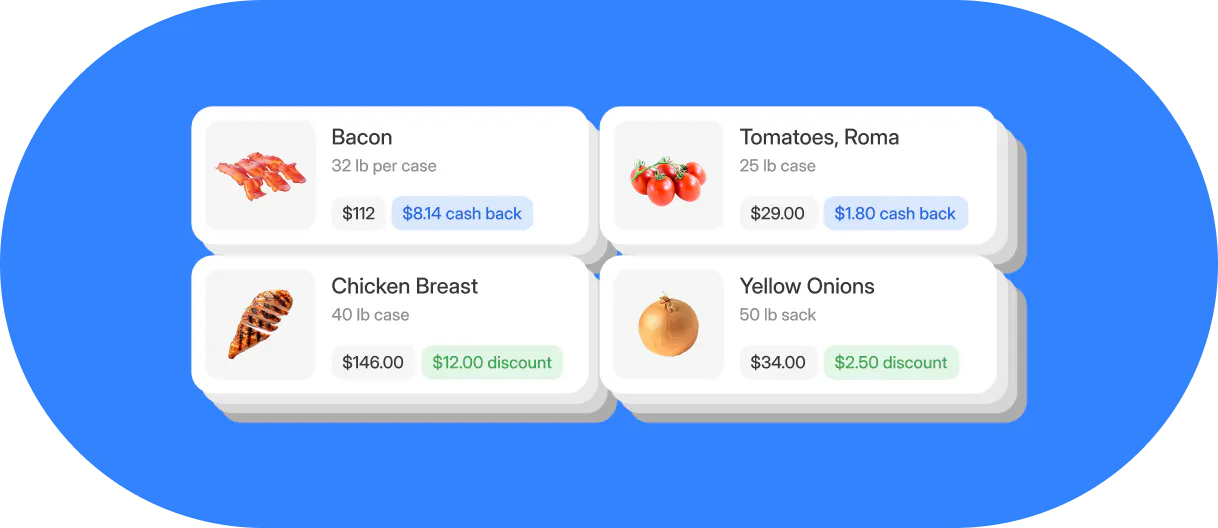
Otter's Inventory Savings connects to your existing distributors and returns cash back, up to 9%, on purchases you're already making, plus sourcing recommendations for the same ingredients at a lower price. Realistically, those savings take around 90 days to show up in your numbers. Otter does not track physical inventory, food waste, or do waste tracking and granular recipe costing at the sub-recipe level the way a dedicated recipe management platform does. What it eliminates is the gap between knowing the right price and charging it.
Nicoletta "Nicole" Kuti, co-owner of Telly's Charburgers, uses Otter's reporting to make exactly this kind of menu decision:
"I like your guys' reporting. Specifically the product mix report, it tells us what we've sold the most for the day, to the least. We got Otter back in May, and since then we've cut out three items that were really just costing us money to have on the menu. I feel that has been beneficial."
Best for: independent QSR and fast-casual operators running 1-5 locations who want menu management, pricing, and register operations in one place without double-entry. Maintenance burden is low for menu updates. The trade-off is less culinary costing depth than a dedicated standalone tool.
Want to see how managing your menu and register from one place works? Start here.

The pricing-to-POS gap: why knowing your costs isn't enough
Here's the exact break point in a two-step price change workflow: you run your costing software, decide to raise the burger $0.75, and then have to log into your POS separately to make the change live. That second step is easy to forget, easy to miskey, and easy to leave unchanged on a modifier that accounts for 30% of that item's orders.
Put a number on it. A Plowhorse item moving 400 orders a week at $0.75 under-priced is $300 a week in recoverable margin. That's $1,200 a month sitting in a spreadsheet while your register runs last month's price. Not because you didn't know, because the update never made it from your costing tool to your register.
Ghost kitchen operators feel this compounded. Five delivery platforms, a separate login per price change, equals ten manual actions every time ingredient costs move. Scale that across two virtual concepts and the update debt grows with every week you delay.
Most comparison guides list "POS integration" as a checkbox feature. None of them explain what actually breaks in the two-step workflow, or quantify what that lag costs you per week on a high-velocity item.
Because Otter is the POS, a price decision made in the menu editor updates what the register charges in the same workflow. Menu updates push across delivery channels from one dashboard. The best food cost insight you've ever run loses its value the moment it lives in a costing tool while your register still runs last month's prices.
How to know when to actually change a price
Most tools surface a food cost percentage dashboard. Few tell you the rule for when to act on the number. Here's a framework that does.
Step 1: map each item using the menu engineering matrix
Plot every item on two axes: profitability (contribution margin) and sales volume. The result is four categories:
- Stars: high margin, high volume
- Plowhorses: low margin, high volume
- Puzzles: high margin, low volume
- Dogs: low margin, low volume
Step 2: apply the cost-threshold trigger
If an item's actual food cost percentage exceeds your target by 3 or more percentage points across two consecutive invoice cycles, that's a reprice trigger. One bad week isn't a signal. Two consecutive cycles is a pattern.
Step 3: apply matrix-specific action rules
- Star: test a $0.50-$1.00 price increase. Proven demand means lower risk of a sales drop
- Plowhorse: test a modest price increase or reformulate the recipe to reduce cost. Don't cut it, it's moving volume
- Puzzle: run a promotion to lift volume before repricing. The margin is there; the demand isn't yet
- Dog: reformulate or cut before any pricing discussion. Repricing a Dog doesn't fix the underlying problem
Step 4: check the price ceiling
Restaurants that raised prices by more than 10% in 2025 were more likely to report decreased profits, per the James Beard Foundation and Deloitte's 2026 Independent Restaurant Industry Report, down from a 15% threshold in the prior year's edition. Your costing software's suggested price is a floor, not a ceiling. Test in $0.25-$0.50 increments on high-velocity items before committing to a full reprice.
Recommended cadence: review food cost percentage weekly, apply the trigger rule monthly, execute price changes quarterly, unless a major ingredient spike (eggs, cooking oil, proteins) forces an earlier move.
How to choose the right tool for your operation
Independent QSR (1-3 locations, streamlined menu, high ticket volume): prioritize speed of update and low maintenance burden. A POS-native option typically wins here because the gap between knowing the right price and charging it is eliminated.
Fast-casual (1-5 locations, rotating seasonal menu, build-your-own models): sub-recipe accuracy and prep batch costing matter more at this format. A dedicated recipe management platform or a robust standalone tool earns its cost. Pair it with a POS that accepts a direct menu push to avoid the two-step gap.
Ghost kitchen / virtual brand: running 2-5 virtual concepts means multi-location menu management and menu sync across delivery channels are non-negotiable. A standalone costing tool with no channel management capability creates a manual update log that grows with every concept added. Prioritize tools that connect to delivery platform management, or use a POS that handles it natively.
Multi-location independent (3-10 locations): centralized recipe management is critical. A price change to one ingredient should cascade to every recipe using it across all locations automatically. Low-tier tools and spreadsheets break here and create costly inconsistencies between locations.
Budget-constrained independent (early-stage or just formalizing costs): start with a free tier, DishCost or meez's individual plan, to build costing discipline. The goal at this stage is simply knowing your real food cost percentage per item. Even a free tool beats back-of-napkin pricing for consistency, and you can upgrade once the habit is in place.
The tool you'll actually open next Tuesday beats the one with the most features
Menu pricing software solves the knowing problem. Getting that cost data to your register solves the acting problem. Both have to work together, or the math stays on paper.
The best tool for your restaurant is the one your team will actually update every single week. Weight weekly upkeep burden heavily in your decision. Before you buy any software, build your reprice trigger: food cost percentage threshold, matrix position, and price ceiling check. That's the output you're buying the tool to produce.
One final reality check: a $39/month costing tool used every week on real invoice data beats a $350/month platform opened twice a month. Software quality is inert without an operating habit.
Ready to manage your menu and prices without the double-entry? See how Otter works.

Compare menu pricing tools for your restaurant