
Table of contents
- What is a food hall POS system?
- How does a food hall POS work across multiple vendors?
- Food hall POS vs. restaurant POS: what changes?
- Which features should you look for in a food hall POS?
- How to evaluate a food hall POS before you commit
- What affects the cost of a food hall POS?
- Choose a POS that matches your vendor setup
- Frequently asked questions about food hall POS systems
US food hall projects increased by nearly 25% between 2023 and 2025, according to Colicchio Consulting’s 2026 food hall report announcement. As the category grows, your technology needs to support more than a busy counter. You may need to coordinate several menus, kitchens, ordering channels, and independent businesses under one roof.
The right food hall POS helps you keep those moving parts organized. Your choice starts with how your food hall operates: who owns each concept, how guests place orders, and where payments need to go.
Key insights
- A food hall POS helps you manage orders, payments, and reporting across multiple food concepts in a shared venue
- Several concepts under one owner can have different requirements from independent vendors with separate merchant accounts
- A shared checkout does not automatically mean separate vendor payouts, so you need to test both workflows
- Your evaluation should cover kitchen routing, vendor permissions, refunds, reporting, integrations, and total cost
What is a food hall POS system?
A food hall POS system is a point-of-sale setup used to manage orders, payments, and sales reporting for multiple food vendors or concepts in a shared venue.
Depending on your setup, each vendor may take payments at its own counter, or guests may order through a shared kiosk, website, or mobile menu. Orders then need to reach the correct kitchen, and sales need to appear in the correct reports.
“Food hall POS” does not describe one standard set of features. A system that works for several brands under one owner may not support the payment arrangements of independent tenants. That distinction matters before you choose hardware or compare software packages.
How does a food hall POS work across multiple vendors?
Your food hall point of sale connects the guest’s order to the team preparing it and the business recording the sale. The details depend on your ownership and checkout model.
Several concepts under one owner
If you own every concept, your main needs may include separate menus, kitchen routing, and reporting by brand. You may want one view of the whole operation while still seeing which concepts, items, and channels perform best.
A shared operating platform can help, but you still need to confirm how it handles each menu, service station, and sales report.
Independent vendors in a shared venue
If each vendor runs a separate business, you also need to consider merchant accounts, bank deposits, taxes, tips, refunds, and access to customer data.
Your vendors may use separate checkouts. If you want guests to pay for several vendors in one transaction, ask how the provider assigns and distributes that money. A combined cart and separate vendor payouts are different capabilities.
Counter ordering and shared digital ordering
You can keep ordering at individual counters, offer shared digital ordering, or use a combination.
For example, you might want a guest to order tacos and dessert from one kiosk. To support that experience, your system needs to accept the order, send each item to the correct kitchen, and clearly tell the guest where to collect it. If one item is unavailable, your team also needs a way to resolve that part of the order.
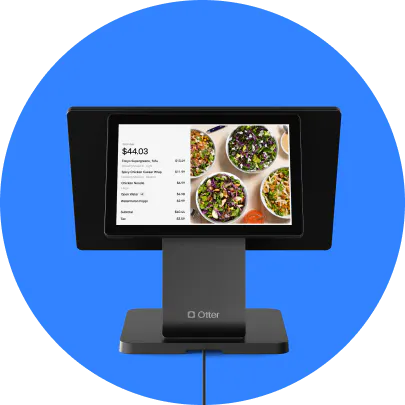
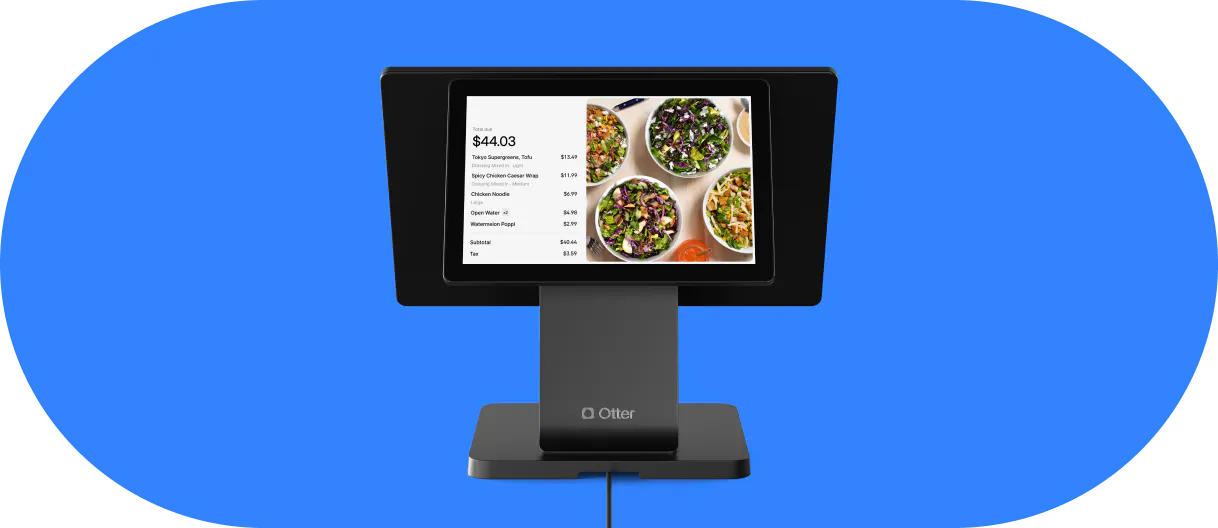
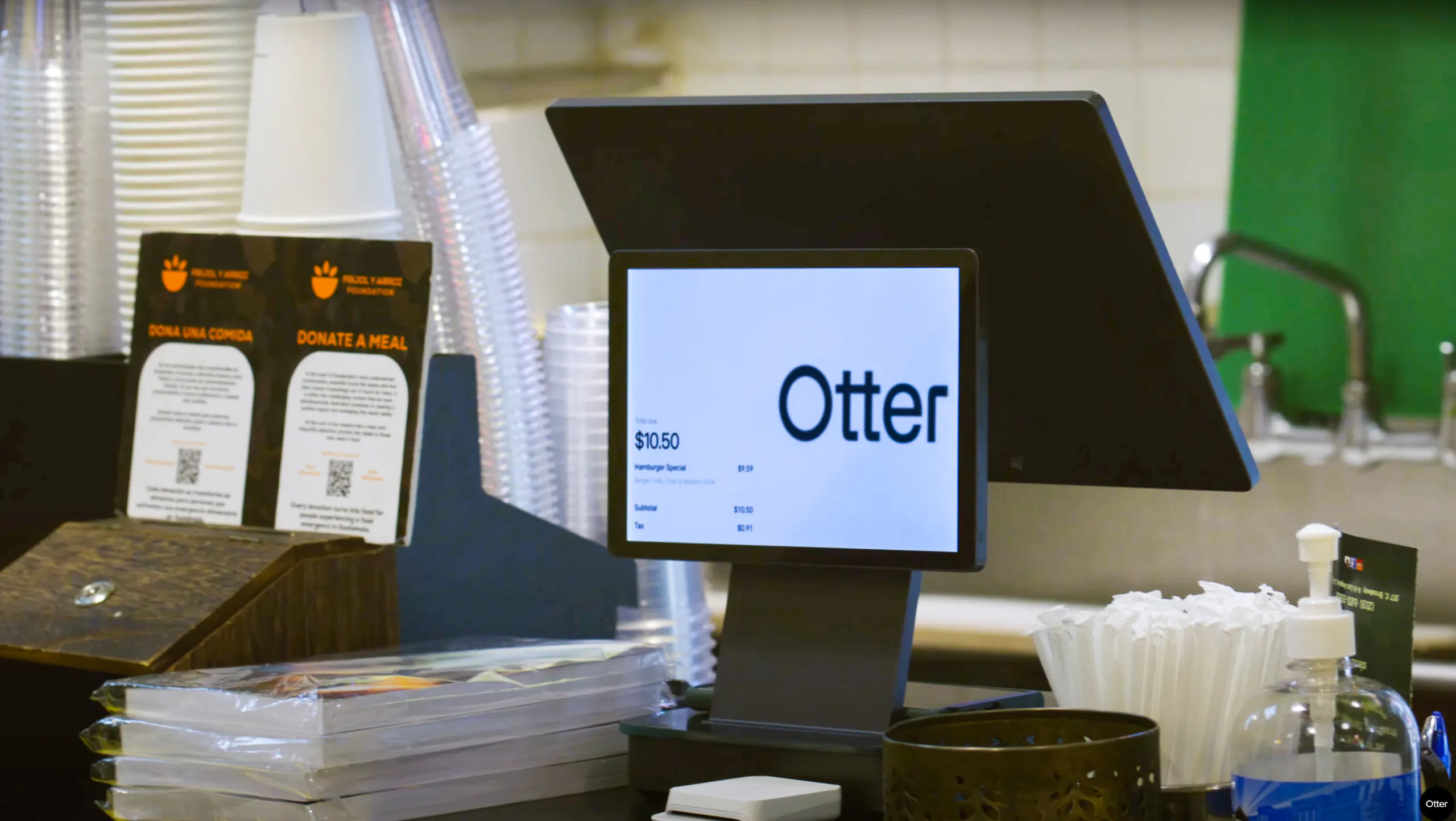
Otter POS supports multi-channel ordering and multi-brand management. When you evaluate it for your food hall, bring your actual vendor structure and payment requirements so the team can demonstrate the setup you need.
Food hall POS vs. restaurant POS: what changes?
The main difference is the number of businesses and workflows you need to coordinate. A single restaurant can have several kitchen stations, but a food hall may also have separate owners, menus, and financial arrangements.
Area | Single-concept restaurant | Food hall considerations |
|---|---|---|
Menus | One concept’s menu, sometimes across several channels | Separate vendor menus, prices, hours, and item availability |
Order routing | Tickets go to stations within one operation | Items may need to reach different vendor kitchens |
Checkout | Payments generally belong to one business | Checkout may be separate by vendor or shared across the venue |
Reporting | Sales by item, shift, channel, or location | Vendor-level results alongside any venue-wide reporting |
Staff access | Permissions for one business’s team | Access boundaries between vendors and venue management |
Payments and refunds | One business manages deposits and refunds | Responsibility may differ by vendor, checkout model, and merchant account |
You do not need every possible food hall feature. You need the features that match your operating model and guest experience.

Which features should you look for in a food hall POS?
Use this checklist to compare providers. Ask for a demonstration of each requirement rather than relying on a feature name.
Feature | Why it matters | What to test in a demo |
|---|---|---|
Separate menus | Each vendor may have different items, prices, and hours | Change one vendor’s menu without changing another’s |
Kitchen routing | Each team needs the right items and modifiers | Place an order involving two kitchens and inspect both tickets |
Vendor reporting | You need to understand performance by concept | Filter sales, discounts, and refunds by vendor |
Staff permissions | Vendors need appropriate access to their own operation | Sign in with vendor and venue-manager roles |
Payment setup | Your checkout must match your ownership structure | Explain merchant accounts, deposits, fees, tips, and refunds |
Item availability | Sold-out items should stop generating orders | Make an item unavailable and check connected ordering channels |
Integrations | Your POS needs to work with your existing tools | Show which data moves between systems and when |
Service continuity | Your team needs a plan for connection problems | Demonstrate supported offline functions and recovery steps |
Clear kitchen routing
Your kitchen team should see the items it needs to prepare, with the correct modifiers and order details.
A kitchen display system can help organize tickets and preparation workflows. Test how routing works across your specific kitchens, including items that need preparation at more than one station.
Also check the guest handoff. If different vendors finish at different times, decide whether guests collect each item separately or use one pickup point.
Reporting you can use
Look beyond total sales. You may need sales by vendor, item, hour, and ordering channel, along with discounts, refunds, and fees.
Otter Analytics provides reporting across channels and locations. During your evaluation, confirm which reporting views are available for your vendor setup and who can access them.
At Flavor District, a virtual food hall in Wake Forest, North Carolina, founder David Foye described the value of reviewing performance with his team:
“It's such a streamlined process, and we're able to highlight opportunities for ourselves at the touch of a button.”
David Foye, Founder, Flavor District, Wake Forest, North Carolina
Payments that match your business structure
Ask the provider to explain what happens after a guest pays.
If your vendors are independent businesses, establish who receives the funds, who pays processing fees, and who handles refunds and disputes. If your venue charges a percentage of sales, confirm whether the system calculates that amount or whether you need a separate process.
Do not assume that “multi-vendor” includes automated settlements, rent deductions, or tip distribution.
Integrations with your existing tools
Check the connections you need for delivery orders, accounting, inventory, and other daily tasks.
For inventory, distinguish menu availability from ingredient tracking. Marking a burger unavailable is different from tracking the ingredients used to prepare it. Automated purchasing may require another system.
Otter’s guide to POS system integrations for restaurants explains how connected tools can support those workflows.
How to evaluate a food hall POS before you commit
A useful demo follows your operation from ordering through reconciliation. Prepare a test that includes your real menus and vendor arrangements.
1. Map your ownership and payment structure
List your concepts, business owners, merchant accounts, and intended payment destinations. Decide which information each vendor should see and which information venue management needs.
Tip: Write down who handles refunds, tips, discounts, and disputes. These responsibilities should be clear before configuration begins.
2. Test a realistic order
Place an order with modifiers, items from different kitchens, and the ordering channels you plan to offer. If you require one cross-vendor checkout, ask the provider to demonstrate it directly.
Tip: Include an unavailable item or a partial refund. Exceptions often reveal more about a system than a straightforward sale.
3. Check tickets, reports, and payment records
Follow the test order through each kitchen and into the sales reports. Ask how the transaction would appear in payment records and accounting exports.
Tip: Compare what the guest paid with the vendor’s recorded sale. Make sure your team can explain any difference.
4. Test permissions and service interruptions
Use different staff roles to check access. Then ask what happens when the internet, a terminal, or a kitchen screen stops working.
Tip: Get a written recovery process that your team can follow during service, including any limits on offline payments.
5. Confirm rollout and vendor onboarding
Agree on menu setup, training, hardware installation, support, and launch responsibilities. Ask what changes when a vendor joins or leaves.
Tip: Assign an owner to each launch task. A clear rollout plan helps prevent vendors from arriving with different expectations.
Your POS is one part of the operation. Otter’s guide to restaurant technology solutions can help you evaluate the surrounding tools without buying features you do not need.
What affects the cost of a food hall POS?
Your total food hall POS cost depends on your vendor setup, ordering channels, hardware, software, payment processing, and implementation requirements.
Compare the complete setup rather than the advertised monthly software price.
Ask your provider to itemize:
- Software: Charges by location, vendor, terminal, or feature
- Hardware: Terminals, card readers, printers, kitchen screens, and kiosks
- Payment processing: Transaction fees, monthly minimums, and any separate-account costs
- Implementation: Menu setup, installation, data migration, and training
- Integrations: Additional software or connection fees
- Support and contracts: Support coverage, lease terms, cancellation conditions, and expansion costs
Request a quote based on your expected vendor count and transaction volume. Confirm which costs change when you add another concept or ordering channel.

Choose a POS that matches your vendor setup
Your food hall POS should help your team move orders through service and give you a clear record of what happened afterward.
Start with ownership, checkout, and payment requirements. Then test menus, kitchen routing, reporting, and staff access against the way your food hall actually runs.
If you are evaluating Otter, bring a sample order and your vendor requirements to the conversation. Discuss your food hall POS setup with Otter.

Book a demo with Otter
It’s time to enhance your operations with Otter’s all-in-one restaurant platform. Book time with our sales team to learn more.
Frequently asked questions about food hall POS systems
Can one POS system support multiple food hall vendors?
Yes, a POS platform can support multiple concepts or vendors, but the available setup varies by provider. Confirm whether it supports separate menus, kitchen routing, reporting, and staff permissions. If vendors are independent businesses, also check merchant accounts and payment distribution.
Can guests order from several vendors and pay once?
Some food hall systems support a shared cart and single checkout across vendors. That capability does not automatically include separate vendor deposits or automated financial settlements. Ask the provider to demonstrate both ordering and payment distribution for your ownership model.
Does each vendor need a separate merchant account?
The answer depends on your business structure and payment arrangement. Independently owned vendors may need separate merchant accounts or another supported payment setup. Confirm the requirements with your provider and accountant before choosing the system.
Can a food hall POS manage delivery orders?
A food hall POS can support delivery workflows when it connects with the ordering platforms you use. Check how each vendor’s menu, hours, availability, and orders are handled. Also test kitchen routing and pickup so drivers receive the correct order.
Does a food hall POS include inventory management?
Some systems offer inventory features, while others connect to separate inventory software. Menu availability, ingredient tracking, and automated purchasing are different functions. Ask the provider to show which functions are native and which require an integration.
Can you keep different POS systems across your food hall?
You can operate with separate vendor systems, although shared ordering and reporting may require additional tools or manual work. Before requiring one platform, compare the benefits with migration costs and vendor needs. Your decision should reflect how much coordination your venue actually requires.

Explore your food hall POS options