Table of contents
- Which restaurant technology solution should you look at first?
- Eight types of restaurant technology and when they help
- How to choose the right restaurant technology stack
- How to introduce new technology without disrupting service
- Build a setup your team can trust during a rush
- Frequently asked questions about restaurant technology solutions
The most expensive restaurant technology problem may be one your team has already learned to work around. A cashier enters the same order twice. A cook learns about an unavailable item after the ticket prints. A manager spends the evening fixing menus across delivery apps. In the National Restaurant Association’s 2026 industry findings, nearly three in ten operators said their restaurants lagged their peers in technology. Each workaround takes time, but adding another tool can make the problem worse if your systems do not work together.
The right restaurant technology solutions should remove a specific step from your day or give your team a clearer view of what to do next. This guide shows where eight common tools fit, what to ask before buying and how to test a new setup without putting a busy shift at risk.
Key insights
- Start with a task that slows your team down, then look for a tool that changes that task
- Trace an order from the guest to the kitchen and the final report before you trust an integration
- Separate tools that track ingredient stock from tools that help you spend less on supplies
- Test your real menu, your busiest order types and your outage plan before rolling out to every location
Which restaurant technology solution should you look at first?
Start with the moment your staff loses time or an order goes wrong. If one step creates most of the trouble, fix that step first. The table can help you narrow the choices before you book demos.
If your main problem is... | Start by looking at... | Ask the vendor to show... |
|---|---|---|
Staff re-enter orders or switch between apps | Online ordering and order management | An order moving from each channel to your kitchen |
Tickets reach the wrong station | Kitchen display systems | Modifiers and item routing on a real ticket |
Sold-out items stay available online | Menu management | One availability change across your channels |
You cannot see where sales or refunds differ | POS and reporting | The same transaction in your register and reports |
You want more regulars or more delivery-app visibility | Loyalty and marketing | How rewards are redeemed or ads are measured |
You do not need to replace every system at once. Use the rest of the article to check whether a new tool solves the problem you picked and how it will work with your current setup.
Eight types of restaurant technology and when they help
1. Point of sale systems keep orders and payments together
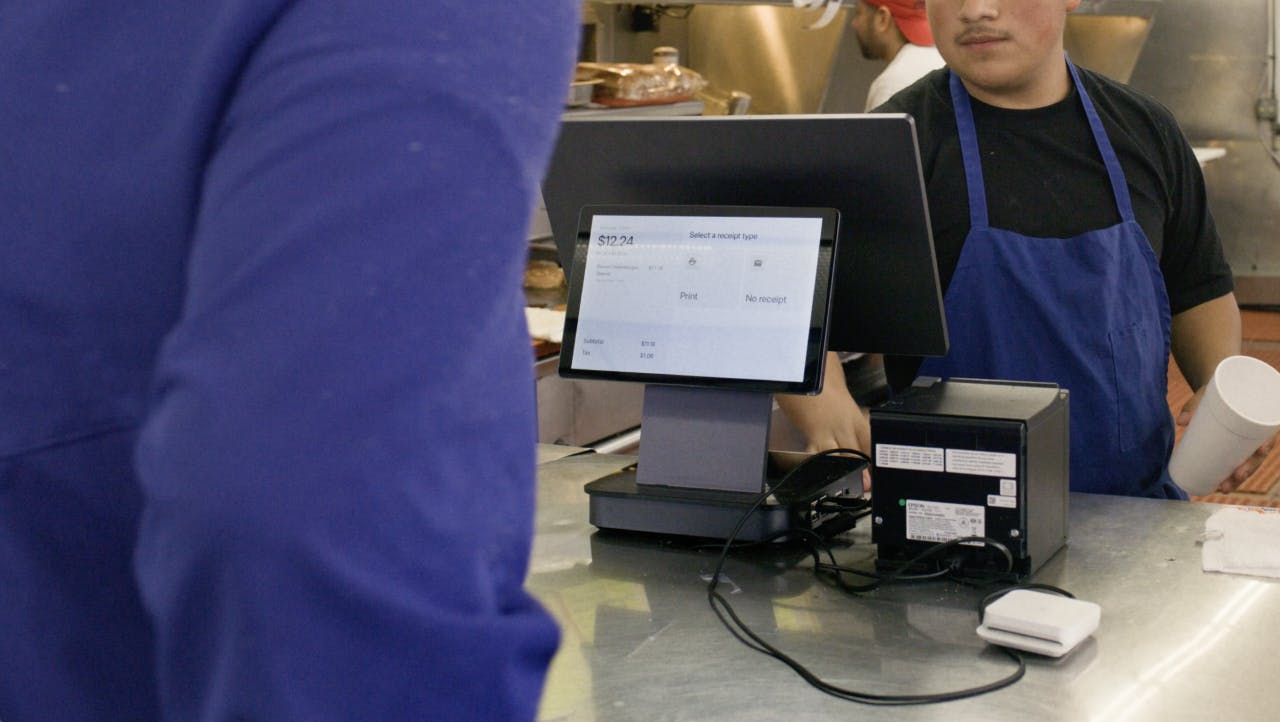
Your point of sale (POS) system takes an order, processes a payment and records the sale. It also shapes what happens next. If a guest swaps an ingredient or changes from dine-in to pickup, the kitchen needs that change on the ticket, and your reports need the correct sale.
Bring three real orders to a demo: a simple order, one with modifiers and one that needs a refund or correction. Ask where each appears, who can edit it and what your team does if the connection drops. If you run multiple stores, also check which menus and permissions can be managed centrally and which can differ by location.
Best fit: Your current register causes order mistakes, payment delays or unreliable reporting.
2. Online ordering and order management reduce double entry
Your website, phone, kiosk and delivery apps may all bring in orders. Trouble starts when staff have to watch several screens or type an order into the POS again. Before adding a new ordering channel, map where its orders go, how cancellations appear and who marks an item unavailable.
If you are comparing platforms, Otter’s guide to restaurant ordering systems goes deeper on channel coverage, kitchen workflow and POS integration. Use those checks for your own setup. Ask the vendor to process one pickup order and one delivery order while your team watches what reaches the kitchen.
Best fit: Orders arrive from several places and your staff spend too much time moving them between systems.


3. Kitchen display systems keep the line in sync
A kitchen display system replaces or supplements paper tickets with a screen your cooks can use to see and prepare orders. Otter Kitchen Display can bring in orders from in-store and online channels and send items to the prep stations you set up.
Watch a ticket with multiple items and modifiers move through the kitchen during a demo. Can the grill station see only what it needs? Can the team tell which orders are urgent or ready? Then ask what staff will see if a screen, POS or internet connection fails. An offline POS does not mean every connected kitchen screen will keep working.
Best fit: Tickets get lost, cooks have to sort orders by hand or the kitchen struggles to see what is next.
4. Menu and inventory tools prevent costly gaps
When an ingredient runs out, someone needs to remove the affected item wherever guests can order it. Otter Menus lets you update prices, photos and availability across connected ordering channels. If you have several locations, test one change meant for every store and another that should stay local.
Ingredient tracking is a different job. A stock tool should show what you have, what you use and what you need to buy. Ask whether counts update from sales or whether your staff must enter them. If waste is the problem, first find out where food is being lost. Otter’s guide to reducing food waste with technology covers ways to use sales and stock information when planning prep and purchasing.
Best fit: Your team updates menus in several places or repeatedly buys too much or too little of an ingredient.
5. Scheduling tools help you staff the shifts that need it
Scheduling software can help you build shifts, record availability and share changes with staff. The useful question is whether it saves your manager time on the weeks that are hardest to staff. Ask to build a week with a callout, a shift swap and a different staffing level for a busy day.
Some tools also compare planned hours with sales. Check which sales data they use and whether a manager can adjust the plan for training, local events or a team member who works across stations. A forecast should give your manager a starting point, not make the call for them.
Best fit: Filling shifts and correcting schedules take time away from service.
6. Loyalty and marketing support different growth goals
A loyalty program gives guests a reason to come back. Otter Loyalty lets guests earn rewards based on what they spend or buy and redeem them in store. It is available to Otter POS customers. Before choosing any loyalty tool, check how guests sign up, how cashiers handle rewards and which sales you can tie to the program.
Marketing may have a different goal. Otter Marketing automates ads on delivery apps and shows campaign performance. It is a way to reach diners on those apps, not an email or text messaging system. Choose a goal for each tool, such as more repeat in-store purchases or more delivery orders, and review the results before raising your budget.
Best fit: You know whether you want to bring guests back, reach new diners on delivery apps or do both.
7. Reporting shows where the work is paying off
A report is useful when it helps you make a decision. For example, you might need to know which lunch items sell by location, which orders are canceled or whether a menu change reduced unavailable-item errors. Ask the vendor to build that report with your data. Check when the numbers update and whether refunds and delivery orders are counted the way your team expects.
If you manage several stores, agree on the same definitions for each location before you compare results. One store may count a canceled order differently from another if your systems or processes vary. Give the manager who will act on the report access to the detail behind each number.
Best fit: Your managers spend time combining spreadsheets but still cannot answer a clear operating question.
8. Self-service ordering gives guests another way to order
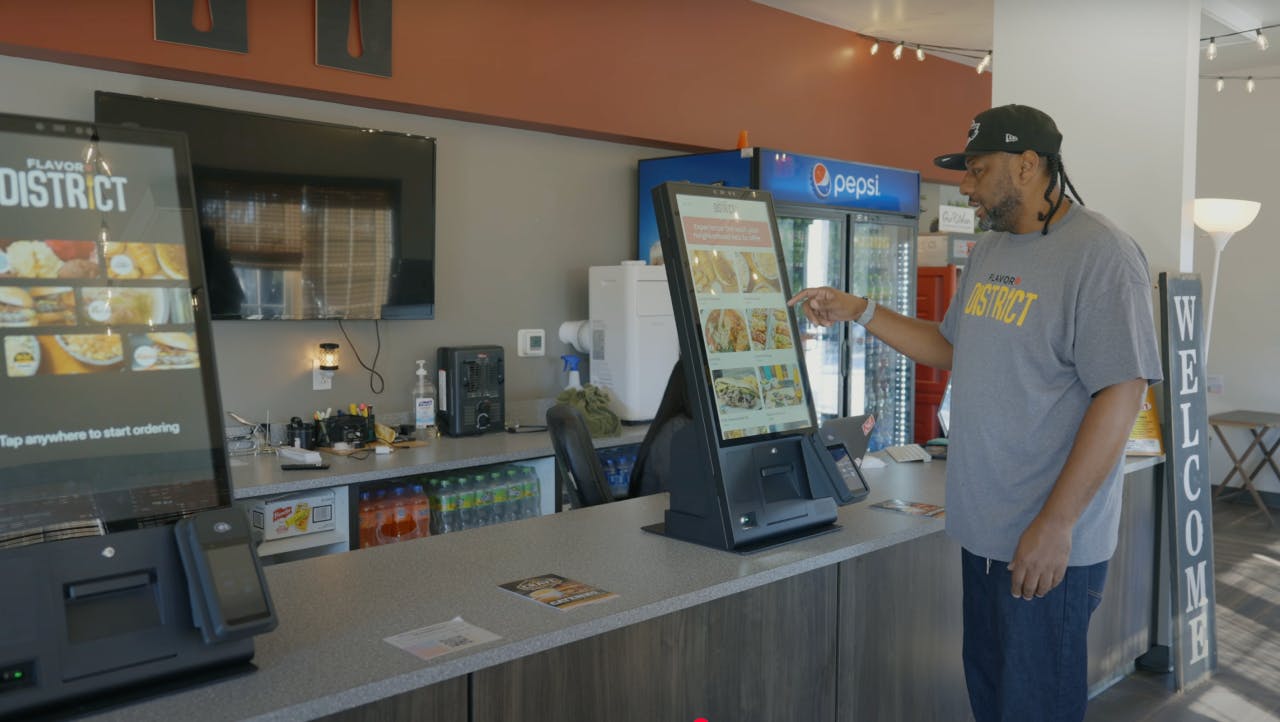
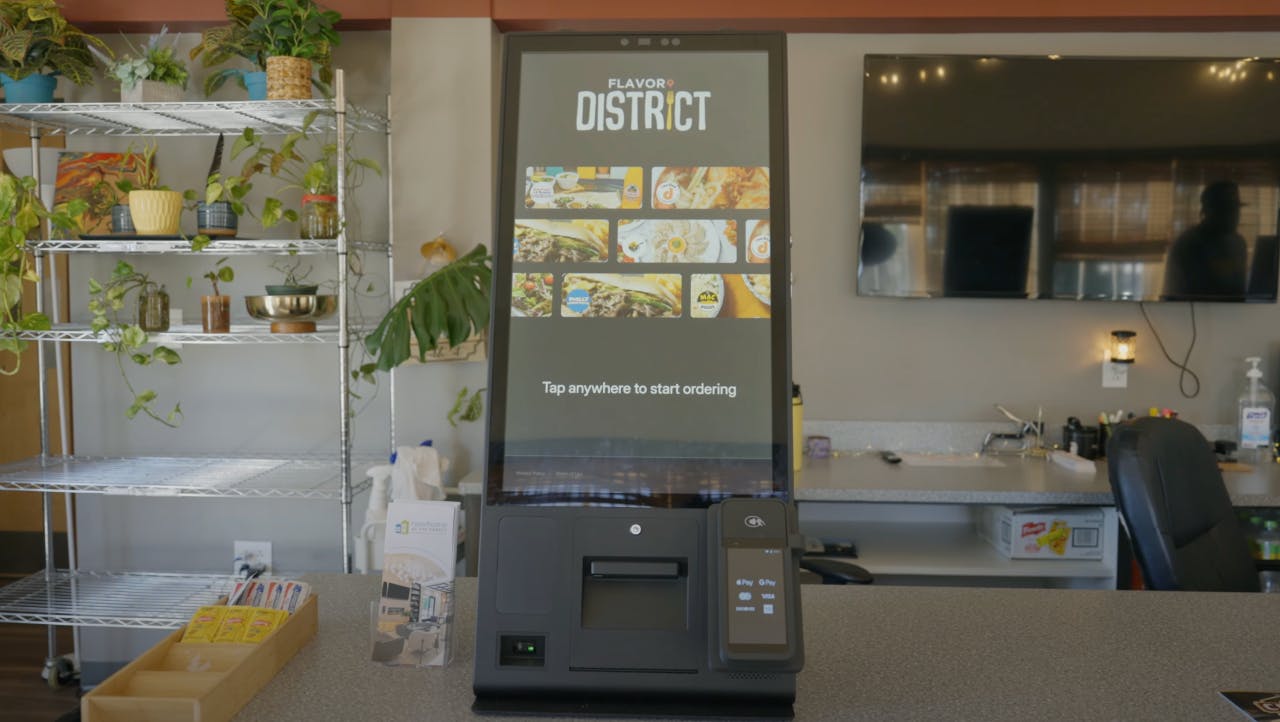
A kiosk can let guests browse the menu and customize orders while staff focus on making food and helping people who need support. It needs the same care as any other ordering channel: accurate prices, clear modifiers, working payments and kitchen tickets your team can follow.
Test a common order, a sold-out item and a canceled payment. Watch where the guest might get stuck and whether a staff member can help quickly. Check where you will place the screen and what happens if the internet fails. Add a kiosk because it improves your counter flow, not because every restaurant is expected to have one.
Best fit: Counter lines regularly slow down service and guests would benefit from another way to place an order.
How to choose the right restaurant technology stack
A POS, an inventory tool and a loyalty program solve different problems. If you are unsure which one your restaurant needs first, Otter’s guide to restaurant management software groups tools by the operational problems they solve and helps you prioritize your next investment.
Name the problem and the measure
Write down the work you want to change: minutes spent entering delivery orders, items sold after they run out or refunds that need a manager to fix. Record what happens today so you have something to compare after a trial. Ask the people who do that work where the problem begins; the answer may point to a process change instead of a purchase.
Follow a real order across the tools
Ask each vendor to show a guest order entering your POS, reaching the right kitchen station and appearing in the right report. Include a modifier, an unavailable item and a cancellation. Confirm your exact software version, ordering channels and location setup are supported. An integration listed on a sales page does not show you how that workflow behaves during service.
Price the complete setup
Ask for software, hardware, payment processing, setup, support and any per-location or add-on charges on separate lines. Add the time your staff will spend updating menus or moving data by hand. A lower subscription fee can cost more if it leaves your team with work the new tool was supposed to remove.
How to introduce new technology without disrupting service
1. Start with one location or service period
Pick a shift where your team can try the new workflow and still get help if something breaks. Record the starting measure and decide what improvement would justify rolling it out further.
Tip: Choose a measure your team can actually observe, such as manual entries per shift or unavailable-item orders per week.
2. Test the difficult orders
Run through modifiers, cancellations, refunds, sold-out items and orders from more than one channel. Write down who handles each exception and which screen or report shows the result.
Tip: Ask a person who works that station to run the test. They are more likely to spot the missing step.
3. Practice the outage plan
Check the internet connection, printers, terminals and screens your setup depends on. Ask the vendor what each device can do during an outage and what needs to be entered again when service returns. Keep a simple fallback process where your team can find it.
Before you connect a vendor to orders or guest data, ask who can access that information and which security documents cover the service you will use. If you operate several locations, learn how to assess a vendor’s SOC 2 practices as part of that review.
Tip: Test the outage process before your busiest shift, with staff who will need to use it.
4. Review results with the team
Compare the trial with your starting measure. Ask what became easier, what took longer and where staff still had to work around the system. Fix the menu rules and training gaps before expanding to another shift or store.
Tip: Assign one person to check the measure again after the change has been in place for a full service cycle.
Build a setup your team can trust during a rush
The right tools let your team take an order once, get it to the right place and see what happened afterward. Choose the problem first, test the full order flow and add more tools only when your staff can use what you already have with confidence.
If your team is losing time between ordering channels and the kitchen, book a demo with Otter and bring a few real orders to walk through together.
Frequently asked questions about restaurant technology solutions
What restaurant technology should you invest in first?
Start with the part of service where errors or repeated work cost you the most time. For many restaurants, that means a dependable POS and a clear path from order to kitchen. Test the problem with your team before choosing a new tool.
How much do restaurant technology solutions cost?
The cost depends on the products, hardware, payment terms, number of locations and support you need. For a concrete example, review Otter’s POS pricing plans and check which software, hardware and transaction fees apply to your setup. Ask for a written quote that lists each charge and any fees tied to order volume. Include the staff time needed to manage the system when you compare options.
Can one system handle online and in-store orders?
Some systems can bring orders from multiple channels into a shared workflow, but the details depend on your POS and integrations. Ask the vendor to show an in-store order and an online order reaching your kitchen with the correct items and modifiers. Check how refunds and sold-out items work as well.
What technology helps a restaurant with multiple locations?
Shared menu controls, location-level reporting and clear staff permissions can reduce repeated work as you add stores. Test a change that should reach every site and one that should affect only a single location. Make sure the rollout and support plan covers each store.
Will restaurant technology work if the internet goes down?
That depends on the product and the task you need it to perform. A POS, kitchen screen and kiosk may behave differently during the same outage. Ask the vendor to show the offline steps for each device and how orders are recovered afterward.

Book a demo to see how Otter’s all-in-one platform can help your restaurant thrive.