
Table of contents
- Start with one outcome for your social media plan
- Choose the platforms you can keep up with
- Give your team a small set of posts to repeat
- Build a weekly routine that works during service
- Make the next step from a post easy
- Measure more than views
- Know when paid promotion makes sense
- A restaurant example worth putting in context
- Put one workable restaurant social media plan into motion
- Frequently asked questions about social media marketing for restaurants
A guest sees your special on Instagram, checks your profile and decides whether ordering is worth the effort. That journey is common enough to plan for: Pew Research Center found that half of U.S. adults use Instagram. The number tells you where people spend time, though it does not tell you how many will order from your restaurant.
Your posts need a clearer job than getting views. A useful restaurant social media strategy shows local guests what you serve, makes the next step easy and gives your team a way to tell what worked. You can start with one platform, a few repeatable ideas and a schedule that survives a busy week.
Key insights
- Choose a goal you can track, such as visits to your ordering page, reservations or redemptions of a specific offer
- Pick the social platforms your guests use and your team can maintain
- Build posts around food, people, useful details and clear next steps instead of chasing every trend
- Compare social activity with orders and guest feedback, but do not call a sales change proof that a post caused it
Choose the platforms you can keep up with
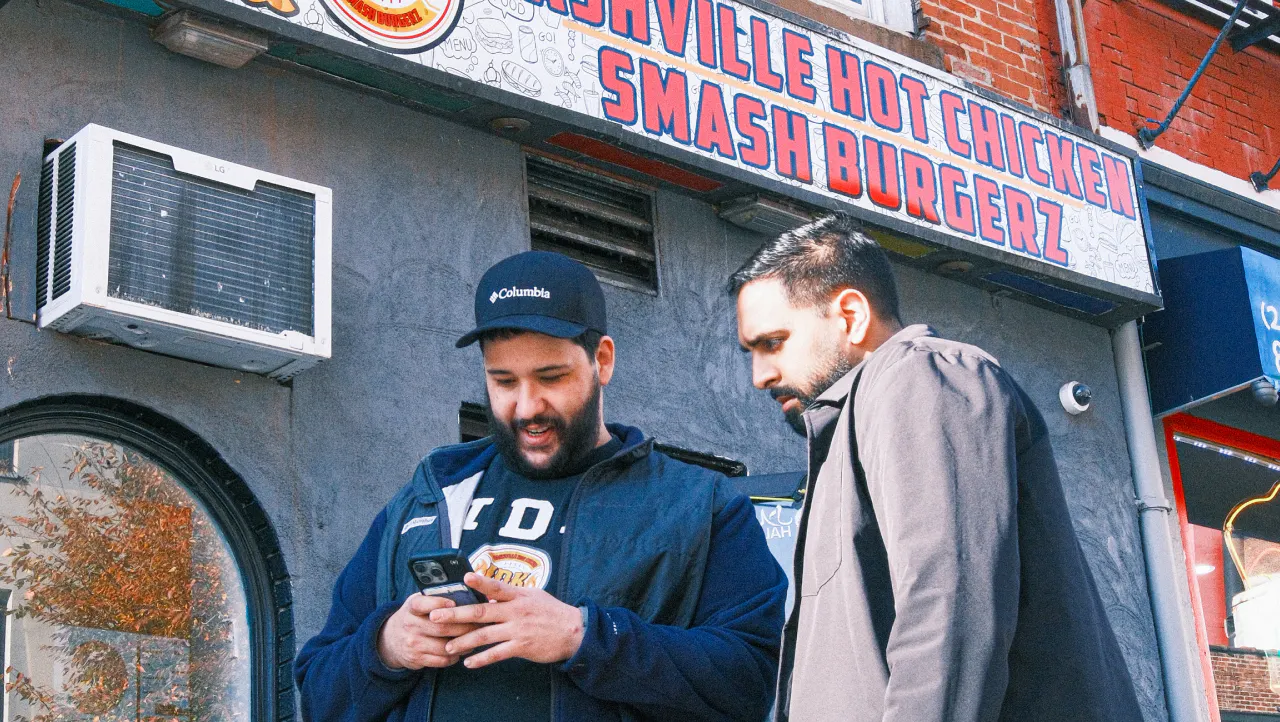
You do not need to publish everywhere. Start with the place where your guests already interact with restaurants, then choose a format your team can make during a normal shift. The following uses are starting points, not rules about who uses each platform.
Platform | Useful for | A manageable first post |
|---|---|---|
Photos, short videos and saved menu details | Show one dish, its price and where to order it | |
Local groups, events and updates | Post a clear event notice with date, location and booking details | |
TikTok | Short videos that show food or personality | Film a real prep moment with a simple caption |
YouTube Shorts | Reusable short videos with room to explain | Answer a guest question in a short kitchen video |
If YouTube Shorts looks like a good fit for your team, explore these YouTube channels for restaurant owners for examples to learn from and video ideas you can make at your restaurant.
Test one or two channels for a month. If your team can keep posting and guests take useful actions, build from there. For more on short videos, see Otter’s TikTok guide for restaurants.
Give your team a small set of posts to repeat
A restaurant social media calendar gets easier when every post starts with a question: what can a guest learn or do from this? Rotate a few formats that fit the way your restaurant actually works.
Show a dish someone can order today
Film the final steps of a dish or take one clear photo in natural light. Add its name, any detail a guest needs to choose it and a link or direction to order. Check that the item is available before the post goes live.
Answer a question you hear at the counter
Explain whether a dish is spicy, how pickup works or what comes with a combo. A useful answer saves your staff from repeating it and helps a guest make a decision. Keep the caption as clear as you would when talking to someone in line.
Show the people and place behind the food
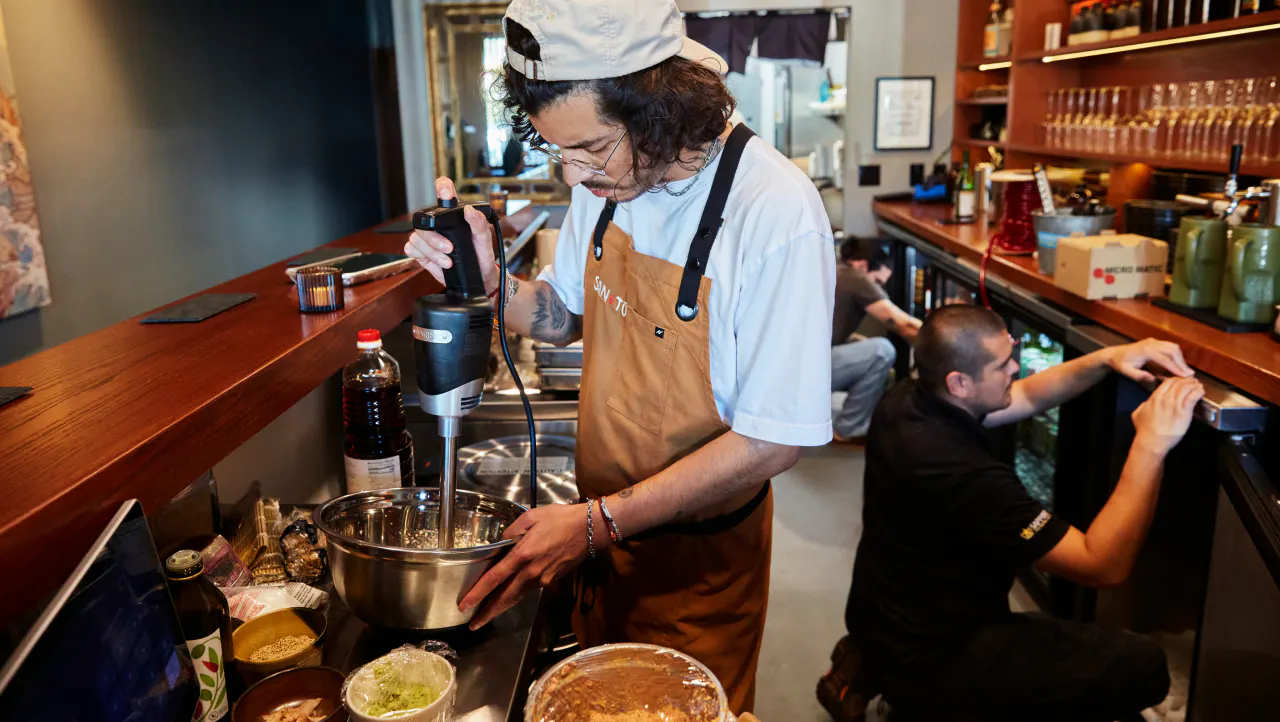
Introduce a team member who wants to take part or show how the kitchen prepares a signature item. Ask before filming staff or guests, and get permission before reposting a customer photo. A real shift gives you better material than a scene staged only for a trend.
Give guests a reason to visit this week
Promote a limited special, community event or slower daypart with the details up front: what, when, where and how to take part. If an offer has a limit, put it in the post. Have someone check comments and direct messages so a guest can get an answer before the offer ends.
Build a weekly routine that works during service
Start with two or three posts per week if that is what your team can make well. Frequency is a staffing choice, not a number that guarantees growth. You can always post more once the routine feels easy.
1. Choose the week’s focus
Pick one item, event or customer question that matters to your restaurant this week. Check availability and any offer terms before planning the posts.
Tip: Plan around what you can serve reliably, especially if a post may bring a rush.
2. Capture once, use it more than once
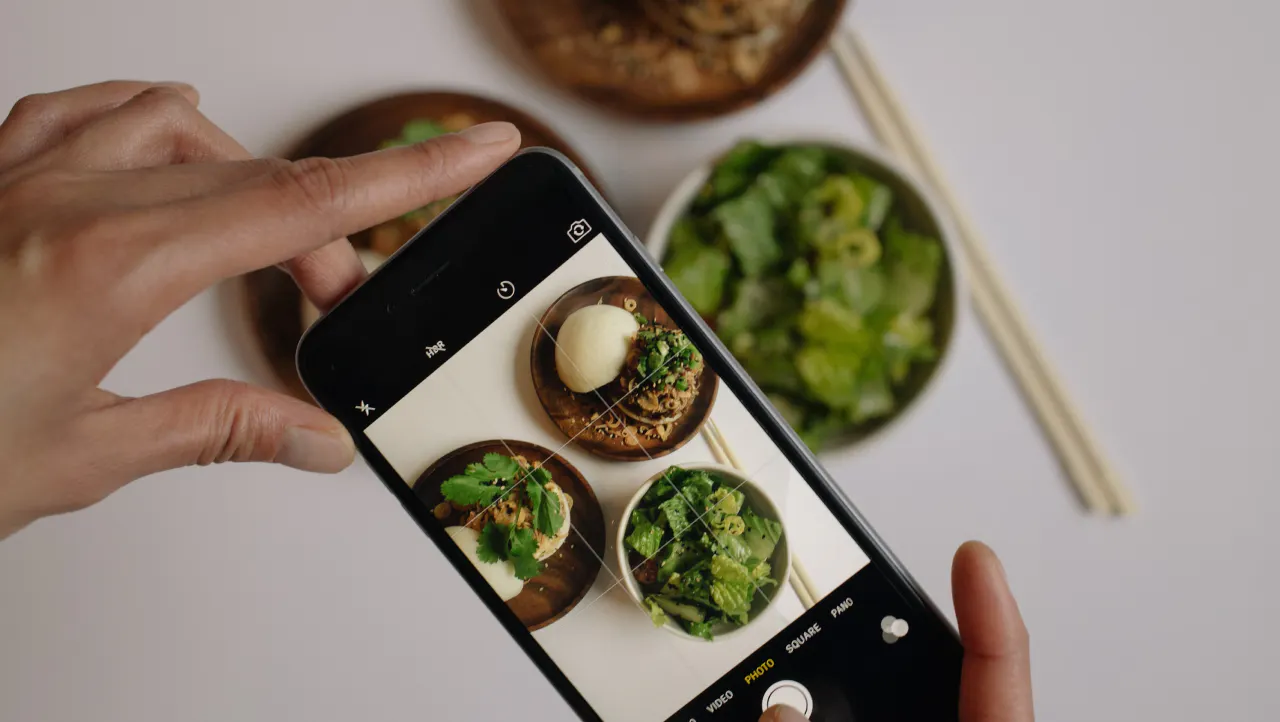
Take a few photos and short clips while the item is being prepared. Turn them into a feed post, a short video or a story without asking the kitchen for a new shoot each day.
Tip: Keep a shared folder with the item name and date so old specials do not get posted again.
3. Publish with a clear next step
Post when someone on your team can answer questions. Put a current menu, order link or booking detail where guests can find it.
Tip: Open the link on your phone before every campaign.
4. Review what guests did
At the end of the week, record which posts drew useful questions, profile actions, clicks or redemptions. Choose one thing to repeat or change next week.
Tip: Keep the same goal for several weeks so you can compare like with like.
For example, a sandwich shop could show its weekday special on Monday, answer a pickup question on Wednesday and share a staff pick on Friday. Those three posts give guests a reason to act without turning every shift into a photo shoot.
Make the next step from a post easy
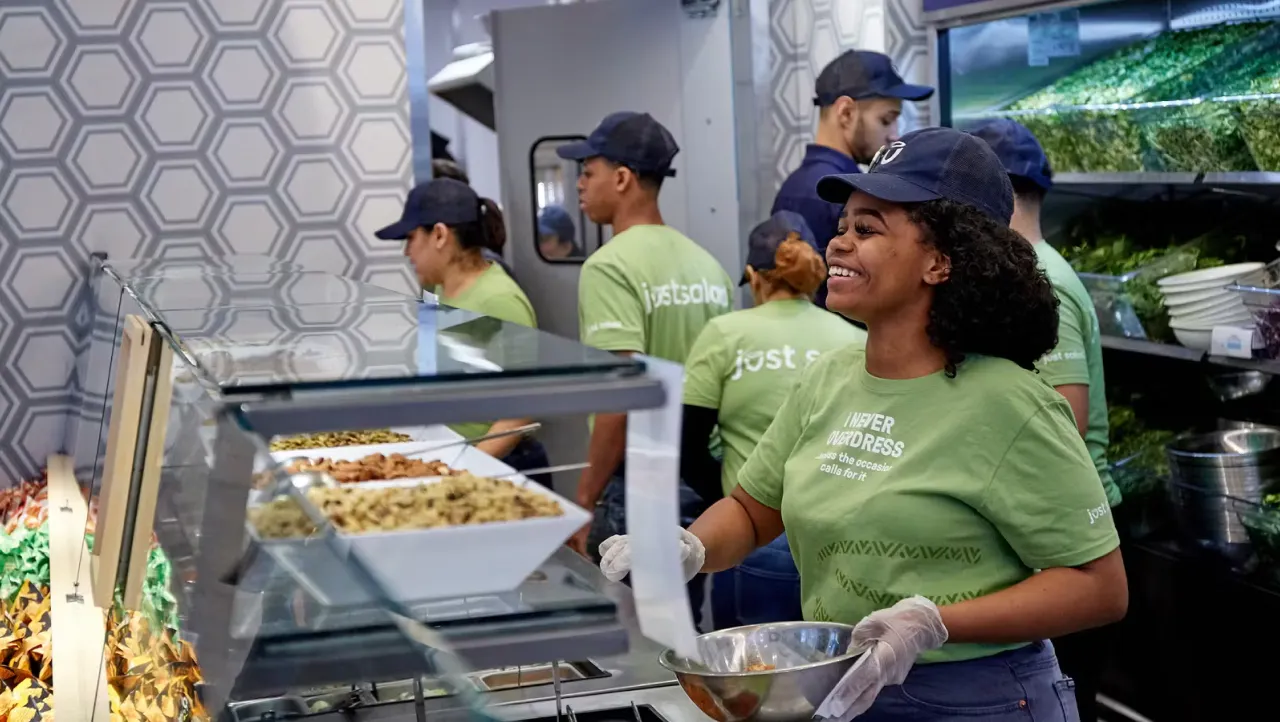
A guest who likes a video may still give up if they cannot find the menu. Check your profile link, pinned posts and ordering page from a guest’s phone. Keep the item name and offer terms consistent from post to menu, and make your hours and location easy to confirm.
If you take direct orders, Otter Online Ordering gives you an ordering page you can link from a social profile. Make sure the promoted item is available there. If a campaign sends guests to a delivery app instead, point them to the correct storefront and check its menu separately.
Social should also fit your other channels. Otter’s restaurant marketing guide can help you decide when local search, email, reviews or paid campaigns deserve attention alongside your posts.
Want guests to get from your posts to an order with fewer steps? Book a demo with Otter to discuss your ordering setup.
Measure more than views
Look at results in layers. Views and reach show whether people saw a post. Saves, comments and messages show interest. Link clicks, bookings and offer redemptions show whether guests took the next step. Orders and sales tell you what happened in the business, but a good sales day may have other causes.
Use a tracked link when the platform allows it, or test an offer code that appears only in one campaign. Note the date, location, item and offer in a simple log. If you run more than one location, compare each location with its own past weeks rather than treating every store as identical.
Otter Analytics can help you review sales and order performance across channels and locations. Compare those results with your social log to spot patterns, while keeping social platform metrics in the platforms where the posts ran. An order total alone cannot tell you which post caused a sale..
Know when paid promotion makes sense
Give an organic post time to show you what guests respond to before paying to expand its reach. If you do run a social ad, set a local audience, one action and a spending limit. Check where the ad sends people and what a completed order or reservation is worth to you.
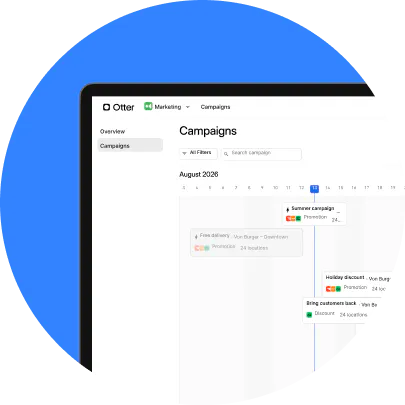
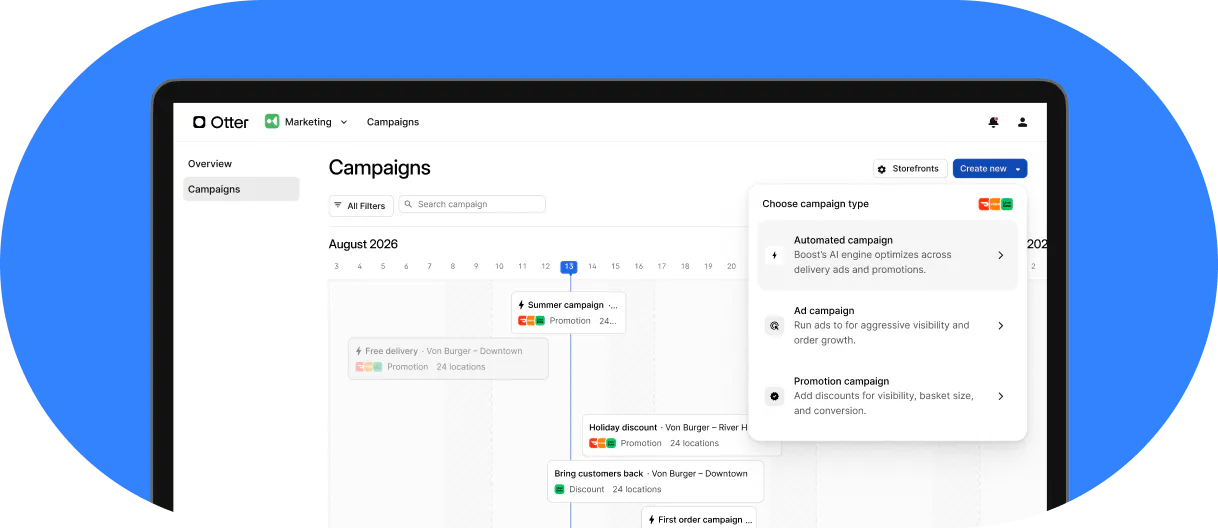
Otter Marketing serves a different job: it helps run and optimize ads across delivery apps. It does not schedule Instagram or TikTok posts. If you need help running several marketing channels or creating content, Otter’s guide to hiring a restaurant marketing agency covers when outside help may make sense and what to ask before you hire.
A restaurant example worth putting in context
Before opening IDK Philly, Reda Iabbakh made an Instagram video for a friend’s restaurant that drew 17,000 views in one night. He later began making content for his own Philadelphia restaurant. In Otter’s IDK Philly customer story, Reda says, “I post seven times a week and go viral at least once weekly.”
Seven posts a week is Reda’s routine, not a target your team needs to copy. The useful lesson is to create content at a pace you can sustain, then make it easy for someone who sees a meal to find it and order it.

See Otter Online Ordering in action