
Learn how you can extend the power of Clover with Otter.


How Otter helps Clover POS users
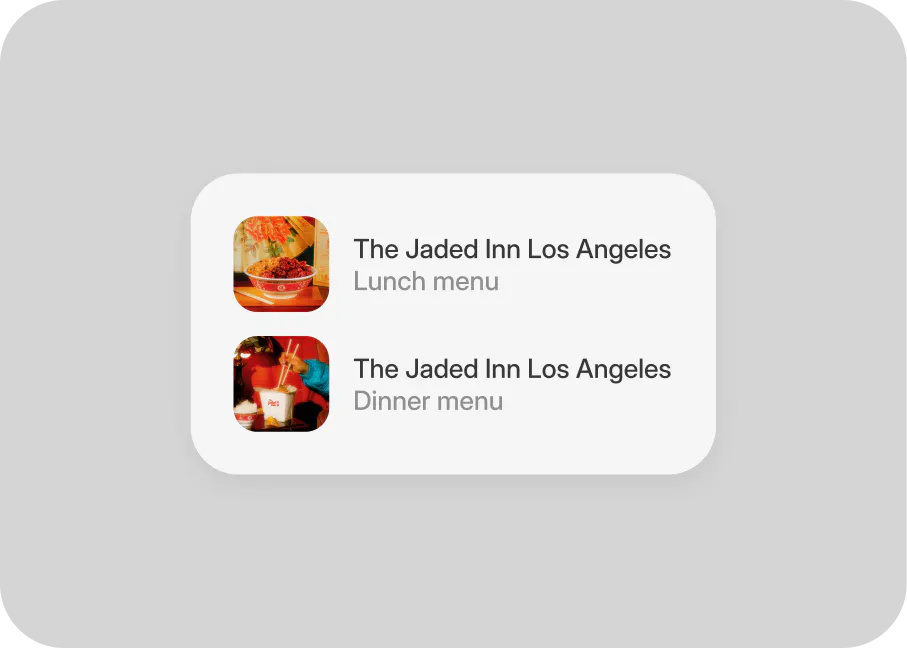
Increase your restaurant's orders with Auto-Accept and Clover
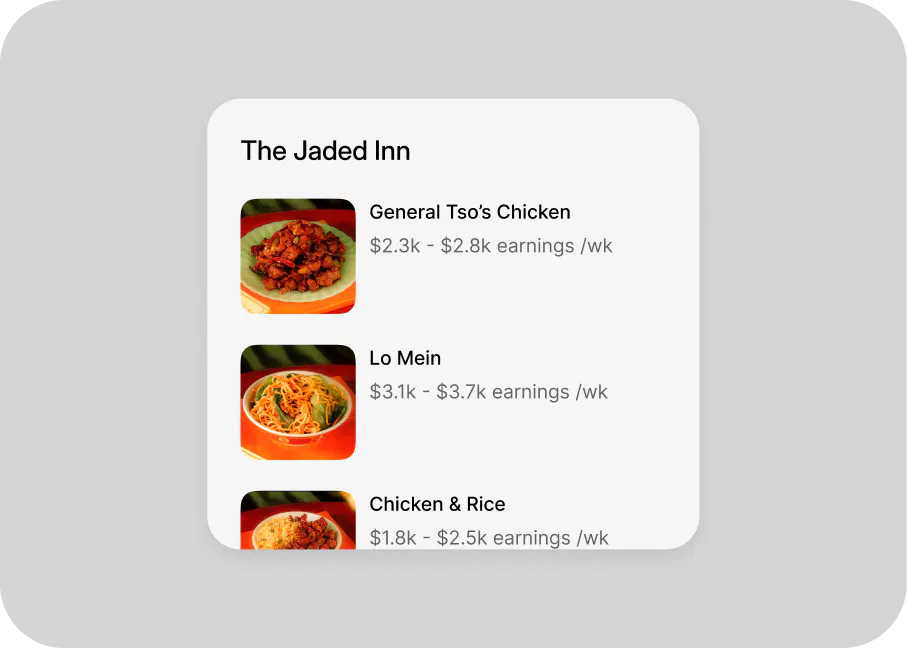
Control your delivery storefronts on Clover
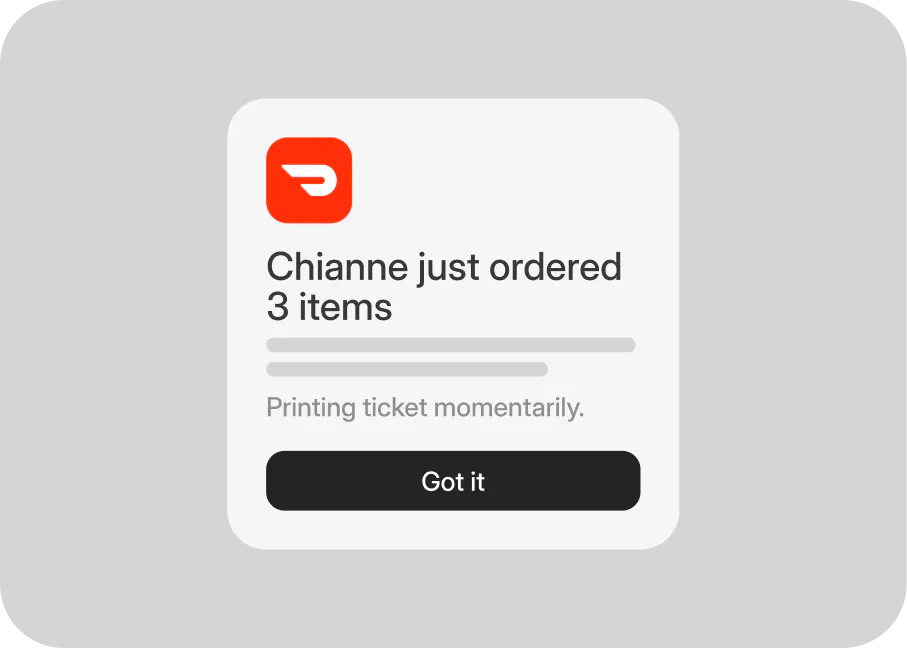
Manage your Clover restaurant menus
Here's how Otter's Clover POS integration works:
Connect your Otter + Clover POS accounts Confirm the integration between Otter and Clover in your restaurant's POS system.
Send your restaurant's orders to Clover POS Otter pushes every order your restaurant receives directly to Clover, so you can manage them quickly and easily.
Sync your restaurant's digital POS menus With Otter's Menu Management app, your restaurant's Clover POS menus can be updated in seconds!
Otter's Clover Restaurant POS integration is available in:
🇺🇸 United States
🇨🇦 Canada
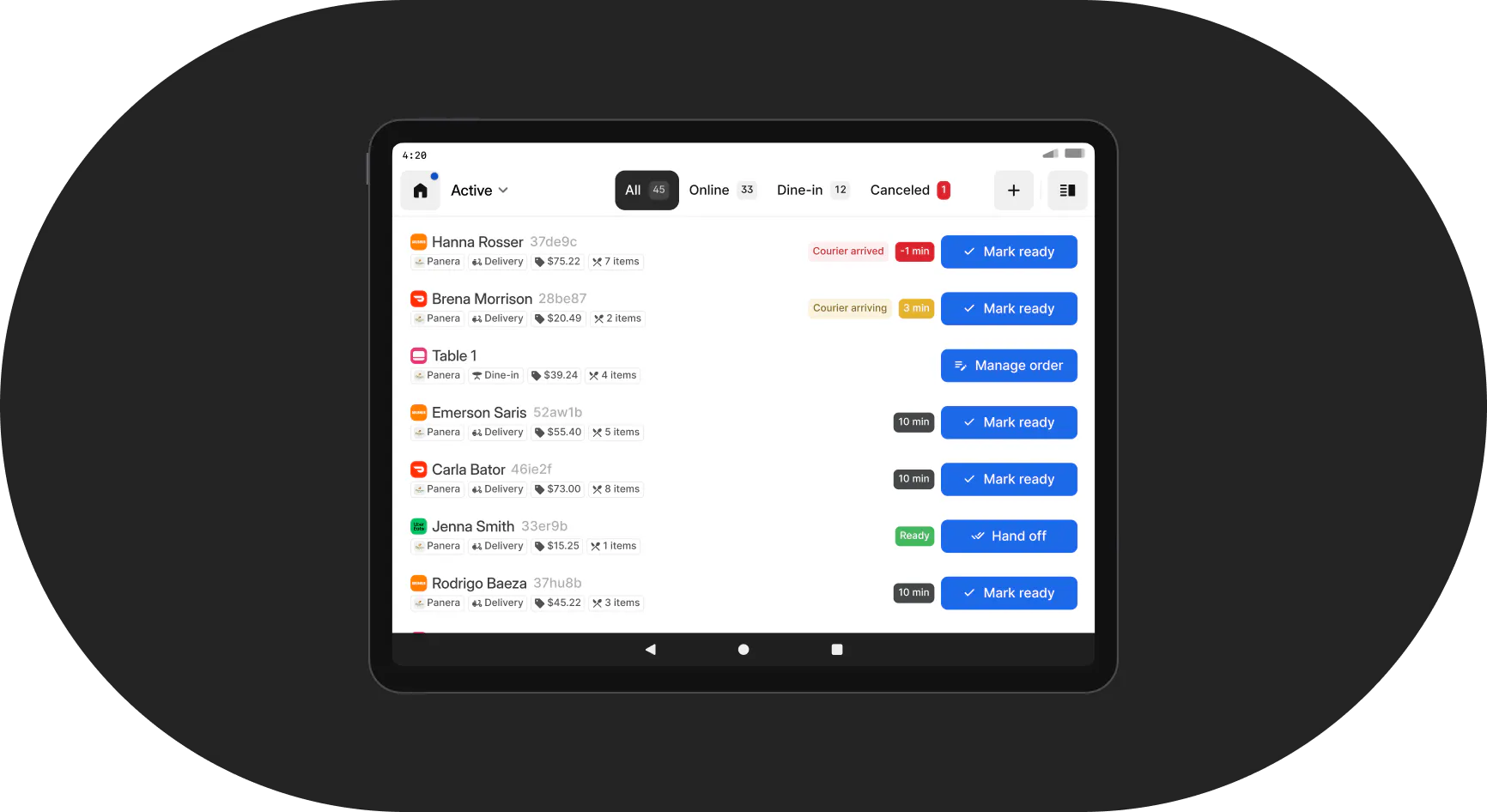


Integrate everywhere
Otter integrates with nearly every third-party restaurant service so you can do more in less time. Manage menus, track deliveries, handoff orders, run promotions, analyze performance - you name it - with one dedicated platform. See if your systems are compatible with Otter.
From large enterprises to small businesses,
these are a few key restaurants using Otter.


What customers are saying about Otter
“Otter made our online-ordering business more efficient and profitable.”
↑$3,646
Monthly sales
↑36%
Delivery orders
↓53%
Lost revenue
Desi S.
Founder & CEO, Sweetberry
Explore all Otter products

Point of Sale

Kiosk

QR Ordering

Online Ordering

Catering