
Automate order handoff with secure, self-service lockers
Save staff time, protect orders from theft, and reduce handoff errors with self-service pickup for delivery drivers and guests.
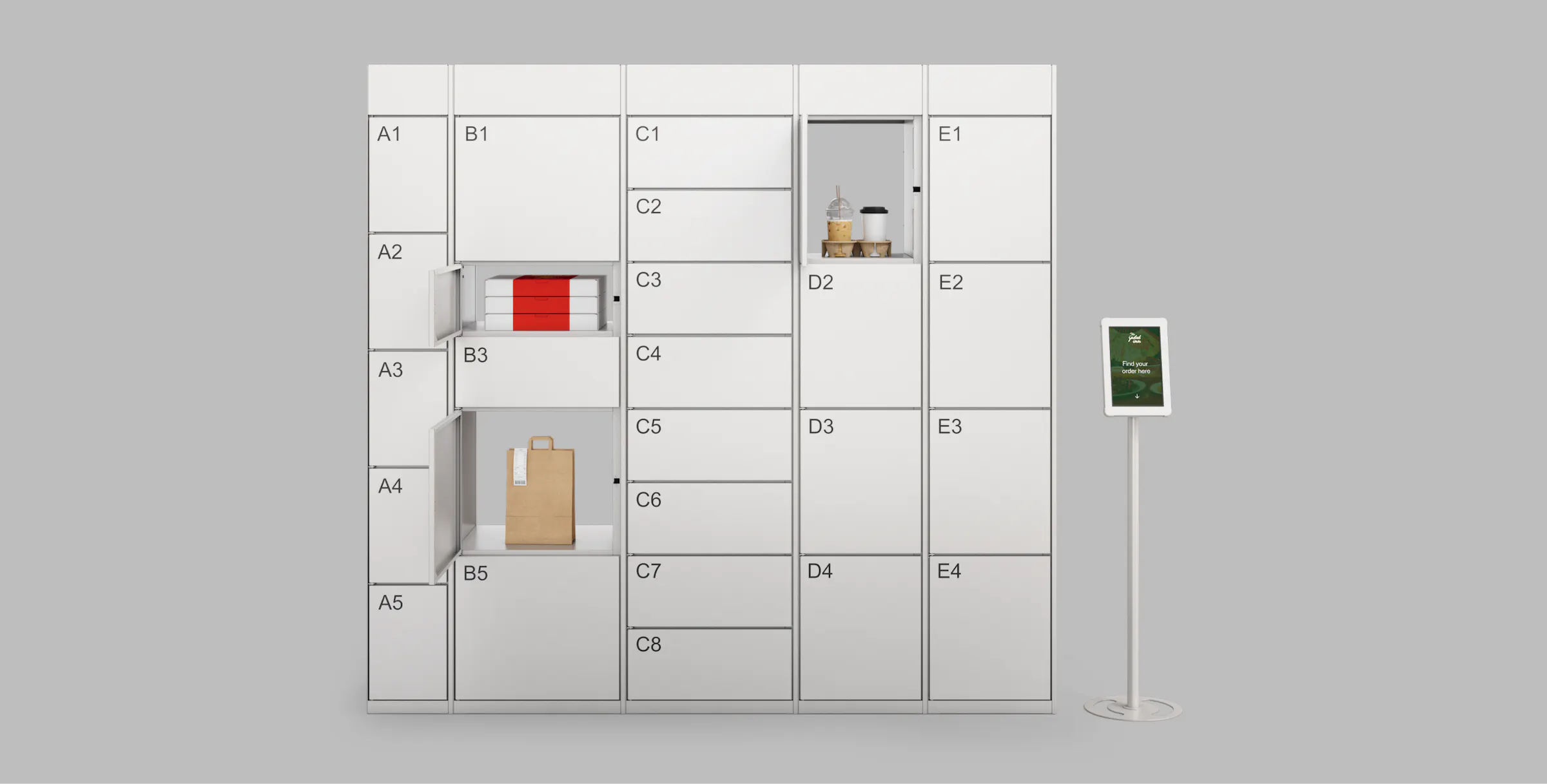
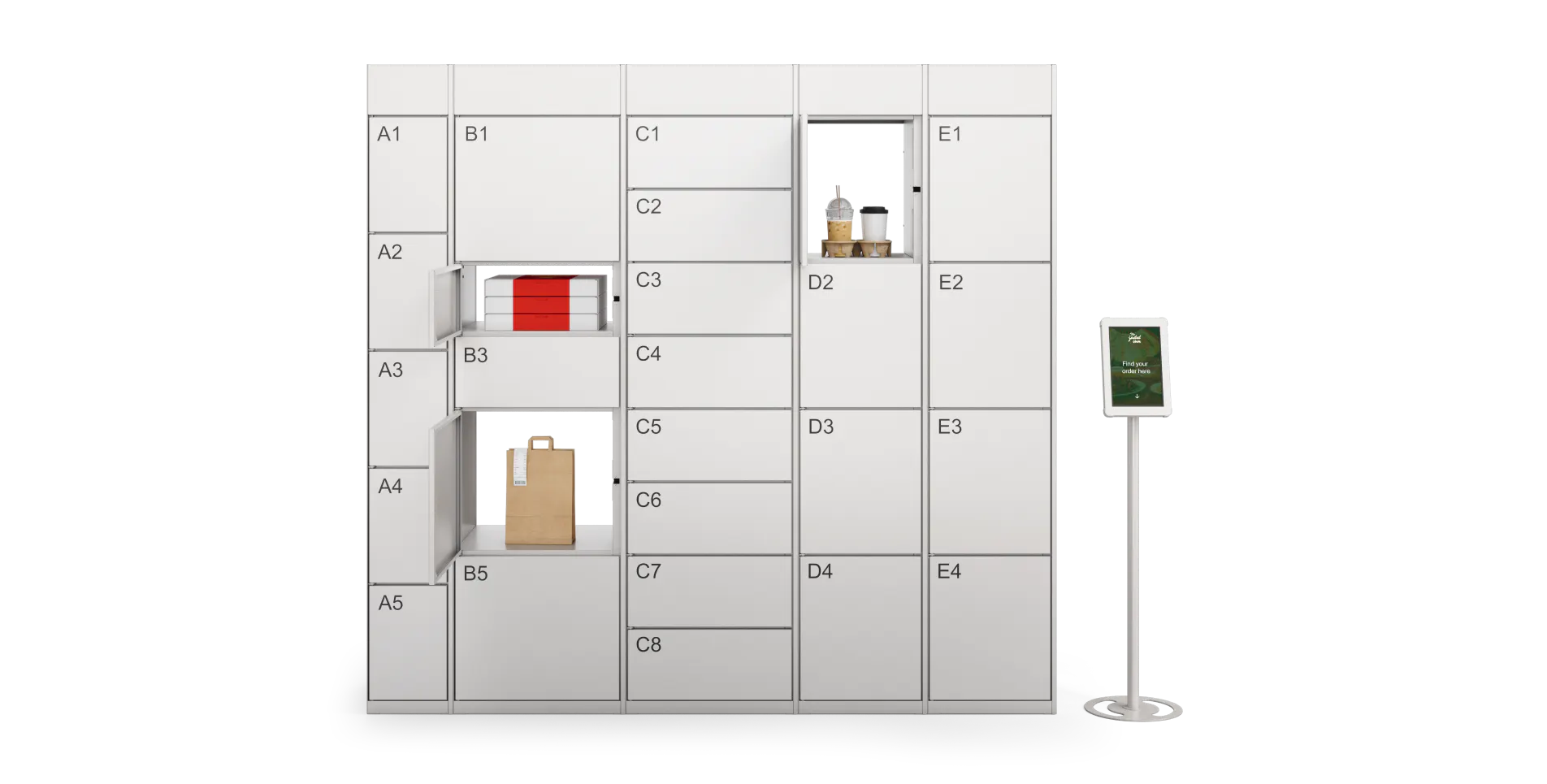
Self-serve order pickup with a few easy steps
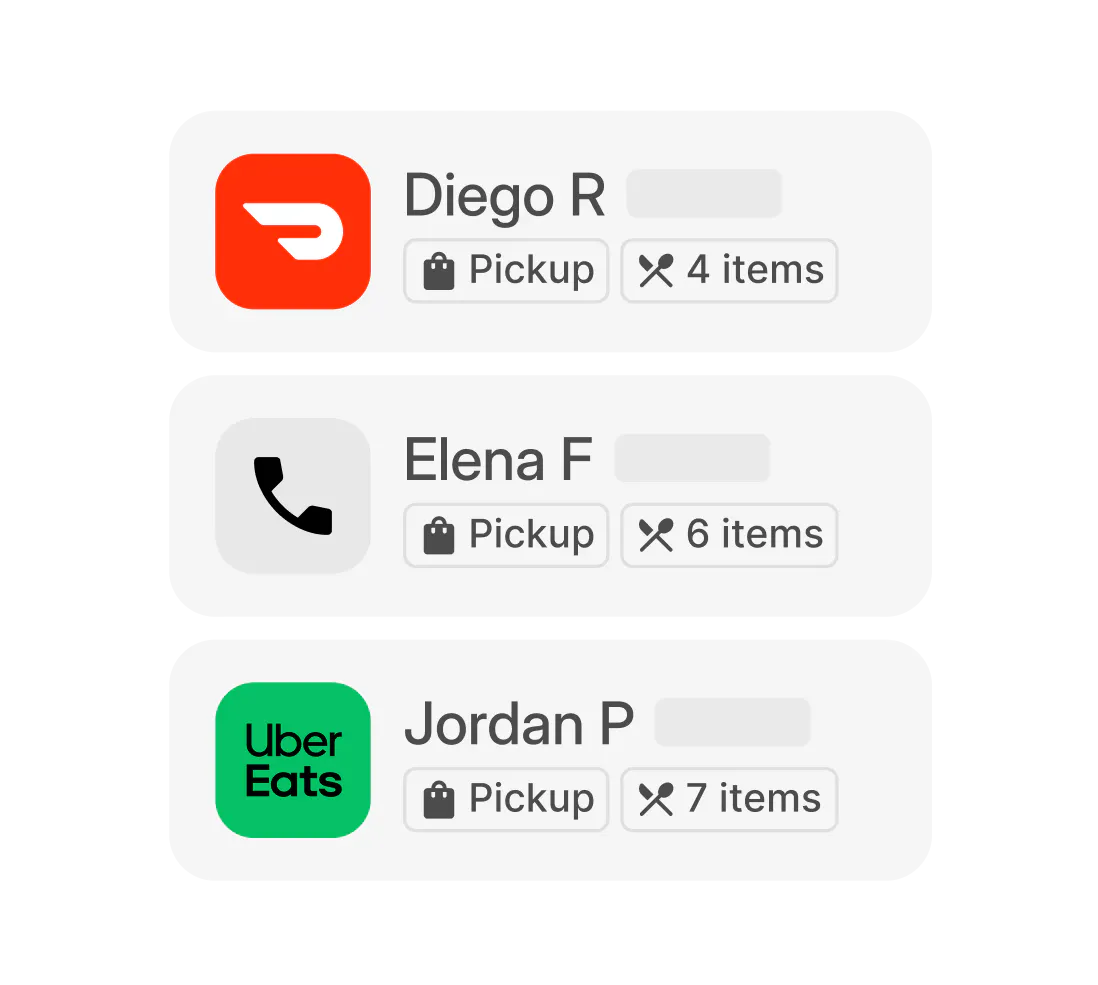
Step 1
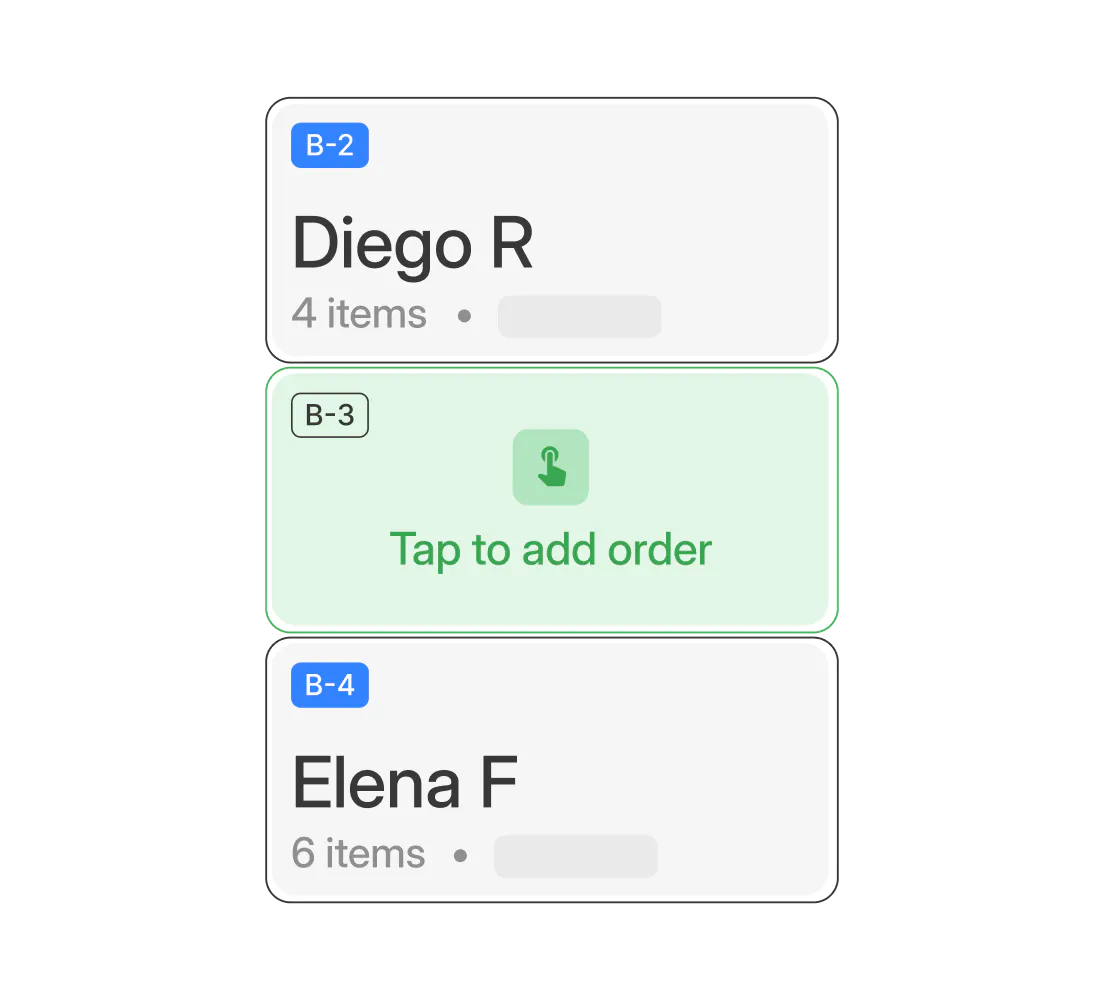
Step 2
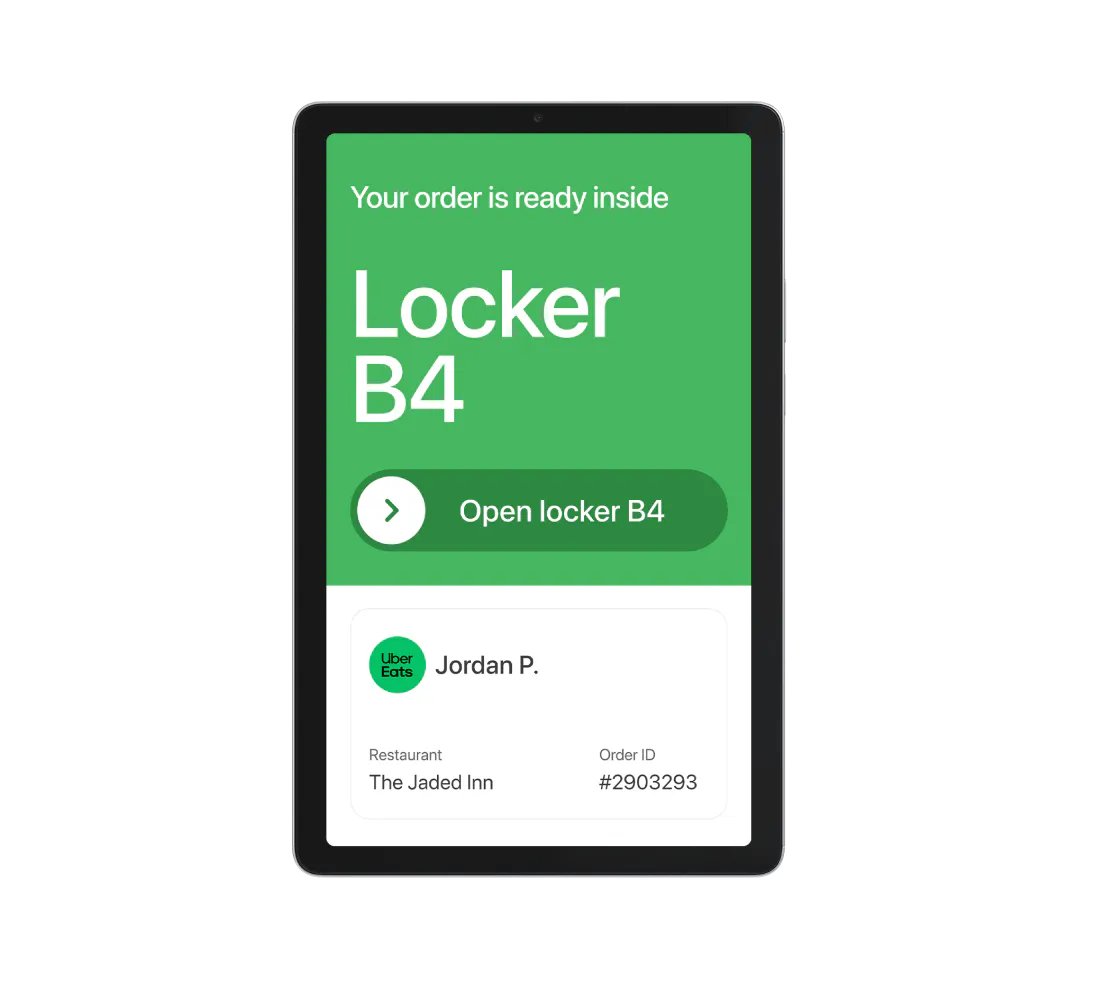
Step 3
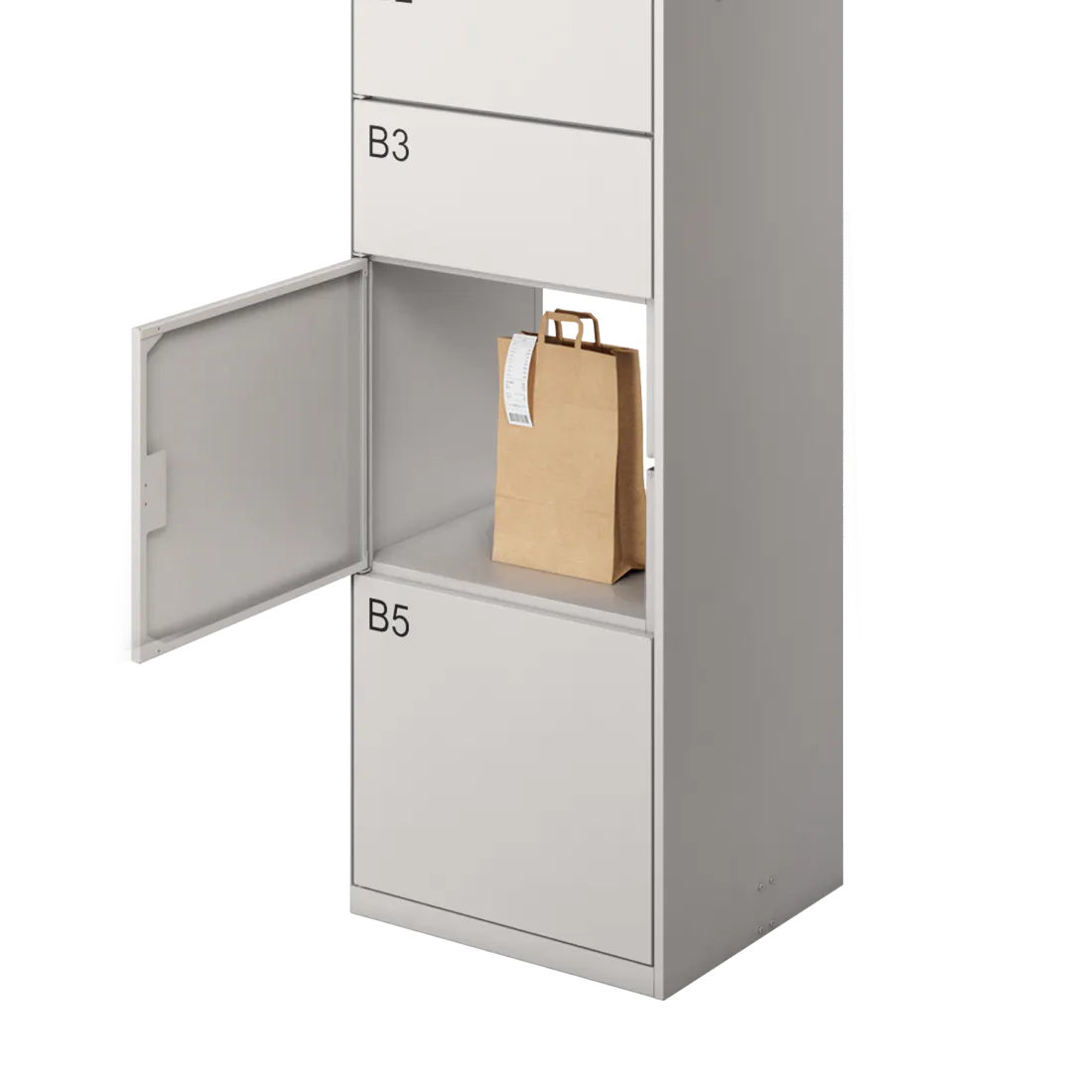
Step 4
Purpose-built lockers for seamless food pickup
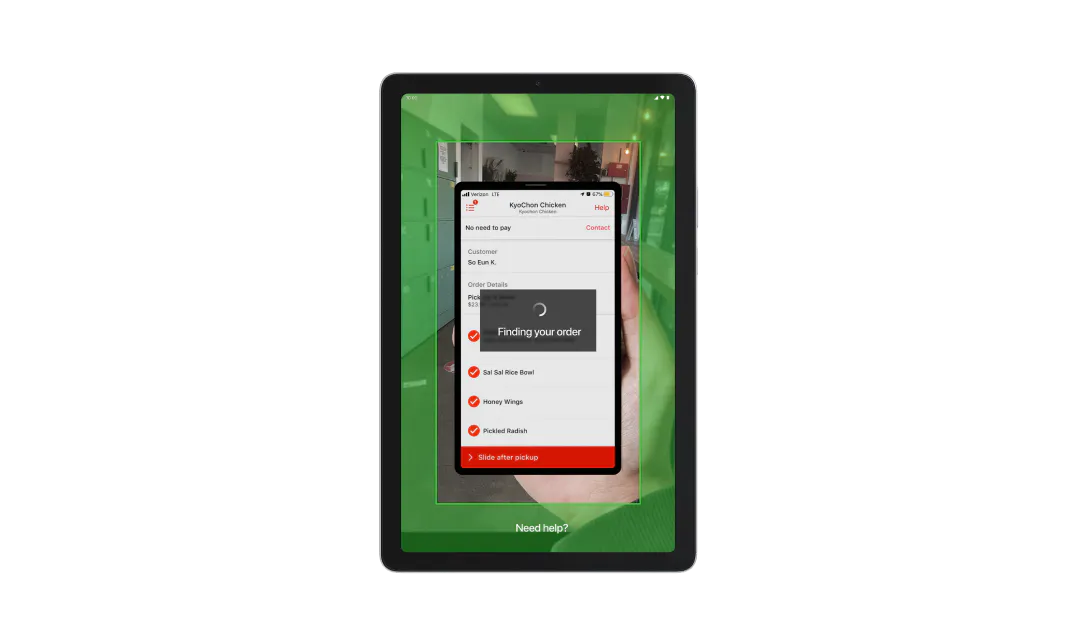
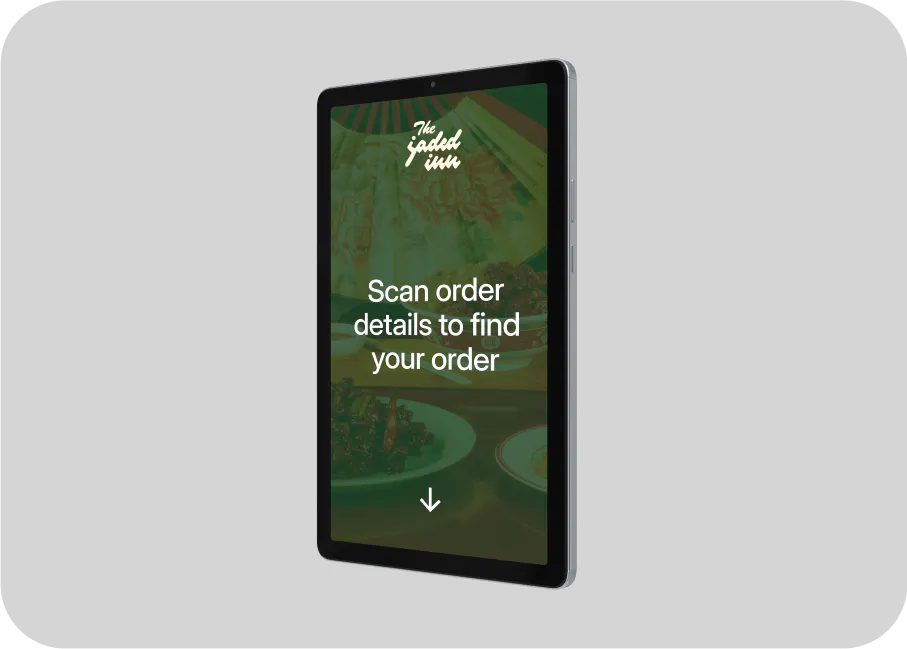
Allow drivers and guests to magically locate orders by scanning order details
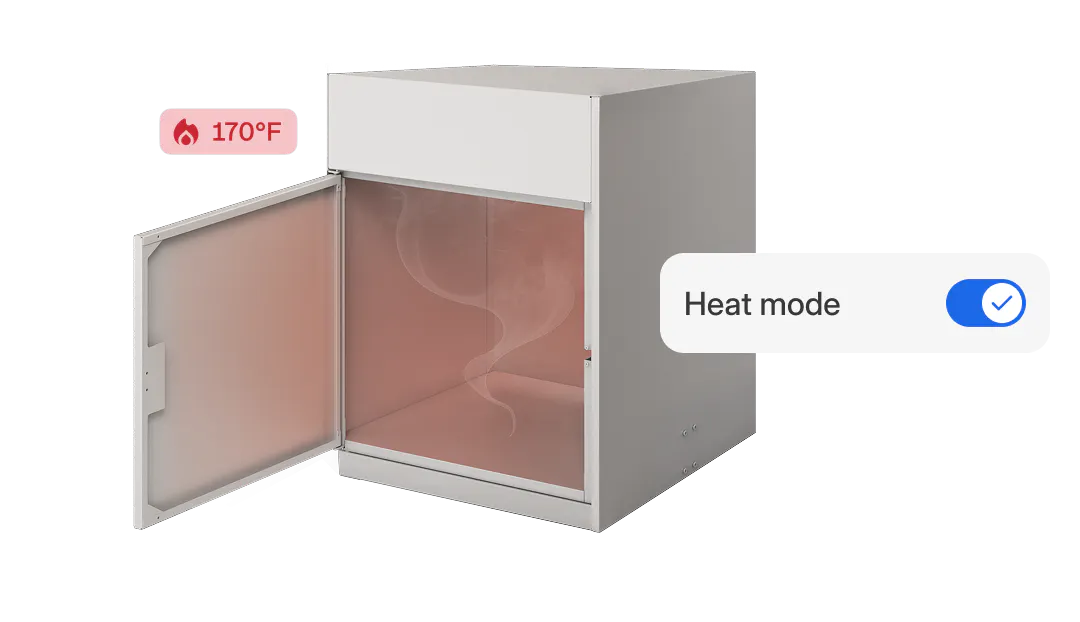
Keep orders hot and ready for pickup with heated lockers
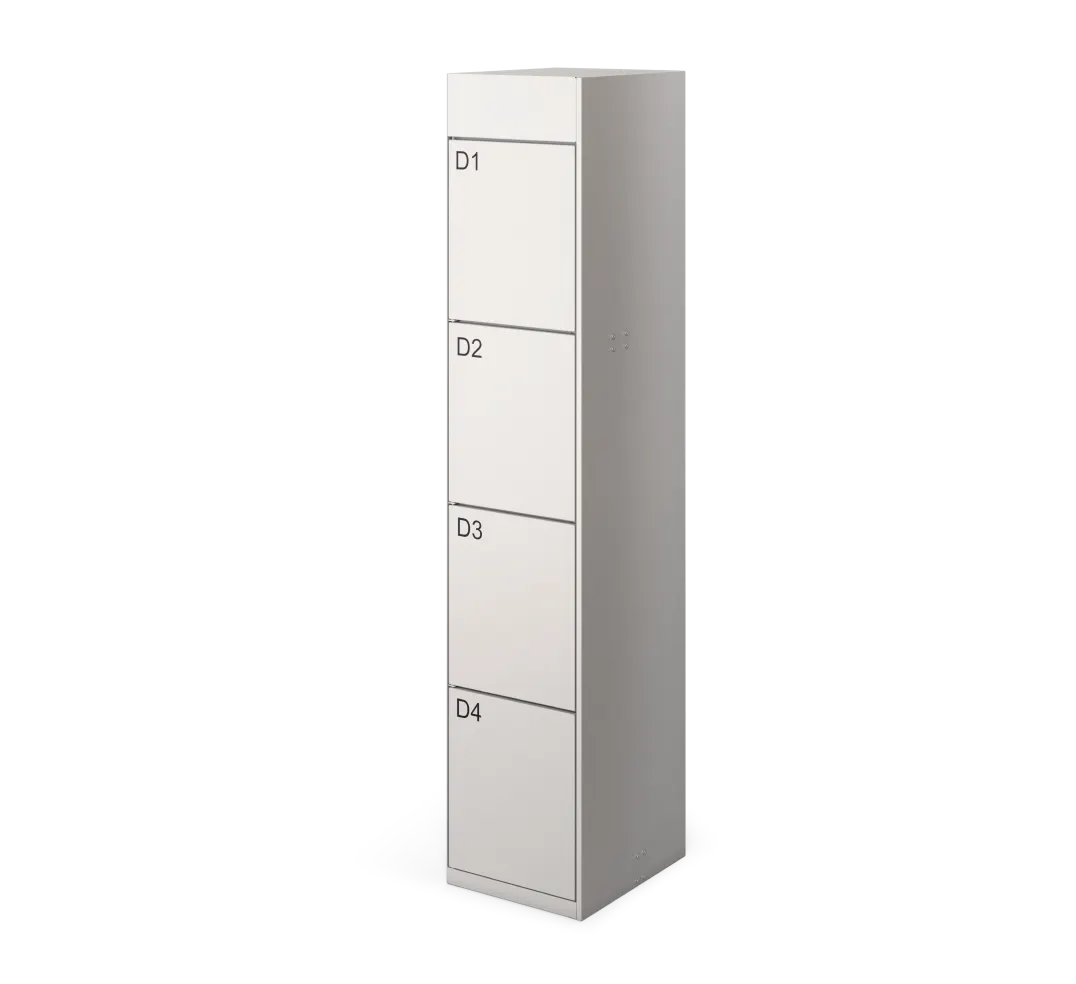
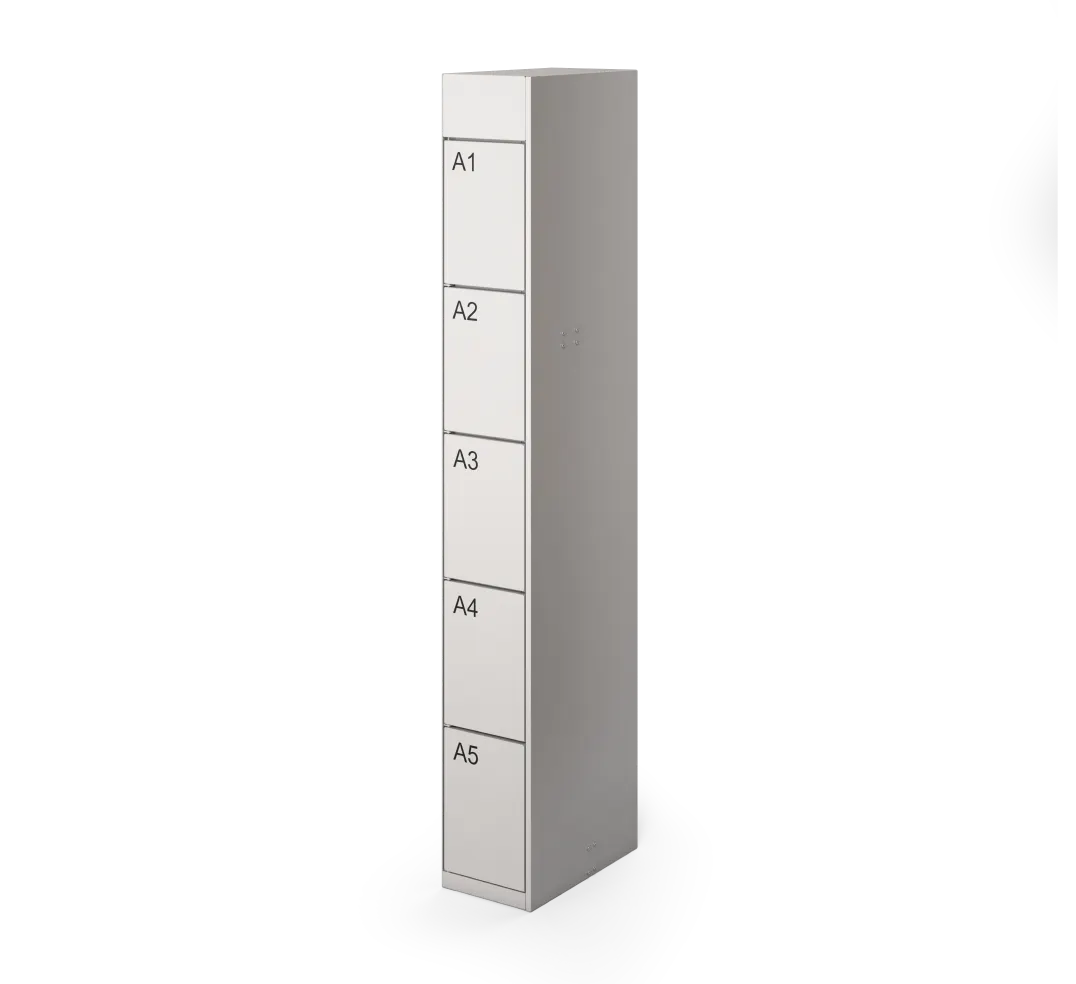
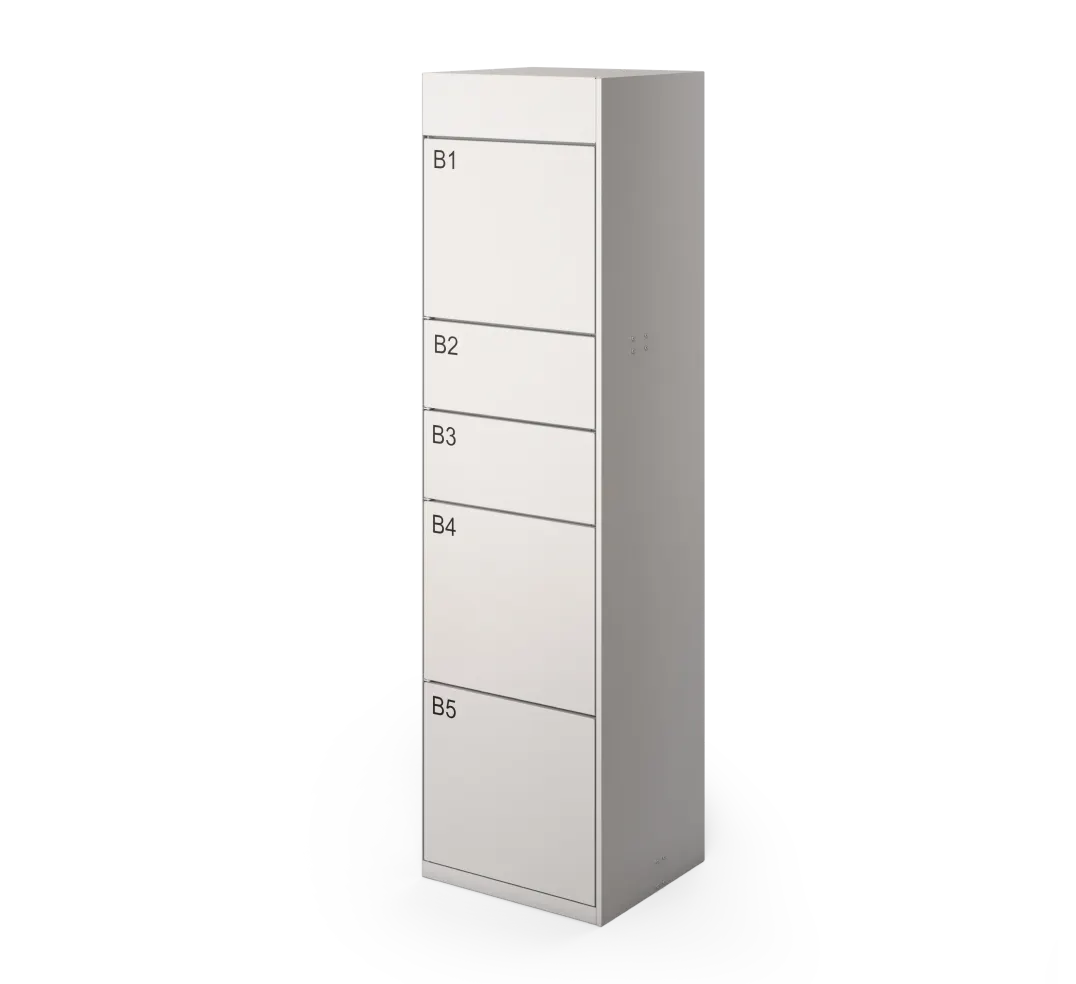
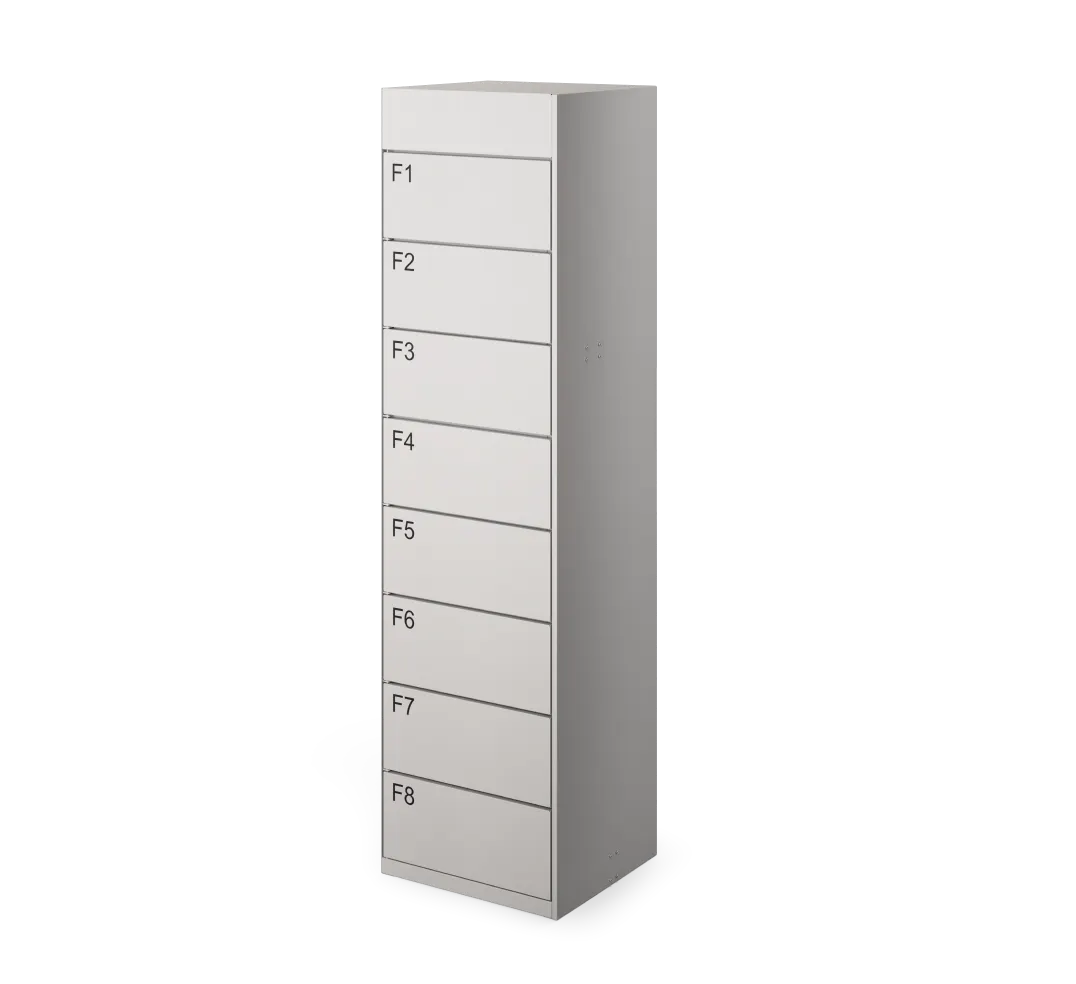
Mix and match locker columns based on order volume and packaging size
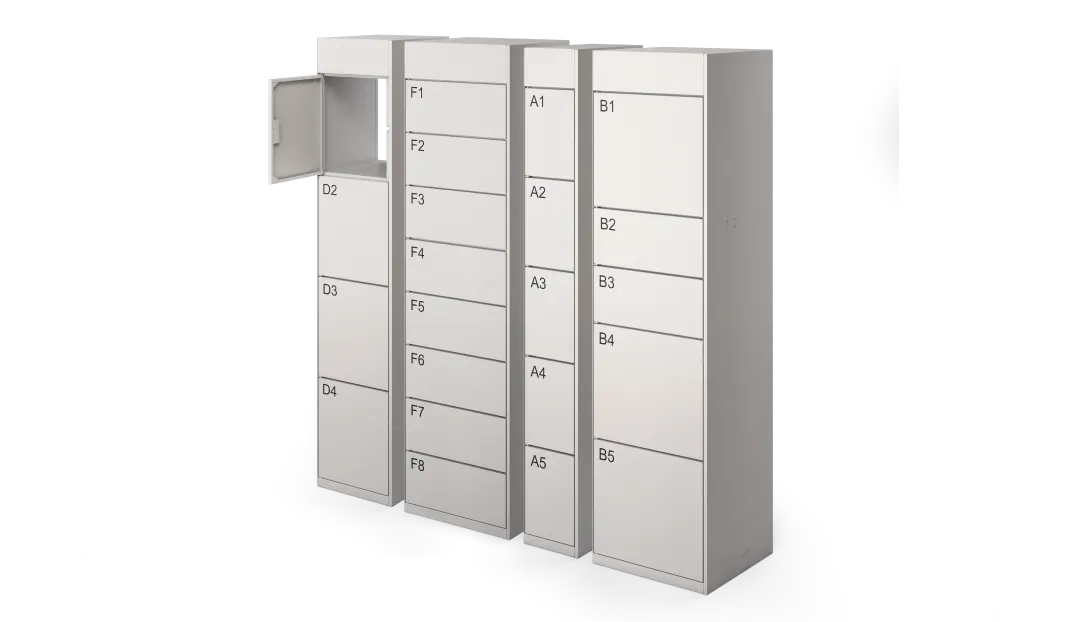
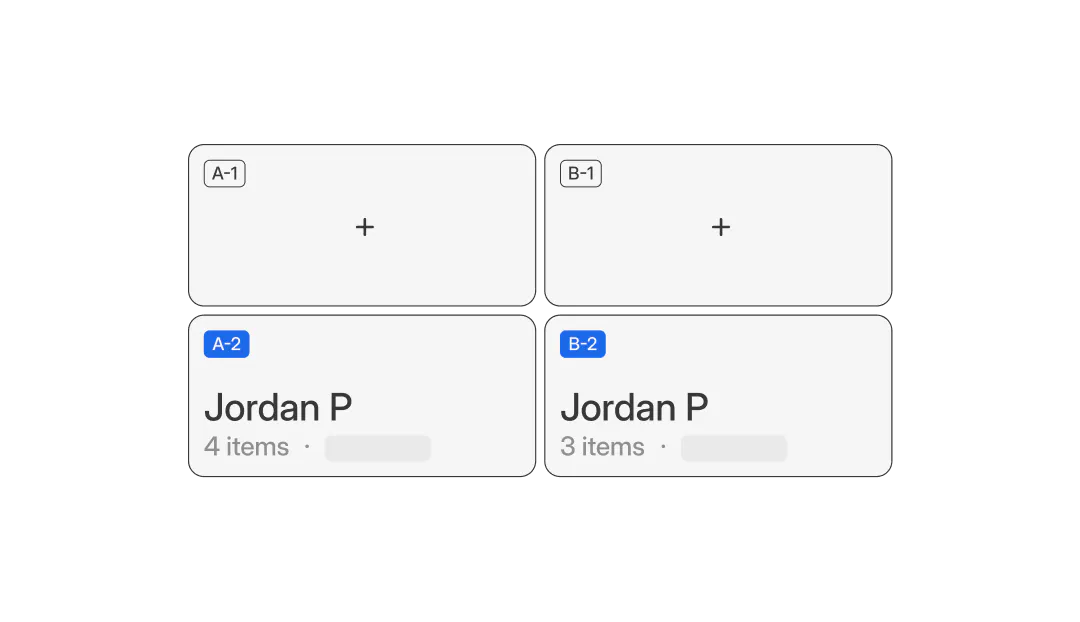
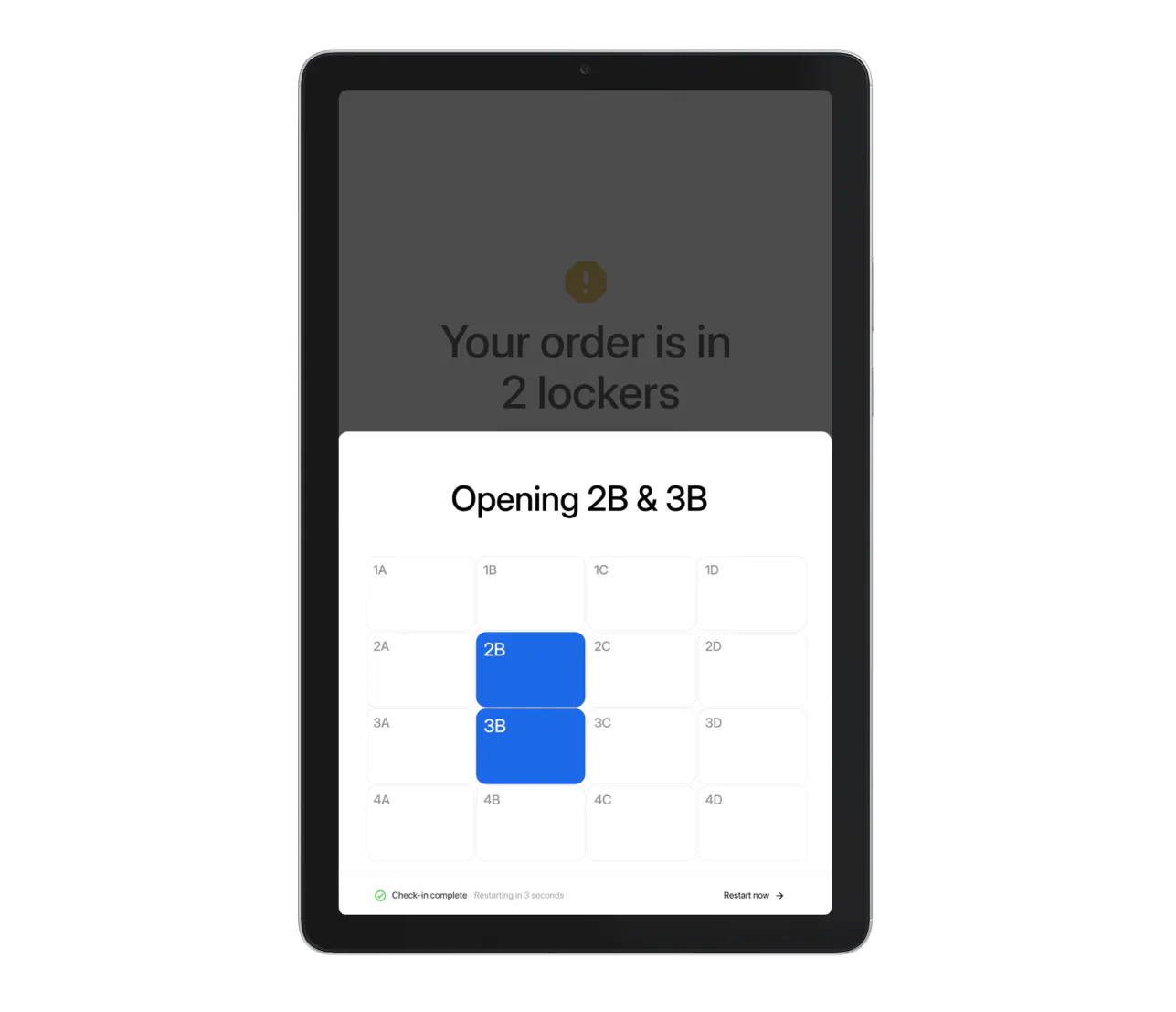
Easily distribute large orders across multiple lockers
Transform order management by pairing Lockers with other Otter features

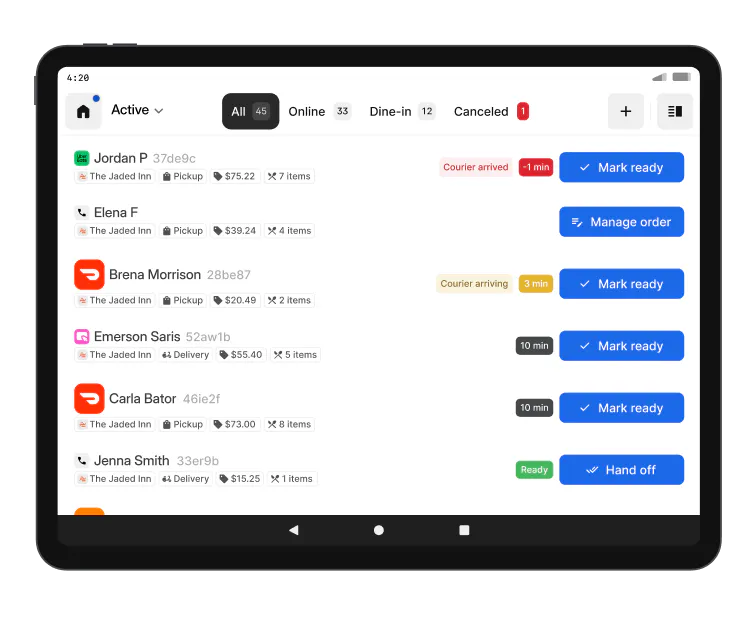
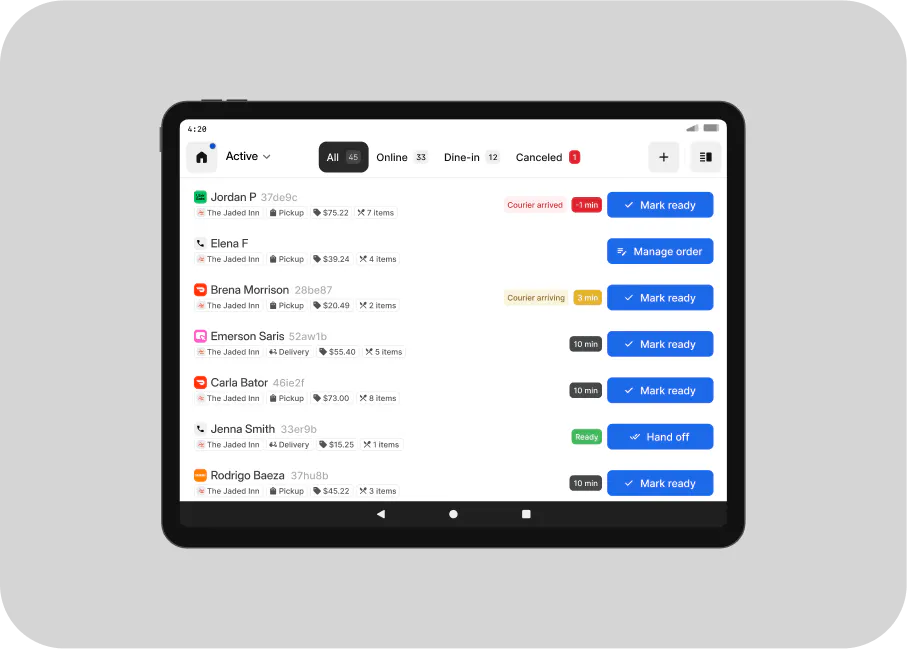
Order Manager
Manage all orders across every channel in one place

Check-in Tablet
Streamline check-in for drivers and guests with a tablet that scans order details and indicates the correct locker

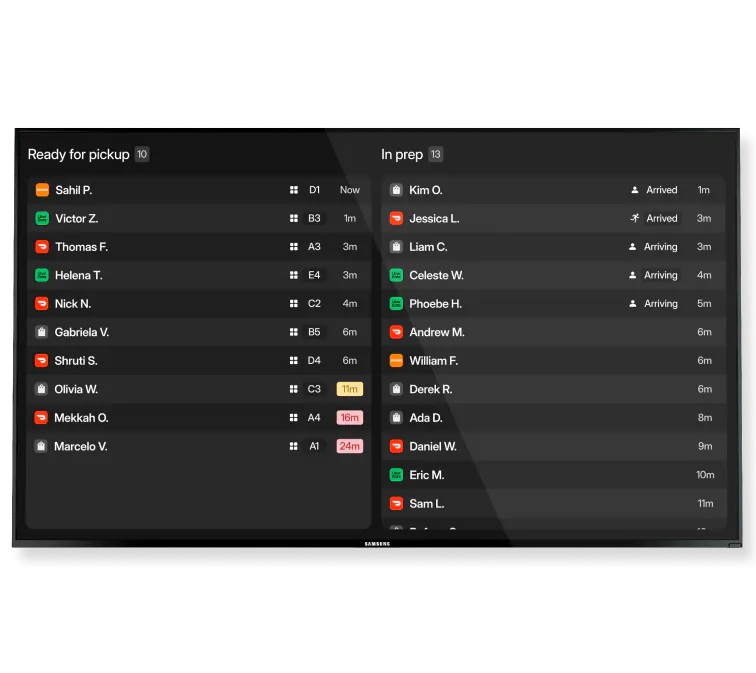
Handoffs
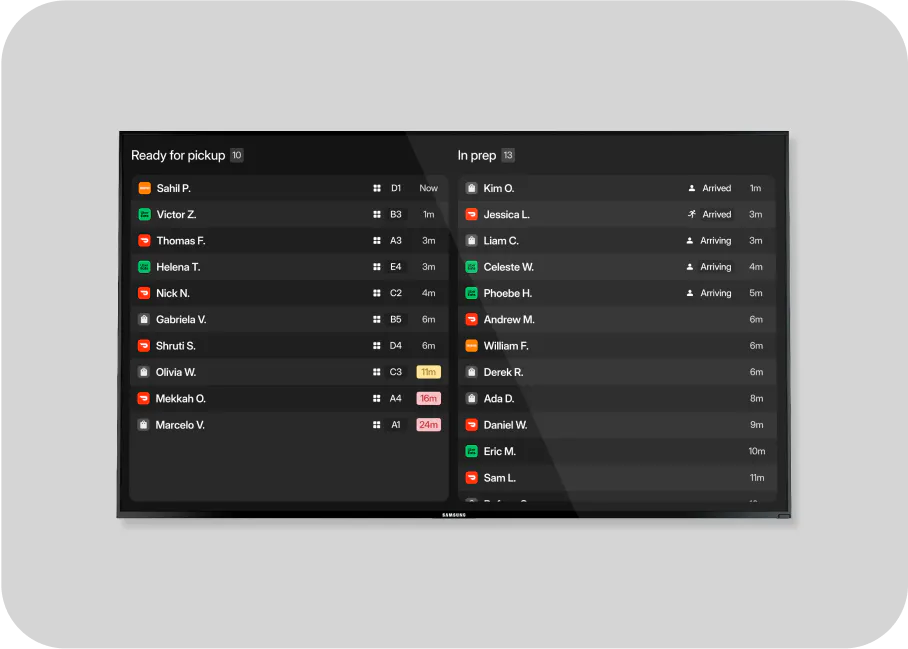
Display ready orders clearly with a real-time TV feed

Online Ordering
Get more low-commission pickup orders with a direct online ordering website

Analytics
View locker order history and details in a simple dashboard
Modules and specs for Lockers
Have questions?
We’re here to help
Explore all Otter products
Order Manager

Kitchen Display