Table of contents
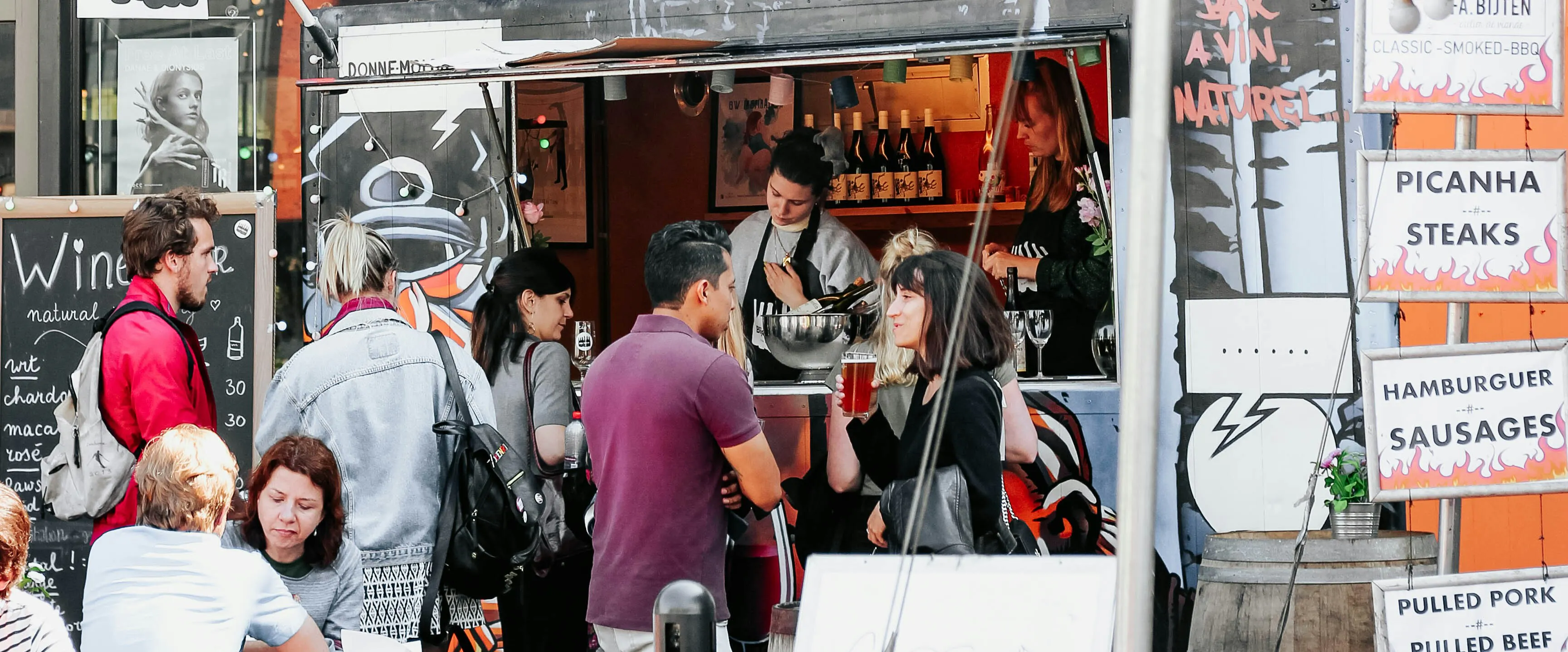
A food truck runs on less space, less staff and a lot more movement than a sit-down restaurant, and its point-of-sale system has to keep up with all three. The right POS keeps a line moving at a festival, keeps working when the signal drops between stops, and doesn't charge a fortune to do it. This guide ranks the five systems most worth considering for a food truck in 2026, with current pricing pulled directly from each provider.
Key insights
- Food truck POS needs skew toward portability and offline reliability over table management or multi-course order flow, which is where a lot of general restaurant POS systems fall short
- Square and Toast both publish a zero-dollar software tier; Otter's now starts at $79/mo but bundles hardware into that price, and only Otter and Square publish the processing rate that comes with their tiers
- Two systems, Revel and Korona, still don't put pricing on their website at all; Korona at least discloses that it doesn't take a cut of your processing, which changes the math if you can get a good rate elsewhere
- Handheld hardware matters more for a truck than for a counter, and it's an area where Otter, Square and Toast each take a different approach worth comparing before you buy
How we evaluate POS systems for food trucks
A food truck and a quick-service counter share some needs, but not all of them, our own breakdown of POS systems for quick-service restaurants is a useful comparison if you're weighing a truck against a brick-and-mortar counter format. A coffee shop is closer still, tight footprint, high order volume, and our guide to coffee shop POS systems runs through the same kind of small-footprint tradeoffs from a different angle.
For a truck specifically, we weighed six things: how steep the learning curve is for a small or rotating crew, what support looks like when something breaks mid-service, total cost once processing and add-ons are counted in (not just the sticker price), how well the hardware handles being unplugged and moved, what the system integrates with, and whether the feature set actually fits a walk-up, high-turnover line rather than a seated dining room.
Limited counter space changes the calculus too. A system that needs a printer, a separate kitchen screen and a customer-facing display doesn't fit the same way it would behind a full-size counter, so we looked specifically at how compact each provider's hardware options are, not just what they cost.
Food truck POS pricing at a glance
Every figure below comes from the provider's own pricing page, except where a provider doesn't publish one, in which case we say so rather than estimate. Providers change pricing without notice, so treat this table as a snapshot and reach out any time you want it double-checked.
Provider | Published software pricing | Processing rates published? | Hardware |
|---|---|---|---|
Otter | Starter $79/mo; Advanced $178/mo; Professional $278/mo. Software and hardware bundled at every tier. | Yes. Card-present 2.79%+$0.20 (Starter), 2.59%+$0.15 (Advanced), 2.39%+$0.10 (Professional). Card-not-present flat 3.29%+$0.30 on any tier. | Included in the monthly price at every tier. Handheld device available for line-busting and mobile order-taking. |
Square | Free $0/mo; Plus $49/mo per location; Premium $149/mo per location. | Yes. Card-present 2.6%+$0.15 (Free), 2.5%+$0.15 (Plus), 2.4%+$0.15 (Premium). Card-not-present 3.3%+$0.30 (Free), 2.9%+$0.30 (Plus/Premium). | Contactless/chip reader $59, magstripe reader free. Square Terminal $299 or $27/mo. KDS app $30/mo per device (Plus), $20/mo (Premium). |
Toast | Starter Kit from $0/mo (1 location, up to 2 terminals); Point of Sale from $69/mo. | No, quote-only. | Starter Kit hardware included at no upfront cost. Toast Go handheld available for mobile order-taking; full terminal lineup otherwise skews toward countertop setups. |
Revel | Not published. Fully quote-based, requires a demo before any pricing is disclosed. | No | Not published. |
Korona | Core $59/mo per terminal; Retail $79/mo per terminal (most popular); Plus $99/mo per terminal. | N/A, processing agnostic. Korona does not take a percentage of sales and lets you bring your own processor. | Priced separately through Korona's hardware builder tool, not listed on the pricing page. |
The 5 best POS systems for food trucks in 2026
1. Otter POS
Reason for inclusion
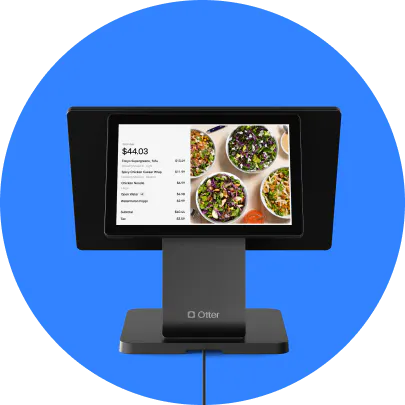
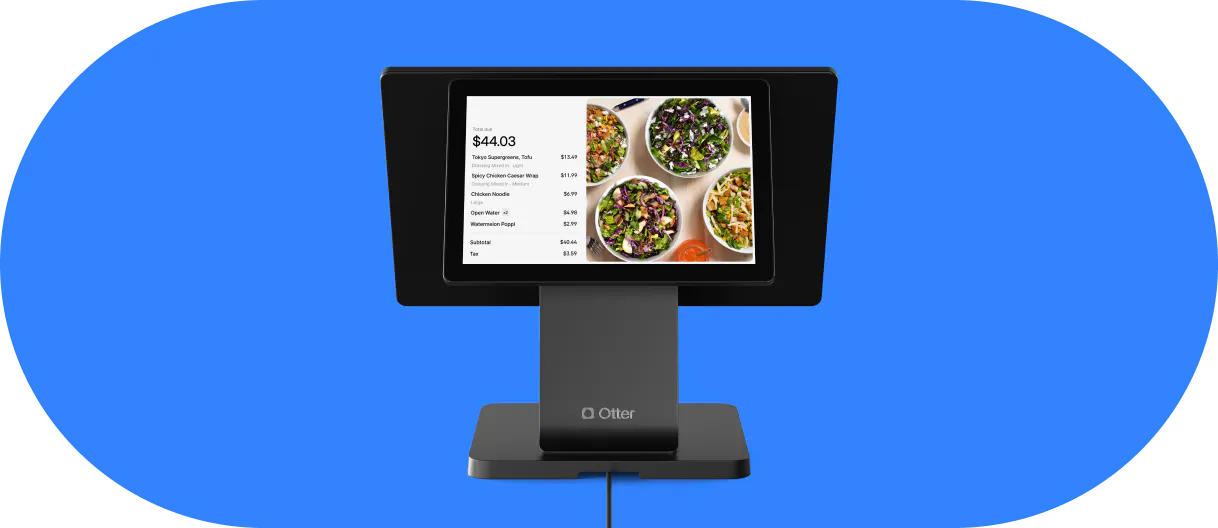
Otter is built restaurant-first, and its bundles are priced to include hardware rather than sell it separately. For a truck, the practical draw is consolidation: dine-in, walk-up, delivery apps and a direct online ordering channel all land on one screen, so a small crew isn't juggling a stack of separate tools between orders.
Pros
- Card-present processing rates are published by tier and step down as you grow, unlike Toast or Revel, which don't publish a rate at all
- A handheld device is available for line-busting, useful when a truck's line runs past the window at a festival or lunch rush
- Offline mode keeps card and cash transactions running when the signal drops between locations, syncing once it's back
- Menu changes and 86ing an item push across every connected channel at once, handy when a truck runs a shorter, more variable menu than a full kitchen
- Support runs 24/7 by phone, chat and email on every plan, no separate support tier to buy into
Cons
- No longer the lowest entry price in this group, Starter now starts at $79/mo with hardware bundled in rather than the $0/mo software-only tier it published earlier this year
- Delivery aggregation and direct online ordering require moving up to the Advanced tier, the free Starter tier is POS software only
- Less built for the kind of table service and seating management a brick-and-mortar full-service restaurant would need, though that's rarely a truck's problem
Best for
Food truck owners who want one system covering the line, the kitchen and delivery apps without assembling separate tools for each. The food truck POS page has more detail on what ships in each bundle.
2. Square POS
Reason for inclusion
Square built its name on payments before restaurant features arrived, and that shows up as a real strength on a truck: a genuinely free software tier, published processing rates at every level, and hardware, especially its compact contactless reader, sized for a space where every inch of counter matters.
Pros
- Free tier with no monthly software cost, and card-present rates improve as you move up without ever going unpublished
- The contactless card reader is genuinely pocket-sized, one of the more compact options in this lineup for a truck's tight counter
- No long-term contract on any plan, cancel or switch anytime
- Broad app marketplace if a truck wants to add tools beyond what ships in the core plan
Cons
- Kitchen display and kiosk apps are billed per device per month on top of whichever plan you're on
- Built as a general commerce platform first, so some restaurant-specific workflows feel like add-ons rather than native features
- The full terminal and register hardware options are less truck-friendly than the compact reader, more suited to a fixed counter
Best for
Trucks with a simple, high-turnover order flow that want the lowest possible starting cost and don't need delivery-app aggregation built in.
3. Toast POS
Reason for inclusion
Toast's Starter Kit is a genuinely free way onto a restaurant-grade platform, hardware included, and Toast Go gives it a handheld option built for exactly the kind of line-side order-taking a truck needs during a rush.
Pros
- Starter Kit software costs nothing per month and bundles hardware with no upfront cost
- Toast Go is a commercial-grade handheld built for mobile order-taking, a real fit for a walk-up line
- Deep restaurant-specific feature set if a truck also runs a stall, pop-up counter or seasonal storefront alongside the mobile unit
- 24/7/365 support included
Cons
- Processing rates aren't published anywhere on the pricing page, so the largest real cost has to be quoted directly
- The free Starter Kit tops out at two terminals; scaling past that moves you into the paid Point of Sale plan
- Toast's broader hardware lineup, beyond the Starter Kit and Toast Go, leans toward countertop terminals sized for a fixed location
Best for
A new truck that wants a working, restaurant-grade terminal without upfront hardware spend and is prepared to negotiate processing directly.
4. Revel
Reason for inclusion
Revel has been building restaurant POS for over a decade and offers an open API for businesses that want to build custom functionality on top of it. For a multi-unit or franchised food truck operation with development resources, that flexibility can be worth the opacity around pricing.
Pros
- Open platform API for custom integrations beyond what ships out of the box
- Wide range of in-house hardware options across formats
- Built for both flexibility and speed at scale, including multi-location and franchise operations
Cons
- No pricing published anywhere, a demo is required before any number is disclosed, which makes it hard to compare against the rest of this list without a sales call
- Third-party delivery and integration coverage is thinner than the other platforms here
- Building on the open API requires development resources most single-truck operators won't have in-house
Best for
Larger or multi-unit food truck operators with the technical resources to use an open API, and the patience for a quote-based sales process.
5. KORONA POS
Reason for inclusion
KORONA publishes flat per-terminal pricing and, unusually for this list, doesn't take a cut of your card processing at all, you bring your own processor and negotiate that rate separately. For a high-volume truck that can find a competitive processing deal elsewhere, that structure can undercut everything else here.
Pros
- Published per-terminal pricing across three tiers, no quote required to see a number
- Processing agnostic, KORONA itself never takes a percentage of sales
- No setup fees and no forced contract, with a 30-day money-back guarantee on hardware and 60 days on software
- Loss reporting and analytics tools carried over from its retail roots, useful if a truck also tracks inventory closely
Cons
- Being processing agnostic cuts both ways, you're responsible for shopping for and managing your own processing rate rather than getting one bundled in
- Feature set leans order-and-inventory focused rather than restaurant-native, with less built specifically for kitchen or menu management
- Hardware isn't priced on the pricing page itself, it routes through a separate hardware builder tool
Best for
Trucks with strong inventory-tracking needs or an existing processor relationship worth keeping, where paying a flat software fee and sourcing your own processing beats a bundled percentage.
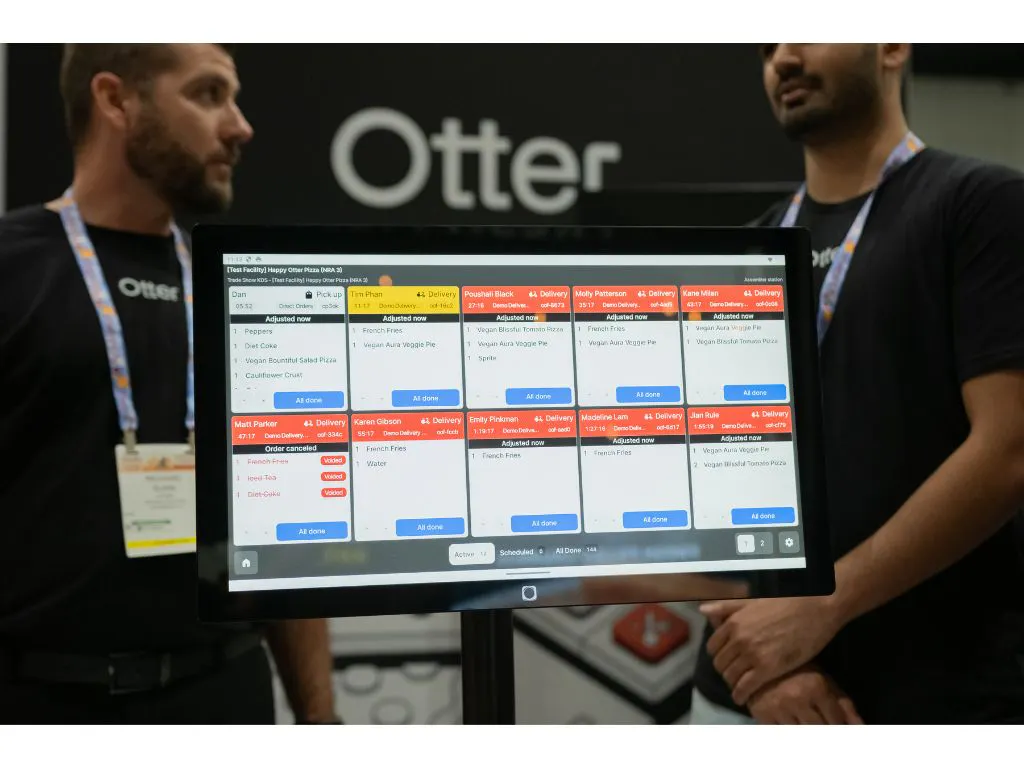
What makes Otter POS valuable for food truck owners?
Food trucks operate on tighter margins and tighter space than a sit-down restaurant, and the owners already running Otter tend to describe the same thing: less time spent managing separate tools, more time actually running the line.
Karina Carmona, Operations Manager at Taqueria La Estrella, put it plainly:
“In a food truck, everything has to be fast. So [Otter] makes it fast, but it's at the quality of a sit-down meal. We're equipped to go.”
Marcus Flakes of Marco's Pepper Grill points to the same simplicity when it comes to adding new channels:
“It's truly designed to make restaurant life easier. I've even signed up for new delivery platforms and recently created my own online ordering app. Otter makes it simple, so why not?”
And at Floridino's, the impact showed up in order accuracy:
“Partnering with Otter has helped us decrease missed and duplicate orders, and make fewer errors overall. With Otter, it almost feels like we're living a pre-tablet life. It's great!”
Beyond the POS: running the rest of the truck
A POS decision doesn't happen in isolation. If menu planning and profit per item is top of mind, our wider guide to food truck profitability covers the digital tools side of that question.
If your truck shares a footprint or a following with a fixed bar setup, our bar POS systems guide covers a lot of the same tight-space tradeoffs from a different angle.
Running more than one truck, or planning to? The considerations change once you're managing menus and reporting across units, our guide to multi-location POS systems covers what to look for once a single truck becomes a small fleet.
Get first-place food truck profit with powerful POS tech
The cheapest POS on paper and the cheapest POS in practice are rarely the same system once processing, hardware and add-ons are counted in. Use the comparison above to shortlist two or three options, then ask each provider for their exact fee schedule in writing before you sign anything, a truck's margins are too tight to guess.
Food truck POS FAQs
Do food truck owners have different POS requirements than sit-down restaurants do?
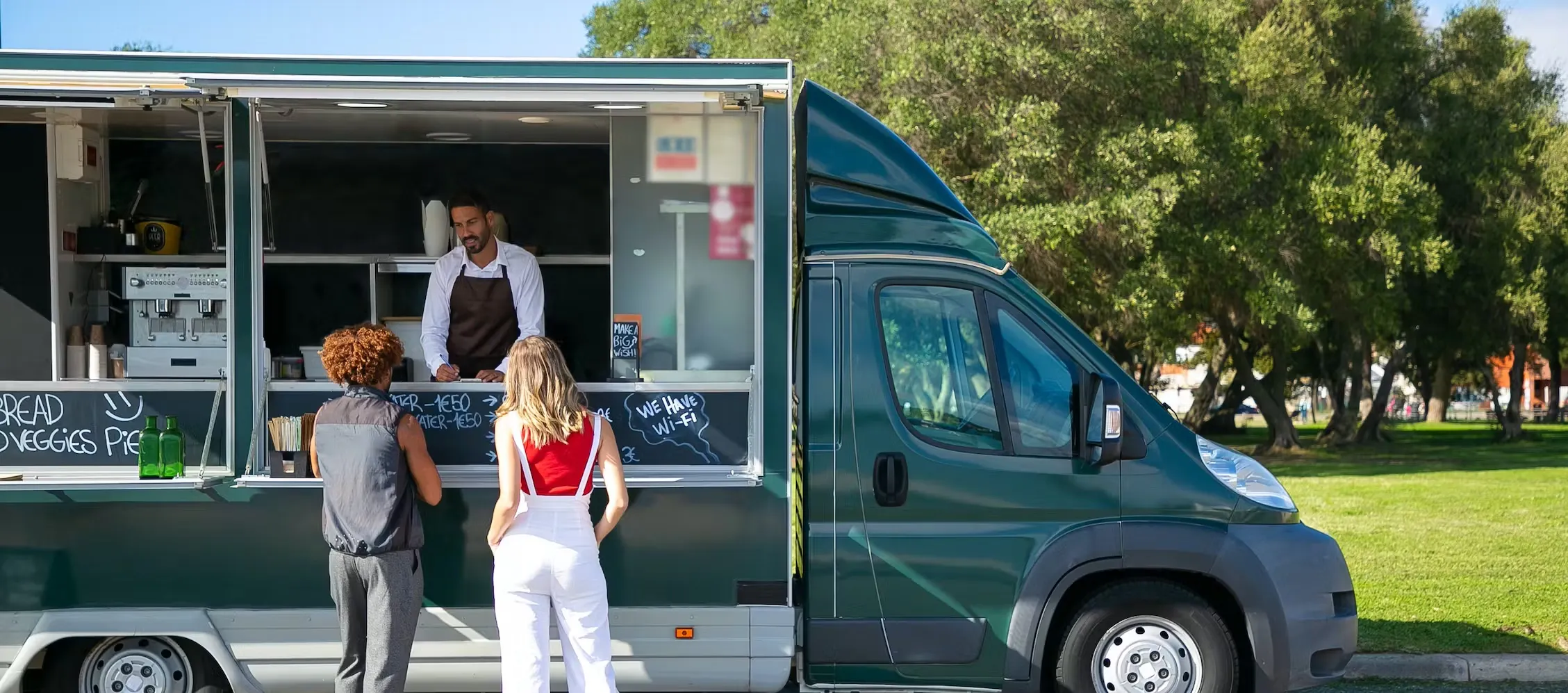
Yes. A food truck's line moves fast, its counter space is limited, and its connectivity isn't guaranteed from stop to stop. Prioritize a system with offline mode, compact or handheld hardware, and a menu you can update quickly, over table management or multi-course order flow you're unlikely to need.
What's the best POS system for a food truck on a tight budget?
Square and Toast both publish a zero-dollar software tier, though they get there differently, Toast's free tier still requires a quote to know your real processing cost, Square's doesn't. Otter's tier now starts at $79/mo but bundles hardware into that price and publishes its rate by tier. Run your own expected card volume, plus what each option actually bundles, before assuming the lowest sticker price is the cheapest on a full season.
Can my food truck use a POS system with unreliable WiFi?
Yes, if you pick one with offline mode. Otter and Toast both keep card and cash transactions running without a connection and sync once it returns. Ask any provider directly how offline mode works before you commit, since coverage varies by platform and plan.
Does my food truck's POS system need to be cloud-based?
For most operators, yes. Cloud-based systems give you sales and inventory data from anywhere, useful when you're not parked in the same spot every day, without needing to be physically at the truck to check numbers.
What questions should I ask a food truck POS provider before signing up?
- What are the exact processing rates for tapped, keyed and online payments, in writing
- Does the hardware work offline, and how does it behave when the connection drops mid-order
- Is hardware included, financed, or purchased separately from the software
- How compact is the actual hardware footprint, not just the software features
- Is there a long-term contract, and what does canceling or switching actually involve
Is Otter POS a good fit for a food truck?
For a truck juggling walk-up orders, delivery apps and a variable menu, yes, that's the specific combination Otter is built to consolidate onto one screen. See the food truck POS page for the full feature list, or book a demo to see what a bundle would look like for your setup.

Gear up your food truck with Otter