
Table of contents
- Why your drive-thru is slow (and why the POS is usually the bottleneck)
- The core features a drive-thru POS actually needs
- KDS: the real engine behind a fast drive-thru lane
- Line busting: how to cut wait time before cars reach the window
- Payment processing at the window: what adds seconds and what saves them
- Menu management and multi-channel orders in a drive-thru environment
- What you should prioritize (and what enterprise chains need that you probably don't)
- The failure points that slow down drive-thrus, and how the right system prevents them
- A unified POS is what separates a fast lane from a frustrating one
- Frequently asked questions about drive-thru POS systems
A backed-up drive-thru line is rarely a kitchen problem. More often, it starts at the order point or the payment window, and the POS connects both. Takeout, driven heavily by the drive-thru window, now makes up 75% of all restaurant traffic, and nearly 95% of consumers say speed is critical to that experience, according to National Restaurant Association data. Yet the average lane runs about five minutes and thirty-five seconds per car, while the fastest major chain, Taco Bell, averages four minutes and sixteen seconds. The gap between those two numbers, roughly a minute and twenty seconds per car, is where revenue lives.
Key insights
- A non-integrated payment terminal can easily cost the average drive-thru 15 to 25 seconds per car in manual re-entry alone. At 150 cars per day, that is up to 62 minutes of throughput lost at the window every day before a single food item is delayed
- A KDS that replaces paper ticket handoffs can cut kitchen-to-window lag by 20 to 30 seconds per order. At 100 cars per day, that recovers 33 to 50 minutes of service time daily, making it one of the highest-ROI upgrades most independents can make
- You do not need enterprise complexity. You need five features working together without friction: KDS, single order queue, integrated payment, cloud menu management, and handheld POS capability for line busting
- Speed in a drive-thru is a system design problem, not a staffing problem. Order accuracy has dropped two percentage points industrywide over the past year, and a unified POS is one of the clearest levers for reversing that.
Why your drive-thru is slow (and why the POS is usually the bottleneck)
Your drive-thru POS is the connective tissue between order capture, the kitchen, and the payment window. When it is slow, disconnected, or requires manual workarounds, every station downstream absorbs the delay. Your staff is not the problem. The system they are working around is.
Two POS-caused bottlenecks show up more than anything else:
- Order mismatch at the KDS. The order confirmed at the intercom system or digital order board does not match what appears on the kitchen display system, usually because of transmission lag or a disconnected system that requires someone to re-enter the ticket manually. This matters more than it sounds: QSR Magazine's 2025 Drive-Thru Study found order accuracy was 26 percentage points higher when the order confirmation board displayed correctly, which means the customer-facing display itself is part of the fix, not just the kitchen side
- A non-integrated payment terminal. Your cashier types the total into a standalone terminal by hand. That step alone adds 15 to 25 seconds per car
Here is the throughput math: lose 20 seconds at the speaker, 20 at the KDS, and 20 at the window, and you have lost a full minute per car before a single operational mistake happens. At 150 cars, that is 2.5 hours of throughput quietly disappearing every shift.
The POS is the lever you actually control.
The core features a drive-thru POS actually needs
Think of this as a decision filter for your drive-thru operations, not a spec sheet for a full restaurant POS system. You do not need everything a 200-unit chain uses. You need the features that directly reduce ticket time and protect order accuracy.
Non-negotiables
- Real-time KDS integration: orders hit the kitchen display the instant the customer confirms at the board, with no paper ticket lag and no handoff delay
- Natively integrated payment processing: the total appears on the terminal automatically, with no manual re-entry and no second-guessing the amount
- Handheld POS capability: a staff member takes orders in the queue before cars reach the board, sending tickets to the KDS early (this is line busting, and it works)
- Cloud menu management: update an item once and it pushes to every channel simultaneously, so no one orders something you cannot make
- Single order queue: drive-thru, online ordering, and in-store orders land in one place, routed to one KDS, so your end-of-shift deposit matches the sales report
Worth evaluating once the core is covered
- Self-service kiosk at a fixed order point, similar in concept to a self-checkout lane
- Loyalty programs and gift card program
- Daypart reporting and analytics for staffing and menu decisions
Enterprise features you can likely skip
- Franchise compliance modules
- Corporate multi-unit reporting dashboards
- Labor scheduling linked to lane throughput data
These add real value at 200 units. At one to three locations, they add complexity without adding a single car per hour.

KDS: the real engine behind a fast drive-thru lane
A kitchen display system replaces paper ticket printing with a live digital display. The moment a customer confirms their order at the board, it appears on the KDS with no handoff, no delay, and no ticket sitting in a printer queue while the kitchen waits.
Eliminating paper ticket handoffs can cut kitchen-to-window lag by 20 to 30 seconds per order. At 100 cars per day, that recovers 33 to 50 minutes of service time daily. That is one of the highest-ROI upgrades most independents can make for speed of service, and it costs far less than a second lane.
Two KDS features matter most in a drive-thru environment:
- Color-coded time alerts. Tickets change color as they age, prompting kitchen staff to act before a car has been waiting too long. Staff do not have to watch a clock. The display tells them when to move.
- Multi-channel routing from one display. If your POS handles drive-thru, online, and in-store orders, including DoorDash and Uber Eats, all of those tickets need to land on the same KDS, prioritized by time. A separate tablet for online orders alongside a KDS for drive-thru is a split-system problem, and it multiplies the number of customer-facing displays and kitchen screens your team has to reconcile by hand. Your kitchen staff end up reading two screens and sequencing manually, which breaks both speed and accuracy.
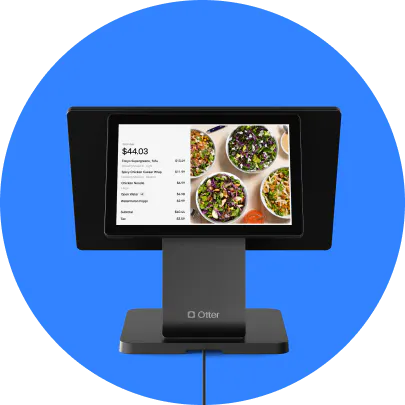
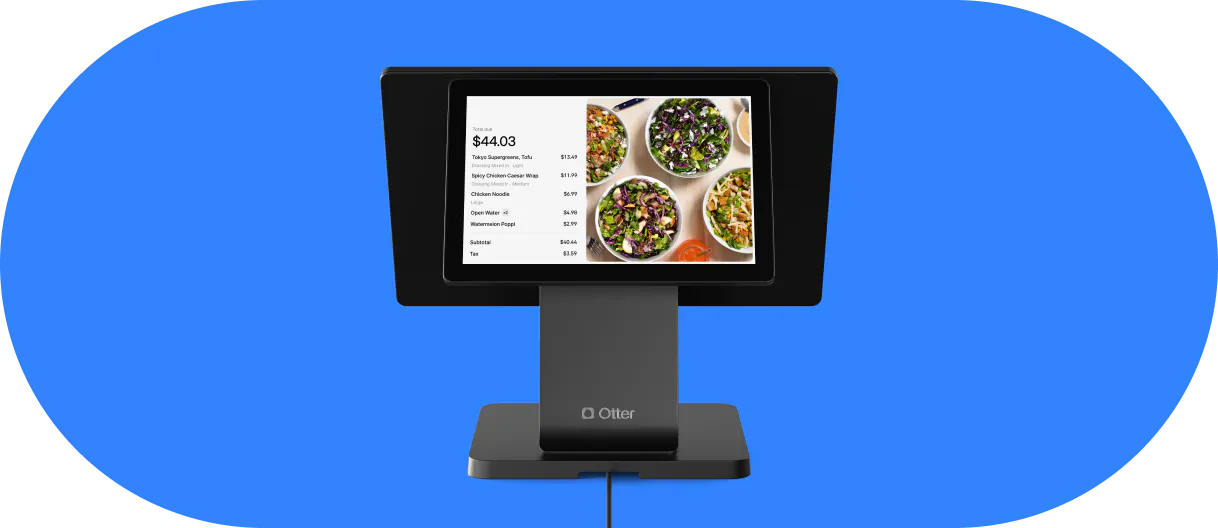
Otter's POS routes drive-thru, online, and in-store orders to the same kitchen display system, so your kitchen works from one display, one queue, one source of truth.
Want to see how a single POS routes every order to one KDS without a separate tablet for each channel? Get a demo with Otter to find out.
Line busting: how to cut wait time before cars reach the window
Line busting is straightforward. A staff member walks the drive-thru queue with a handheld POS, takes orders from cars two or three positions back, and sends those tickets to the KDS before the car reaches the order board. By the time the car pulls to the window, the kitchen is already working on the order.
If a car saves 45 to 60 seconds at the board because its order is already in the system, the window becomes the only remaining contact point. Throughput increases without adding a second lane.
“What I love about Otter is the handheld. Our drive-through gets really long lines and we still had to have two people to operate it. Now with the handheld, they just go out there, take the order, and charge. So it cut off one employee for us. That saved a lot.”
Nicoletta (Nicole) Kuti, owner of Telly's Charburgers (Santa Clarita, CA), on Otter Handheld, which let her cut a second drive-thru staffer entirely.
Two things to confirm before buying a handheld device:
- It connects via Wi-Fi or cellular and sends orders into the same single order queue as the main POS. A separate tablet that creates its own ticket stream defeats the purpose entirely
- Orders flow to the same KDS, prioritized by time, so your kitchen is not watching two screens
The pre-order angle works the same way. Customers who order through a loyalty app before arriving bypass the board entirely. Their order is already queued when they pull up, compressing dwell time to payment only.
For a one-lane independent, a single handheld device is enough to make a real difference when the queue regularly hits four or more cars.
Payment processing at the window: what adds seconds and what saves them
The payment window is where throughput math gets expensive fast.
A standalone terminal not integrated with your POS forces the cashier to manually re-enter the total, confirm it, and wait for the customer to respond. That step adds 15 to 25 seconds per transaction. At 150 cars per day, that is 37 to 62 minutes of throughput lost at the window alone, before a single food item is delayed or a single order error happens.
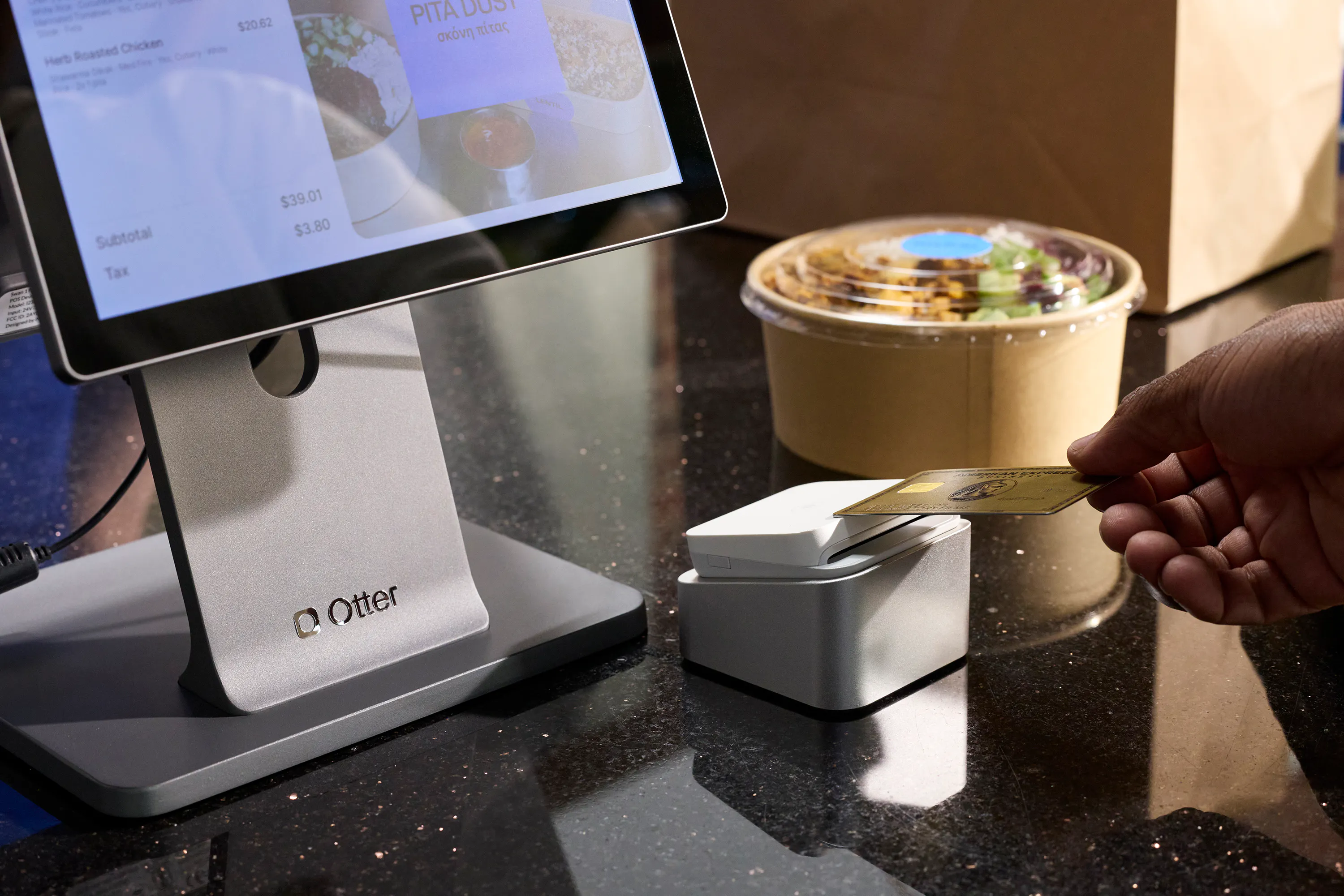
Integrated payment processing looks like this: the total appears automatically on the terminal the moment the cashier confirms the order. The customer taps or inserts. Payment clears. No re-entry, no human error.
A few specifics worth flagging:
- Contactless payment is not optional. Apple Pay and Google Pay complete faster than chip-insert. If your terminal does not support tap-to-pay, you are leaving speed on the table.
- Split-tender needs to be native. Customers paying with a gift card plus a second card need the POS to handle the split without the cashier calculating the remainder manually. That calculation takes time and creates errors.
- Processing fee transparency matters. Before signing with any processor, understand whether you are on flat-rate or interchange-plus pricing, and confirm whether the processor is bundled with the POS or can be swapped. Deposits not matching your sales reports often trace back to fee structures you did not fully understand at signing.
What you should prioritize (and what enterprise chains need that you probably don't)
Most search results for “drive-thru POS systems” are written for enterprise buyers. Some systems in that category, platforms like Toast, Upserve, or NCR Aloha among them, are built for enterprise timelines, multi-year contracts, and pricing to match. That is not your situation if you are running one to three quick-service restaurants.
Here is the mental model that actually helps:
Must-haves for a one-to-three-location independent or QSR operator:
- Integrated KDS with multi-channel routing
- Single order queue across all channels
- Natively integrated payment terminal with contactless support
- Cloud-based real-time menu management
- Daypart reporting for staffing and prep decisions
- Handheld POS capability for line busting
Enterprise features to defer:
- Franchise compliance modules
- Corporate multi-unit analytics dashboards
- Labor scheduling tied to lane throughput data
Otter's POS is built for independent operators, quick-service restaurants, and fast-casual concepts. It covers the must-have column above without a six-month implementation or a multi-year contract. For a broader look at how Otter fits different restaurant formats, see this rundown of quick-service restaurant examples.
Before evaluating any system, ask two questions: what is the all-in monthly cost (software, hardware, and payment processing combined)? And is a term contract required? Those two answers tell you most of what you need to know about fit.
The failure points that slow down drive-thrus, and how the right system prevents them
Vendors sell the ideal state. Here is the failure state you actually live.
Failure mode 1: order mismatch
The order confirmed at the speaker does not match what appears on the KDS. Root cause: lag in order transmission or a disconnected system requiring manual re-entry. Fix: a POS that transmits orders to the KDS in real time the moment the customer confirms.
Failure mode 2: connectivity drop during peak
The payment terminal goes offline during Friday lunch rush. This almost always surfaces mid-service rather than during a sales demo. Fix: a cloud-based POS with offline mode that queues transactions locally and syncs when connectivity restores. Ask your vendor specifically about offline payment handling before signing.
Failure mode 3: split systems and reconciliation failure
Drive-thru orders are in one system, online orders in another, in-store in a third. At end of shift, the deposit does not match the sales report. Fix: a single unified restaurant POS that consolidates all channels into one single order queue, with no manual re-entry and no reconciliation math at close.
Support availability is a failure amplifier. A POS that crashes during Saturday dinner rush is only as reliable as the support available at that moment. Verify that support covers nights and weekends. This is non-negotiable when your rush happens after 5 p.m.
The principle that holds across all three failure modes: a drive-thru POS that holds up under pressure was designed as a single system, not assembled from separate tools that have to communicate with each other.
A unified POS is what separates a fast lane from a frustrating one
A longer feature list does not make your drive-thru faster. A unified system that eliminates handoffs, split queues, and manual re-entry at every station does.
The throughput math is simple. Seconds saved at the order board, the KDS, and the payment window compound across hundreds of cars per day. But only a unified POS captures those seconds at every station simultaneously.
You need five features working together without friction: KDS, single order queue, integrated payment, cloud menu management, and handheld POS for line busting. That combination covers every major throughput leak in a one-to-three-location drive-thru operation. Use daypart reporting to tune staffing and prep around it, and you have a restaurant POS system that runs the lane instead of fighting it.
If your drive-thru runs on split systems or a non-integrated payment terminal, the throughput you are losing is measurable. Talk to the Otter team and see what a unified drive-thru POS system changes for an operation your size.
Frequently asked questions about drive-thru POS systems
What is a drive-thru POS system?
A drive-thru POS system is the software and hardware that captures, routes, and processes orders from the moment a customer places their order through payment at the window. That includes the order terminal, the kitchen display system, and payment processing, all in one unified system covering the entire ordering process. A true drive-thru POS software consolidates all order channels. If your online orders and in-store orders are in separate systems, you have a split system with all the reconciliation and accuracy problems that come with it.
What is the most important feature in a drive-thru POS for speed?
KDS integration is one of the highest-impact features for throughput. It eliminates paper ticket handoffs and transmits orders to the kitchen in real time, cutting kitchen-to-window lag by 20 to 30 seconds per order. Integrated payment processing is a close second: removing the manual re-entry step at the window recovers 37 to 62 minutes of daily throughput at 150 cars per day.
How does line busting speed up a drive-thru lane?
A staff member walks the queue with a handheld POS and takes orders from cars two or three positions back, sending tickets to the KDS before those cars reach the order board. By the time the car pulls to the window, the kitchen is already working on the order. Dwell time at the window compresses to payment only, which increases cars per hour without adding a second lane.
Can a drive-thru POS handle online orders and in-store orders at the same time?
Yes. A unified restaurant POS consolidates all order channels, including DoorDash and Uber Eats, into a single order queue routed to the KDS. If your system puts online orders on a separate screen, that is a split-system problem. Your kitchen staff end up sequencing manually across two displays, which creates order errors and makes end-of-shift reconciliation unreliable.
What should I do if my drive-thru POS goes offline during a rush?
Look for a QSR POS system with offline mode that queues transactions locally and syncs when connectivity restores. Ask your vendor specifically about offline payment handling before signing. This is one of the most common failure points operators encounter, and it almost always surfaces mid-rush rather than during a demo.
Do I need a self-service kiosk for my drive-thru?
For most independent and single-lane operators, no. A self-service kiosk is a nice-to-have, not a must-have; it behaves more like a self-checkout lane for walk-in traffic than a drive-thru fix. Focus first on KDS, integrated payment, and a handheld POS for line busting. Otter's own research on self-service kiosks in restaurants covers where kiosks add the most value, which for most fast food restaurants is the counter, not the lane.
How do I update my menu in real time during a drive-thru rush?
A cloud-based POS lets you update items or adjust prices from any device, and changes push immediately to all channels, including the digital menu boards, online ordering, and the POS terminal, so customers are not ordering items you cannot fulfill.

See Otter's POS in action