
Table of contents
- What “legacy POS” actually means for your restaurant
- The real dollar costs of keeping a legacy POS running
- What you can't see: the real-time data problem
- Why legacy POS falls apart when delivery enters the picture
- Security and compliance: the risk most operators ignore until it's too late
- Cloud POS vs. legacy POS: five differences that matter for you
- When to switch: a practical checklist
- Operators who switched say the same thing: they wish they'd done it sooner
- The longer you wait, the more the old system charges you for the privilege
- Legacy POS Systems: Frequently Asked Questions
Your point of sale crashes during dinner rush. You can't check sales unless you're physically standing in the building. Every service call costs you, and that's before parts. Cloud-based systems now make up the majority of the restaurant POS market, over 54% according to Grand View Research. This means a growing share of your competition has already solved problems you're still paying to manage.
A legacy POS charges you in ways that rarely land on a single invoice: service contracts, emergency repair callouts, and staff hours spent doing by hand what modern POS systems do automatically. This guide puts real dollar ranges on those costs and gives you a clear checklist for deciding when it's time to switch to a cloud-based POS system.
Key Insights
- The real cost of a legacy POS isn't the hardware. It's the service contracts, emergency repair callouts, and staff hours spent manually doing what modern POS systems handle on their own.
- A legacy POS built for a single dining room terminal was never designed for a world where a large share of orders come from delivery platforms, and that gap shows up as errors, slowdowns, and missed revenue every shift.
- Security patches and PCI compliance aren't only enterprise concerns. If your POS hasn't received an update in two years, you're carrying a breach risk on your customers' card data, and the fine is yours to pay.
- The switch to a cloud-based POS is less disruptive than you fear. Operators who've done it consistently report the same thing: they wish they hadn't waited.
What “legacy POS” actually means for your restaurant
A legacy POS is an on-premise POS, sometimes called a traditional POS. Data lives on local servers inside your building, usually a box in the back office or under the counter, often running on a closed internal network. Software updates don't push automatically. They require a technician visit or a manual process that most operators skip. Want to check yesterday's sales from home? Either you can't, or you've paid extra for a middleware add-on bolted on years after the fact.
NCR Aloha and Oracle MICROS Simphony are the names you'll hear most often in this category. These aren't bad systems in isolation. They were built for a different era of restaurant operations, closer to a computerized cash register than to today's cloud-native platforms.
That's exactly the problem. A cloud-based POS stores data off-site on remote servers, pushes security patches automatically, and lets you pull up live sales from your phone at 11 p.m. A point of sale (POS) system becomes legacy when it can no longer receive security patches, connect natively to modern delivery platforms, or handle multi-channel orders without manual workarounds.
The real dollar costs of keeping a legacy POS running
Every article on this topic says legacy POS is "expensive." Few put numbers on it for a single-location independent. This is what it actually looks like, and how those costs compare with what a restaurant POS system typically costs.
Annual service and maintenance contracts
Enterprise systems like Aloha and MICROS carry ongoing licensing and annual support contracts, and even smaller proprietary setups bill a recurring support fee just to stay supported. Cloud subscriptions fold updates and support into one predictable monthly price.
Emergency hardware repair callouts
Every on-site service visit is a technician bill before parts. A failed terminal during a Friday dinner rush isn't just an inconvenience, it's that bill plus lost revenue while you wait for someone to show up.
Proprietary hardware replacement
Terminals, receipt printers, and kitchen printers are vendor-locked and marked up. You can't swap in a standard tablet. You buy the proprietary hardware they sell, at the price they set.
Third-party integration fees
Connecting a legacy terminal to DoorDash, Uber Eats, or an online ordering platform often requires paid middleware or manual workarounds. Neither is free.
The hidden labor cost
This one is the most often ignored. If your staff spends 30 minutes per shift on manual reconciliation, re-entering delivery orders and closing out the day by hand, that's real wages: 30 minutes x $16/hr x 300 shifts is roughly $2,400 per year spent doing nothing but patching gaps your POS should handle automatically.
The outage cost
Unplanned POS failures drain revenue by the hour. A four-hour outage in a restaurant doing $10,000 a day can cost $3,000 to $4,000 in lost sales alone.
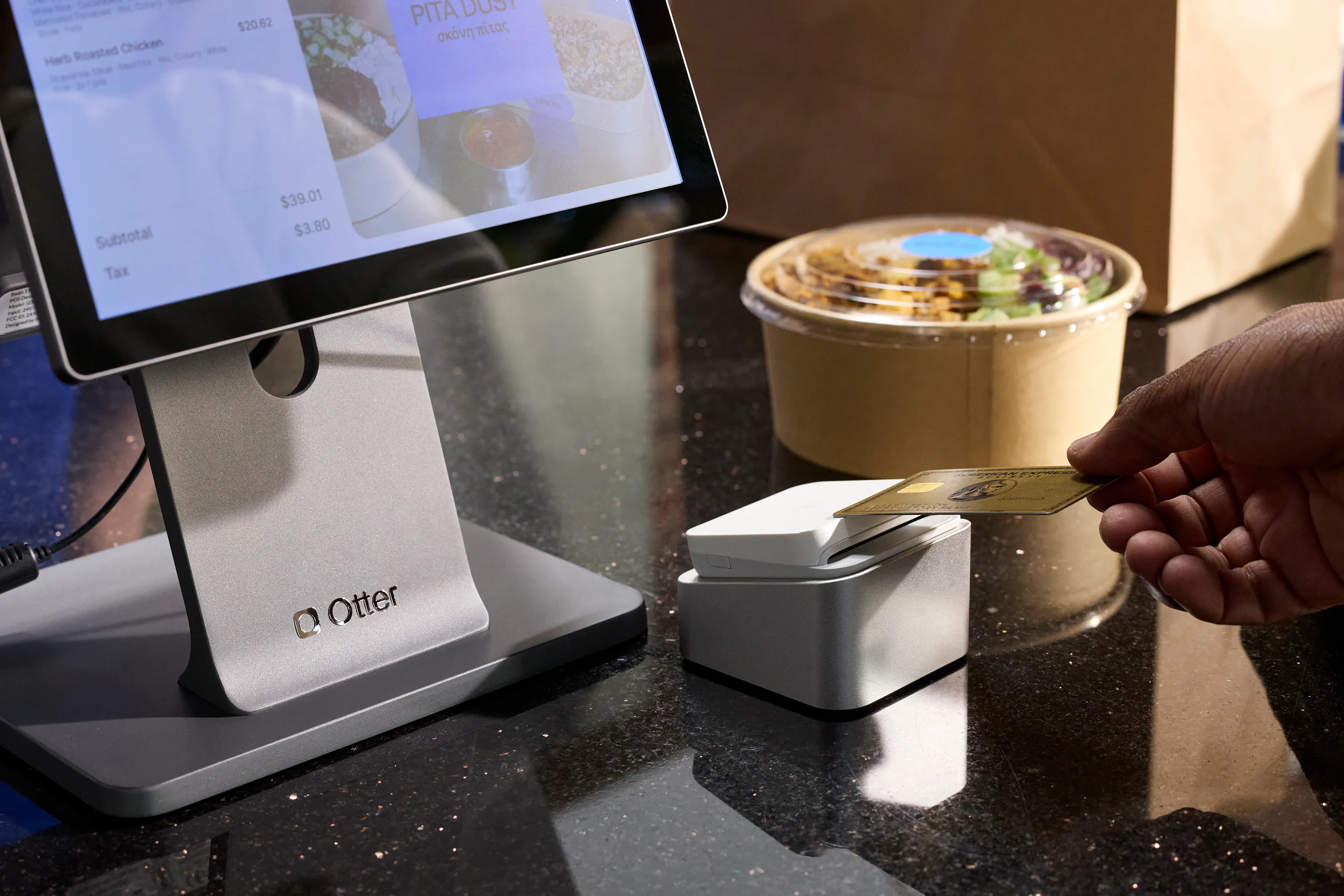
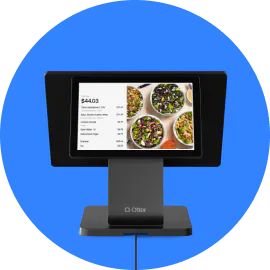
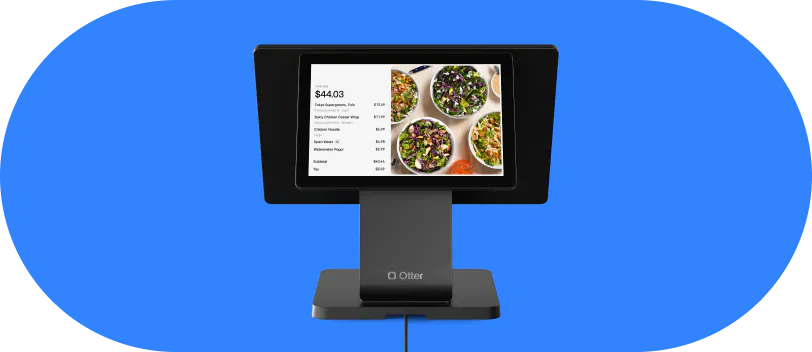
Compare that against a cloud POS subscription: a predictable monthly fee, no surprise service-call invoices, no proprietary hardware lock-in. Otter POS comes with transparent hardware bundles and free personalized onboarding, so your first week doesn't start with a surprise technician visit.
What you can't see: the real-time data problem
“I can't check sales when I'm home. Everything's on a local computer at the restaurant. That's a huge problem.”
That's how operators describe it, and they're right. A legacy POS keeps its data storage on-site, so you're blind the moment you leave the building unless you've paid for expensive middleware that may or may not work reliably.
Real-time visibility changes how you run the shift. You can send staff home early when it's slow, or call extras in when a rush hits unexpectedly. You can spot a menu item that's underperforming before it tanks the whole night. If you're running two locations, making decisions from yesterday's printout means you're always reacting, never managing.
A cloud POS gives you live sales, ticket times, and order volume from your phone, anywhere, any time. Otter Analytics surfaces multi-location sales reporting in one dashboard, so you can monitor two or three locations at once without being on-site.
Why legacy POS falls apart when delivery enters the picture
Legacy POS was built for a single terminal processing one order channel. It was never designed for a world where nearly 75% of restaurant traffic is now off-premises, according to the National Restaurant Association's 2025 Off-Premises Restaurant Trends report, flowing in through DoorDash, Uber Eats, drive-thru, and your own online ordering page.
When delivery tablets enter the picture, your staff has to manually re-enter those orders into the legacy POS. This is called double-keying, and it creates a cascade of problems: order errors, ticket time blowouts, staff distraction during rush, and inaccurate sales data in your end-of-day reports. That manual reconciliation burden compounds every single shift.
For ghost kitchens and virtual brands running three to five platforms at once, a legacy POS at the center is operationally unsustainable. For fast-casual and QSR operators, the issue is just as direct: a legacy system can't route a DoorDash order to a KDS automatically. A human has to touch it first, every time.
A modern POS built for multi-channel order management changes that equation. With Otter Order Management, delivery, kiosk, online, and in-store orders flow into one system and route to the KDS without manual re-entry. The staff member who used to spend a shift juggling tablets can focus on the food instead.
Security and compliance: the risk most operators ignore until it's too late
If your POS hasn't received a security patch in two years, you're carrying real risk. Unpatched software is a leading attack vector for POS data breaches and cyberattacks, according to Verizon. Customer card data and customer profiles stored locally, without current encryption standards, can create PCI DSS compliance gaps and weaken your payment processing security.
Your restaurant is not exempt from PCI compliance just because it's small. If you store, process, or transmit cardholder data, you're in scope. And if a breach occurs, you, not the POS vendor, typically bear the cost: card brand fines in the $5,000 to $100,000 range, remediation expenses, and reputational damage that's hard to recover from in a tight local market.
Cloud POS systems push security patches automatically. No scheduling, no technician visit, no running on a version from years ago. Your customer data is protected without you having to manage it.
Cloud POS vs. legacy POS: five differences that matter for you
This is what the switch changes for an owner-operator:
- Software updates: Legacy requires manual, technician-driven updates, or they get skipped entirely. A modern POS pushes updates automatically during off-hours with no disruption.
- Remote data access: Legacy means you must be on-site or pay for middleware. Cloud lets you check live sales from your phone at any hour.
- Multi-channel order flow: Legacy requires manual re-entry for every delivery order. A cloud POS routes orders natively to the KDS with no human touch required.
- Hardware flexibility: Legacy locks you to proprietary hardware. Cloud systems often run on standard tablets, giving you more choice.
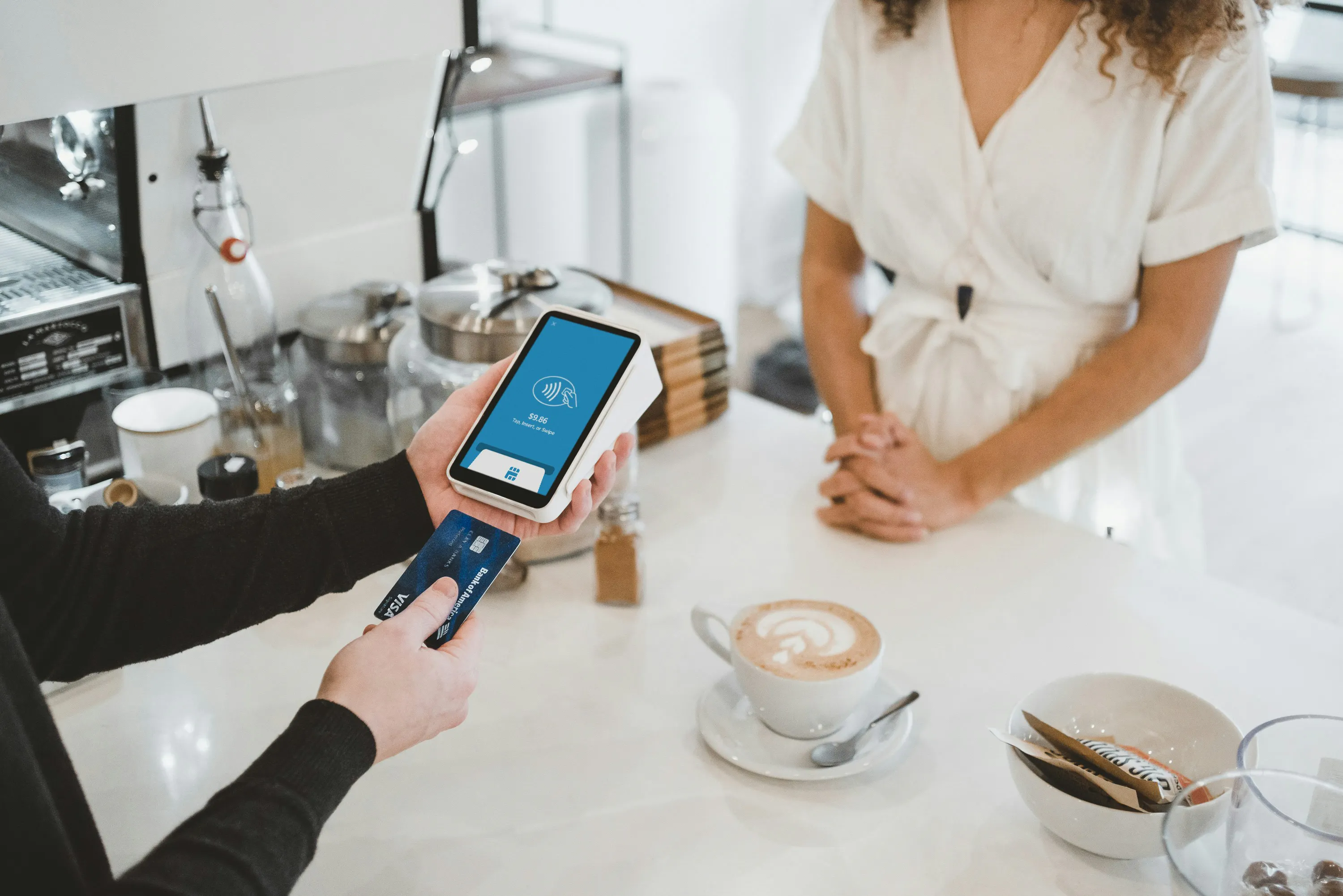
- Support model: Legacy means expensive on-site service contracts with business-hours-only coverage. Otter POS includes 24/7 remote support.
Otter POS is delivered as software as a service (SaaS), so features arrive as automatic updates rather than paid upgrades. It also includes offline mode for the terminal and printer, so orders keep processing if the internet drops and sync back when connectivity returns. Multi-channel menu management, inventory management, and loyalty programs are built in, not add-ons.
When to switch: a practical checklist
If two or more of these apply to your restaurant, the math already favors switching:
- Your system is 5+ years old and no longer receiving security patches or software updates.
- Staff manually re-enter delivery orders into your POS every shift, adding to your reconciliation workload.
- Your POS can't connect to a KDS, accept QR code payment options, or handle multi-brand ordering.
- You've had two or more hardware failures in the past 12 months requiring an on-site service call.
- You cannot see your sales data unless you're physically in the restaurant.
- Your annual service contract and repair costs already exceed what a cloud POS subscription would cost.
- You're opening a second location and your current system has no multi-location management or inventory control across sites.
The most common hesitation is the transition itself. In a 2023 Blue Star survey of restaurant owners, 37% said training staff was the hardest part of switching POS systems and 18% worried about the transition itself. That's a fair concern. But modern POS onboarding is measured in days, not weeks. Otter includes free personalized onboarding so your team isn't figuring it out alone during the first shift.
Operators who switched say the same thing: they wish they'd done it sooner
The most convincing case for switching comes from operators who feared the transition and now run their whole floor on the cloud. Reliability is the point they raise first.
Nicole Kuti, co-owner of Telly's Charburgers, put the offline question to the test: “We actually lost internet here and we were still getting our tickets. Otter has a backup, we run off cellular data and we still got our tickets. So I love that.”
That's the pattern. Orders keep flowing when the connection drops. Staff stay focused on service instead of re-keying tablets. Owners can see the business in real time from anywhere. Every month you stay on a legacy system adds up: service fees, missed delivery orders, compliance exposure, and hours of manual reconciliation that a modern POS handles automatically. The operators who've made the switch don't look back.
The longer you wait, the more the old system charges you for the privilege
Every service contract renewal, every $300 technician visit, every shift your staff spends re-keying delivery orders is the real price of staying put. The technology gap between a legacy system and a modern cloud POS isn't closing. It's widening. Your competition has figured that out. The operators who've made the move will tell you the same thing: the transition was easier than expected, and the only regret was not doing it sooner.
See what the switch looks like for your restaurant. Book a demo.
Legacy POS Systems: Frequently Asked Questions
What is a legacy POS system?
A legacy POS is an on-premise point of sale system that keeps its data on local servers inside the restaurant and relies on manual or technician-driven updates. Because it predates today's cloud platforms, it usually can't connect natively to delivery apps or remote reporting tools without extra middleware. NCR Aloha and Oracle MICROS Simphony are two of the most commonly cited traditional POS examples.
How much does it cost to maintain a legacy POS system?
Maintenance rarely shows up on one bill, which is why it's easy to underestimate. Expect a mix of annual support contracts, per-visit repair callouts, marked-up proprietary hardware, paid delivery integrations, and the staff wages lost to manual order entry and reconciliation. Added together across a year, those line items often rival or exceed a predictable cloud POS subscription.
What is the difference between a legacy POS and a cloud-based POS?
The core difference is where the software lives and how it updates. A legacy POS runs on on-site servers and waits for manual patches, while a cloud-based system runs on remote servers, updates itself, and travels with you on any connected device. Cloud platforms also route delivery, kiosk, and in-store orders automatically, a gap covered in more depth in our guide to what a restaurant POS system is.
Can a legacy POS system handle third-party delivery orders?
Not on its own. Most legacy setups leave staff copying orders from DoorDash or Uber Eats tablets into the POS by hand, a habit known as double-keying that breeds errors, slower tickets, and unreliable sales data. A cloud POS built for multi-channel operations sends those delivery orders straight to the kitchen display without anyone re-typing them.
Is a legacy POS system a security risk?
It can be, and the risk grows with every missed update. Software that no longer receives security patches becomes an easier target for cyberattacks, and locally stored card data that falls short of current encryption standards opens PCI DSS gaps. Since the merchant, not the POS vendor, usually absorbs the cost of a breach, an unpatched system quietly shifts real financial exposure onto you.
When should a restaurant switch from a legacy POS to a cloud-based POS?
Treat it as a math and risk decision rather than a gut call. If your system has stopped receiving patches, forces nightly manual re-entry, hides your sales data whenever you leave the building, or keeps failing on hardware, the case is already strong. Planning a second location is another clear trigger, since legacy systems rarely offer real multi-location management.
Will switching POS systems disrupt my restaurant's operations?
Less than most operators expect. Training is the piece people worry about most, but modern onboarding is measured in days, not weeks. Choosing a vendor that provides free personalized setup and around-the-clock support keeps your team from troubleshooting alone during the first week.
What happens to a cloud POS if the internet goes down?
A well-built cloud POS keeps working offline. Orders continue processing on the terminal, KDS, and printer, then sync back to the cloud once the connection returns. Confirm that offline coverage extends across every piece of hardware before committing, since Otter POS, for example, keeps the terminal and printer running through an outage.

See what your legacy POS really costs