Table of contents
- What 'omnichannel' actually means for a restaurant
- Why most independent restaurants are running disconnected systems without knowing it
- The menu-sync problem: one change, five places to update
- What an omnichannel POS actually does, feature by feature
- How customer data flows across your channels
- What your reporting dashboard should actually tell you
- What to look for when evaluating an omnichannel POS
- Common mistakes restaurants make when connecting their channels
- An omnichannel POS pays off fastest when these three conditions are true
- The channel count doesn't matter if the system doesn't connect them
- Frequently asked questions about omnichannel POS systems
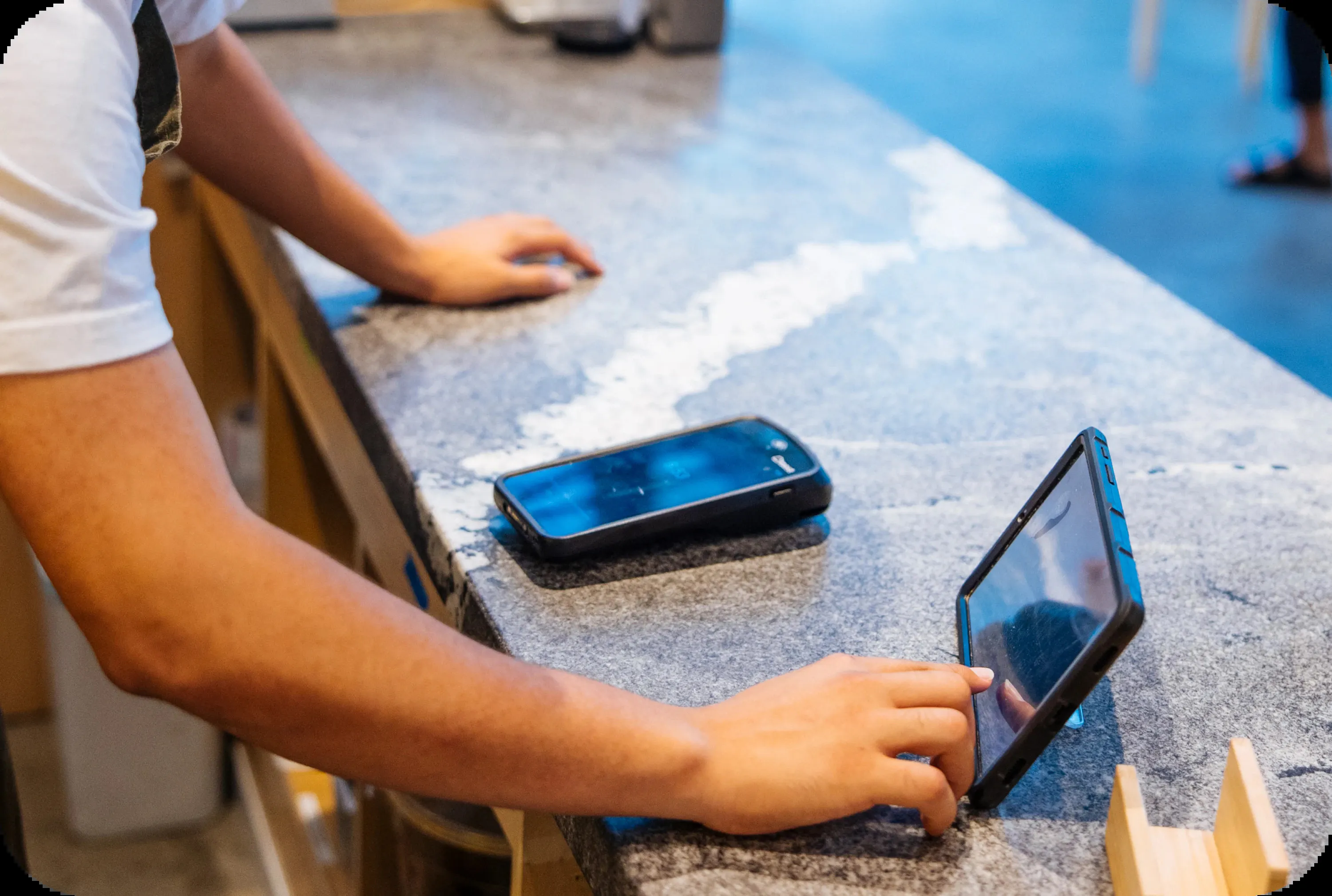
You are running a tight operation. In-store orders on your POS, a DoorDash tablet on the counter, a Uber Eats tablet next to it, maybe a Grubhub login on someone's phone. Nobody called it omnichannel. You called it Tuesday.
According to the National Restaurant Association, 37% of adults order restaurant delivery at least once a week, and mobile ordering is now mainstream across every age group. That means the majority of your guests are already moving between channels. The only question is whether your system moves with them or fights them at every step.
Key insights
- Every restaurant running in-store plus at least one delivery platform already sells across many channels. The only question is whether those channels are synced or siloed.
- The highest-cost failure is not a system outage. It is an 86'd item still showing on Uber Eats, generating a refund and a delivery commission you cannot recover.
- Unified reporting on real-time data does not just save time. It tells you which channel is most profitable, which platform has the worst cancellation rate, and whether your direct online share is growing or shrinking.
- A true omnichannel POS is not a layer added on top of an existing system. It is the system, and every channel (dine-in, kiosk, online ordering, delivery) feeds into it from day one.
What 'omnichannel' actually means for a restaurant
Retail invented the term. In an ecommerce world, omnichannel retail means buy online, pick up in store (BOPIS), buy online, return in-store (BORIS), curbside pickup, ship-from-store fulfillment, and the endless aisle, often tracked with RFID tags and SKUs synced from a platform like Shopify. Retailers call the connected version unified commerce, and their omnichannel retail POS tools are built for brick-and-mortar stores selling physical goods and chasing a seamless shopping experience across many channels.
That mapping does not fit a restaurant. You are not shipping inventory or scanning products at a register, you are firing tickets to a kitchen. Multichannel simply means you take orders in several places. An omnichannel POS system means those channels are connected: dine-in, online, and delivery all running at the same time, sharing one menu and one set of data. A single-location fast-casual or QSR is already operating across three or more channels whether you use that word or not.
Ghost kitchens and virtual brands push this further. Running four delivery storefronts from one kitchen, each with its own branding, its own menu, its own customer base, is the most complex version of this problem. Four brands, four sets of tickets, one kitchen team trying to keep up.
The goal is simple to state: every channel shares the same menu and prices, feeds the same reports, and recognizes the same customer, whether they walk in or order on an app. Getting there is where most independent restaurants run into trouble.
Why most independent restaurants are running disconnected systems without knowing it
Here is the status quo at a typical fast-casual or QSR: an in-store POS, a separate DoorDash tablet, a separate Uber Eats tablet, and maybe a third-party online ordering widget that emails tickets to a printer. You probably do not describe this as disconnected. You describe it as how things work.
The problem stays invisible until something breaks
A few examples of what "how things work" actually costs you:
- A guest orders an item you 86'd on your POS an hour ago, but it is still live on Uber Eats.
- A manager spends 20 minutes at close reconciling three separate logins to get a number that should have been one click.
- A new hire re-enters delivery orders into the POS by hand because the tablet does not talk to the system.
Subscription hell
You end up paying separately for a point-of-sale system, an online ordering platform, a delivery integrator, and an analytics tool. Each one solves a slice of the problem and adds another data silo, and those data silos never talk to each other.
The multi-tablet kitchen is a symptom, not a solution
Four tablets running four platforms means:
- Four places to make every menu change
- Four sets of reports to check
- Four chances for an order to fall through the cracks during a rush
Menu fragmentation across those platforms is invisible until a guest notices it before you do.
The hidden data cost
When your channels do not share a common system, you cannot answer basic questions:
- Which channel drove the most revenue last Tuesday?
- Which delivery platform has the highest cancellation rate?
- Is your direct online share growing or shrinking?
You are running the business on incomplete order data, and consolidating customer data becomes impossible.
What an omnichannel POS actually does, feature by feature
Think of this as what you should expect from any system you evaluate, translated into restaurant terms.
Unified order management
Every ticket, dine-in, kiosk, online, delivery, flows into one queue and to one kitchen display system. Your kitchen staff reads one screen, not four tablets. This alone reduces missed tickets and expediter confusion during a rush.
Real-time menu sync
A price change should be live on all channels before the next order comes in, not after a nightly batch sync. If a vendor describes their sync as scheduled or periodic, ask how often and what happens to orders placed in between.
Self-service kiosk as a third in-store channel
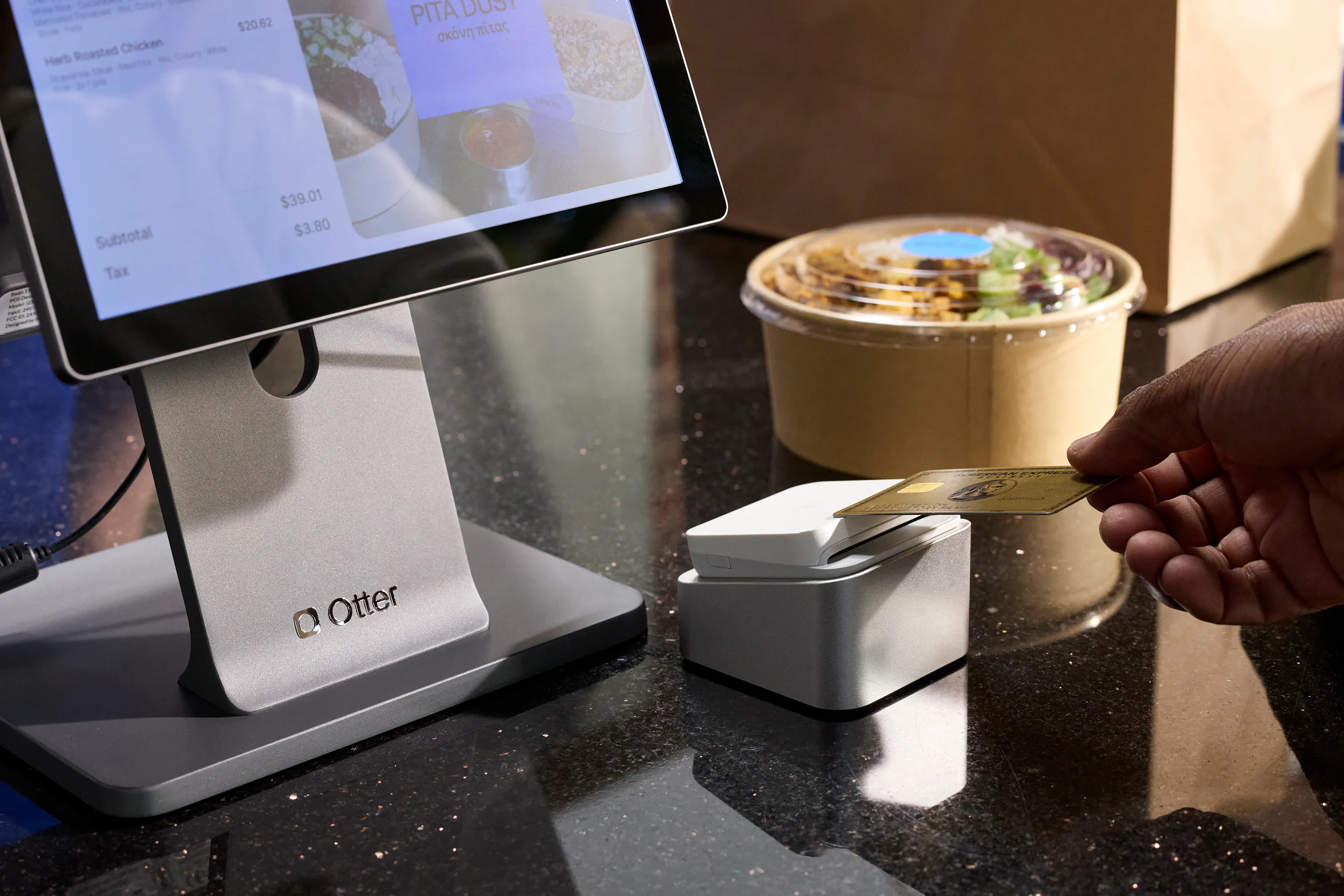
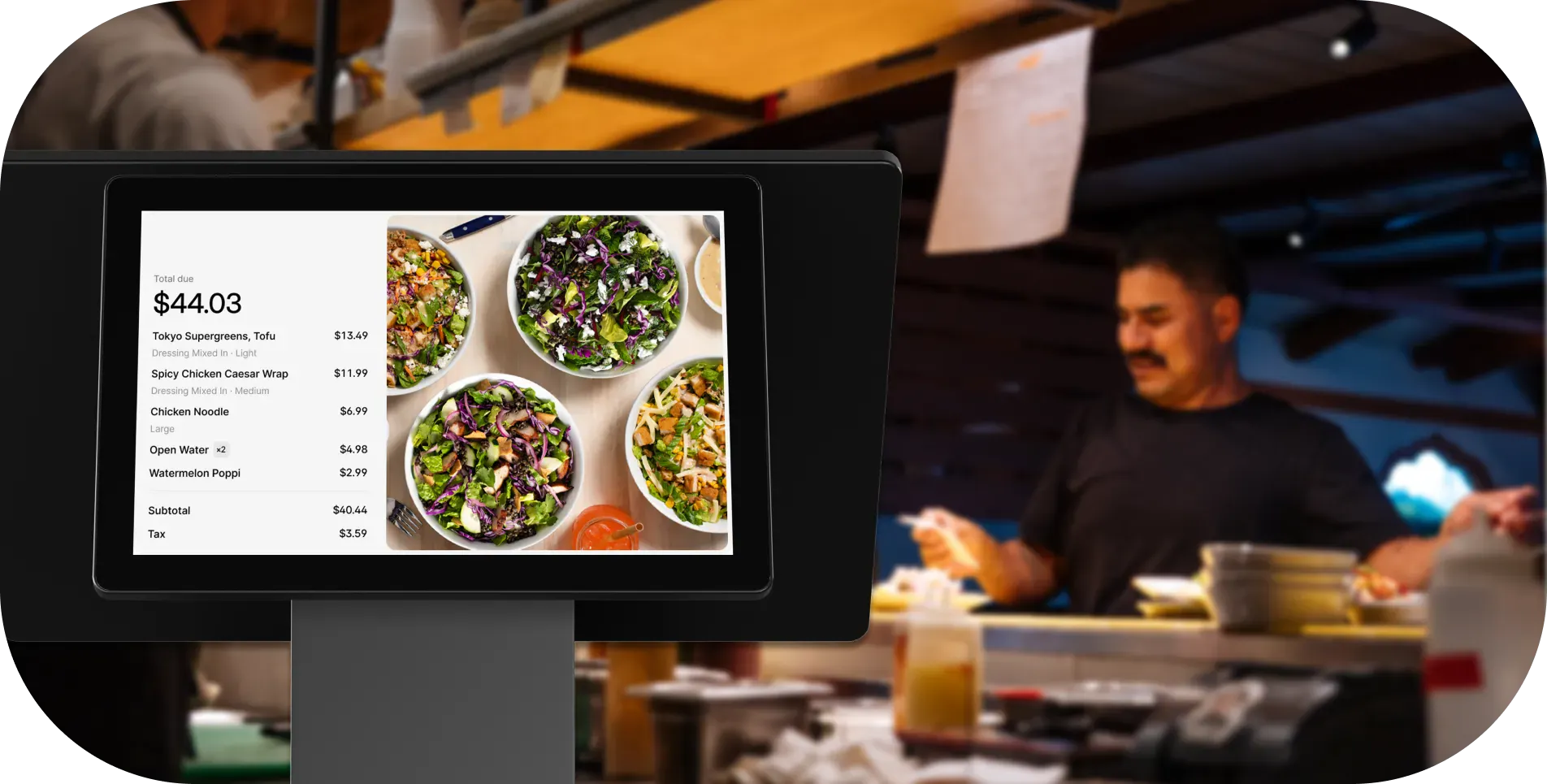
For fast-casual and QSR, a kiosk runs alongside the POS terminal. It should pull from the same menu and pricing in real time, not a separate menu that requires its own updates. Otter's kiosk is integrated with the POS: one menu change updates both the terminal and the kiosk at the same time.
Cross-channel loyalty
A strong loyalty program lets a guest earn points at the counter and redeem them on a future visit, with the balance living in the POS, not a separate app. Otter Loyalty ties directly into the POS so staff can enroll members at the counter or via QR code, and rewards apply automatically to in-store purchases. Because it is built in, every visit adds to purchase history you can actually use for customer retention.
Direct online ordering as a native channel
When online ordering is built into the POS, orders arrive as tickets, not emails forwarded to a printer. The menu is always current because it is the same menu the kitchen is already working from, and payment processing runs through the same system instead of a separate tool. Gift cards sold in-store or online draw from one balance rather than two.
Cross-channel reporting
One dashboard, all channels. Not five separate logins. More on this below.
How customer data flows across your channels
A unified guest profile looks like this: order history, average ticket, loyalty balance, and preferred channel, all tied to one record regardless of how the guest ordered. That is the customer data that turns scattered transactions into a relationship.
You do not need a CRM team to use this. You need the POS to remember that a regular who orders online always adds extra sauce, or that they are three purchases away from a free item, and that both facts are available whether they are ordering on one of the delivery mobile apps or standing at your counter. A connected system also keeps inventory management honest: when a channel sells the last of an item, inventory accuracy and inventory visibility across every channel prevent overselling.
Cross-channel loyalty is only possible when the POS owns the customer record. If your loyalty program lives in a separate tool, you have recreated the same fragmentation problem at the guest level. The guest who earns points in-store and tries to redeem them online will hit a wall, and that is the moment they stop trusting the program.
For ghost kitchens and virtual brands, consolidating customer data from multiple brand storefronts flows back to one operator dashboard. That is how you identify which brand is building a repeat customer base and which is stuck at first-time orders. It is also how you deliver a consistent experience across all your customer touchpoints, including the social media and marketing channels guests arrive from, regardless of which brand they used.
What your reporting dashboard should actually tell you
“See all your sales in one place” is table stakes. Here is what the data should actually enable.
Channel-level profitability
Which channel has the highest average ticket? Which has the highest refund rate? Your direct online channel probably carries lower fees than a third-party platform. But is that channel growing or shrinking as a share of total revenue? You cannot make that call without disaggregated channel data.
Delivery platform performance
If one platform has a 3x higher cancellation rate than the others, that is either an operations problem (ticket times too slow) or a menu problem (items that do not travel well ranking high in search). You can only diagnose it if you can see it broken out by platform.
Time-of-day breakdown by channel
If lunch is driven by delivery and dinner is predominantly in-store, your staffing model and prep schedules should reflect that. A siloed system shows you total volume, not where it is coming from or when.
Multi-location comparison
Cross-channel reporting across locations is only possible if all locations run the same POS. Otter's analytics give you a real-time view at both the location and brand level: average ticket, item velocity, and channel mix side by side.
The bar for a single-location independent: you need a dashboard that answers “how did today go and where did the money come from?” in under 60 seconds. Hold any system to that standard.
What to look for when evaluating an omnichannel POS
These are the specific questions to ask any vendor before you sign anything. If you want a ranked starting point, our roundup of the best restaurant POS systems is a useful companion to this checklist.
- Does menu sync go in both directions? Some systems push changes from the POS out to delivery platforms but do not pull real-time item availability back. That is a one-way sync, better than manual, but still prone to drift.
- Which delivery platforms connect natively? Ask specifically about DoorDash, Uber Eats, and Grubhub. Does an Uber Eats order appear automatically as a ticket in your POS queue, or does staff still accept it on a separate tablet?
- Is reporting disaggregated by channel? A dashboard showing only total daily revenue is not cross-channel reporting. You should be able to filter by dine-in, online, and each delivery platform independently.
- Does loyalty work across every channel? A loyalty program that does not recognize repeat guests will frustrate your most loyal customers the first time they try to redeem a reward.
- Hardware compatibility: Does the POS terminal support a customer-facing screen? Does the kiosk pull its menu from the same database as the POS in real time?
- Total cost of ownership: Add up the POS subscription, online ordering fees, delivery integration middleware, and loyalty tools separately. Then compare that to the all-in cost of one connected system. The consolidation case is often stronger than it first appears.
Common mistakes restaurants make when connecting their channels
Treating it as a tech purchase, not an operations change. Buying the system is step one. Training staff on the new order flow, auditing menus across all channels, and running a test period before going fully live is where most operators underinvest.
Adding a new channel before the core system is stable. If your in-store POS is already causing problems, slow response, frequent errors, reports you do not trust, adding online ordering or a kiosk will amplify those problems. Stabilize the foundation first.
Assuming “integration” means “sync.” A POS that integrates with Uber Eats might only mean the platform's data appears in a report tab, not that orders flow in as tickets automatically. Always ask for a live end-to-end demo: place a test order on the delivery platform and watch it appear as a kitchen display ticket before you sign a contract.
Launching loyalty on one channel and calling it done. A loyalty program that only works in-store will frustrate guests who primarily order online. Launch it everywhere at once, or hold the launch until you can.
Skipping the menu audit. Connecting your channels is the right moment to clean up menu fragmentation. Remove items with poor margin or high refund rates, standardize item names across platforms, and fix any pricing inconsistencies before they propagate everywhere at once.
Not setting a baseline before migrating. Pull 90 days of data from each channel, average ticket, order volume, cancellation rate, before switching systems. Without a baseline, you have no way to measure whether the new system actually improved anything.
An omnichannel POS pays off fastest when these three conditions are true
Condition 1: You are already on two or more channels
If you only take in-store orders with no online presence, a full omnichannel POS system is ahead of your current needs. The ROI kicks in the moment you are managing dine-in plus at least one online or delivery channel.
Condition 2: You are doing manual work to keep channels in sync
If a manager spends time each week manually updating menus across platforms, reconciling orders from multiple tablets, or logging into three systems to see daily revenue, a connected system recovers that time directly.
Condition 3: You want to grow without adding headcount
For fast-casual and QSR operators planning to add a kiosk, launch direct online ordering, or open a second location, one connected system is the foundation. Adding channels on top of a fragmented stack means adding complexity. Adding them to a unified system means adding revenue.
Ghost kitchens and virtual brands are the clearest fit of all. Running four delivery storefronts from one kitchen, each with its own menu, its own branding, its own customer base, is exactly the use case this infrastructure was built to handle. For the full picture of that model, see our guide to what a ghost kitchen is. Every new channel you add on top of disconnected tools creates more manual work, more data gaps, and more margin erosion from errors. One system that connects every channel is the infrastructure decision that makes every other improvement possible.
The channel count doesn't matter if the system doesn't connect them
More channels should mean more revenue, not more tablets on the counter and more logins at close. Every time you add a platform without adding a system that ties it together, you are adding a new place for errors to hide and a new set of data you cannot compare to anything else.
The operators who scale without chaos are not the ones who avoided delivery or kept things simple. They are the ones who got their infrastructure right before they grew. One POS, every channel, one place to look. That is the whole idea.
See how Otter connects your channels in one place. Book a demo with Otter.
Frequently asked questions about omnichannel POS systems
What is an omnichannel POS for restaurants?
It is a single POS that connects dine-in, direct online ordering, kiosk, and third-party delivery into one system: same menu, same pricing, one reporting dashboard. The contrast is the multi-tablet setup where each channel lives in its own login and menu updates have to be made separately on each platform.
How is an omnichannel POS different from a regular POS?
A standard point-of-sale system handles in-store transactions. An omnichannel POS also routes online orders and delivery platform tickets directly into the same queue, syncs the same menu across all channels in real time, and shows all revenue in one consolidated dashboard, without requiring a separate tablet per platform.
Do I need an omnichannel POS if I only use one delivery app?
If you take in-store orders and orders from even one delivery platform, you are already operating across two channels. Even one delivery app creates menu-sync risk and reporting fragmentation. A connected system eliminates both.
Can an omnichannel POS replace my separate delivery tablets?
Yes. A true omnichannel POS routes delivery platform orders directly into the POS ticket queue and to the kitchen display system, so the kitchen works from one screen. Ask any vendor to demo end-to-end order flow: place a test order on Uber Eats and confirm it appears as a kitchen display ticket automatically before you sign a contract.
Does an omnichannel POS work for ghost kitchens and virtual brands?
Ghost kitchens and virtual brands are among the strongest use cases. Running multiple delivery storefronts from one kitchen requires a system that separates brand-level reporting, pushes menu updates to each storefront independently, and consolidates all tickets into one queue so the kitchen never has to watch multiple tablets.
How does cross-channel loyalty work with an omnichannel POS?
The loyalty program is tied to the POS, so a guest's points balance updates consistently across the channels the system supports. Because the loyalty record lives in the POS, not a separate app, it is available wherever the POS operates from day one, and it builds the purchase history that drives customer retention.
What's the difference between a POS integration and true omnichannel sync?
Integration often means data is shared after the fact: an order appears in a report. Sync means a delivery order flows instantly as a ticket into the POS queue, and a menu change made in the POS pushes to all connected channels before the next order comes in. Always ask vendors to demo both flows live, not on a slide deck.
How many locations do I need before an omnichannel POS makes sense?
One location running in-store plus at least one online channel is enough to benefit. The ROI grows with each channel and location added, but the core value, menu sync, unified reporting, and cross-channel loyalty, applies at single-location scale. Multi-location operators gain an additional layer: cross-location comparison in one dashboard.

Connect every order channel in one system