Table of contents
Catering orders look like a win the moment they land: a bigger ticket, a scheduled pickup, sometimes a deposit paid weeks in advance. Then the order actually has to move through your kitchen, and you find out fast whether your restaurant pos system was built for this or just tolerates it.
A catering order for 150 people isn't a bigger version of a regular ticket. It has a different menu, a different payment schedule, a different timeline, and a different set of people who need to see it coming. Most point-of-sale systems were designed around walk-in guests and daily service, so catering gets bolted on as an afterthought: a note in a shared spreadsheet, a side conversation with the kitchen, a deposit tracked in someone's email.
This guide breaks down what to actually look for in a POS system for catering orders, and where a purpose-built catering setup earns its keep over a generic point-of-sale system with catering duct-taped on.
Key takeaways
- Catering needs its own menu logic. Portion scaling, per-attendee pricing, and group modifiers do not belong on your regular menu management screen
- Scheduling and payment processing are the operational core of catering software: deposits, remaining balances, and invoicing all happen before the food does
- Catering orders still need to reach the kitchen display system on time and in the right lane, without disrupting the walk-in guests you're serving that same day
- Inventory tracking matters more for catering than for daily service, because a 150-person order can wipe out your walk-in if nobody adjusted the order ahead of time
- The best pos system for catering is usually the one already running your daily operations, not a separate catering software tool your team has to check on top of everything else
Why catering orders break a standard POS workflow
A regular restaurant pos system is built to fire tickets fast, take payment at the register or table, and move on to the next guest. Catering runs on a completely different clock. An order might get placed two months out, get modified twice, collect a deposit today, and not touch the kitchen until the week of the event. None of that fits neatly into a workflow designed for a five-minute lunch rush.
The result, for a lot of restaurants, is that catering runs on a parallel system: a paper order form, a shared calendar, a separate invoice tool, and a lot of manual cross-checking to make sure nothing falls through. That works until volume grows, and then it becomes the reason catering feels like more trouble than it's worth, even though it's usually one of the highest-margin channels a restaurant has.
A point-of-sale system built to handle catering natively removes most of that friction, because scheduling, payment, and kitchen visibility all live in the same place your team already works.
What to look for in a POS system for catering orders
A menu built for group orders, not walk-ins
Catering menus need their own logic. Guests are often ordering per attendee rather than per item, portions need to scale with headcount, and modifiers look different for a tray of food than for a single plate. If your menu management tool can't separate a catering menu from your regular one, you end up either exposing catering-only items to walk-in guests or manually re-building pricing for every event.
Look for a system that lets you build a dedicated catering menu with its own pricing, portion controls, and upsells, so your regular menu and your catering menu can evolve independently without either one breaking the other.
Scheduling, deposits, and invoicing
This is where catering software earns its name. A good system should let a customer schedule an order well in advance (Otter's catering supports scheduling up to six months out), collect a deposit through mobile payments or a card on file, and automatically send an invoice for the remaining balance as the event date approaches. That's payment processing doing real operational work, not just running a card at checkout.
Without this, deposits and balances get tracked manually, which is exactly the kind of task that gets missed during a busy week. Integrated payments that handle the full deposit-to-final-balance cycle are worth prioritizing over a system that only processes a single charge at order time.
Order management that doesn't disrupt daily service
Every catering order eventually becomes a kitchen problem. Whether it should route through your main kitchen display system (KDS), appear as a separate lane, or get flagged with a distinct color, your order management setup needs to make catering visible without letting it clog the queue meant for today's walk-in guests. A KDS that can't distinguish a catering ticket from a table order just adds confusion at the worst possible time.
Look for a system where you can manage catering orders through the same POS or order manager running the rest of your service, or push catering tickets into your existing setup, rather than checking a second dashboard to see what's coming out of the kitchen next.
Inventory tracking that catches a large order before it catches you
A single catering order can use more of one ingredient than a normal week of walk-in traffic. Inventory tracking that's disconnected from your catering schedule means you find out about a shortage when you run out mid-prep, not three days earlier when you could have placed an extra order. A system that connects catering schedules to inventory management lets you plan ingredient orders around upcoming events instead of guessing.
Mobile order entry and on-site tools
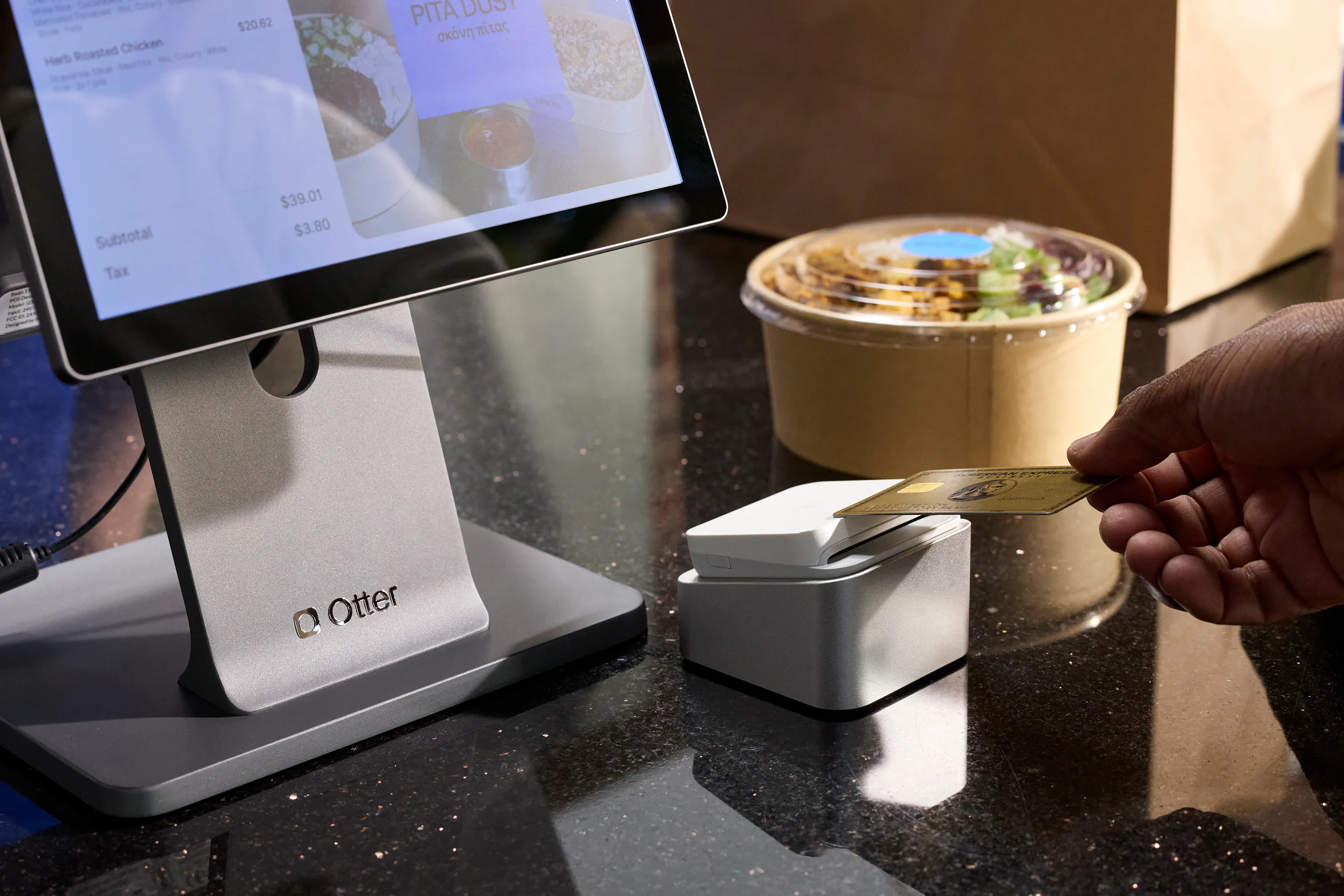
Catering doesn't always happen inside your restaurant. If your team drops off or serves food on-site, a handheld pos or mobile pos option matters for order entry, last-minute additions, and taking mobile payments in the field with a card reader instead of chasing a check afterward. For restaurants that also do sit-down events, table management and tableside ordering become relevant too, since a catered dinner service still needs some of the same tools a fine dining room uses on a normal night.
Hardware still matters here: reliable card readers, receipt printers for on-site documentation, and a cash drawer for the events that still take cash all belong on the checklist, even in a catering-specific setup. A self-service kiosk won't replace any of this for an off-site event, but it's worth having connected to the same system if part of your catering business also runs through walk-up or drop-off orders at the restaurant itself.
Reporting and repeat business
Catering customers who book once tend to book again, corporate accounts, wedding planners, and repeat community events are where the real margin is. Sales reports that break out catering as its own channel let you see which events are actually profitable, and loyalty programs that re-engage catering customers (through automated outreach rather than manual follow-up) turn a one-time order into a repeat account. Employee management tools that track who handled which event, and how much staff time it took, also help once you factor labor costs into what a given catering account is really worth.
Integrations that connect the rest of your operation
A catering pos system rarely operates alone. QuickBooks integration keeps catering invoices in your books without double entry. If your restaurant also takes catering-adjacent delivery volume, integrations with DoorDash and Uber Eats keep those orders in the same order management view as everything else. The fewer standalone tools your team has to check, the less likely a catering order slips through.
Catering POS needs by restaurant type
Catering isn't just a fine dining or event-planner feature. Fast-casual spots, pizzerias, cafes, breweries, and even food trucks book catering gigs, and each format leans on the POS differently.
Restaurant type | What matters most for catering |
|---|---|
Fine dining | Deposit and invoicing workflow, table management for on-site events, guest experience consistency |
Fast-casual / quick-service restaurants | Fast menu duplication for group orders, simple per-attendee pricing |
Pizzerias | Large-batch modifiers, accurate prep timing tied to pickup or delivery windows |
Cafes | Smaller recurring orders (office catering), loyalty programs for repeat corporate accounts |
Breweries | Combining food and beverage orders, inventory tracking across both |
Food trucks | Mobile pos and handheld pos for off-site events, flexible scheduling around a moving schedule |
Fast food | High-volume group orders with tight prep windows, simple order entry |
For a deeper look at how POS needs shift by service style, Otter's guide to the types of POS systems for restaurants breaks down the differences between full-service, quick-service, and everything in between. And if your catering volume comes from a mobile setup, Otter's breakdown of the best food truck POS systems covers what changes when your kitchen isn't fixed in one place.
What Otter's catering tools cover
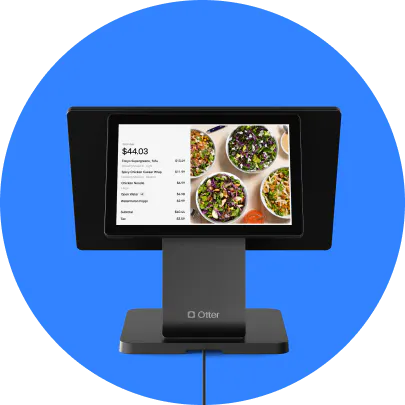
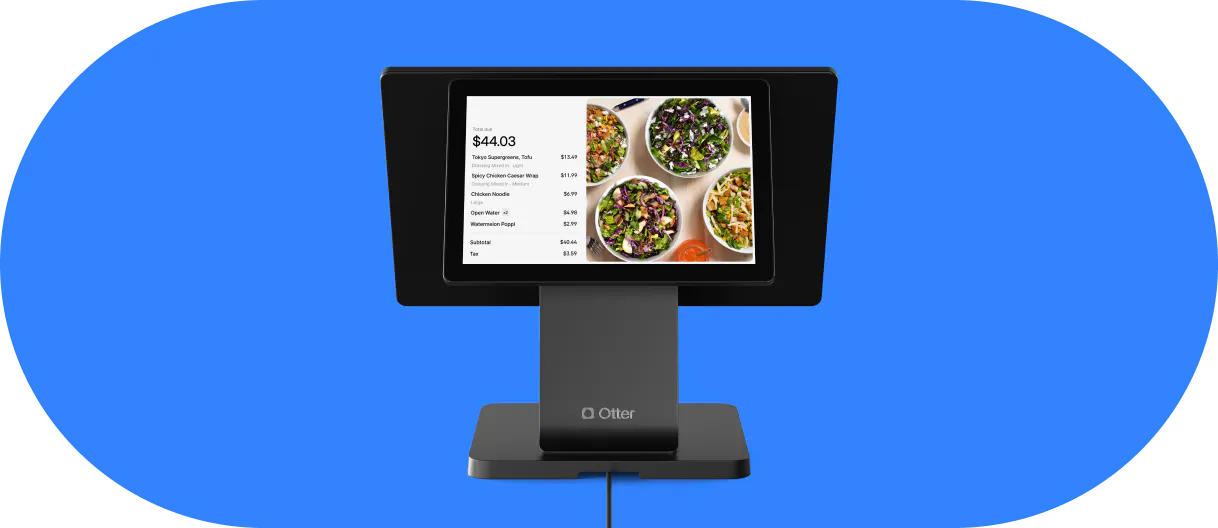
Otter's Catering product is built around the workflow described above rather than treating catering as a side feature. It includes a dedicated catering menu with its own modifiers and portion controls, order scheduling up to six months in advance, and automatic invoicing as event dates approach, so deposits and final balances don't rely on someone remembering to follow up.
Catering orders can be managed through Otter POS or Order Manager, or pushed directly into an existing POS setup, so catering doesn't require a second system running alongside your daily operations. It also connects to Otter's online ordering for guests booking directly, and to Otter Loyalty for re-engaging catering customers with automated outreach rather than manual follow-up.
Nicoletta Kuti, co-owner of Telly's Charburgers in Santa Clarita, runs her catering business alongside her restaurant and bake shop through the same system: “I also really like the different storefronts. We have three: the bake shop, catering, and the restaurant. I get to keep everything separate so I can read reports for different stores.” Keeping catering as its own visible channel, rather than folding it into general sales, is what makes it possible to tell whether the channel is actually paying off.
That kind of separation matters regardless of which pos system you choose. Whether you're running Otter, Toast, Clover, or another restaurant pos system, the question is the same: can you see catering as its own line of business, or is it just noise inside your regular sales?
Choosing a catering setup your team will actually use
The best pos system for catering is rarely the one with the longest feature list. It's the one your team will actually open when a catering order comes in, rather than working around it with a spreadsheet and a sticky note. That means prioritizing menu separation, a real deposit-to-invoice payment flow, kitchen visibility that doesn't disrupt daily service, and inventory tracking that catches a large order before it catches you.
Start with the workflow your team already has for daily service, and evaluate any catering pos software by how little it disrupts that workflow, not by how many features it adds on top of it.
Frequently asked questions about POS systems for catering orders
What is a catering POS system?
A catering POS system is point-of-sale software configured to handle the specific demands of catering orders: group-based menus, scheduling far in advance, deposit and invoice payment processing, and kitchen visibility for orders that are placed weeks or months before they're prepared. It can be a dedicated catering module inside a restaurant's existing POS, or a separate piece of catering software that connects to it.
Is catering software different from a regular restaurant POS system?
Catering software focuses on the parts of an order that happen before the food does: scheduling, deposits, invoicing, and menu customization for group sizes. A regular restaurant pos system focuses on speed at the point of sale. The two need to work together, since a catering order still has to reach the kitchen display system and get paid for like any other order, just on a longer timeline.
Do I need a separate system for catering, or can my current POS handle it?
It depends on whether your current system supports a distinct catering menu, advance scheduling, and a deposit-to-balance payment flow. Many general point-of-sale systems can process a catering payment, but few are built to manage the scheduling and invoicing side without manual work. Look for a catering tool that connects directly to your existing POS or order manager rather than requiring a fully separate system.
What features matter most in catering pos software?
Menu management for group orders, deposit and invoice payment processing, order management that keeps catering visible in the kitchen without disrupting daily service, and inventory tracking that accounts for large orders ahead of time. Sales reports that separate catering from regular sales and loyalty programs that bring repeat catering customers back are valuable once volume grows.
Can food trucks and small restaurants use catering POS tools?
Yes. Catering isn't limited to fine dining or large event venues. Food trucks, cafes, pizzerias, and fast-casual restaurants all book catering work, and mobile pos or handheld pos tools matter more for these formats since orders are often fulfilled off-site rather than from a fixed kitchen.
How does catering POS software handle payments?
Most catering-specific payment processing supports a deposit at the time of booking, followed by an automatic invoice for the remaining balance as the event date approaches. Integrated payments that handle both steps, along with mobile payments and card readers for on-site collection, reduce the manual follow-up that typically causes catering payments to fall behind.

Set up your catering menu with Otter