QR Code Menus for Restaurants: How They Work and How to Set One Up

Last updated

Written by

Emeric Henon

Emeric is a product and operations leader with deep experience launching and scaling marketplace and delivery platforms across global markets. He has led product integrations for high-volume, multichannel operations, with hands-on experience supporting complex regional launches. He brings a data-driven, operator-first mindset shaped by years at Uber and Otter, focused on building restaurant technology that improves operational efficiency, local execution, and customer experience.

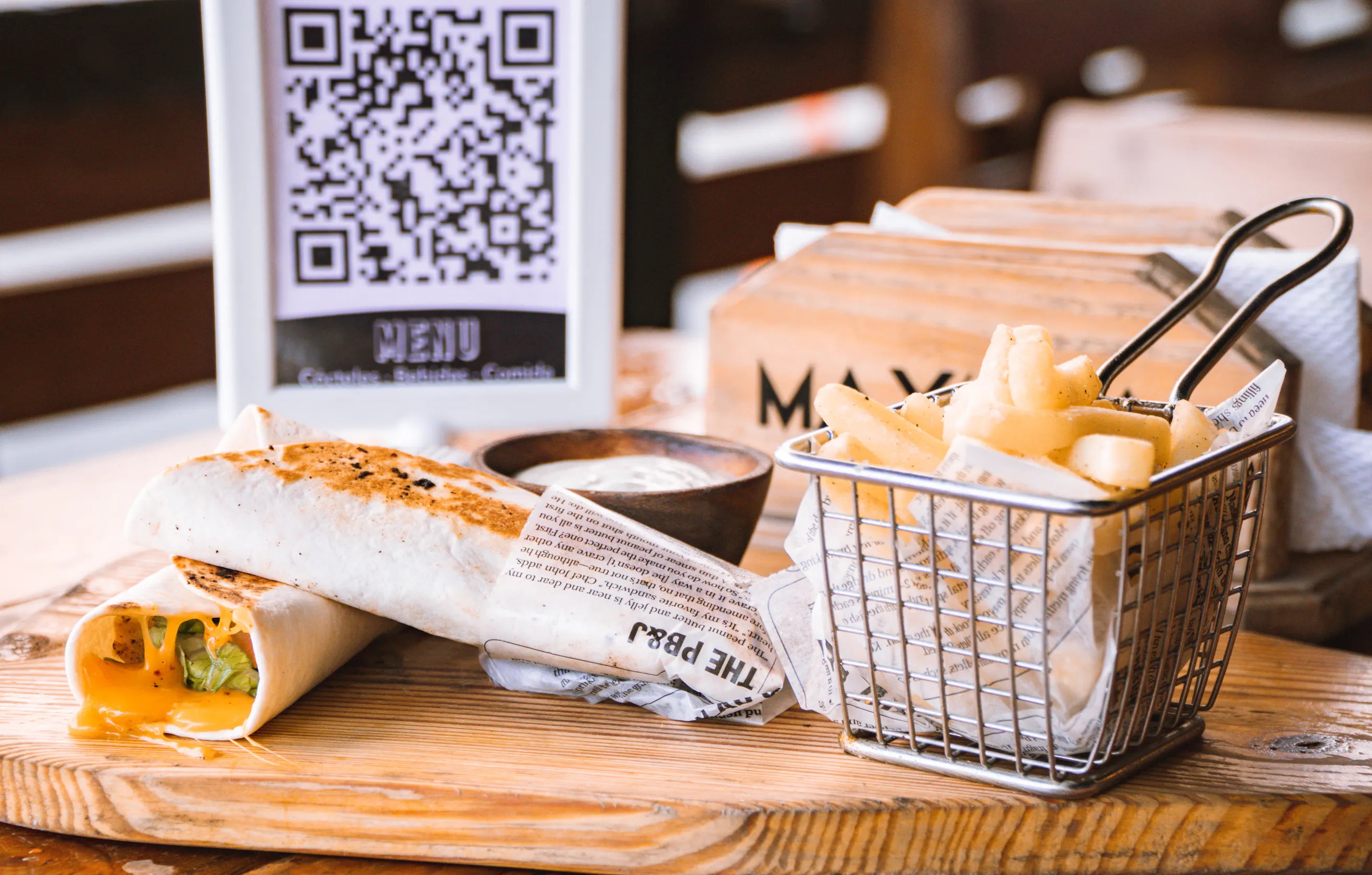
Restaurant food next to a QR code menu.
QR Code Menus

Table of contents

You've seen the table tents. You've probably scanned a few yourself. So has just about everyone else: QR code menu usage climbed to 65% of diners in 2025, up from 42% in 2022, according to the Ipsos Consumer Tracker. But usage and satisfaction are moving in opposite directions: only 37% of diners still like the experience, and 58% say they would rather go back to paper menus. 

But deploying a QR code menu at your restaurant and having it hold up during a Friday rush is a different thing entirely. The hard part is what breaks once service starts: dead Wi-Fi at the corner booth, a guest with 3% battery, an 86'd item still showing at 7 p.m. This piece covers how QR code menus work, where they save you time, where they create new headaches, and how to set one up without discovering the gaps mid-service.

Key insights

  • Dynamic QR codes let you update your menu without reprinting a single code. Any restaurant that changes prices, runs LTOs, or 86s items regularly should treat static codes as a non-starter
  • A scan-to-view menu and a scan-to-order system are two completely different tools. One shows your menu; the other routes orders through your POS to the kitchen. Choosing the wrong one is a costly mistake
  • Removing paper menus entirely without a fallback plan creates real service breakdowns. A laminated backup per section costs almost nothing and handles older guests, low-battery phones, and dead Wi-Fi zones without drama
  • The QR code is the last step, not the first. If your menu doesn't live in a single system that pushes changes everywhere automatically, you've just moved the manual update work from a print shop to a laptop
What a QR code menu is and how it works

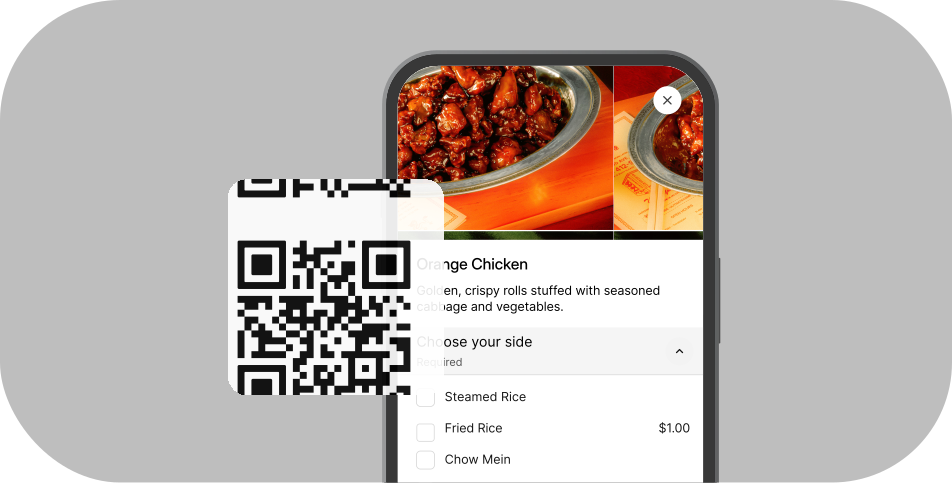
A QR code is a scannable shortcut to a URL. The menu doesn't live inside the code. It lives on a web page. The code is the delivery mechanism, the same way a short link in a text message points to a website.

The scan flow is simple. A guest opens their native smartphone camera, points it at the code, and taps the notification link that appears. The menu loads in their browser. No app download required. This works on iPhone (iOS 11 and later) and most current Android versions. Because no app download is required, there's none of the install friction that held back earlier mobile-menu formats.

What the QR code does and what the menu page does are two separate things. The code takes the guest to the URL. Everything after that, load speed, mobile formatting, readability, depends on how the destination page is built. If your menu takes five seconds to load on a 4G connection, a meaningful share of guests will give up before they see item one.

QR code menus vs. printed menus: what actually changes for your operation

Printing costs

Laminated paper menus cost money per copy, and that cost recurs every time you reprint. Multiply it across your covers and a few reprint cycles a year and it adds up to a line item worth watching. A digital menu setup ranges from free to a monthly platform fee, so it's a trade-off, not a guaranteed saving.

Speed of updates 

Every time menu prices change, you have to reprint the menu. This takes time.. A price change on a live hosted digital menu can go live before the next table sits down. The caveat: this is only true if your menu lives on a live hosted page, not a static PDF. Manually re-uploading a PDF is not a real-time update.

Cleanliness and contactless

A contactless menu removes a high-touch surface from your operation. That's still a legitimate selling point for health-conscious guests, not just a pandemic holdover. For high-volume cafes and quick-service counters, it also shaves a step off every table.

Staff workflow

Your team no longer hands out and collects menus, but they will field more tech-assist questions. Brief them on a simple 10-second assist before you launch.

Customer experience trade-offs 

Be honest with yourself here. Guests who came to relax often find QR menus feel like a chore. Older guests and anyone without a smartphone can feel unintentionally excluded. Removing the option of a paper menu puts that entire experience at risk for a portion of your guests. It's worth reading both sides of the QR code debate before you decide to go all-digital. 

The hybrid model is the right answer for most independents. QR code as your primary delivery method, a small laminated backup per section available without the guest having to ask. It costs almost nothing and handles every edge case without drama.

Static vs. dynamic QR codes: which type your restaurant needs

  • Static QR code: the destination URL is baked into the code at generation. If that URL ever changes, the code is broken and every printed copy must be reprinted.
  • Dynamic QR code: the code points to a redirect URL you control via a dashboard. You can swap the destination page at any time without touching or reprinting the code. Think of a static code like a printed sign and a dynamic code like a digital sign where you change the message without replacing the hardware.
  • Decision rule: if you change prices seasonally, run LTOs, or update items with any regularity, use a dynamic code. Static codes are appropriate only for a proof-of-concept or a menu that genuinely never changes.

Free QR code generators produce static codes by default. Fine for testing, not for production. Dynamic QR codes require either a paid plan on a third-party tool or a menu management system (like your POS) that generates and manages the redirect internally.
"View menu" vs. "order from the table": two tools with very different implications

Most restaurants treat these as one concept. They are not.

  • Scan-to-view: the QR code links to a PDF or hosted menu web page. Guests read the menu, then flag a server or walk to a counter to place an order. The QR code is display-only, and the setup cost is free to near-free.
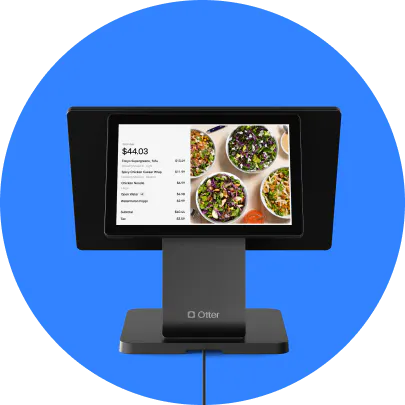
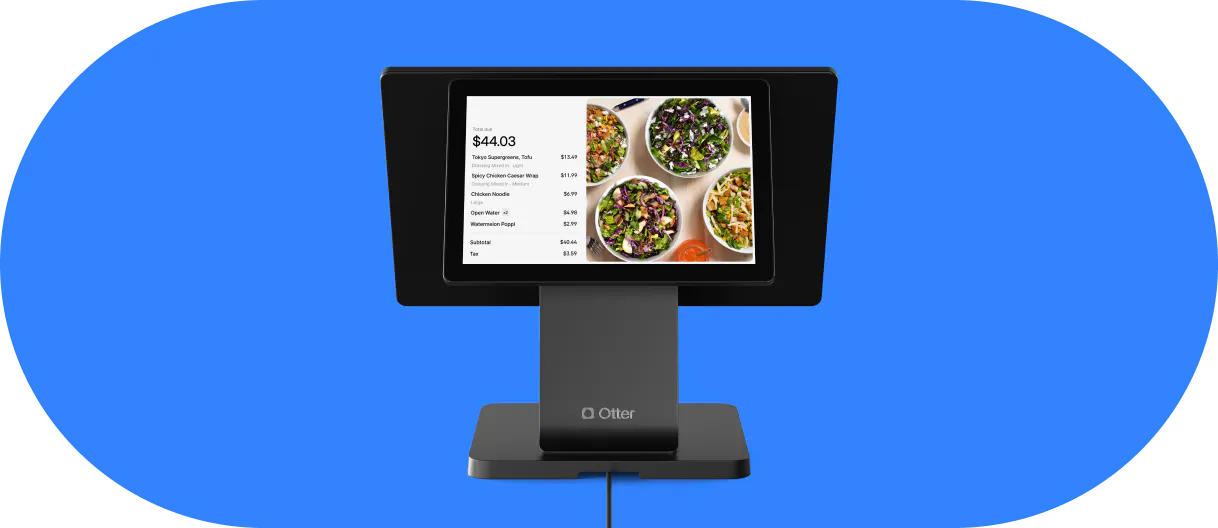
  • Scan-to-order: the QR code links to an ordering interface that captures the order, routes it directly to a kitchen display or printer, and creates a POS ticket with no manual hand-off. This is a meaningfully different technology investment with different setup requirements and different operational payoffs.
  • Who benefits from scan-to-order: QSR and fast-casual operators trying to reduce counter congestion and increase throughput; multi-location independents who want to standardize the order flow. Ghost kitchens don't need this since there are no dine-in guests.

Otter's QR code ordering is a scan-to-order system. Table scans route directly to the kitchen, orders are tracked by table, and the flow runs through the Otter POS without a manual step in between. That means faster table turnover and fewer errors from verbal relay.

Operators often worry scan-to-order strips out the hospitality and the upsell, but it doesn’t have to. Scott, co-owner of Bred Hot Chicken in Orange County, runs self-ordering next to full-service hospitality: "The customer can place their order on the kiosk, but after that transition, from placing the order to checking out, having customer service from front of house, that is where we really connect with our customers." His front-of-house team still handles the relationship, the add-ons, and the upsell after the order is placed.

Operators who expect scan-to-order behavior from a basic PDF link will be frustrated fast. Decide which setup you need before choosing a platform.

Faster service starts with the right POS

How to set up a QR code menu, step by step

Step 1. Decide where your menu lives

A PDF upload or a live hosted page are the two main options. PDFs require manually re-uploading a new file every time anything changes. A live hosted page, or a POS-connected menu, updates instantly.

Tip: This single decision matters more than which QR code generator you use. Choose the hosted route if your menu changes more than once a quarter.

Step 2. Choose your QR code generator 

Free static tools work for testing. A paid dynamic tool or your POS's built-in QR menu feature is the right call for production.

Tip: Confirm the tool creates dynamic QR codes before you commit, so you never have to reprint after a price change.

Step 3. Generate the code and confirm the destination URL loads correctly in a browser before you download anything

Tip: Open the link on a phone, not just your desktop, so you see exactly what a guest sees.

Step 4. Test on real devices

Scan on both iPhone and Android, on Wi-Fi and on cellular (4G/LTE). Time the page load.

Tip: If it takes more than three seconds on a slow connection, optimize the page before deploying.

Step 5. Download in the right format

Use SVG or a high-resolution PNG (minimum 1,000x1,000 px) for crisp printing at any size.

Tip: SVG scales cleanly from a business card to a window decal without pixelation.

Step 6. Print at the right size

Minimum 1.2 inches square (roughly 3 cm). Two inches is a reliable standard for table cards and table tents.

Tip: Test the printed version with a real device before you cut and laminate 50 copies.

Step 7. Label every placement 

Add “Scan to view menu” or “Scan to order” near the code.

Tip: Unlabeled codes are ignored by many guests who assume they're decorative. A three-word label fixes it.

If your menu is already built in Otter, it's live and hosted. If you're still weighing hardware and software, our guide to what a restaurant POS system is covers the fundamentals. Generating and placing the QR code is the final step, not the starting point.

Where to place your QR codes so guests actually use them

  • Tables, table tents, and coasters: highest scan rate; position at eye level, not buried under condiments
  • Entrance and host stand: lets guests browse before they sit, which reduces time-to-order during high-volume periods
  • Takeout packaging and to-go bags: a guest who ordered one item via delivery sees your full menu at home; one of the cheapest repeat-visit drivers available
  • Printed receipts: a small QR in the footer linking to your online ordering page or loyalty program; the marginal printing cost is negligible
  • Business cards and flyers: hand the code to catering leads and event guests so your digital menu travels beyond the dining room
  • Google Business Profile: add your menu URL directly so guests browsing on Google see your full menu before they walk in; free and often overlooked
  • Social media bio and Stories: directly relevant for ghost kitchens and virtual brands with no physical storefront; the QR code URL in the Instagram bio doubles as a menu link

One hard rule: every placement needs a label. "Scan for menu," "Scan to order," "Tap to view." Unlabeled codes see dramatically lower engagement.

Common problems to solve before service starts

Dead Wi-Fi zones. Test signal strength at every table, not just near the router. Add your Wi-Fi network name and password to the table card directly below the code so guests can connect without asking a server.

Low-battery guests. Phones at 3% can't browse anything. Keep at least one laminated fallback menu per section, available without the guest having to request it.

Guests who don’t know how to scan. Brief every floor staff member on a 10-second assist: "Just open your camera, point it here, and tap the link at the top." Practiced delivery makes this feel helpful, not condescending.

Older guests and guests without smartphones. Willingness to use a QR menu drops sharply with age. Only 30% of baby boomers say they'd pull up a menu with a QR code, versus 59% of all adults (National Restaurant Association, 2024). A laminated backup handled without ceremony is the professional solution. 

Slow page load time. A menu that takes five-plus seconds to load on mobile will be abandoned. Compress images, use a lightweight hosting setup, and test explicitly on 4G with your restaurant's Wi-Fi turned off.

QR code printed too small. Codes smaller than 1.2 inches often fail to scan reliably, especially in low light. Test your actual printed size before you deploy the full run.

Staff pushback. If servers believe scan-to-order reduces their tip opportunities, address that directly before launch. Explain what changes (how orders enter the system) and what doesn't (the relationship, upselling, table presence).
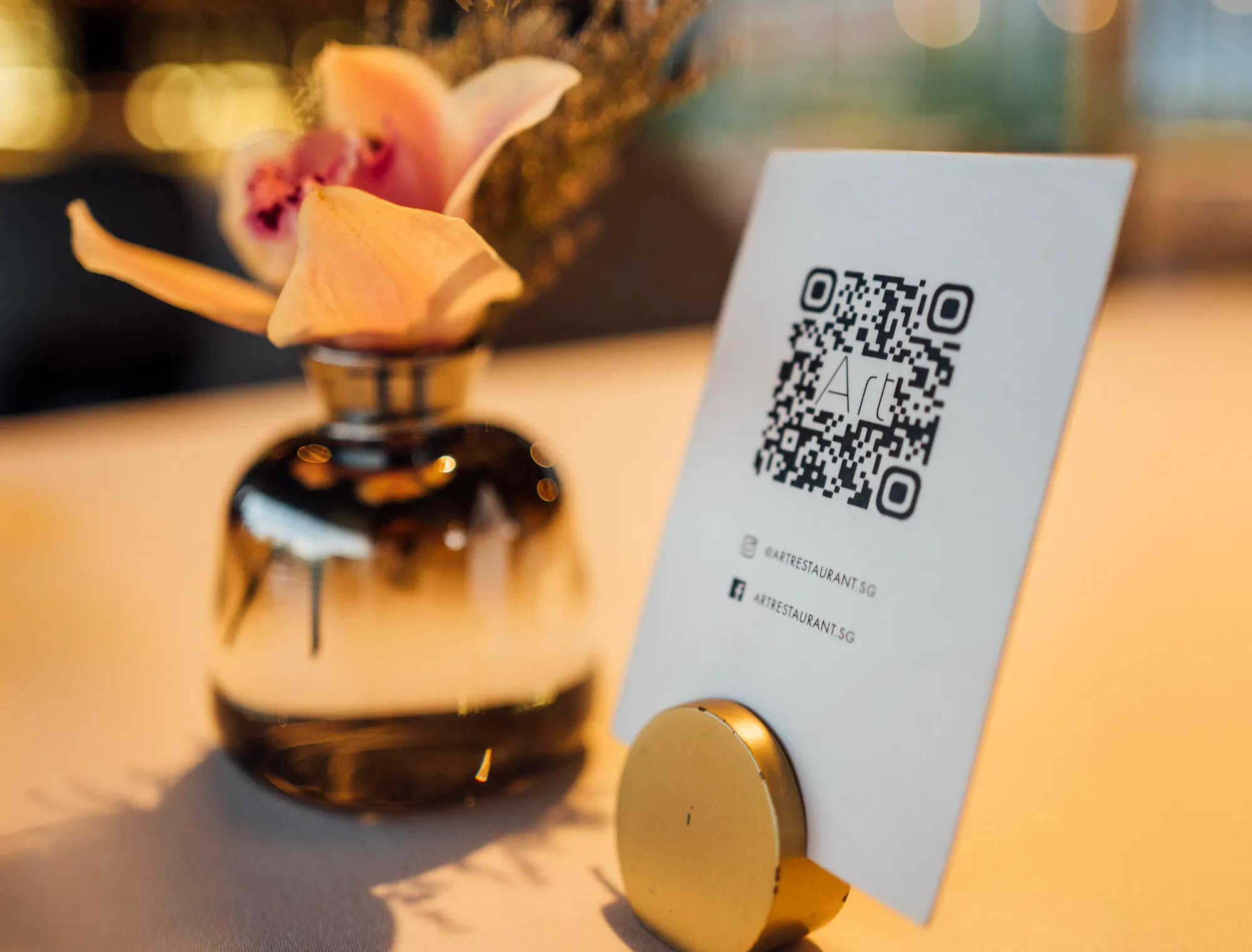
QR code menu at a restaurant.

What to look for in a QR menu platform before you commit

  • Dynamic redirect control. Confirm you own the redirect URL and can change the destination without reprinting. Non-negotiable if you update your menu more than once a quarter.
  • Ability to mark items unavailable mid-service. Can you mark an 86'd item unavailable from a phone or tablet during a rush, without logging into a desktop dashboard? If the answer is no, that's a customer experience problem waiting to happen. Guests who scan, select an item, and only learn it's gone at the counter lose trust fast.
  • Single source of truth for your menu. If you have to update your POS menu and your QR menu separately, they will eventually fall out of sync. Look for a digital platform where one change pushes everywhere. 

Otter's menu management keeps your menu in one place, so when you update a price, mark an item unavailable, or add a seasonal dish, it reflects across your QR menu and ordering channels without a second login.

  • Multi-location support. Platforms that require separate accounts, separate menus, and separate codes per location multiply your admin work. If you run more than one unit, multi-location menu management is a must-have.
  • Pricing structure. Free plans often lock you to static codes or require a manual file re-upload to “update” the menu. Confirm the behavior before signing up.
  • Data and privacy. Some third-party QR tools collect guest scan data, location, device type, scan frequency. If your guests are privacy-sensitive, ask vendors explicitly what's tracked before you deploy.

A connected POS solves what a QR code alone cannot

Replacing paper with a QR code removes reprinting costs and speeds up menu edits. But only if the underlying menu is easy to maintain.

Uploading a new PDF every time a price changes doesn't save you time. It moves the work from a print shop to a laptop, and you're still doing it by hand.

What does save time is a menu that lives in one system, your POS, so every channel (QR code, online ordering, third-party delivery) reflects the same source of truth automatically. Ghost kitchens and multi-location operators feel this gap most acutely. One menu change shouldn't require logging into three or four tools.

Before you generate your first code, decide where your menu officially lives. That decision matters more than which QR code generator you use or how your table tent is designed.

The menu system behind the code is what determines whether this works

A QR code on a table tent is easy. What's hard is making sure the menu it points to is accurate at 6:45 p.m. on a Saturday when you've 86'd two proteins and added a weekend special. That's not a QR code problem. That's a menu management problem. Fix the system first, and the code is just a sticker.

Ready to manage your menu in one place and push it everywhere? Talk to Otter.

Frequently Asked Questions About Restaurant QR Code Menus

Do guests need to download an app to use a QR code menu?

No. On iPhones running iOS 11 or newer and on most current Android phones, the built-in smartphone camera reads a QR code with no separate app to install. A guest points the camera at the code and taps the link that pops up. That zero-install step is a big reason contactless menus caught on so quickly across the hospitality industry.

What's the difference between a static and a dynamic QR code menu?

A static code has one fixed web address locked in when it's created, so any change to that address breaks the code and forces a reprint. Dynamic QR codes point to a redirect you control from a dashboard, which lets you swap the destination whenever your menu changes. For a restaurant that reprices seasonally or runs LTOs, a dynamic code is the only practical choice.

How do I update a restaurant QR code menu when an item sells out mid-service?

That depends on where the menu lives. A PDF forces you to export and re-upload a whole new file, which is not realistic during a rush. When your menu runs on a connected digital platform like Otter's menu management, you mark the item unavailable once and every active code reflects it right away.

Should I keep printed menus alongside a QR code menu?

For most independent and fast-casual spots, yes. A few laminated printed menus per section quietly cover older guests, anyone without a smartphone, and the dead-battery table without making a scene. Treat the code as your primary method and paper as a low-cost fallback rather than removing it entirely.

Can a QR code menu take orders, or only display the menu?

Both setups exist, and they are different tools. A code that opens a PDF or a plain menu web page is display-only, so a guest still flags a server to place an order. A code wired to an ordering interface sends the order to your kitchen and opens a POS ticket automatically, which is a larger setup than a simple link.

What size should a QR code be for a restaurant table?

Aim for at least 1.2 inches square, with 2 inches square a comfortable standard for table tents and table cards. Print from an SVG or a high-resolution PNG so the code stays sharp at that size. Before you run 50 copies, scan the printed sample with a real phone under your normal dining-room lighting.

Manage your menu in one place