Table of contents
- What a POS outage actually costs your restaurant
- The first 5 minutes: what to do the moment your POS goes down
- How to keep taking orders without your POS
- How to keep accepting payments when your system is down
- Stop the bleeding: pause your online ordering before orders pile up
- How to talk to your staff and customers during an outage
- Why your POS went down: the most common causes
- How to prevent it from happening again: a pre-outage checklist
- A POS that can't survive an internet outage isn't built for restaurant reality
- FAQ about your POS system going down
Your POS goes dark at 7:15 PM on a Friday. The line is six deep. Your counter staff is staring at a blank screen. Your kitchen doesn't know what to make. And your delivery tablets are still pinging with incoming orders that will never print.
According to data OrderPin attributes to Gartner's 2025 Retail Technology Study, 82% of merchants experienced at least one significant POS outage, 30 minutes or longer, in the past 12 months. Most of them were not ready for it.
Here is a triage protocol for the first five minutes, step-by-step instructions for keeping orders and payments moving, and a pre-outage checklist to make sure the next round of downtime hurts a lot less.
Key Insights
- A 30-minute POS outage during a Friday dinner rush can cost hundreds in lost sales, comped meals, and delivery chargebacks, the operators who lose the least are the ones who trained their staff for it before it happened
- "Offline mode" is not a universal standard: some POS systems keep accepting card payments locally and sync when connectivity returns; others stop processing cards entirely, unplug your router and test yours today, before the next outage does it for you
- Delivery platform orders keep routing in even when your POS system goes down completely, if you do not manually pause DoorDash, Uber Eats, and Grubhub, you collect cancellations, mandatory refunds, and platform ranking penalties on top of everything else
- A $30-50/month cellular data backup connection that activates automatically when your primary ISP drops eliminates the leading cause of cloud-based POS downtime in restaurants, almost certainly cheaper than the revenue lost in a single peak-hour outage
What a POS outage actually costs your restaurant
Independent restaurants run on margins of 3-9%. Every halted transaction shows up in the week's numbers.
The visible lost sales are only part of the damage. Add comped meals for guests who waited too long, staff wages paid through every minute the system is dark, and chargebacks from delivery orders that routed in while you were offline. The total climbs fast, and it hits your customer experience hard too.
Then there are ghost orders: orders accepted by a delivery platform that never printed or registered in your kitchen. Your team has no ticket, the guest is waiting for food that was never started, and you owe a mandatory refund you may not discover until the next morning.
Timing multiplies everything. A 30-minute outage during a Friday dinner rush causes more financial damage than a 3-hour outage at 9 AM on a Tuesday. The revenue density of peak hours means every minute of downtime counts more.
The core argument: the cost of being unprepared always exceeds the cost of having a plan.
The first 5 minutes: what to do the moment your POS goes down
Print this section. Laminate it. Post it at your manager station before you ever need it.
- Do not reboot yet. Identify scope first. Is it one terminal, all terminals, or also the KDS and online ordering? One terminal down points to hardware failures. All terminals down points to connectivity issues or a provider-side outage
- Check your provider's public status page immediately. Toast: status.toasttab.com. Square: squarestatus.com. Clover: support.clover.com/status. Bookmark your provider's status page right now. During an outage, finding that URL wastes minutes you don't have
- Notify your floor manager and kitchen at the same time. One person owns the front of house, one owns the back. The news should not trickle out through confused staff
- If no provider-side outage is detected, reboot the terminal and router. Wait a full 90 seconds before concluding the reboot failed
- If connectivity is not restored within 2 minutes, call POS support AND switch to manual operations simultaneously. Do not wait on hold while the line builds
If you run multiple locations, check your other sites immediately. A shared network or provider issue can spread.
How to keep taking orders without your POS
Manual order-taking is not a failure. It is a professional fallback. Keep a pad of carbon-copy order slips at every station and replace them quarterly. During an outage, drop to a simplified menu: your top 10-15 sellers, no complex modifiers, no limited-time items. Fewer options mean fewer errors and faster ticket times under pressure.
Keep a printed copy of your full menu, laminated or in a binder, at the host stand and manager station. If your digital menu board runs through the POS, it goes dark too.
Assign one person per station to call orders to the kitchen verbally or via handwritten slips. Do not let multiple people improvise the communication chain.
For QSR and fast-casual: funnel all traffic through a single order-taking lane and staff it with your most experienced person. Control beats speed during an outage.
Manual operations work well for 20-30 minutes. If the outage stretches beyond that and you have a wait, consider holding the door for new parties until the system is back.
How to keep accepting payments when your system is down
The goal is simple: never let a payment method failure compound your POS failure. Here is how to keep things running.
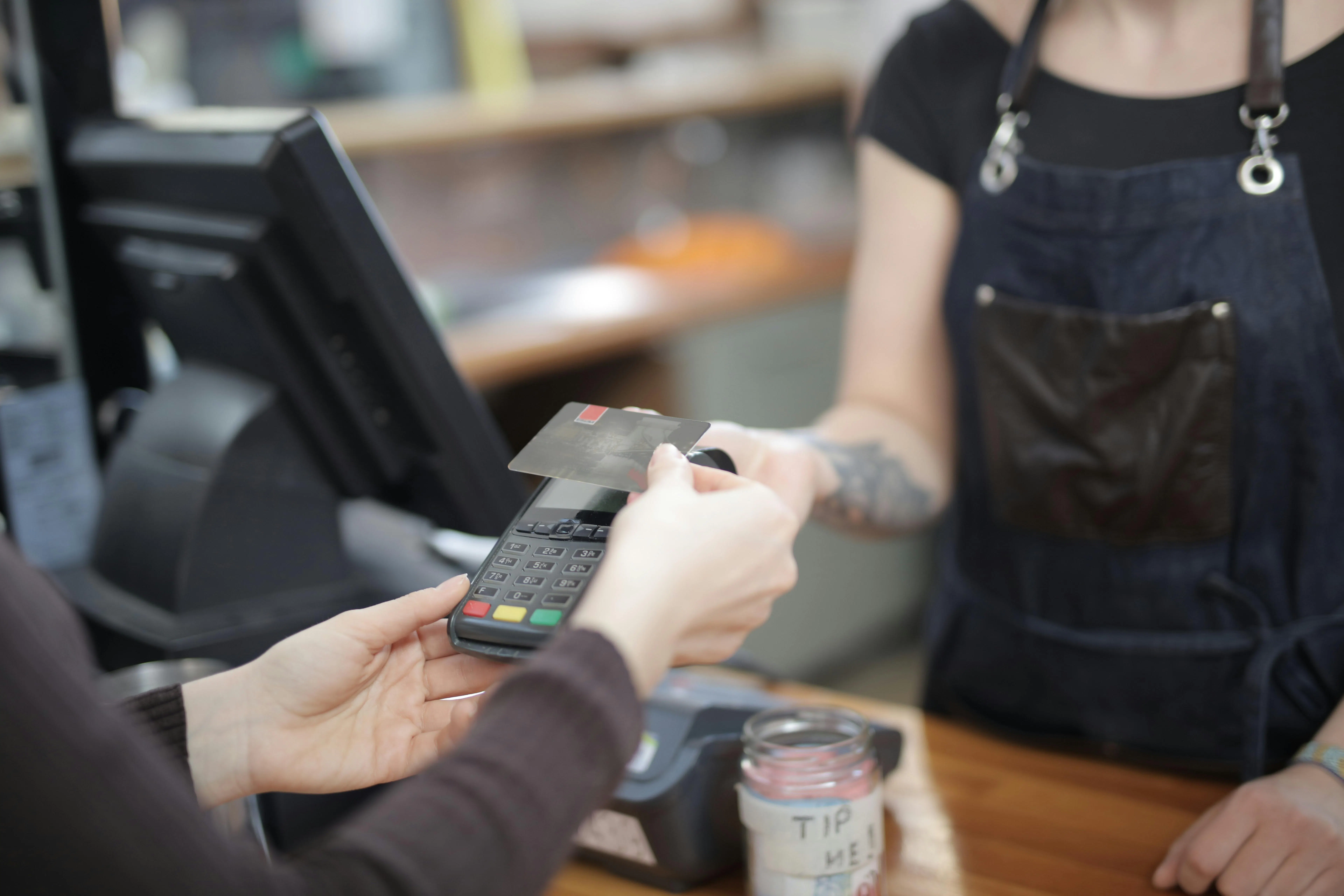
Backup payment method: Keep a standalone, cellular-connected card reader, independent of your POS and your restaurant's internet connectivity, charged and ready at all times. This is your backup payment method when everything else fails. Test it once a month as part of regular maintenance.
Cash-only trigger point: Set a clear policy before the outage happens. If the outage exceeds a set number of minutes and the backup reader fails, go cash-only. Post a sign at the entrance before new guests join the line.
What to say to customers: Be direct. "Our system is down, we can still take your order and process payments by cash or this backup reader. It may take a moment longer." That is better than anything vague.
Manual cash log: Designate one person to record every cash transaction: amount, items ordered, time. This makes end-of-day reconciliation straightforward.
Pre-authorization risk: If your POS stores card swipes offline for later processing, some transactions may fail to authorize when connectivity returns. Flag every offline transaction for follow-up the next morning.
Never run informal tabs or trust-based totals during an outage. Every transaction needs a paper record.
Stop the bleeding: pause your online ordering before orders pile up
This is the step most operators miss entirely.
Delivery platform orders keep routing in even when your POS system goes down. The platforms do not know your system is down unless you tell them. Unfulfilled orders trigger mandatory refunds, repeated cancellations earn platform penalty flags, and your store ranking drops, all on top of the outage itself.
How to pause each platform:
- DoorDash: Open the Merchant Portal, go to Store Availability, and toggle the store off
- Uber Eats: Open Restaurant Manager, select your location, and choose Pause Store
- Grubhub: Open the Restaurant Hub and update your store availability status
Who has these login credentials? Write them down. Store the username and password for every platform in a shared manager document, printed and posted at the manager station, not saved only on one person's phone.
For in-flight orders already accepted before you paused: contact each platform's support line immediately and document your outage timestamp. Most platforms will cancel these without penalty if you act quickly.
Ghost kitchens and virtual brands: You run multiple storefronts on the same kitchen, so each virtual brand must be paused separately. Build this multi-pause step into your outage protocol or you will miss one.
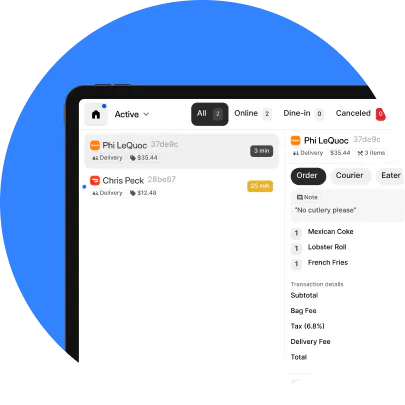
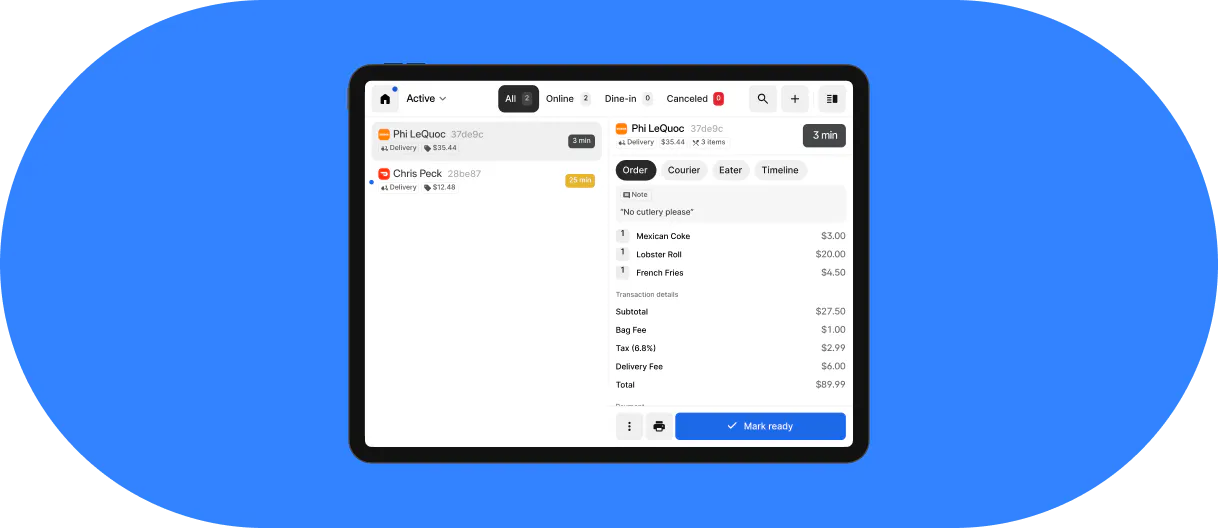
With Otter's Order Manager, you manage online ordering availability across all your channels from a single screen, so pausing every platform during an outage takes seconds instead of the several minutes it takes when you are logging into each app separately.
How to talk to your staff and customers during an outage
Manager script to staff: "Our POS is down. Here's what we're doing: manual order-taking, backup reader, cash if needed. Stay calm, keep the line moving. Check back with me every 5 minutes." Short, direct, no drama.
Script for guests: "We're having a brief system issue. We can still take your order, it may take a moment longer than usual. We appreciate your patience." Acknowledge it, do not hide it, move on.
What not to say: "We have no idea what's wrong" or "Everything just crashed." This signals that no one is in charge, and it damages the customer experience more than the outage itself.
For QSR and fast-casual: post a brief handwritten sign at the register before the line forms. Set expectations before guests reach the counter.
Small gestures for long waits, a free drink or a small discount, are sometimes worth it to protect the relationship. Document every comp in your manual log so it is accounted for at reconciliation.
Why your POS went down: the most common causes
- Internet and connectivity failure: The leading cause of pos outages for cloud-based systems. Multiple tablets, a KDS, online ordering devices, and guest wi-fi all compete on a single router, and connectivity degrades exactly when order volume is highest
- Hardware failures: Terminals face grease, heat, liquid spills, and constant physical use. Card readers and receipt printers fail most often, and usually at the worst possible moment
- Power outages and interruptions: A 2-second power flicker can corrupt an active session or require a full reboot, taking a terminal offline for 3-5 minutes during service
- Outdated software and software glitches: Skipping too many updates creates instability and can cause the system to fail to process payments at the processor level
- Provider-side outages: System-wide failures affect all customers simultaneously. Your only job is to execute your manual plan while the vendor resolves it
- Network congestion during peak hours: If your POS shares bandwidth with guest wi-fi and streaming music, you are setting yourself up for connectivity issues at the worst time
- Hardware wear specific to restaurants: Humidity, grease buildup around ports, and high-volume physical use accelerate hardware degradation faster than a typical retail environment
Much of the syncing between your POS and delivery platforms, the same plumbing that powers ecommerce order sync everywhere, happens through webhooks, automated pings that tell each system when an order was placed, accepted, or completed. During an internet outage those webhooks stop firing entirely, which is exactly why pausing platforms manually and running a paper backup matters more than waiting for the sync to catch up on its own.
For a broader look at how these systems are built and where they differ, Otter's guide to types of POS systems for restaurants breaks down cloud, hybrid, and on-premise architectures and how each one handles a dropped connection.
How to prevent it from happening again: a pre-outage checklist
- Dedicated business-grade router: Put your POS on a separate network from guest wi-fi, and connect the terminal itself with a wired ethernet connection rather than relying on wireless. This single step eliminates the most common cause of cloud-based POS downtime
- Cellular backup connection: A 4G/LTE backup router that runs on cellular data and activates automatically when your primary internet drops costs approximately $30-50 per month, likely less than the revenue you lose in the first 10 minutes of one Friday outage
- Uninterruptible power supplies: A UPS battery backup for your router and main terminal absorbs power flickers and gives you 10-20 minutes during a full power outage
- Scheduled software updates: Configure updates to run at 3-4 AM, not during service, to avoid software glitches surfacing mid-shift
- Offline mode test: Unplug your router right now and run a test card payment. Can your POS process payments? Does it sync automatically when connectivity returns? You need the answer before service, not during it
- Regular maintenance checks: Inspect card readers for debris, clean printer heads, check cable connections. Ten minutes of regular maintenance catches most hardware failures before they happen during a rush
- Support contact drill: Every manager should know your POS provider's support number, your account ID, and your status page URL, memorized or laminated at the station
- Quarterly outage drill: Run a 15-minute simulation once per quarter. Manual order-taking, backup payment method, delivery platform pausing. The first time your staff works through downtime should not be during a real internet outage
A POS that can't survive an internet outage isn't built for restaurant reality
Internet connectivity in restaurants is never guaranteed. ISPs go down, routers overheat, pipes burst near conduits. Your POS needs a plan for this, not just you.
What real offline mode looks like: The POS terminal continues to process payments locally and online ordering pauses automatically when connectivity drops. When the internet returns, everything syncs with no manual steps required.
What limited offline mode looks like: Card acceptance stops entirely and the system requires manual reconnection steps. If that is your current setup, your POS is a single point of failure during peak hours.
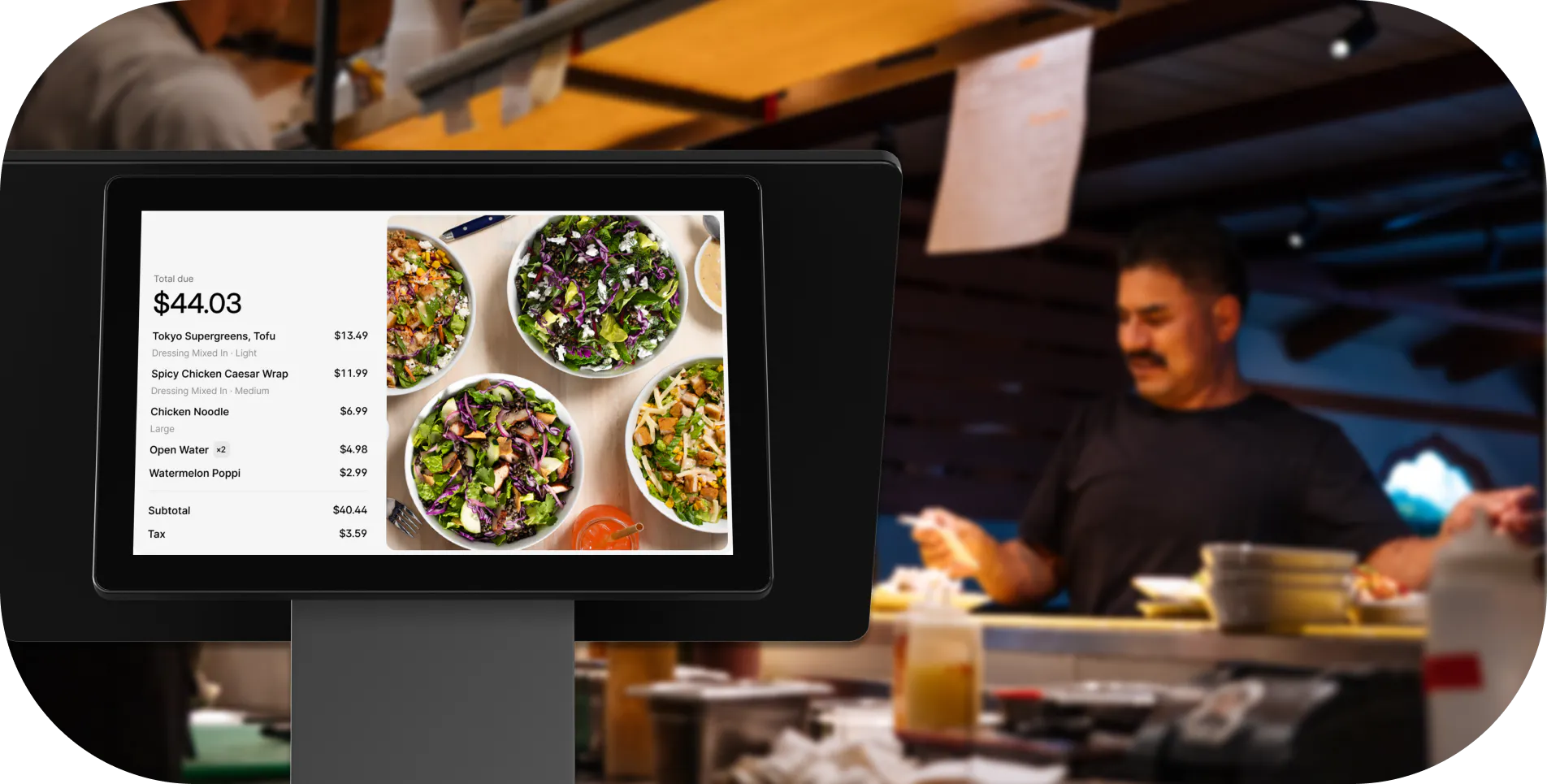
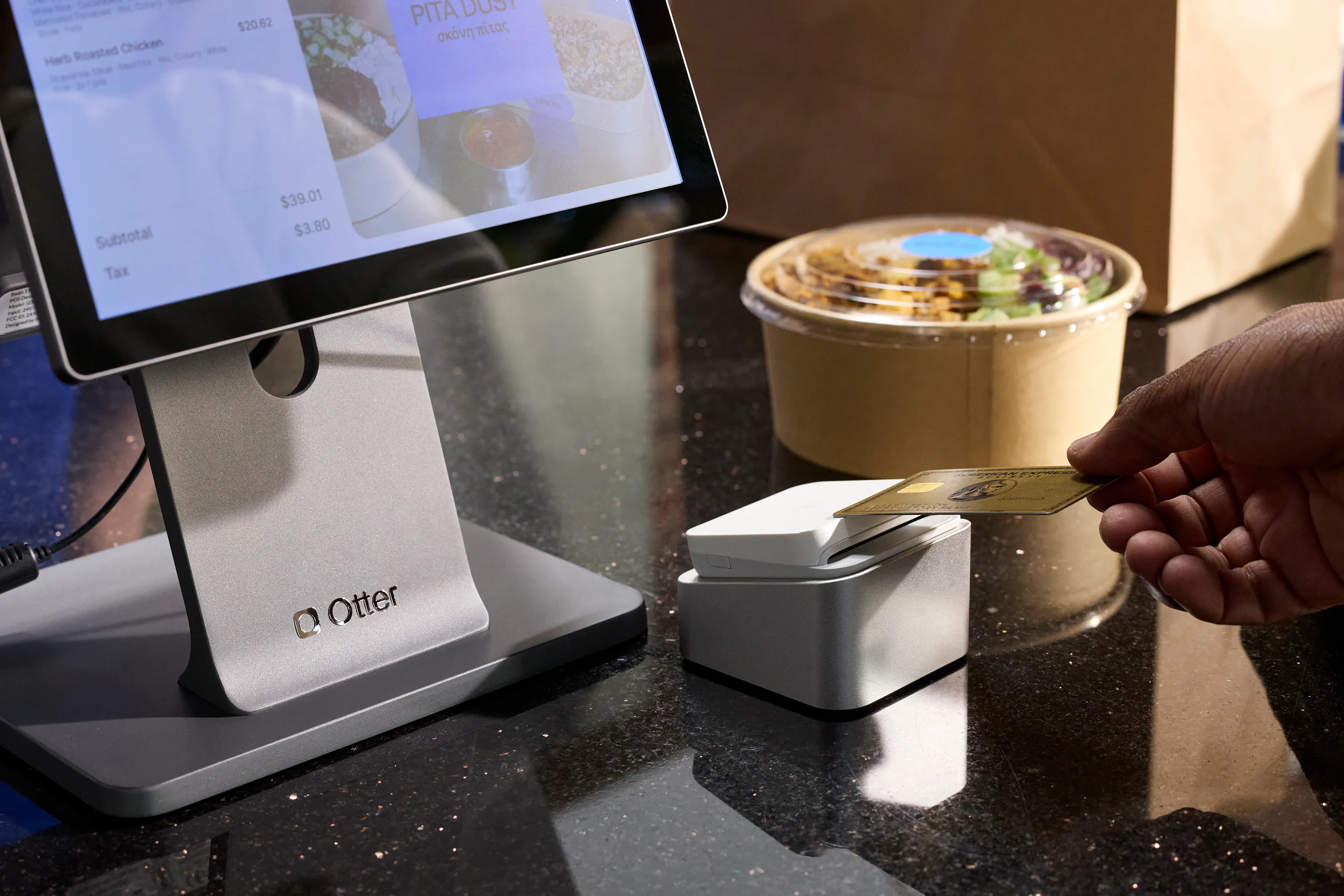
Otter's POS terminal is built with offline mode: it keeps processing card payments locally when the connection drops and syncs automatically once it's back. Kitchen display systems and kiosks still need a live connection to take new orders, which is exactly why the manual fallback plan above should cover every station, not just the register. Nicole Kuti, co-owner of Telly's Charburgers, put it plainly:
"We actually lost internet here and we were still getting our tickets. Otter has a backup, we run off cellular data and we still got our tickets. So I love that."
Before you commit to any POS, or before you renew, ask these four questions:
- Can I process payments with no internet connection?
- Does online ordering pause automatically, or do orders keep queuing while I'm dark?
- Does my transaction data sync automatically when connectivity returns?
- What is your historical system uptime, and where can I see your incident log?
If your current system fails two or more of those questions, the cost of keeping it is higher than you are accounting for.
Choosing the right POS in the first place makes outages rarer and recovery faster. Otter's breakdown of the best POS systems for restaurants by use case walks through what QSR, fast-casual, ghost kitchen, and multi-location operators should stress-test, including offline mode, before signing a contract.
Otter is a full restaurant POS with online ordering management and KDS integration designed specifically for QSR, fast-casual, and ghost kitchen environments where uptime and order accuracy affect every single shift.
Want a POS that's built for restaurant reality? See Otter in action.
FAQ about your POS system going down
What do I do if my POS system goes down in the middle of a rush?
Start by identifying scope: is it one terminal or all of them? One terminal points to hardware failures; all terminals point to connectivity issues or a provider-side outage. Check your provider's public status page immediately. If no system-wide outage is detected, reboot the terminal and router. If connectivity is not restored within two minutes, call POS support and switch to manual operations at the same time.
Can I still accept credit card payments if my POS is offline?
It depends on your system. Some POS systems store card data locally and process payments when connectivity returns, with some authorization risk. Others stop accepting cards entirely when the internet drops. Test your system now by unplugging your router and running a test payment. Also keep a standalone cellular-connected backup payment method, a dedicated card reader, at your manager station so you are never fully dependent on your POS being online.
How do I pause DoorDash, Uber Eats, and Grubhub when my POS goes down?
Each platform requires a separate action. On DoorDash: open the Merchant Portal, go to Store Availability, and toggle the store off. On Uber Eats: open Restaurant Manager, select your location, and choose Pause Store. On Grubhub: open the Restaurant Hub and update your store availability. Store login credentials for every platform in a shared manager document that all managers can access.
What does "offline mode" actually mean for a restaurant POS?
Offline mode means the POS can keep operating without an internet connection, but what it protects varies by system. A strong offline mode continues to process payments locally and syncs all data automatically when connectivity returns. A limited offline mode stops card acceptance entirely and may halt kitchen ticket printing. Test your offline mode before you need it.
How do I check if my POS provider is having a system-wide outage?
Every major POS provider has a public status page. Toast: status.toasttab.com. Square: squarestatus.com. Clover users should check Clover's support site directly. Bookmark your provider's status page right now. During an outage, finding that URL wastes minutes you don't have.
How long does a typical POS outage last?
Provider-side outages typically resolve within 15-45 minutes. Hardware failures can take hours if you are waiting on a repair or replacement part. Internet outages depend entirely on your ISP. The operators who lose the least money are the ones who don't wait for resolution. They run manual operations and recover the data afterward.
What is the single most effective thing I can do to prevent a POS outage from shutting down my restaurant?
Add a cellular backup internet connection that activates automatically when your primary ISP drops. It typically costs $30-50 per month and eliminates the leading cause of cloud-based POS downtime. After that: put your POS traffic on a dedicated router separate from guest wi-fi, add uninterruptible power supplies for your router and terminal, and run a 15-minute outage drill with your managers every quarter.
How do I reconcile my sales after a POS outage?
Pull your POS transaction report for the outage window and compare it against your payment processor deposit records. For any manual cash transactions taken during the outage, use the handwritten log your staff kept in real time. Flag any gaps and cross-reference with kitchen ticket stubs or carbon-copy order slips. This process is straightforward if you started your manual log the moment the outage began, rather than trying to reconstruct it from memory the next day.

Stop losing sales when your POS goes down