Table of contents
- What counts as a POS integration
- The integration categories that actually save tim
- How the major POS platforms handle integrations
- POS integration categories by platform
- Where Otter fits into POS integrations
- Choosing integrations that scale with your business
- Frequently asked questions about point of sale integrations
Every point of sale system now claims to “integrate with everything.” In practice, a restaurant or retail business usually ends up with a handful of connections that genuinely save time, and a longer list of integrations that sounded useful in a sales demo but never get set up.
Point of sale integrations exist to stop the same information from being typed into three different systems. Sales data should reach your accounting software on its own. A payment should show up on the customer's loyalty account without a manual lookup. An online order should hit the kitchen without someone re-keying it from a tablet. That's the promise, at least. Which integrations actually deliver on it depends a lot on what kind of business you're running and which POS software you're already using.
This guide breaks down what a POS integration actually is, which categories tend to save the most time in practice, how the integration ecosystems of Square, Toast, Lightspeed, Shopify, and QuickBooks compare, and where a platform like Otter fits in.
Key takeaways
- A POS integration connects your point of sale software to another system, usually through an API, so data moves automatically instead of through manual data entry
- Accounting, payment processing, and delivery integrations tend to save the most real time; loyalty and CRM integrations save the most on customer retention but take longer to pay off
- QuickBooks no longer makes its own point of sale software. “QuickBooks POS integrations” almost always means connecting QuickBooks Online, the accounting software, to whichever POS system you actually use
- Square, Toast, Lightspeed, and Shopify POS all support integrations across accounting, ecommerce, and loyalty, but the depth and cost of those integrations vary by platform and plan
- Otter isn't only a standalone POS. For restaurants already running another POS system, Otter's integration layer aggregates online orders into one queue, while Otter Financials handles the accounting side separately
What counts as a POS integration
A point of sale integration is a connection between your POS software and another piece of business software, built so the two systems can share data without a person moving it manually. Most POS integrations work through an API (application programming interface), which acts as the bridge that lets your POS and, say, your accounting software talk to each other automatically.
Some integrations are native, built directly into an integrated POS system by the vendor. Others run through a marketplace of third-party apps that connect to the POS through the same API. Either way, the goal is the same: replace a manual step, usually manual data entry, with something that happens on its own.
The integration categories that actually save tim
Not all integrations save the same amount of time. A few categories consistently do the heavy lifting, covering everything from accounting to delivery apps to employee management tools that would otherwise eat into a manager's week.
Accounting software
This is usually the highest-value integration on the list. Connecting your POS to accounting software like QuickBooks, Xero, or Sage Intacct means daily sales, taxes, and fees flow into your books automatically instead of getting keyed in from a report at the end of the week. It removes one of the most common sources of bookkeeping errors and gives you financial reporting that's current rather than a week behind.
Consider a single-location restaurant running around 400 transactions a day. Without this integration, someone is pulling an end-of-day report and typing totals into QuickBooks by hand, easily fifteen to twenty minutes a day, or a couple of hours a week that could go toward almost anything else. With the integration in place, that same data lands in the books automatically, and the person doing the books spends their time reviewing the numbers instead of entering them.
Ecommerce platforms
For businesses selling both in person and online, an ecommerce pos integration keeps a single product catalog and inventory count synced across a POS and platforms like Shopify, BigCommerce, or WooCommerce. Without it, a sold-out item in the store can still show as available online, and vice versa, which is a fast way to lose a customer's trust.
Picture a bakery selling custom cakes through both a storefront case and an online shop. Without the integration, a cake sold in person at 9 a.m. can still show as available online at noon, and the customer who orders it is the one who finds out something went wrong. Once inventory is synced, that gap closes on its own.
Payment processing
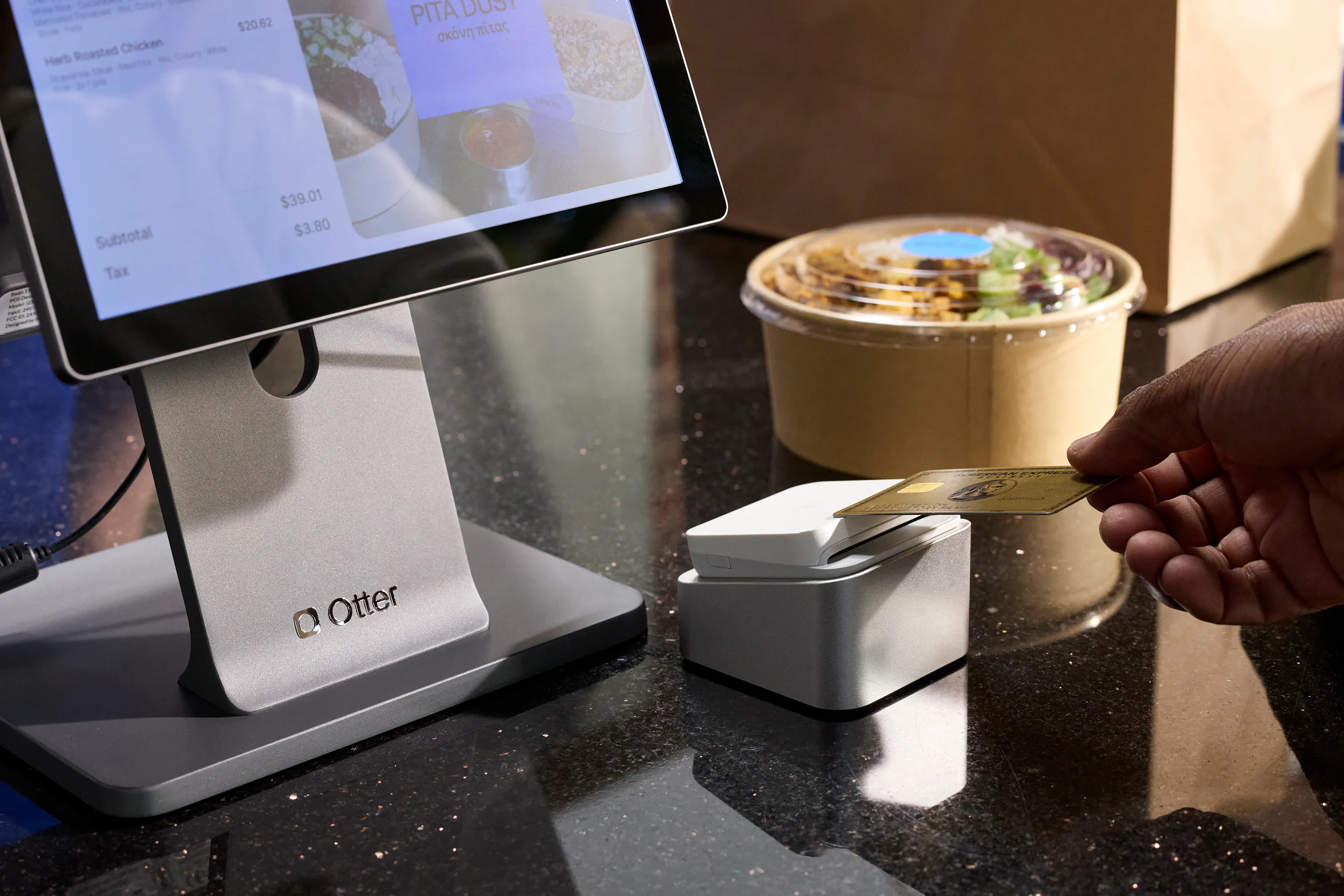
Card readers, digital wallets like Apple Pay, and other mobile payments all need to talk to the POS in real time to authorize a sale and record it correctly. The payment processor behind the scenes handles that authorization, whether that's the POS provider's own processor or a separate one like PayPal, but the integration is what makes sure the transaction lands in the right sales report, tax category, and till count without a manual reconciliation step. Cash registers and barcode scanners round out the hardware side of this same workflow.
A food truck running separate card readers for in-person tap-to-pay, a delivery app, and online orders ends up reconciling three different settlement reports at the end of the night just to know what actually landed in the bank. An integrated payment processor collapses that into one report instead of three.
Loyalty and customer relationship management
A loyalty integration connects purchase history to a customer relationship management (CRM) system, so points, rewards, and gift cards update automatically at checkout instead of through a separate app or spreadsheet. Loyalty programs built into the POS tend to see higher enrollment than ones that live in a separate app, since there's no extra step at checkout. The payoff here is less about saving time on any single transaction and more about what you can do with the data: tracking customer behavior and sales trends over time to shape marketing decisions based on real customer interaction patterns, not guesswork.
A cafe running a paper punch-card program has no way to tell whether the customer with ten stamps is the same one ordering online through an app three times a week. Once loyalty is integrated with the POS, that's one profile and one point balance, and an actual answer to who the regulars are instead of a guess.
Delivery and online ordering
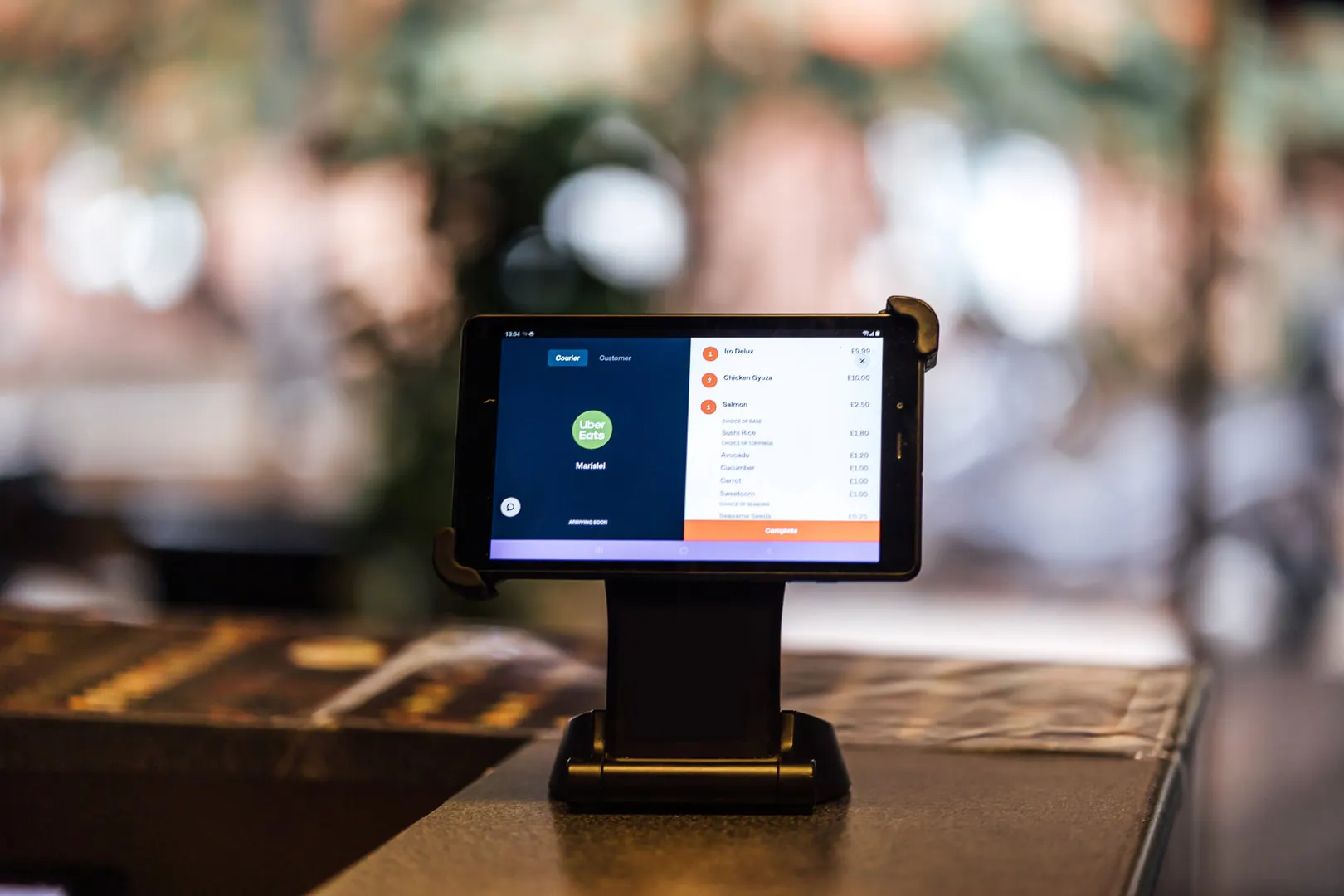
For restaurants especially, integrations with DoorDash, Uber Eats, and other delivery platforms determine whether an online order reaches the kitchen automatically or gets re-typed from a separate tablet. This is often where the most time gets wasted without integration, and where fixing it has the most visible impact on order accuracy.
A pizzeria running tablets for three delivery platforms next to the register is retyping every one of those orders into the POS by hand. At even 40 delivery orders a night, that's 40 chances for a typo, a missed modifier, or a ticket that never makes it to the kitchen at all.
Before adding a direct ordering channel, follow an order from your website through the POS to the kitchen. This direct online ordering guide covers that setup alongside the cost of running direct and third-party orders.
How the major POS platforms handle integrations
Square, Toast, Lightspeed, and Shopify POS all take integrations seriously, but their ecosystems aren't identical. Here's how each one generally approaches it.
Square POS integrations
Square connects to accounting software including QuickBooks and Xero, syncing daily sales summaries, tax totals, and fee breakdowns so they don't have to be entered by hand. Its ecommerce integration links a Square Online store to in-person sales, keeping inventory and customer data in sync for pickup-in-store or buy-online workflows. Square Loyalty is built directly into the checkout flow, so points are earned and redeemed without leaving the POS software.
Toast POS integrations
Toast runs a large app marketplace with third-party partners covering delivery, scheduling, and accounting. QuickBooks Online is the most common accounting connection, and delivery platforms including DoorDash and Uber Eats integrate directly for order consolidation. Toast's loyalty integrations run through partners rather than a single built-in tool, which gives operators more choice but usually means an added monthly cost.
Lightspeed POS integrations
Lightspeed offers one of the broader integration marketplaces among major POS platforms, spanning accounting (QuickBooks Online, Xero), ecommerce (Shopify, WooCommerce, BigCommerce), and CRM or loyalty tools like Mailchimp and Marsello. Its two-way sync with Shopify in particular is built to keep products, customers, and inventory management aligned across an online store and a physical location.
Shopify POS integrations
Shopify approaches this from the ecommerce side first. Shopify POS is designed to unify online and in-store selling under one product catalog, one customer profile, and one inventory count, so a shopify pos integration is less about bolting on ecommerce after the fact and more about the POS living inside an ecommerce platform from the start. Accounting and loyalty still typically run through third-party apps rather than native tools.
QuickBooks and point of sale systems
QuickBooks discontinued its own point of sale software in 2023, so “quickbooks pos integrations” today refers to connecting QuickBooks Online, the accounting product, to whichever POS system a business already runs. Square, Toast, Lightspeed, Clover, and Shopify all support some form of QuickBooks connection, either natively or through a third-party sync tool, which is worth confirming before assuming a direct integration exists.
POS integration categories by platform
Integration category | Square | Toast | Lightspeed | Shopify POS |
|---|---|---|---|---|
Accounting (QuickBooks, Xero) | Native | Native (QuickBooks) | Native | Third-party apps |
Ecommerce | Square Online, native | Marketplace partners | Shopify, WooCommerce, BigCommerce | Native (Shopify itself) |
Loyalty / CRM | Built into checkout | Marketplace partners | Marsello, Mailchimp, and others | Marketplace partners |
Delivery apps | Built-in online ordering | DoorDash, Uber Eats, and others | Varies by app store partner | Marketplace partners |
For a broader look at how these systems differ beyond integrations, Otter's Toast vs. Square comparison breaks down pricing, hardware, and feature depth side by side, and Otter's guide to the types of POS systems for restaurants covers how integration needs shift by restaurant format.
Where Otter fits into POS integrations
Otter approaches integrations from two directions, depending on what a restaurant already has in place.
If you already run another POS
If you're already running a POS system and juggling orders from multiple delivery and online channels, Otter's POS integration layer connects to your existing setup, including Toast, Clover, Square, and about 20 others, without requiring a restaurant to replace its point of sale software. It imports the existing menu, consolidates incoming orders from every channel into one feed, and sends them straight to the kitchen through the POS a restaurant already runs, cutting out the manual re-entry that happens when tablets for each delivery app sit next to the register.
Scott, co-owner of Bred Hot Chicken, described the effect of solving that problem this way: “The second reason is definitely the integration. It seems like they figured it out... having one dashboard to be able to manage all the third-party platforms, to allow them to be integrated into one system and have that same control within just one platform, it's been a tremendous help, not only for myself but also for my team members to control what's in and out of stock on the fly.”
That kind of consolidation is usually why operators who make the switch talk about it in terms of what they stopped doing, not just what they started doing. Before the integration, a typical night might mean checking three tablets for new orders, manually punching each one into the POS, and hoping nothing gets missed during a rush. After it, every order from every platform lands in the same kitchen queue as a walk-in order, with no re-typing in between. Mureed Sultan, owner of Hummus Republic, described the value in blunt terms: “Otter has been the single biggest game-changer for my business. Even if they charged me $3,000 to $4,000 per month, I would still pay for it. That's how valuable it is.”
If you're using Otter as your POS
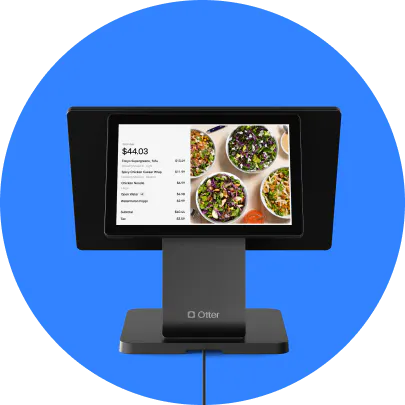
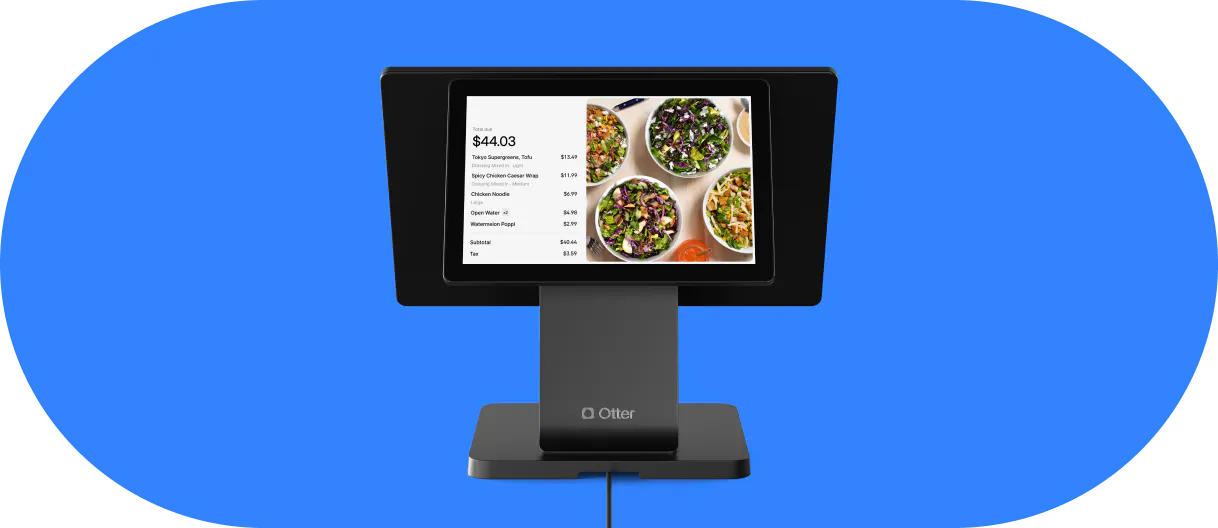
The case for going further, and running Otter as the point of sale itself rather than just the integration layer on top of another system, comes down to what's included versus what's an upsell elsewhere. Analytics, live order monitoring, and support are part of Otter's POS plans rather than features reserved for a higher tier, and there's no multi-year contract or proprietary hardware requirement locking a restaurant in if its needs change later.
Otter POS handles the point-of-sale side directly, and Otter Financials covers the accounting integration, exporting payout, tax, and transaction data for upload into accounting software like QuickBooks or Sage Intacct. Otter also connects to labor tools like 7shifts and Homebase for employee management, and to inventory platforms like Restaurant365 and Marketman, so the accounting, staffing, and inventory pieces don't have to be stitched together separately. Check out Otter’s ful llist of integrations.
Why operators consolidate around one platform instead of several
Running QuickBooks, a separate loyalty app, a delivery aggregator, and a POS as four unrelated logins works right up until something breaks between two of them and nobody can tell which system is actually wrong. That's the real case for consolidating around a platform like Otter: fewer places for something to fail, and fewer vendors to call when it does. Weekends Cafe in Brooklyn put it simply: “Our team is happy, our processes are smooth, and our customers can feel it.” Floridino's Pizza & Pasta went further, describing life before the switch as barely functional: “We have no idea how we did delivery without Otter. It's just a no brainer.”
Choosing integrations that scale with your business
The right integration isn't the one with the most impressive feature list. It's the one that removes a task your team is currently doing by hand, without adding a new subscription and a new login to manage.
Start with whichever manual step costs the most time each week, usually accounting or delivery order entry, and integrate that first. Scalability matters more than completeness: a lean setup with two or three integrations that are actually used beats a dozen that were switched on during onboarding and never touched again.
For restaurants juggling several delivery tablets next to the register, that first integration is usually the one worth doing before any other. Connect your POS to Otter in minutes, and every one of those platforms lands in the same kitchen queue instead of a separate screen, with the manual re-entry gone for good.
Frequently asked questions about point of sale integrations
What is a POS integration?
A POS integration is a connection between point of sale software and another business system, such as accounting software, an ecommerce platform, or a delivery app, that lets data move between them automatically instead of being entered by hand in both places.
Do QuickBooks POS integrations still exist, or did QuickBooks POS go away?
QuickBooks discontinued its own point of sale product in October 2023. “QuickBooks POS integrations” now refers to connecting QuickBooks Online, the accounting software, to a separate POS system like Square, Toast, Lightspeed, Clover, or Shopify, rather than to a standalone QuickBooks point of sale system.
Which POS integrations save the most time?
Accounting and delivery integrations tend to save the most measurable time, since they replace the most repetitive manual data entry. Loyalty and CRM integrations save less time per transaction but build customer retention value over a longer period.
Do Square, Toast, and Lightspeed all integrate with QuickBooks?
Yes, all three support a QuickBooks connection, either as a native integration or through a supported third-party sync tool. The depth of that integration and whether it requires an added monthly fee varies by platform and plan.
Can I switch POS systems without losing my integrations?
Usually not automatically. Most integrations, including accounting, loyalty, and ecommerce connections, need to be reconnected and reconfigured on the new POS system. It's worth mapping out every current integration before switching so nothing gets missed during the move.
Does Otter integrate with my existing POS system?
Yes. Otter's POS integration connects to existing systems including Toast, Clover, Square, and roughly 20 others, consolidating online and delivery orders into the POS a restaurant already runs rather than requiring a full system replacement.

Connect your POS to Otter in minutes